Home › Utilities

 US
US
1 of 1 storefronts
Content in en-US
Content in en-US
Information
Preview 2 platforms
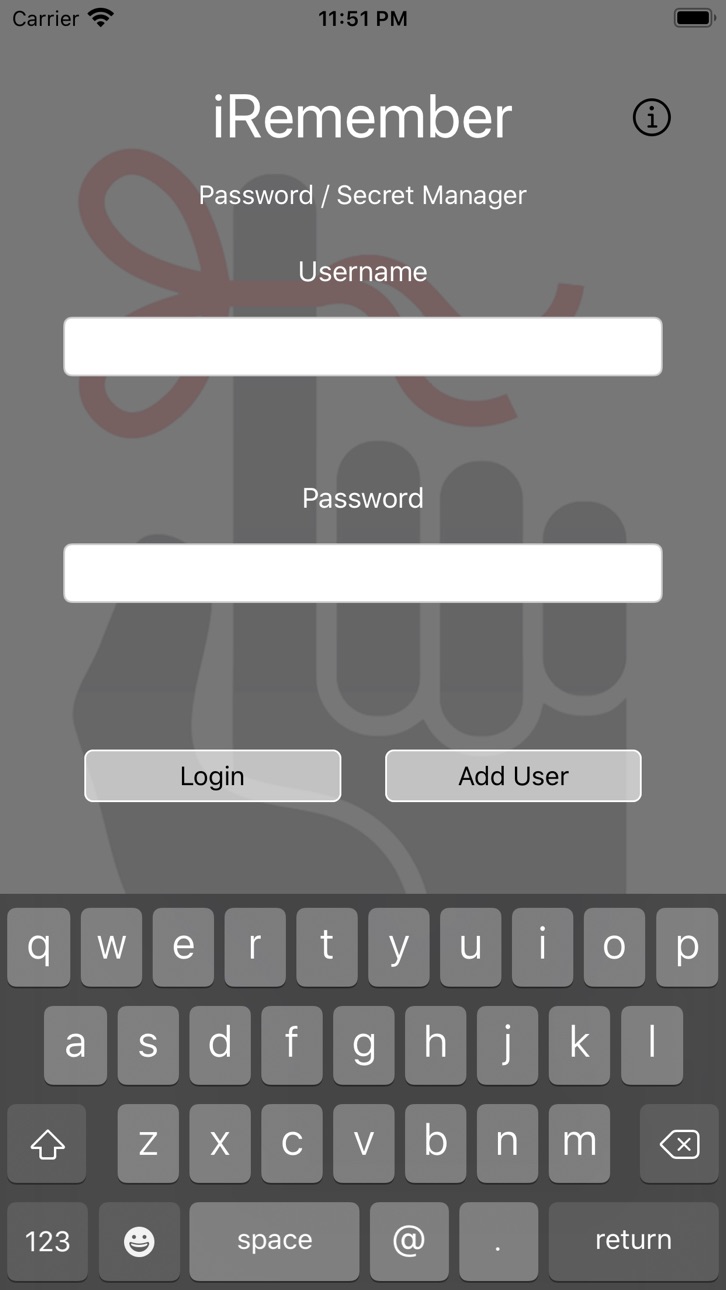
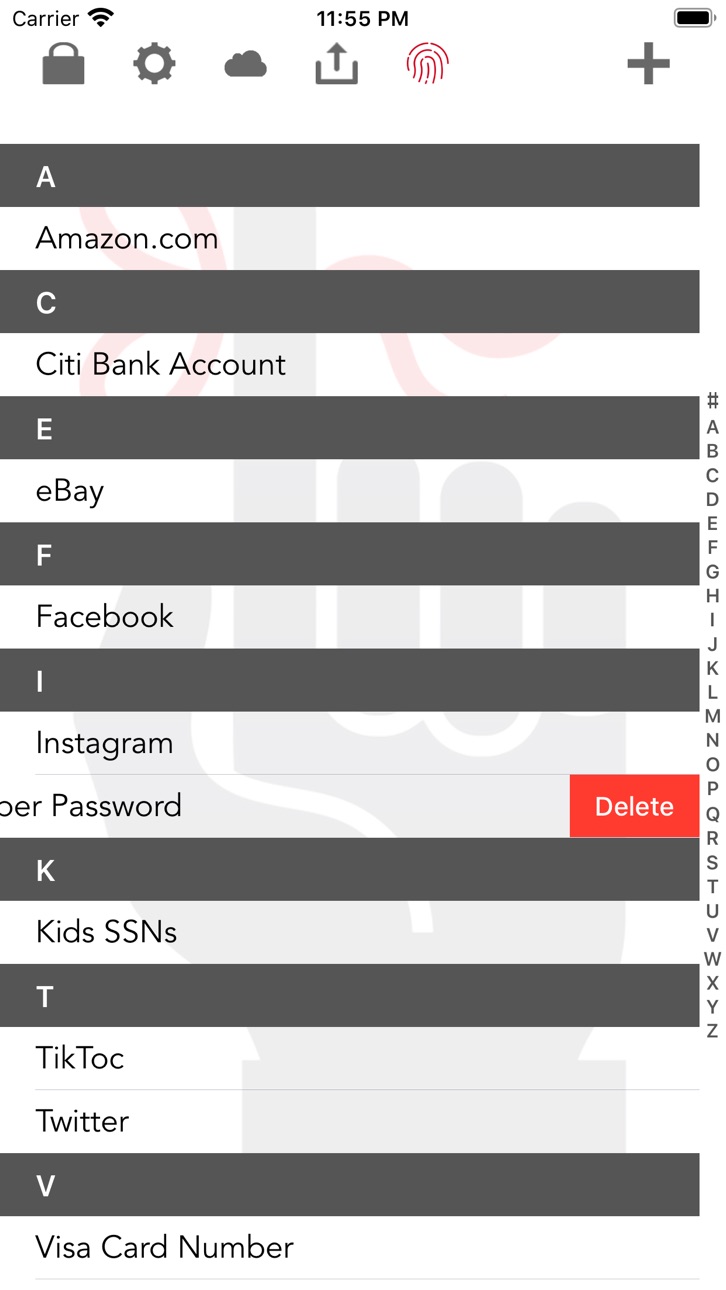
iPhone 4 images


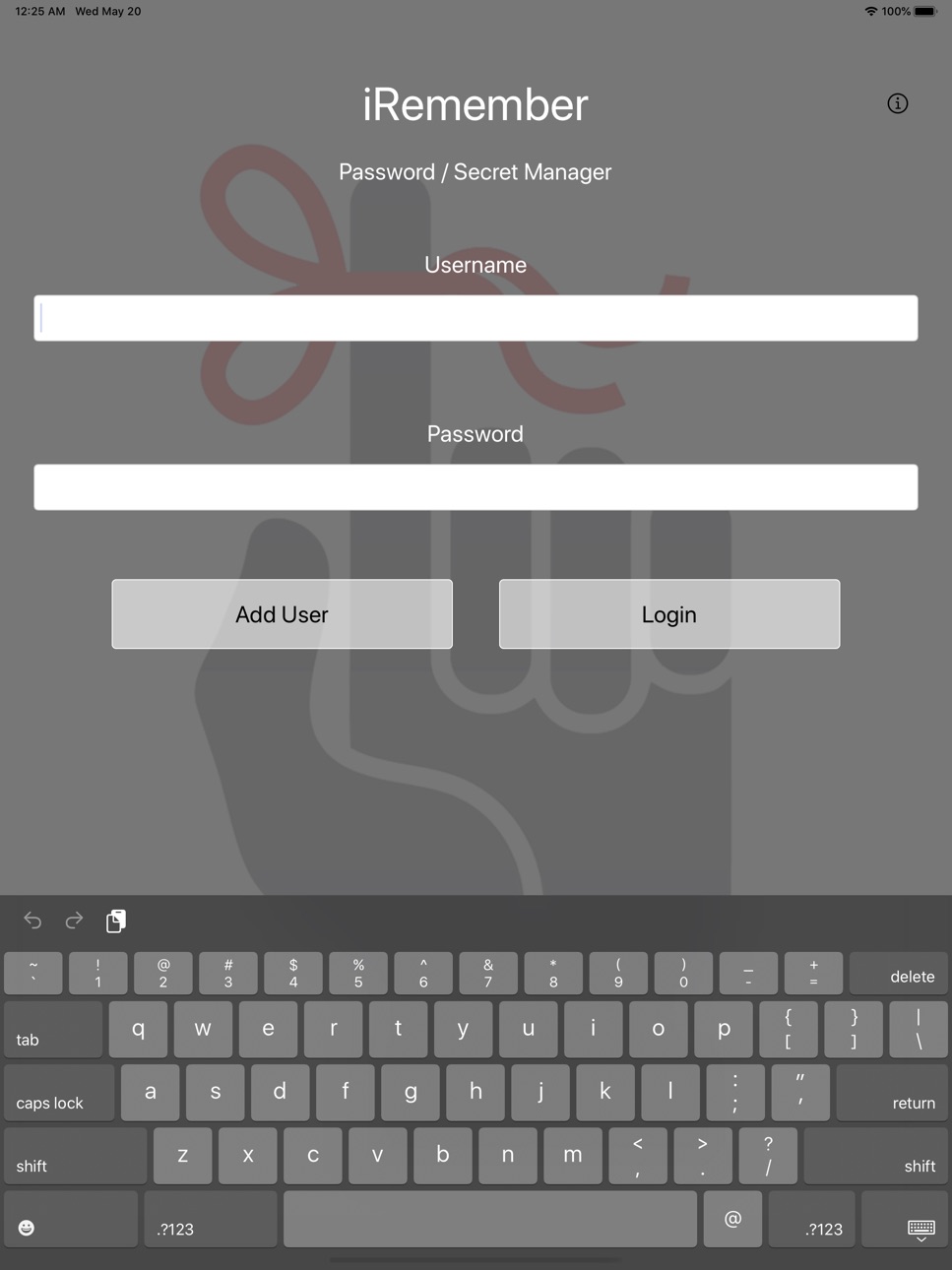
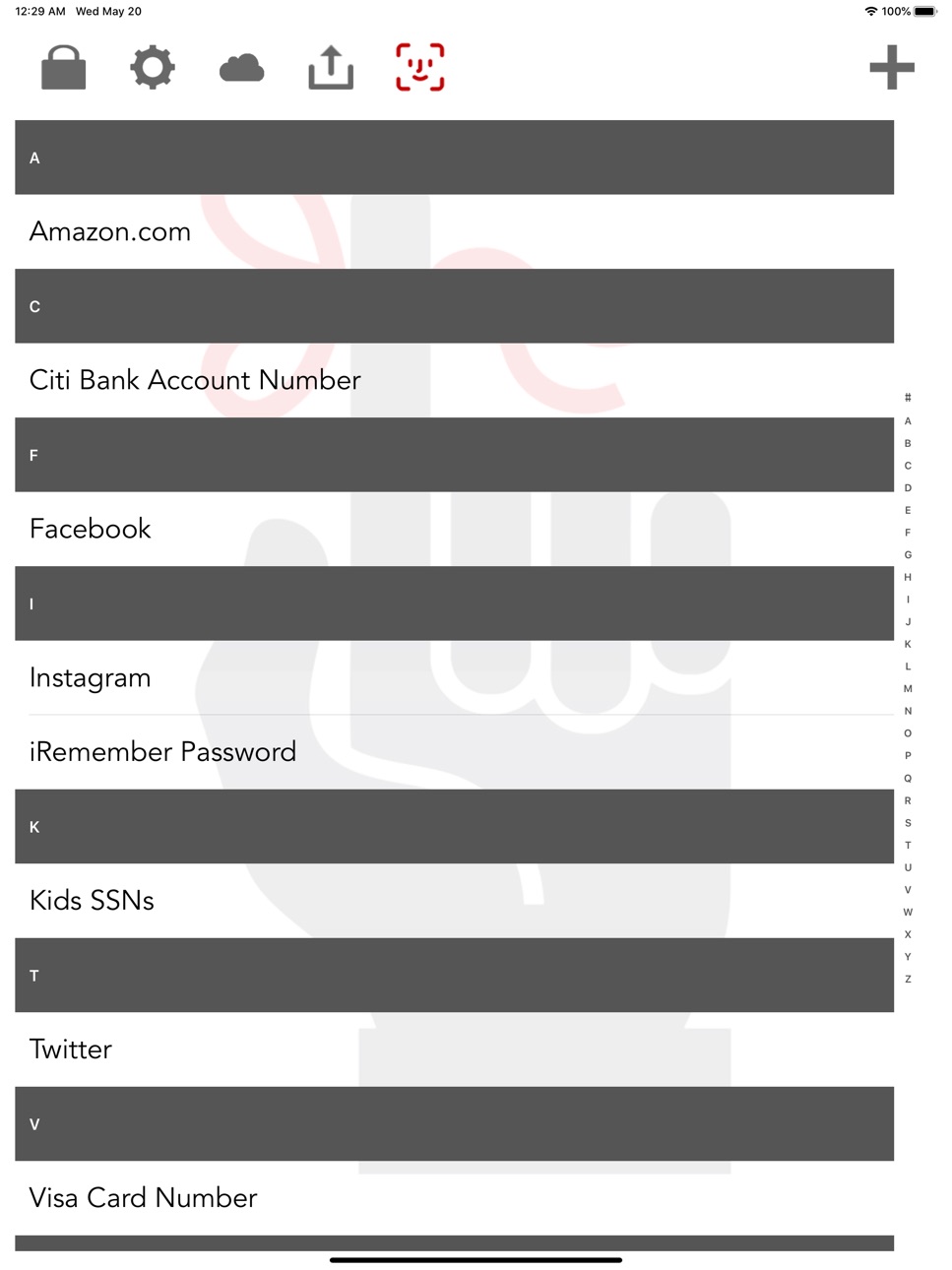
iPad 4 images

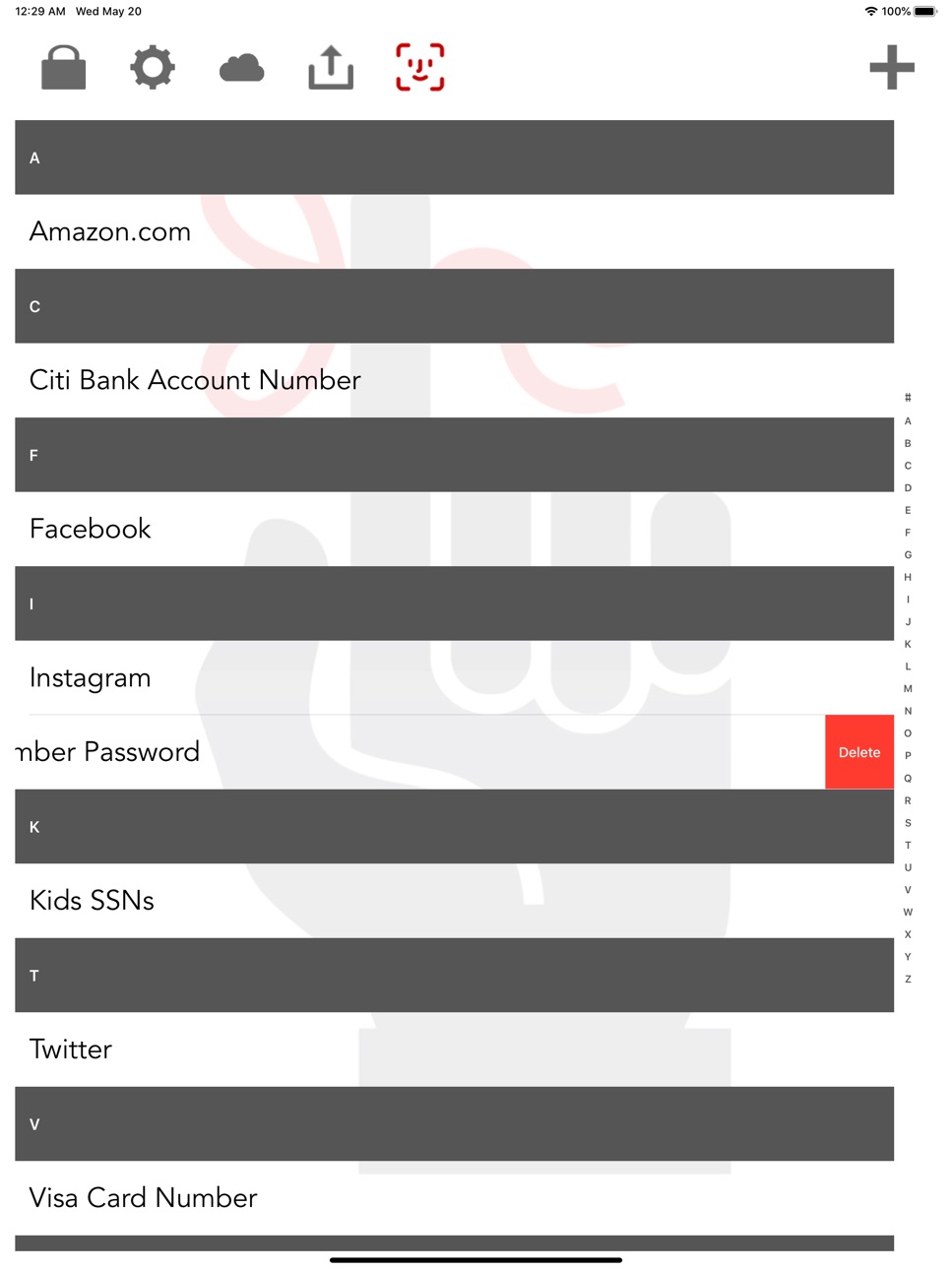
What’s New Version 2.1.0
Face ID
UI Bug Fixes
Export Backup Files
Swipe gestures for keyboard
Description
iRemember Password Manager is a safe and secure password manager. We use some of the most secure one-way hashing and AES encryption schemes available to ensure the security of your data.
Store all your many passwords, bank accounts, credit card info and personal data in one safe place, locally on your device. The data is save securely on the phones storage drive, so that even if your phone is stolen the thief will not be able to access your data without your password.
This app never communicates to the outside, your passwords and personal data will only be available to this app and only on this device. There is no online databases or other shared services with the exception of an encrypted backup in iCloud if you so choose. Version 2.0 adds the ability to send and encrypted backup to your email and import it back just in case you lose everything.
This app is very simple to use, create a local user, add your data, review when ever you forget a password or account number that you need.
Worried about how safe the encryption method is: Andrey Bogdanov a key crypto researcher from the K.U.Leuven University recently stated: "To put this into perspective: on a trillion machines, that each could test a billion keys per second, it would take more than two billion years to recover an AES-128 key,"
We are using one-way hashing methods and AES-256 not 128.
The only way someone is going to get in is if they guess your password, so be sure to make your password strong, don't use dictionary words and include numbers and special characters.
In-App Purchases US pricing
One-Time Purchases
iRemember-Password In-App Purchase$1.99
Capabilities
In-App Purchases
Accessibility
ipadiphonemacrealityDevicetvoswatch
Version history 8 versions
Build 835962212v2.1.02020-05-20 19:27:19
Face ID
UI Bug Fixes
Export Backup Files
Swipe gestures for keyboard
Build 823776740v2.0.22017-09-25 17:30:36
-Fix for iOS 11 touch Id
Build 823026293v2.0.12017-07-28 00:37:57
- Language support
- Emoji encoding problem fix
- More prominent delete button
- Login activity indicator
- iPad layout issues
Build 822561856v2.02017-07-03 12:42:16
Updated for iOS 10
- Added Touch Id Login
- Added Export File Backups
- Adding Import from Backup File
Build 13984845v1.0.42013-02-09 22:25:16
- iCloud support across devices.
- Failed Attempt Counter.
- Password error message updates.
- Fixed show bug while creating new entry.
Build 11759432v1.0.32012-11-05 04:00:24
Added a new Other Notes field to the detail screen.
Added Alphabetic scrolling to list screen when list gets large.
Fixed ios 6 keyboard not displaying Bug.
Fixed field size for very long urls
Build 11394038v1.0.22012-10-15 18:55:05
iPhone 5 full screen support
Build 10886244v1.0.12012-10-05 17:42:37
Price history by region
Currency
Show
Columns
Search
Availability 1 of 1 storefronts
| Region | Language | Price | Ratings | Avg | Version |
|---|---|---|---|---|---|
| US | en-US | Free | 937 | 4.8 | 2.1.0 |
Change log 12 changes · US
✎
releaseNotes updated
Face ID
UI Bug Fixes
Export Backup Files
Swipe gestures for keyboard
✎
description updated
iRemember Password Manager is a safe and secure password manager. We use some of the most secure one-way hashing and AES encryption schemes available to ensure
✎
subtitle updated
Stores private data safely
✎
name updated
iRemember - Password Manager
◆
Version 2.1.0 released
Face ID
UI Bug Fixes
Export Backup Files
Swipe gestures for keyboard
◆
Version 2.0.2 released
-Fix for iOS 11 touch Id
◆
Version 2.0.1 released
- Language support
- Emoji encoding problem fix
- More prominent delete button
- Login activity indicator
- iPad layout issues
◆
Version 2.0 released
Updated for iOS 10
- Added Touch Id Login
- Added Export File Backups
- Adding Import from Backup File
◆
Version 1.0.4 released
- iCloud support across devices.
- Failed Attempt Counter.
- Password error message updates.
- Fixed show bug while creating new entry.
◆
Version 1.0.3 released
Added a new Other Notes field to the detail screen.
Added Alphabetic scrolling to list screen when list gets large.
Fixed ios 6 keyboard not displaying Bug.
Fixed field size for very long urls
◆
Version 1.0.2 released
iPhone 5 full screen support
◆
Version 1.0.1 released