Home › Photo & Video

 US
US
1 of 1 storefronts
Content in en-US
Content in en-US
Information
Preview 2 platforms
iPhone 3 images


iPad 3 images

What’s New Version 4.9
1. Fixed an error displaying duplicated albums
2. Fixed an issue where photos or videos could not be saved to the specified album
3. Fixed a bug that sometimes the program crashed
Description
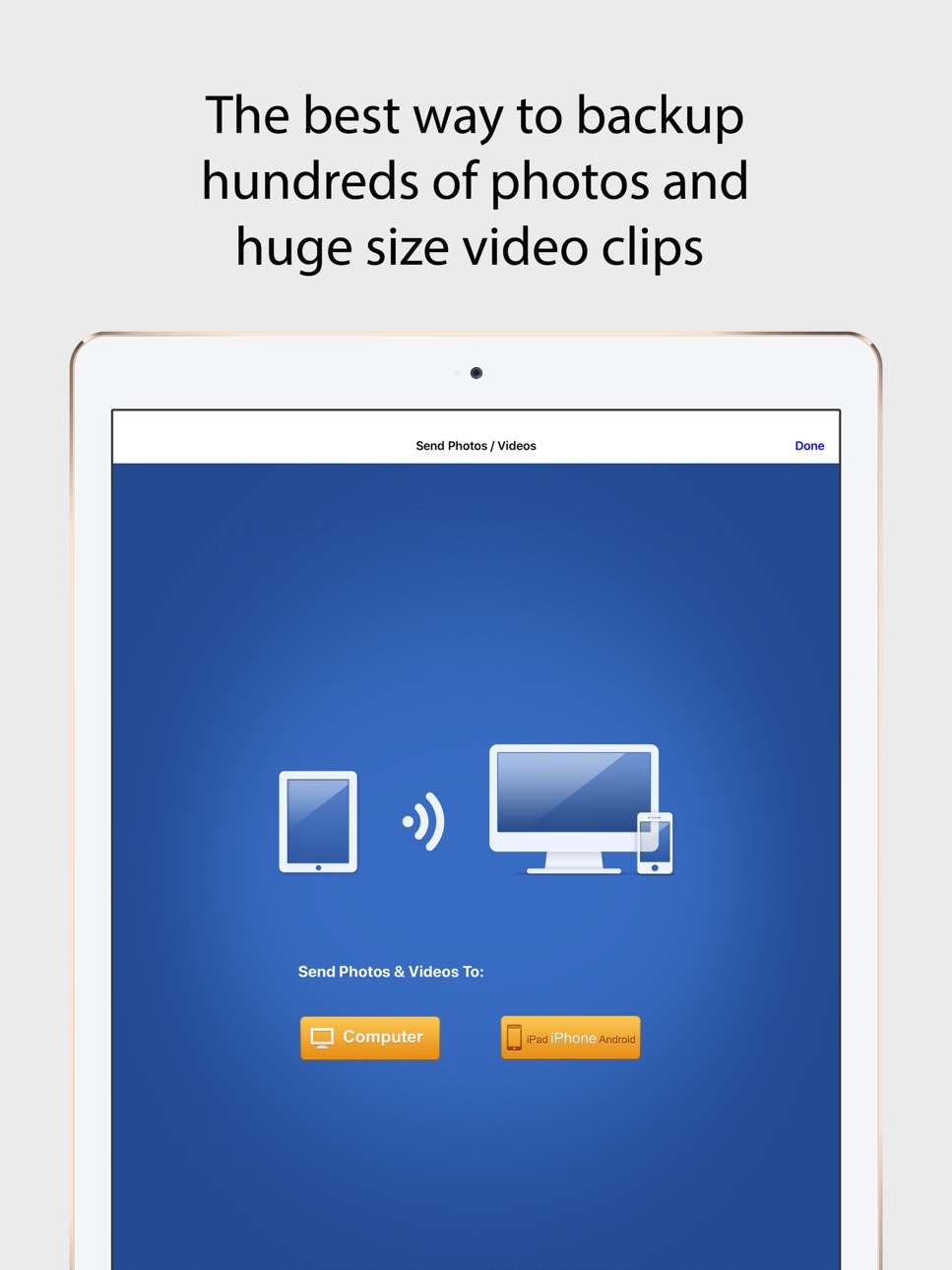
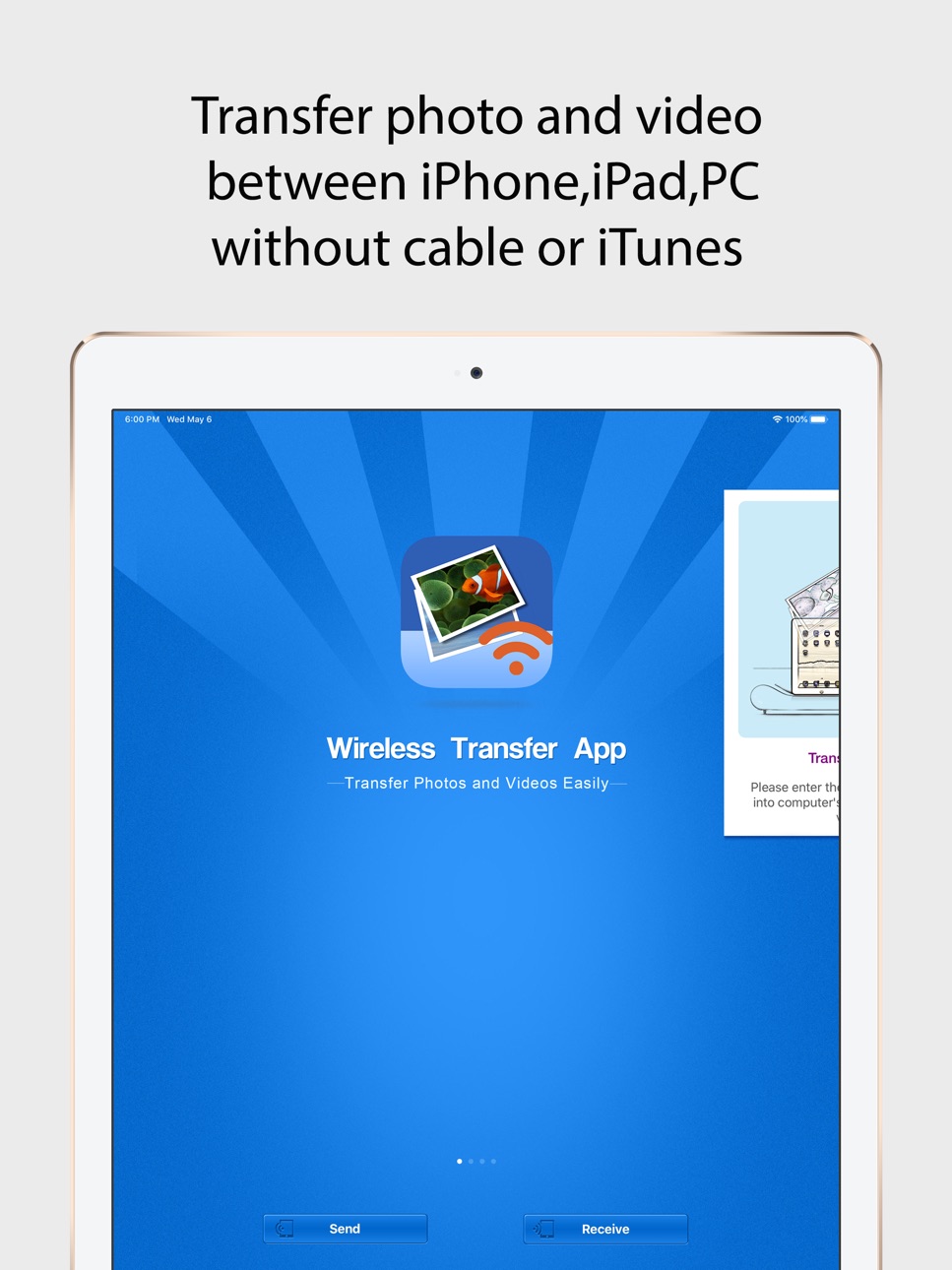
Wireless Transfer App is an easy to use photo and video transfer tool. It helps you easily and quickly transfer photos and videos between iPhone and iPad, as well as transfer photos and videos from computer to iPad/iPhone/iPod and vice verse.
With Wireless Transfer App, you can transfer photos and videos from iPad to iPad, from iPad to iPhone, from iPhone to iPad, from iPhone to iPhone, from computer to iPad, from iPhone to computer and more. There is no need for USB cable or extra software. You just need to put your devices under the same Wi-Fi network.
Key features of Wireless Transfer App:
* Transfer as many photos and videos as you want, not any limitations on the amount or file size of photos and videos you want to copy.
* Remember the photos and videos that have been transferred, so you can skip them to avoid duplicated copy if the transfer process is interrupted. This exclusive feature makes Wireless Transfer App is an ideal tool for copying your whole photo library to a new device.
* Explore photos and videos other device just like on your own devices, select and then download.
* Support non-iOS devices, easily move photos to and from other devices.
* Password protected and authorization is asked while downloading from your device.
* Preserve EXIF Info and support RAW format photo files
* Pay once for use on multiple devices with the same iTunes account
* Very easy to use with an user-friendly wizard interface
* If there is no Wi-Fi network available or in public Wi-Fi (Hotels, Coffee Bars etc.) which is configed to prevent communication between devices, you can turn on "Personal Hotspot" on your iPhone and join devices to Personal Hotspot, then use this video and photo transfer app to copy photos and videos with high speed just like using Wi-Fi. No slow bluetooth transfer is required.
* Windows and Mac version is free for downloading. Even though this software is not required to transfer photos / videos to and from computers, it is easier than using Internet browser.
Accessibility
ipadiphonemacrealityDevicetvoswatch
Version history 22 versions
Build 836498332v4.92020-06-22 17:00:17
1. Fixed an error displaying duplicated albums
2. Fixed an issue where photos or videos could not be saved to the specified album
3. Fixed a bug that sometimes the program crashed
Build 836454610v4.82020-06-18 00:21:28
1. Improve program performance
2. Fix some minor bugs
Build 836154885v4.72020-05-27 23:24:41
Hide empty albums in interface of sending photos.
Build 835810007v4.62020-05-07 00:54:48
1. Add support to the latest iOS version
Build 819506238v4.52017-04-29 14:04:10
1. Full screen size photo can be previewed when the thumbnail is pressed long time.
2. Compatible with iphone7 plus, iphone7, ipad pro, iphone6 plus, iphone6 large-size devices.
3. Fix iOS 10 system-related issues.
If you are enjoying the app, please consider leaving a review or rating.
Build 742192684v4.32014-10-14 20:59:06
1. Fix the bug that photos and videos can not be transferred normally while two devices have the same name.
2. Improve connection stability between iOS devices.
3. Fix spelling errors of host url link in iOS8.
Build 716703533v4.22014-10-01 05:01:16
Some bugs are fixed in iOS 8.
Build 693842652v4.12014-09-01 13:48:36
Bug fixes and performances improvements.
Build 580602637v4.02014-05-09 19:33:28
1. New UI design for iOS7 (Compatible with iOS6 and iOS5)
2. Improved transferring performance
3. Other bug fixes
Build 85272786v3.72013-11-01 23:39:48
1. Fix some minor bugs
2. Adjust some UI views.
Build 78512646v3.62013-10-09 19:59:41
1. Fix bug not to transfer photos and videos using personal hotspot in iOS 7.
Build 56532636v3.52013-10-01 04:56:31
Version 3.5 fully compatible with iOS 7:
1. Fix bug that iOS devices can not be connected each other on iOS 7.
2. Fix bug of app crash sometimes on iOS 7.
3. Improve the stability of connection with devices.
Build 15749348v3.42013-07-10 17:22:06
1. More devices can be connected stably, and transfer photos and videos quickly each other.
2. Fix some minor bugs.
Build 15552704v3.32013-06-14 20:10:36
1. Filter photos and videos by date
2. Filter photos and videos by location
3. Support non-iOS devices while related version is installed on other devices.
Build 15011452v3.22013-04-27 05:21:07
Add Germany and Russian version
Build 14663043v3.12013-03-19 07:56:12
1. Transfer photos and videos directly from sending device with simple and intuitive operation.
2. Fix language error in setting panel.
Build 13801705v3.02013-02-09 00:18:32
Thank you for your support to us. The version 3.0 has some brand new features:
1. You can explore another iPad, iPhone just like your own device, select photos and videos then transfer to your device.
2. Authorization is asked when downloading photos and video from another device.
3. Improved the app interface with some new icons.
4. Remember the photos and videos that have been transferred, so you can skip them to avoid duplicated copy if the transfer process is interrupted. This exclusive feature makes Wireless Transfer App is an ideal tool for copying your whole photo library to a new device.
We also improved the stability of transfer, especially for copying big video files between devices. The "time out" bug was fixed.
When transferring 1080p videos to some older devices, they can be converted on-the-fly to ensure successful transfer.
Please update Wireless Transfer App on all your devices. We also updated the Windows and Mac version, they can be downloaded for free from http://www.wirelesstransferapp.com
Build 11937249v2.32012-11-28 02:35:03
Improve stability of app and use a new method to connect devices.
*** Please update the app on all your iPhone/iPad/iPod Touch to ensure work properly ***
*** PC version is also available for free for Mac and Windows, you can download it from http://www.wirelesstransferapp.com ***
Build 11714311v2.22012-11-01 23:33:14
1. Add support for iPhone 5
2. Add a launch image
Build 11037323v2.12012-10-03 16:55:19
1. Add iOS 6.0 support
2.Fix the bug while downloading photos and videos with Microsoft Internet Explorer (IE)
Build 10691284v2.02012-09-19 19:31:52
1. Add a new transfer mode between iPhone and iPad.
2. Fixed the bug with IE 9 while uploading photo and videos from computer to iPhone / iPad.
Build 9309091v1.02012-08-17 15:46:15
Price history by region
Currency
Show
Columns
Search
Availability 1 of 1 storefronts
| Region | Language | Price | Ratings | Avg | Version |
|---|---|---|---|---|---|
| US | en-US | USD 2.99 | 308 | 3.7 | 4.9 |
Change log 26 changes · US
✎
releaseNotes updated
1. Fixed an error displaying duplicated albums
2. Fixed an issue where photos or videos could not be saved to the specified album
3. Fixed a bug that sometimes
✎
description updated
Wireless Transfer App is an easy to use photo and video transfer tool. It helps you easily and quickly transfer photos and videos between iPhone and iPad, as we
✎
subtitle updated
Easily backup photo and video
✎
name updated
Wireless Transfer
◆
Version 4.9 released
1. Fixed an error displaying duplicated albums
2. Fixed an issue where photos or videos could not be saved to the specified album
3. Fixed a bug that sometimes the program crashed
◆
Version 4.8 released
1. Improve program performance
2. Fix some minor bugs
◆
Version 4.7 released
Hide empty albums in interface of sending photos.
◆
Version 4.6 released
1. Add support to the latest iOS version
◆
Version 4.5 released
1. Full screen size photo can be previewed when the thumbnail is pressed long time.
2. Compatible with iphone7 plus, iphone7, ipad pro, iphone6 plus, iphone6 large-size devices.
3. Fix iOS 10 system-related issues.
If you are enjoying the
◆
Version 4.3 released
1. Fix the bug that photos and videos can not be transferred normally while two devices have the same name.
2. Improve connection stability between iOS devices.
3. Fix spelling errors of host url link in iOS8.
◆
Version 4.2 released
Some bugs are fixed in iOS 8.
◆
Version 4.1 released
Bug fixes and performances improvements.
◆
Version 4.0 released
1. New UI design for iOS7 (Compatible with iOS6 and iOS5)
2. Improved transferring performance
3. Other bug fixes
◆
Version 3.7 released
1. Fix some minor bugs
2. Adjust some UI views.
◆
Version 3.6 released
1. Fix bug not to transfer photos and videos using personal hotspot in iOS 7.
◆
Version 3.5 released
Version 3.5 fully compatible with iOS 7:
1. Fix bug that iOS devices can not be connected each other on iOS 7.
2. Fix bug of app crash sometimes on iOS 7.
3. Improve the stability of connection with devices.
◆
Version 3.4 released
1. More devices can be connected stably, and transfer photos and videos quickly each other.
2. Fix some minor bugs.
◆
Version 3.3 released
1. Filter photos and videos by date
2. Filter photos and videos by location
3. Support non-iOS devices while related version is installed on other devices.
◆
Version 3.2 released
Add Germany and Russian version
◆
Version 3.1 released
1. Transfer photos and videos directly from sending device with simple and intuitive operation.
2. Fix language error in setting panel.
◆
Version 3.0 released
Thank you for your support to us. The version 3.0 has some brand new features:
1. You can explore another iPad, iPhone just like your own device, select photos and videos then transfer to your device.
2. Authorization is asked when downl
◆
Version 2.3 released
Improve stability of app and use a new method to connect devices.
*** Please update the app on all your iPhone/iPad/iPod Touch to ensure work properly ***
*** PC version is also available for free for Mac and Windows, you can download it
◆
Version 2.2 released
1. Add support for iPhone 5
2. Add a launch image
◆
Version 2.1 released
1. Add iOS 6.0 support
2.Fix the bug while downloading photos and videos with Microsoft Internet Explorer (IE)
◆
Version 2.0 released
1. Add a new transfer mode between iPhone and iPad.
2. Fixed the bug with IE 9 while uploading photo and videos from computer to iPhone / iPad.
◆
Version 1.0 released