Home › Utilities

 US
US
1 of 1 storefronts
Content in en-US
Content in en-US
Information
Preview 2 platforms
iPhone 5 images


iPad 5 images



What’s New Version 1.6.9
Performance improvements
Description
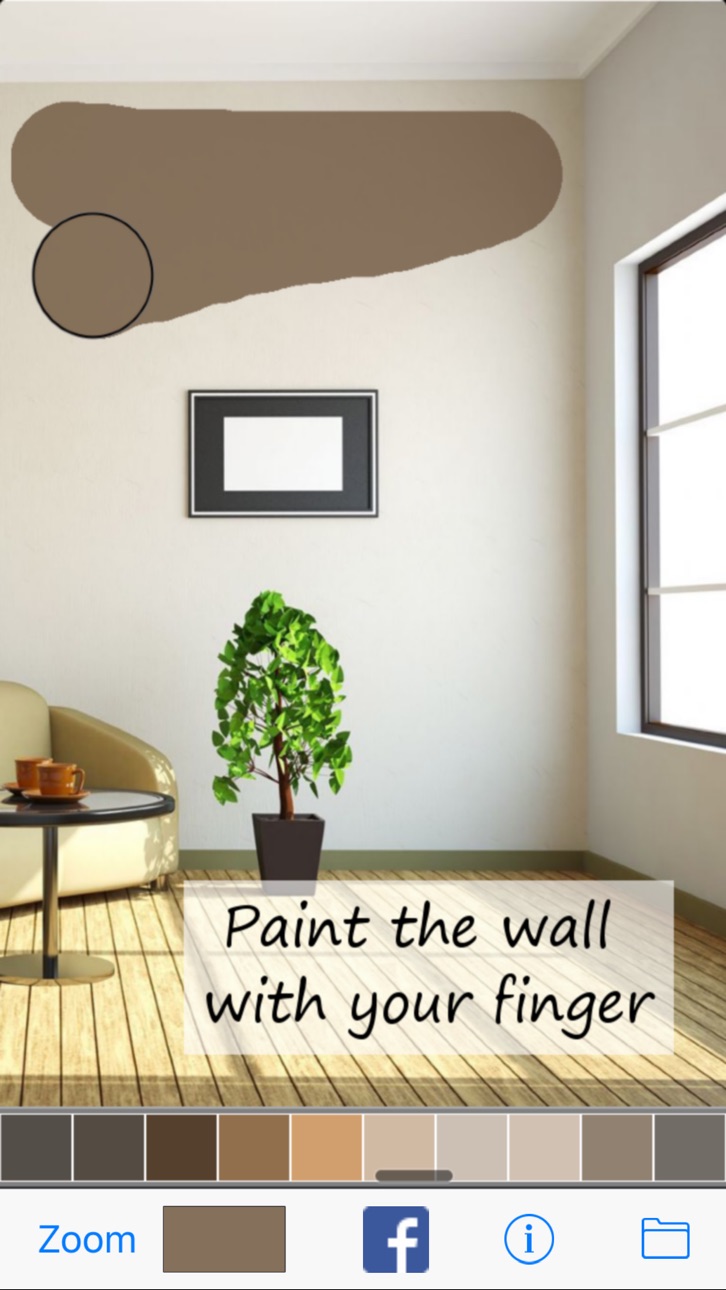
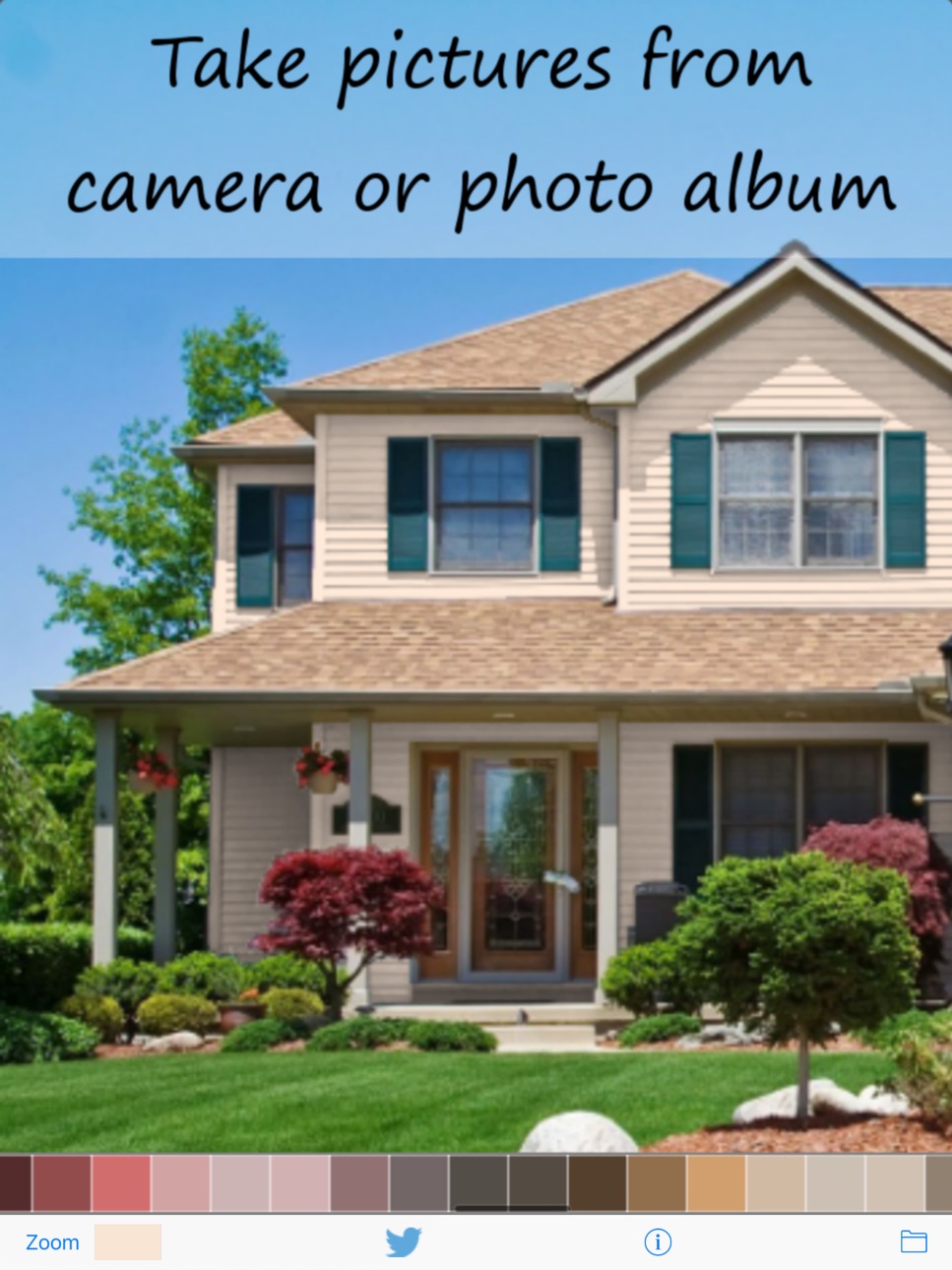
Not sure which color to paint your wall? With this app you can paint your wall on a photo simply by using your finger.
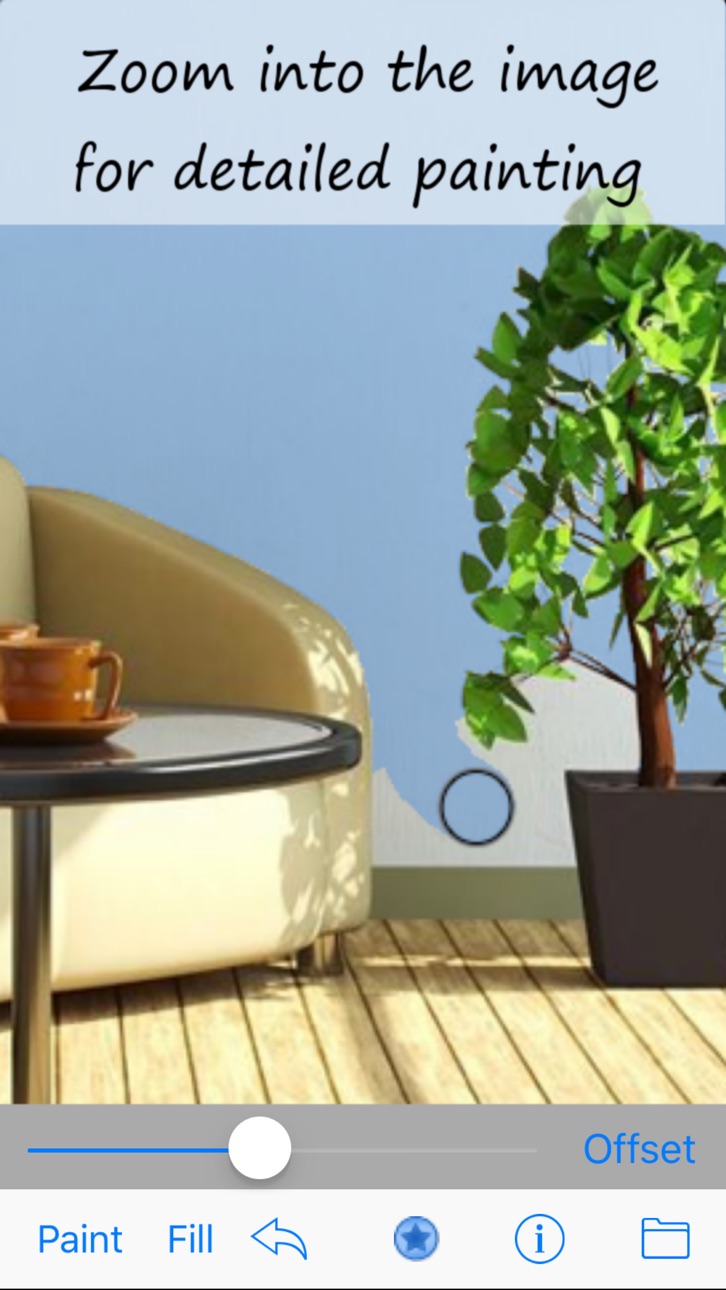
See how a new color would fit with your interior before doing the real painting. Use your fingers to paint, erase and zoom into detailed regions of your image.
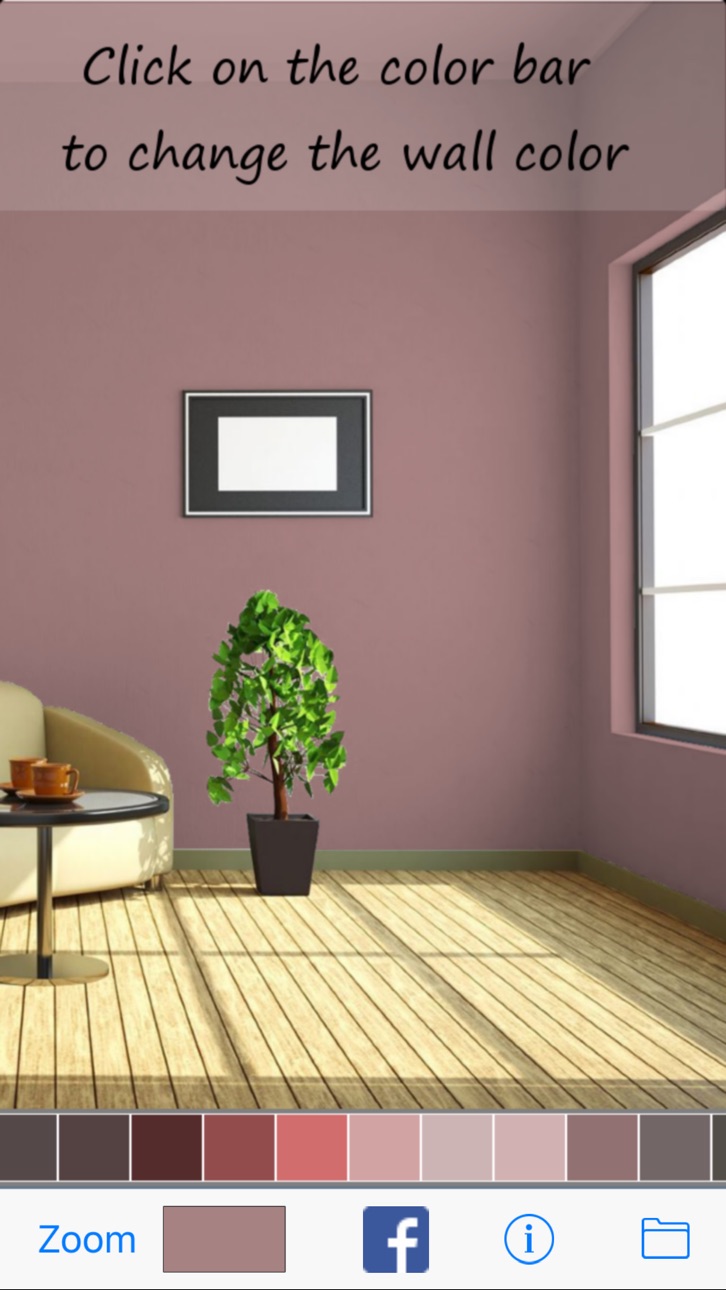
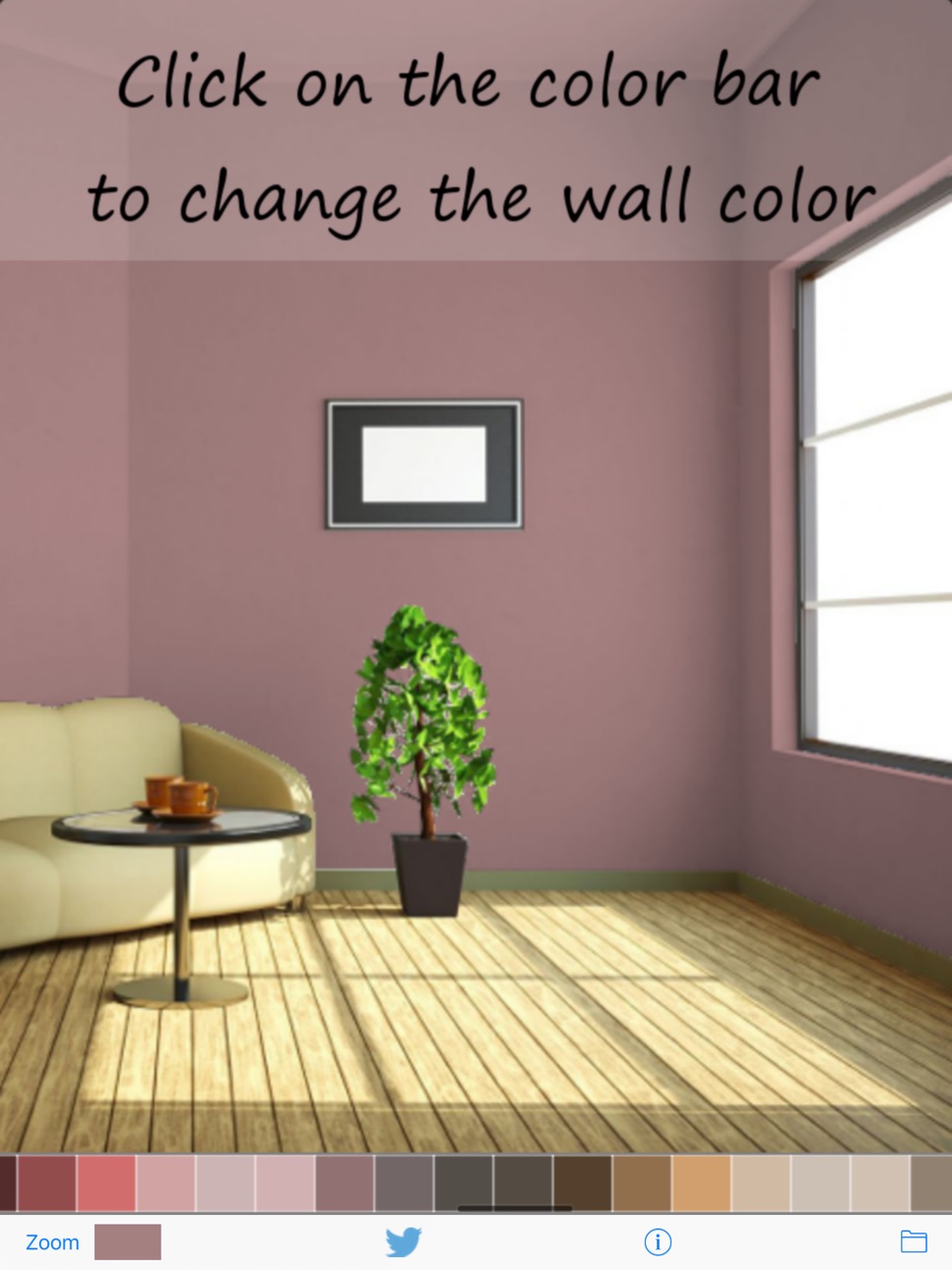
Once you are finished painting your wall virtually you can switch the color by a simple finger touch. Play around with different colors to check their overall appearance.
Still unsure which color to take? Share your paints on Facebook, Twitter and other social nets. Send an email with the image attached to it or save it in your photo album.
- Take a photo of your wall and paint it virtually with your finger
- See how new colors would look on your wall
- Paint your living room, bedroom, child's room, kitchen or your house
- Share your painted pictures in social nets
There are no limits on what you can paint. See how your table and chairs would look in a different color. Paint fences, verandas or complete houses.
Never worry about a wrong color decision again.
Accessibility
ipadiphonemacrealityDevicetvoswatch
Version history 25 versions
Build 844463054v1.6.92021-10-04 15:50:32
Performance improvements
Build 840122901v1.6.82021-05-27 12:46:29
Performance improvements
Build 836323641v1.5.92020-06-09 01:34:50
Support for dark mode
Build 835990174v1.5.82020-05-18 13:20:13
Performance improvements
Build 834417263v1.5.52020-01-19 20:25:55
Performance improvements
Build 834349999v1.5.42020-01-17 22:54:05
Performance improvements
Build 832645679v1.4.52019-09-05 14:10:16
Performance improvements
Build 821869648v1.4.22017-04-24 15:22:43
- New flood fill tool paints the wall quickly
- Color info screen shows the RAL code of the color for mixing.
- Select any RAL color and convert to RGB or vice versa
- Color palette supports now "RAL Design"
- New demonstration video showing how to use the app
Build 821841990v1.4.12017-04-22 01:01:52
- New flood fill tool paints the wall quickly
- Color info screen shows the RAL code of the color for mixing.
- Select any RAL color and convert to RGB or vice versa
- Color palette supports now "RAL Design"
- New demonstration video showing how to use the app
Build 821808716v1.3.92017-04-19 15:48:27
- Color info screen shows the RAL code of the color for mixing.
- Select any RAL color and convert to RGB or vice versa
- Color palette supports now "RAL Design"
- New demonstration video showing how to use the app
Build 821620589v1.3.72017-04-05 20:51:45
- Demonstration video showing how to use the app
- More colors to choose from
Build 818296969v1.2.62016-08-09 01:29:41
Bugfixes
Build 817903490v1.2.52016-06-26 19:37:01
Minor fixes
Build 817820858v1.2.42016-06-21 22:50:52
Minor changes
Build 569242645v1.2.32014-06-02 14:50:37
Minor changes
Build 526962644v1.2.22014-04-07 05:34:16
Bugfix app crash at startup
Build 339532662v1.2.12014-01-26 23:59:46
Save to photo album button
Build 300212635v1.22014-01-21 19:29:05
App link fixed
Build 284632633v1.1.92014-01-06 22:46:34
iOS 7 ready
Build 280412632v1.1.82014-01-02 21:39:20
iOS 7 ready
Build 175482647v1.1.72013-11-29 17:28:47
Bugfix
Build 15795067v1.1.62013-07-12 21:24:05
iPhone 5 supports now resolution 2300x2300
Build 15570834v1.1.42013-06-11 17:59:37
Optional HD Resolution 1600x1600
Build 15434708v1.1.32013-05-22 20:01:47
Minor Changes
Build 15021837v1.1.22013-04-17 05:10:40
Minor Changes
No pricing data captured yet — comparisons appear once the app has paid storefronts or in-app purchases.
Availability 1 of 1 storefronts
| Region | Language | Price | Ratings | Avg | Version |
|---|---|---|---|---|---|
| US | en-US | Free | 31 | 2.7 | 1.6.9 |
Change log 28 changes · US
✎
releaseNotes updated
Performance improvements
✎
description updated
Not sure which color to paint your wall? With this app you can paint your wall on a photo simply by using your finger.
See how a new color would fit with your
✎
name updated
Paint My Wall - Room Painting
◆
Version 1.6.9 released
Performance improvements
◆
Version 1.6.8 released
Performance improvements
◆
Version 1.5.9 released
Support for dark mode
◆
Version 1.5.8 released
Performance improvements
◆
Version 1.5.5 released
Performance improvements
◆
Version 1.5.4 released
Performance improvements
◆
Version 1.4.5 released
Performance improvements
◆
Version 1.4.2 released
- New flood fill tool paints the wall quickly
- Color info screen shows the RAL code of the color for mixing.
- Select any RAL color and convert to RGB or vice versa
- Color palette supports now "RAL Design"
- New demonstration video showi
◆
Version 1.4.1 released
- New flood fill tool paints the wall quickly
- Color info screen shows the RAL code of the color for mixing.
- Select any RAL color and convert to RGB or vice versa
- Color palette supports now "RAL Design"
- New demonstration video showi
◆
Version 1.3.9 released
- Color info screen shows the RAL code of the color for mixing.
- Select any RAL color and convert to RGB or vice versa
- Color palette supports now "RAL Design"
- New demonstration video showing how to use the app
◆
Version 1.3.7 released
- Demonstration video showing how to use the app
- More colors to choose from
◆
Version 1.2.6 released
Bugfixes
◆
Version 1.2.5 released
Minor fixes
◆
Version 1.2.4 released
Minor changes
◆
Version 1.2.3 released
Minor changes
◆
Version 1.2.2 released
Bugfix app crash at startup
◆
Version 1.2.1 released
Save to photo album button
◆
Version 1.2 released
App link fixed
◆
Version 1.1.9 released
iOS 7 ready
◆
Version 1.1.8 released
iOS 7 ready
◆
Version 1.1.7 released
Bugfix
◆
Version 1.1.6 released
iPhone 5 supports now resolution 2300x2300
◆
Version 1.1.4 released
Optional HD Resolution 1600x1600
◆
Version 1.1.3 released
Minor Changes
◆
Version 1.1.2 released
Minor Changes