Home › Productivity

 US
US
1 of 1 storefronts
Content in en-US
Content in en-US
Information
Preview 2 platforms
iPhone 10 images


iPad 7 images


What’s New Version 3.59
Various bug fixes and optimizations. Please check the app's release notes and our Facebook support page for details.
Description
Note: the free version allows you a maximum of 14 days (timesheets). If you like the app you can unlock this limitation by making a purchase within the app: the price of a coffee!
Details of all items that can be purchased are described further below this text and can also be looked up in the Help menu of the App.
Time keeping against your daily standard hours to calculate your surplus hours…on the go and made simple !
If you work variable hours at your job, My Overtime is the kind of app that makes your Smartphone the indispensable device you expect it to be. Keep a tab as you build up your surplus time for later compensation along with reports for your employer to give you a better work-life balance :-)
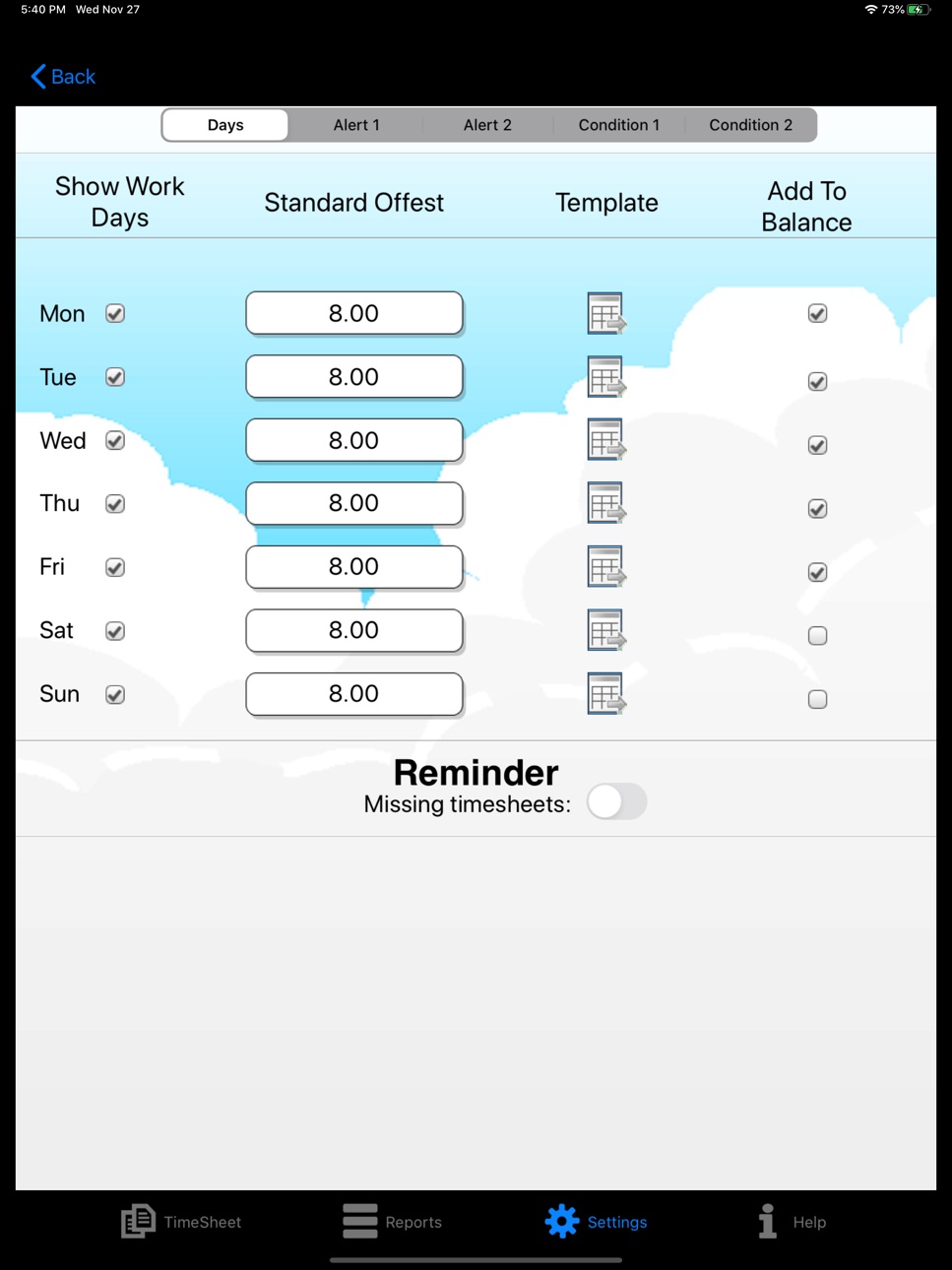
- Set your daily standard hours (offset) and enter your timesheet
- Track your hours by day, week, month and year
- 14 day limit! - see below for in-app-purchase details
- Get your daily surplus balance
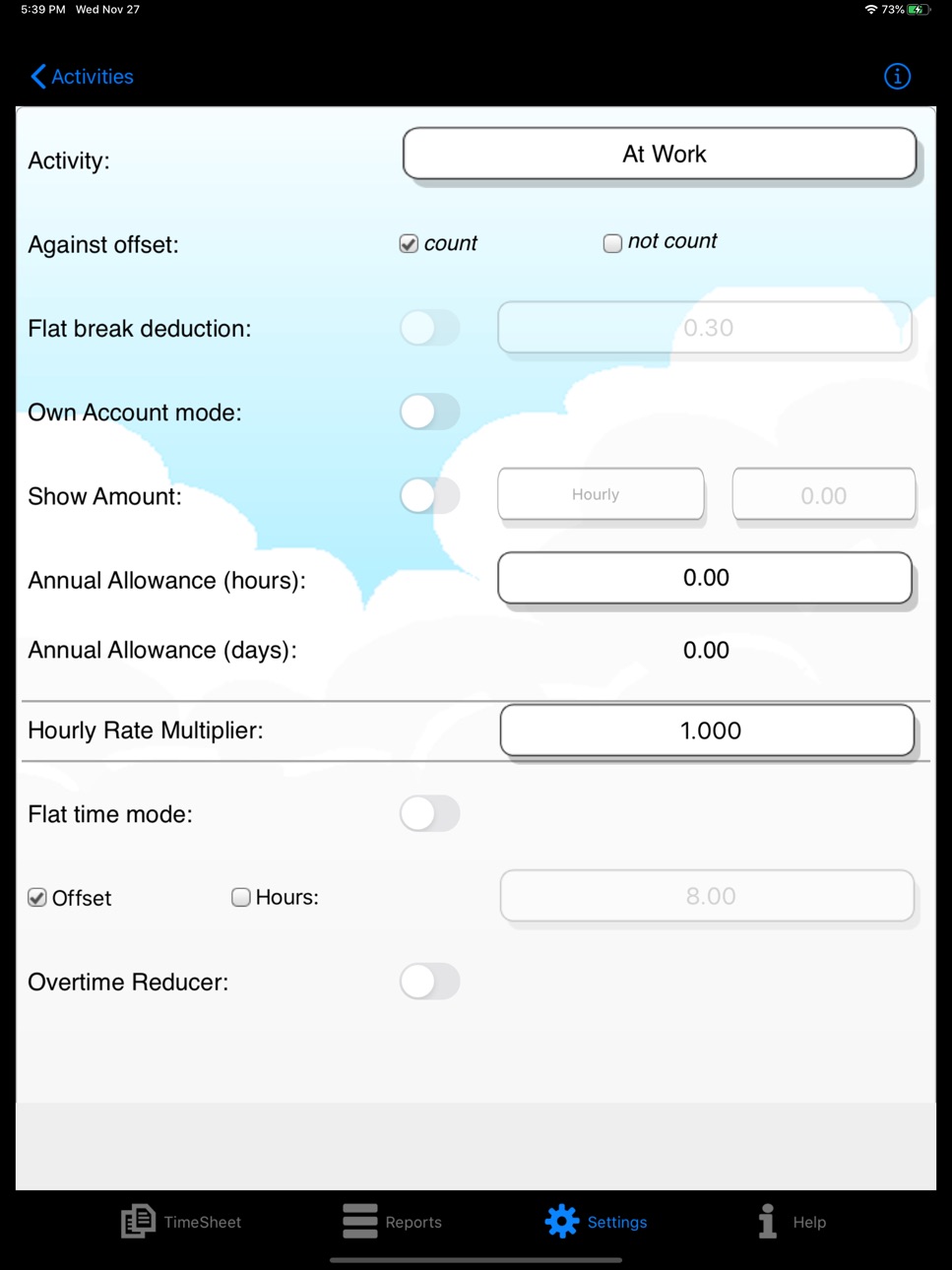
- Enter your hours against a variety of Activities
- Set up your typical working day using templates
- Fast track copy previous day
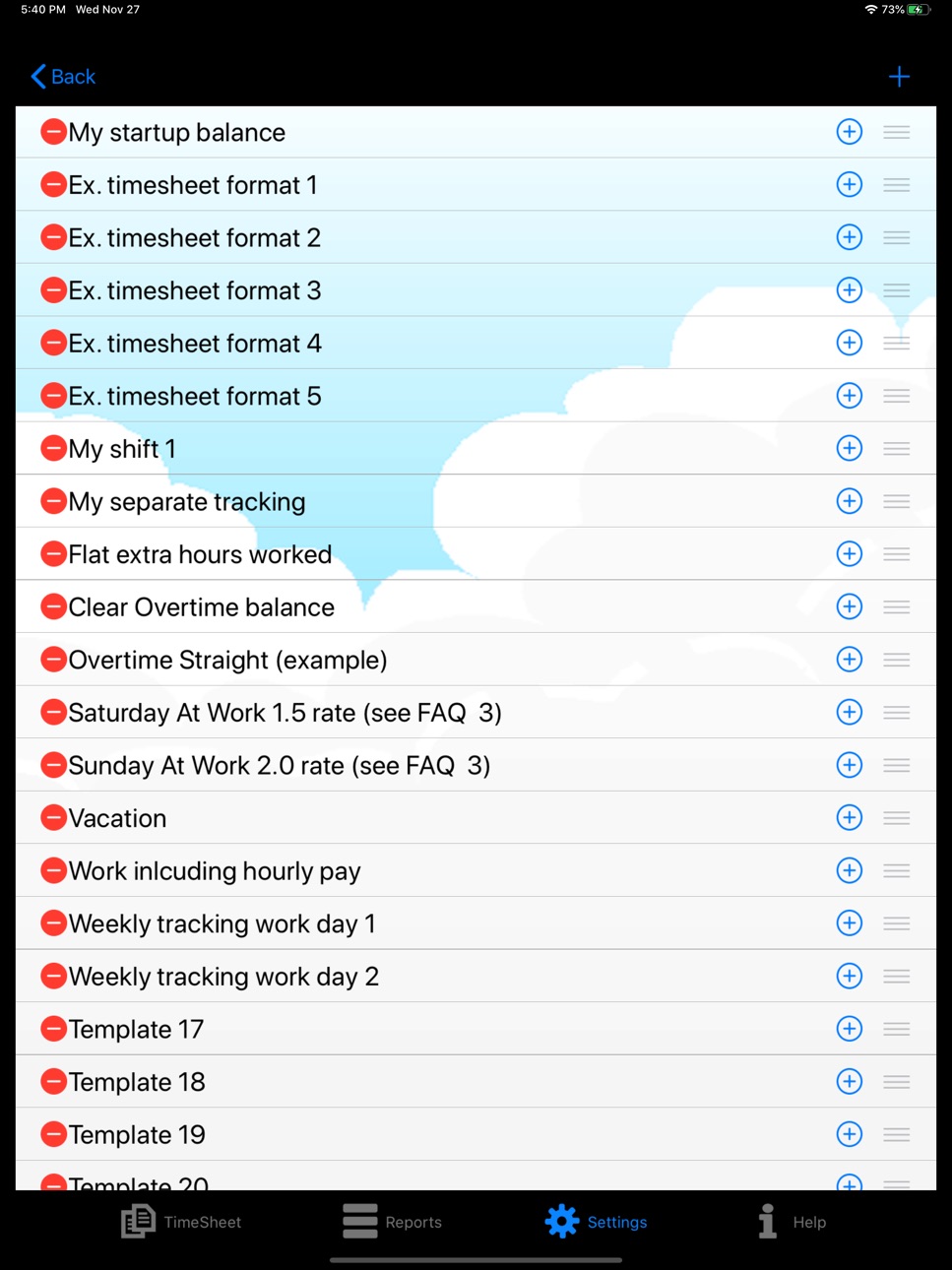
- Templates with Timesheet Samples to get started
- Use Fast check-in/out buttons for real-time start/end
- Define your activities as flat hours or with start/end times
- Use compensation activity to burn your flextime/overtime
- Track your vacation allowance
- Track overtime payments
- Query your balances and activities by date range
- Report your data in detail or summary style
- Export and send your data in csv, pdf or html format
- Set your tracking preferences (minute intervals, working day defaults, etc)
- Personalize it (choose heading, choose background)
- Backup your data with Dropbox or via email
- Works offline so you can work from anywhere/anytime
- Local date style supported
+ A great alternative to your excel based tracking tool
+ this app keeps your focus on your personal flextime and overtime management without all the gimmicks for billing and project management (there are other tools for that).
Do you prefer to update your times once a day (at end of the day) ?
- Create a template and enter your times once
- You can create templates for each day of the week (Set working days) OR
- You can create templates for each situation (My Templates)
- You can copy the last day and modify the start/end times if needed
Do you prefer to track your times on the go in real-time ?
- Use the "Fast-Check-in" button
- Update the End time using ‘OUT’ (stop) button
- Hit ‘IN’ button when you are ready to check-in again.
For US NON-EXEMPT Workers with Overtime Payout: the App was not designed to calculate overtime rates automatically. Please try the new feature "Overtime for Period" to calculate your weekly extra hours and check the FAQ page within the App for more details about Overtime pay tracking. We are exploring more automated features in future versions so please watch this space.
Email us at myovertimeapp@gmail.com for any questions.
This basic version is free with a limit of 14 day's worth of timesheets. You can upgrade through in-app-purchases for:
a) unlocking the 14 day timesheet history limit
b) creating e-mail attachments of your report results
c) scheduled backups of your data to Dropbox
Enjoy!
In-App Purchases US pricing
One-Time Purchases
Schedule Backups$0.99
Send Reports$1.99
Unlimited time sheets$2.99
Capabilities
In-App Purchases
Accessibility
ipadiphonemacrealityDevicetvoswatch
Version history 25 versions
Build 840880002v3.592021-03-14 08:55:01
Various bug fixes and optimizations. Please check the app's release notes and our Facebook support page for details.
Build 839531388v3.582020-12-07 17:32:02
Various bug fixes and optimizations. Please check the app's release notes and our Facebook support page for details.
Build 838195732v3.572020-10-15 00:39:22
Various bug fixes and optimizations. Please check the app's release notes and our Facebook support page for details.
Build 834017241v3.562019-12-18 10:18:45
Various bug fixes and optimizations. Please check the app's About page and our Facebook support page for details.
Build 833906052v3.552019-12-06 21:39:37
Various bug fixes and optimizations. Please check the app's About page and our Facebook support page for details.
Build 833782728v3.542019-11-30 21:43:26
Various bug fixes and optimizations. Please check the app's About page and our Facebook support page for details.
Build 827264096v3.532018-05-26 15:23:50
Reinstating the screen scaling for iPhones 6-8 and iPhone X optimizations. Please check the app's About page and our Facebook support page for details.
Build 826693538v3.522018-04-19 13:04:52
Reinstating the screen optimizations for iPhones 6 and up in wake of iPhone X optimizations. Please check the app's About page and our Facebook support page for details.
Build 826582704v3.512018-04-07 14:44:37
App optimized for iPhone X. Please check the app's About page or our Facebook page for details.
Build 826509816v3.502018-03-30 21:04:01
Various new features provided free for our customers. Please check the app's About page or our Facebook page for details.
Build 823498443v3.422017-08-31 20:24:11
Minor optimizations
Build 823026794v3.412017-07-26 15:32:13
Bug fix
Build 822809098v3.402017-07-07 01:29:33
Various optimizations and new features. Please check our Facebook site for details.
Build 822510538v3.362017-06-16 17:21:24
Bug fixes & optimizations. Check our facebook page.
Build 822199916v3.352017-05-19 13:01:15
Bug fixes
Build 822037837v3.342017-05-08 17:31:42
Bug fix
Build 822006559v3.332017-05-04 01:45:36
The following fixes have been made on this version (v3.33):
- iPad OS9 time picker made visible. Various user reported issues
Build 821523720v3.322017-03-29 16:17:29
We are discontinuing support for OS7, OS8, and OS9 devices. Because of our limited resources, we are focusing our efforts on OS10 devices. We recommend that you upgrade your device to the latest OS if possible. For iPad OS9 and iPhone OS8 users we offer the older version of this app (V3.11) until the end of April. Please contact us to find out more.
The following fixes have been made on this version (version 3.32):
- Widget (pls reinstall), iPad Reports background, Detail report hours total row detail
Build 821432233v3.312017-03-22 18:53:35
Fixes for:
- Time picker increment: apply to start time and rounding selectable
- My Overtime report: ascending order, cumulative amounts logic
- Overtime graph and stats: balance issue with not-counted activities
- Various crash reports for OS10 devices
Build 813370446v3.302017-03-14 20:47:10
- “My Activities” button for activity names list
- Daily bonus conditions. See "Set Working Days" and new icon on Timesheet.
- Timesheet with a shortcut to Activity name's settings
- Define Activity; amount field can be changed from Lump Sum to Hourly wage
- Detail Report; new field for Bonus applicable
- Report send now with additional send options (install the Google Drive app to enable this)
- Time picker; additional intervals and rounding options.
- App language; option to change language direct within app
- FAQ; in-app display with zoom option
- Offset; enable values over 24 hrs (e.g. for Weekly offset)
- Timesheet; swiping with shift effect
Build 813222991v3.1.12015-09-10 03:06:02
Bug fix: when using the OUT key (check-out) and NEXT key the end time is overwritten with the page 2 start time value (iPhone6).
Bug fix: default values cannot be set for Flat input type activities (example; activity "Starting balance").
Bug fix: completed timesheet on next day not defaulted to current date.
Bug fix: at end of day user hits OUT button and next day when hitting the fast check-in the start value is corrupt.
- Activity Report renamed to Detail Report
Build 812181232v3.102015-05-02 08:55:29
Thanks everyone for your feedback! Please find the following new features at no additional cost:
- Clear Overtime balance: will calculate your surplus hours for any given date position and reduce the overtime balance to zero
- Bulk timesheet creation: simply select a template with which you would like the app to insert templates for a given date range. Makes updating annual leave even easier.
- Select total hours display format from colon, dot or regional style. For example: 8:15 or 8.15 or 8,15
- Copy your templates or activities faster using the new icon ("+") at record level.
- Activity Detail report: optimized column width for PDF export, option to select/hide values in minutes for export
- Elapsed time display: see your elapsed time even in screen lock mode using the Today feature (swipe-down and edit to install the widget)
- Various design optimizations and minor bug fixes, updated FAQ's
Build 811556918v3.0.12015-01-21 20:50:21
Bug fixes
Build 811144113v3.02014-12-05 16:52:41
Many thanks for your feedback on previous versions of this App!
This update has been improved with the following new features:
- Hourly rates setting: option to multiply working hours by 1.5x, 2.0x, etc.
- Activity report now with hourly rate detail
- Overtime for Period: calculate overtime for a date range (Week, Month, etc)
- IN/OUT checking gets even easier; after you tap on OUT just tap on IN to add another page
- Fast check-in key: now you can assign Activity records with flat break time (check preset “In Office”)
- My Details: sign your PDF reports, store your signature
- Localized decimal format (comma vs. dot style)
- Various design optimization and minor bug fixes
Build 651084867v2.92014-08-07 07:45:04
Many thanks for your feedback on previous versions of this App!
This update has been improved with the following new items:
- Option to set an Annual Credit (Allowance) in days for each Activity record.
- Save your reports directly to Dropbox cloud
- Check-in/Check-out button displays in green/red
- Activity report with first column as week day to match the first report
Price history by region
Currency
Show
Columns
Search
Availability 1 of 1 storefronts
| Region | Language | Price | Ratings | Avg | Version |
|---|---|---|---|---|---|
| US | en-US | Free | 5 | 3.4 | 3.59 |
Change log 29 changes · US
✎
releaseNotes updated
Various bug fixes and optimizations. Please check the app's release notes and our Facebook support page for details.
✎
description updated
Note: the free version allows you a maximum of 14 days (timesheets). If you like the app you can unlock this limitation by making a purchase within the app: the
✎
subtitle updated
In-App Purchase version (IAP)
✎
name updated
My Overtime IAP
◆
Version 3.59 released
Various bug fixes and optimizations. Please check the app's release notes and our Facebook support page for details.
◆
Version 3.58 released
Various bug fixes and optimizations. Please check the app's release notes and our Facebook support page for details.
◆
Version 3.57 released
Various bug fixes and optimizations. Please check the app's release notes and our Facebook support page for details.
◆
Version 3.56 released
Various bug fixes and optimizations. Please check the app's About page and our Facebook support page for details.
◆
Version 3.55 released
Various bug fixes and optimizations. Please check the app's About page and our Facebook support page for details.
◆
Version 3.54 released
Various bug fixes and optimizations. Please check the app's About page and our Facebook support page for details.
◆
Version 3.53 released
Reinstating the screen scaling for iPhones 6-8 and iPhone X optimizations. Please check the app's About page and our Facebook support page for details.
◆
Version 3.52 released
Reinstating the screen optimizations for iPhones 6 and up in wake of iPhone X optimizations. Please check the app's About page and our Facebook support page for details.
◆
Version 3.51 released
App optimized for iPhone X. Please check the app's About page or our Facebook page for details.
◆
Version 3.50 released
Various new features provided free for our customers. Please check the app's About page or our Facebook page for details.
◆
Version 3.42 released
Minor optimizations
◆
Version 3.41 released
Bug fix
◆
Version 3.40 released
Various optimizations and new features. Please check our Facebook site for details.
◆
Version 3.36 released
Bug fixes & optimizations. Check our facebook page.
◆
Version 3.35 released
Bug fixes
◆
Version 3.34 released
Bug fix
◆
Version 3.33 released
The following fixes have been made on this version (v3.33):
- iPad OS9 time picker made visible. Various user reported issues
◆
Version 3.32 released
We are discontinuing support for OS7, OS8, and OS9 devices. Because of our limited resources, we are focusing our efforts on OS10 devices. We recommend that you upgrade your device to the latest OS if possible. For iPad OS9 and iPhone OS8 u
◆
Version 3.31 released
Fixes for:
- Time picker increment: apply to start time and rounding selectable
- My Overtime report: ascending order, cumulative amounts logic
- Overtime graph and stats: balance issue with not-counted activities
- Various crash reports fo
◆
Version 3.30 released
- “My Activities” button for activity names list
- Daily bonus conditions. See "Set Working Days" and new icon on Timesheet.
- Timesheet with a shortcut to Activity name's settings
- Define Activity; amount field can be changed from Lump S
◆
Version 3.1.1 released
Bug fix: when using the OUT key (check-out) and NEXT key the end time is overwritten with the page 2 start time value (iPhone6).
Bug fix: default values cannot be set for Flat input type activities (example; activity "Starting balance").
B
◆
Version 3.10 released
Thanks everyone for your feedback! Please find the following new features at no additional cost:
- Clear Overtime balance: will calculate your surplus hours for any given date position and reduce the overtime balance to zero
- Bulk timesh
◆
Version 3.0.1 released
Bug fixes
◆
Version 3.0 released
Many thanks for your feedback on previous versions of this App!
This update has been improved with the following new features:
- Hourly rates setting: option to multiply working hours by 1.5x, 2.0x, etc.
- Activity report now with hourly
◆
Version 2.9 released
Many thanks for your feedback on previous versions of this App!
This update has been improved with the following new items:
- Option to set an Annual Credit (Allowance) in days for each Activity record.
- Save your reports directly