Home › Business

 US
US
1 of 1 storefronts
Content in en-US
Content in en-US
Information
Preview 2 platforms
iPhone 6 images

iPad 6 images



What’s New Version 2026.3.0
Bug fixes and performance improvements
Description
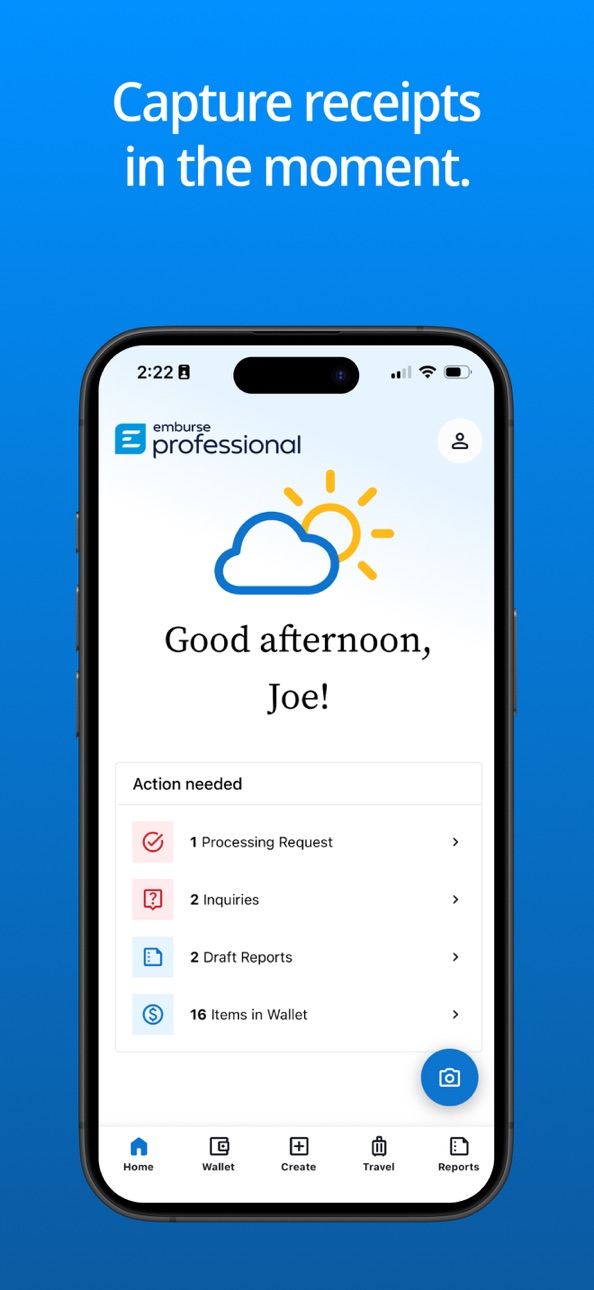
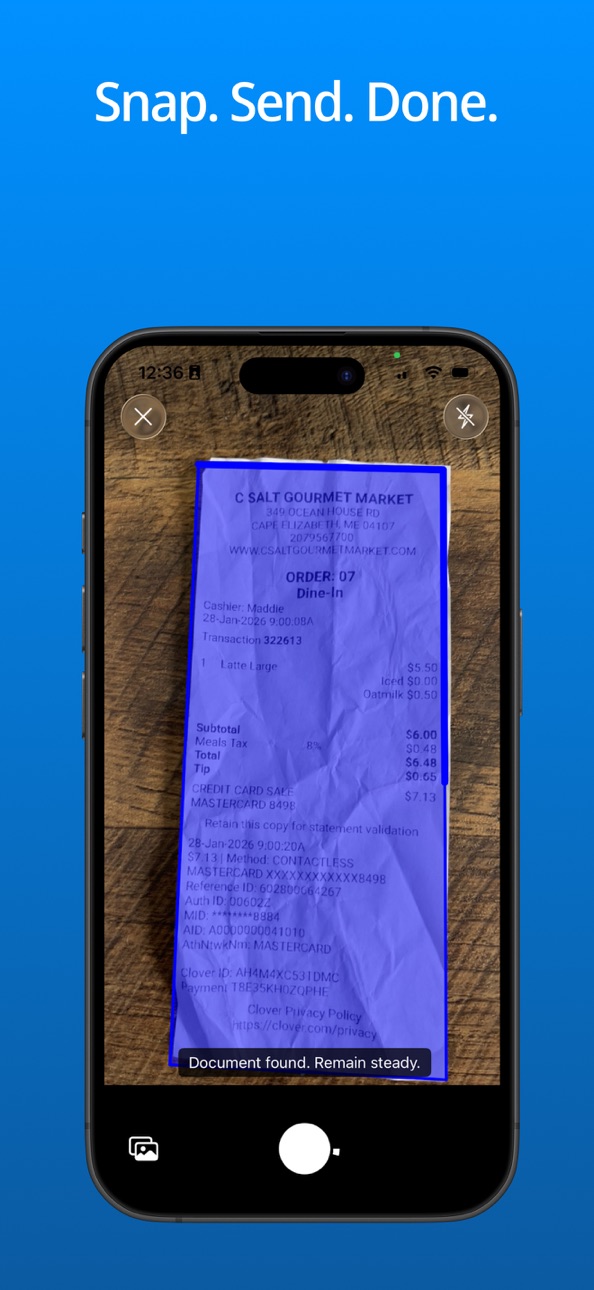
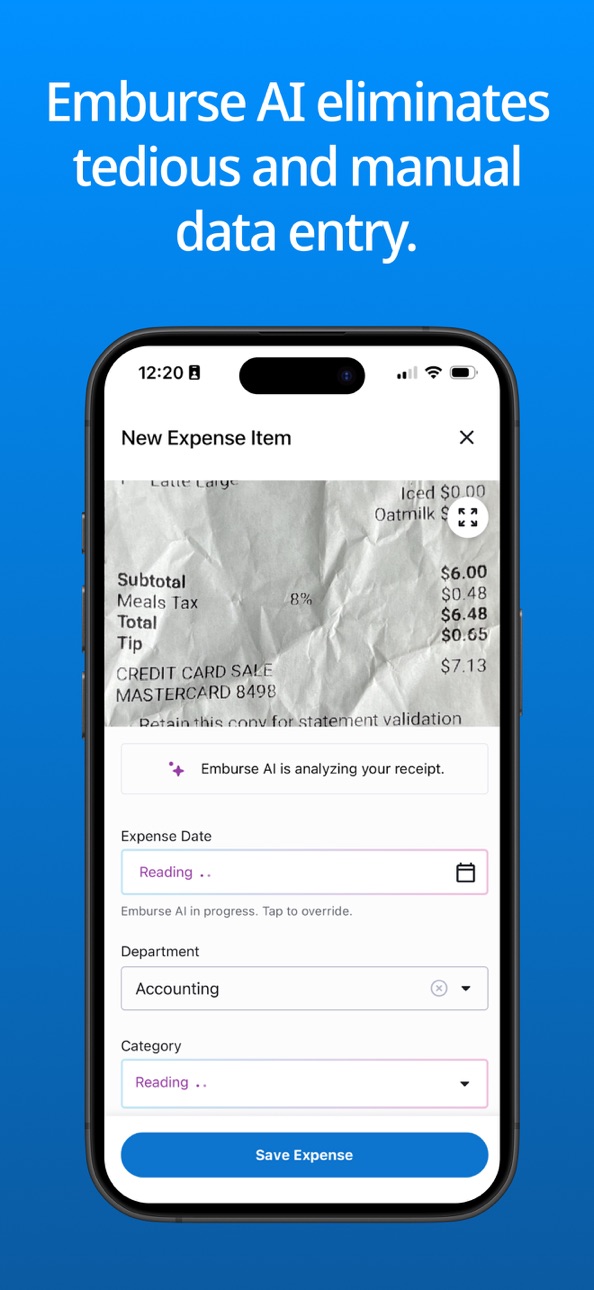
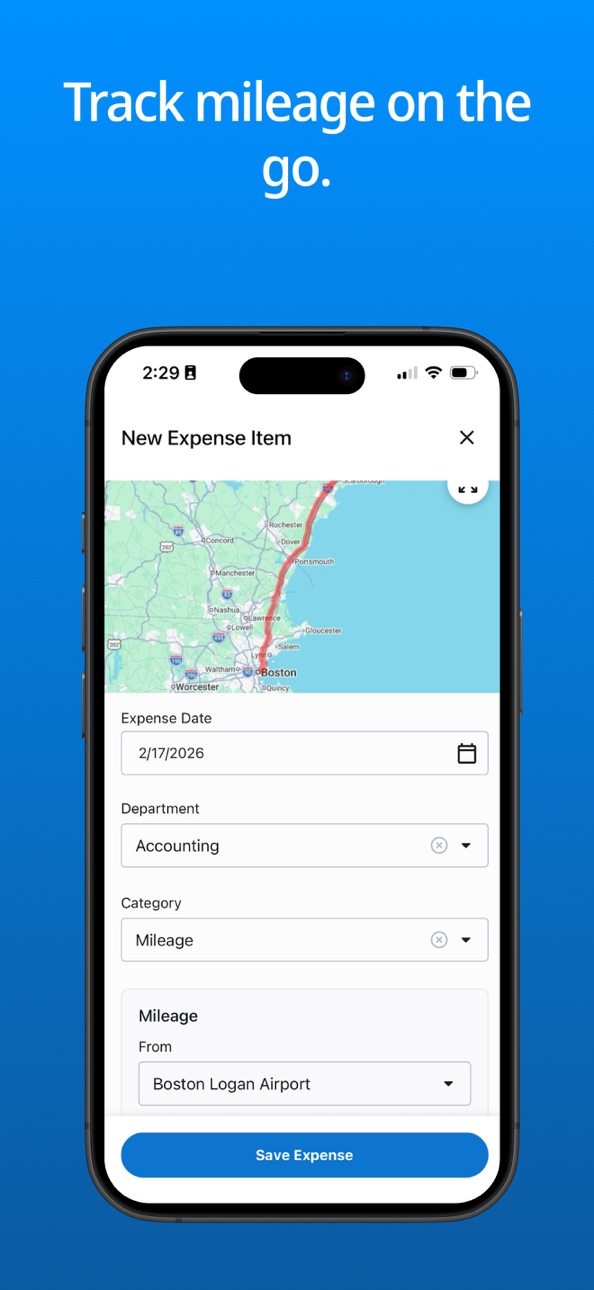
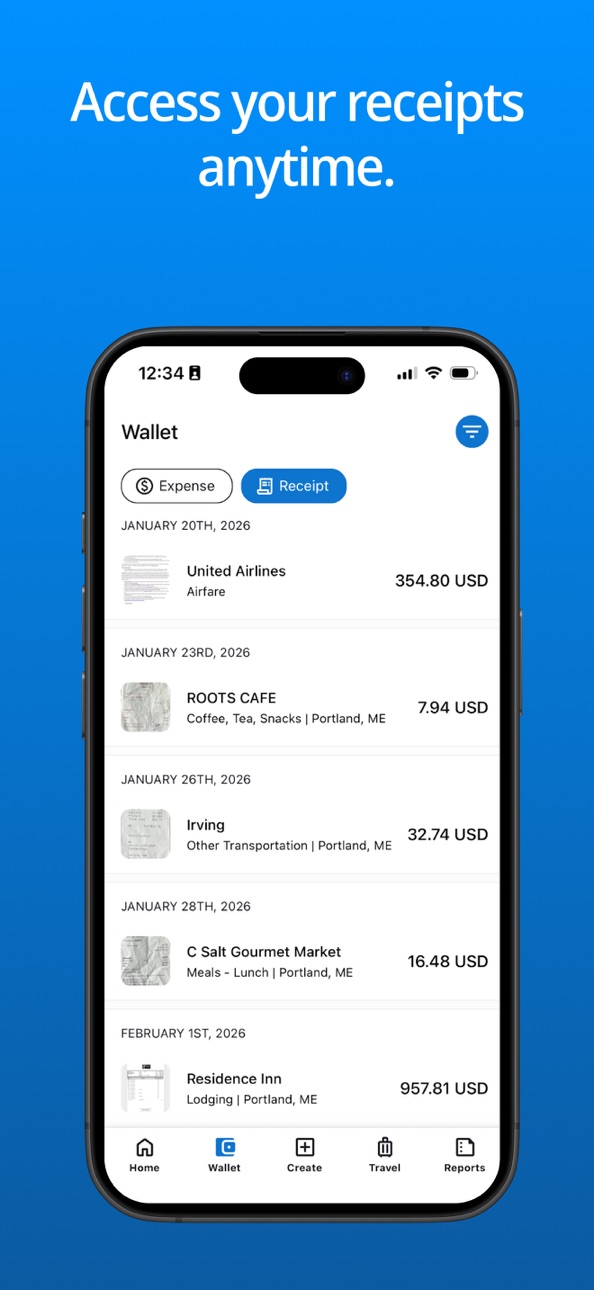
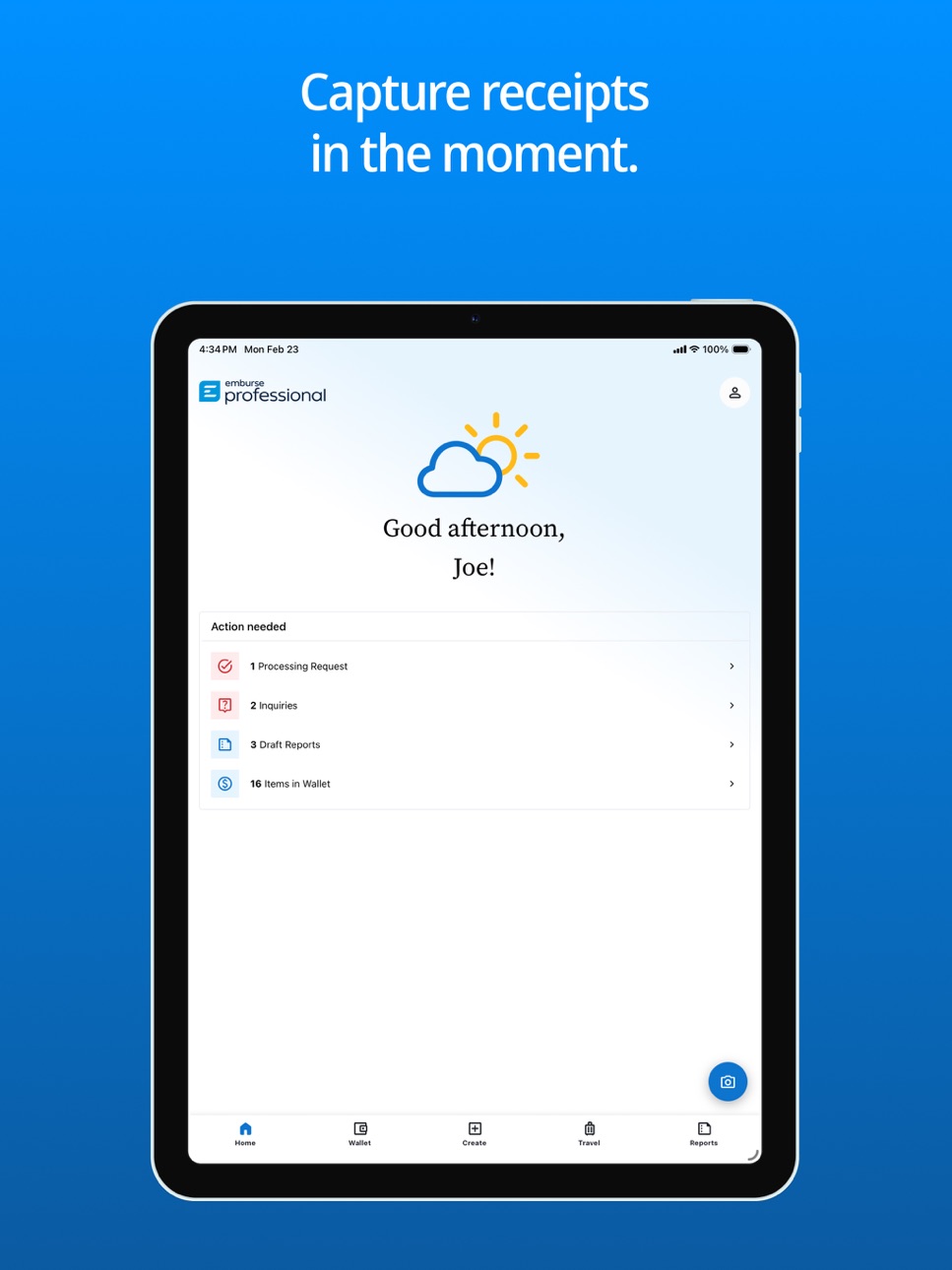
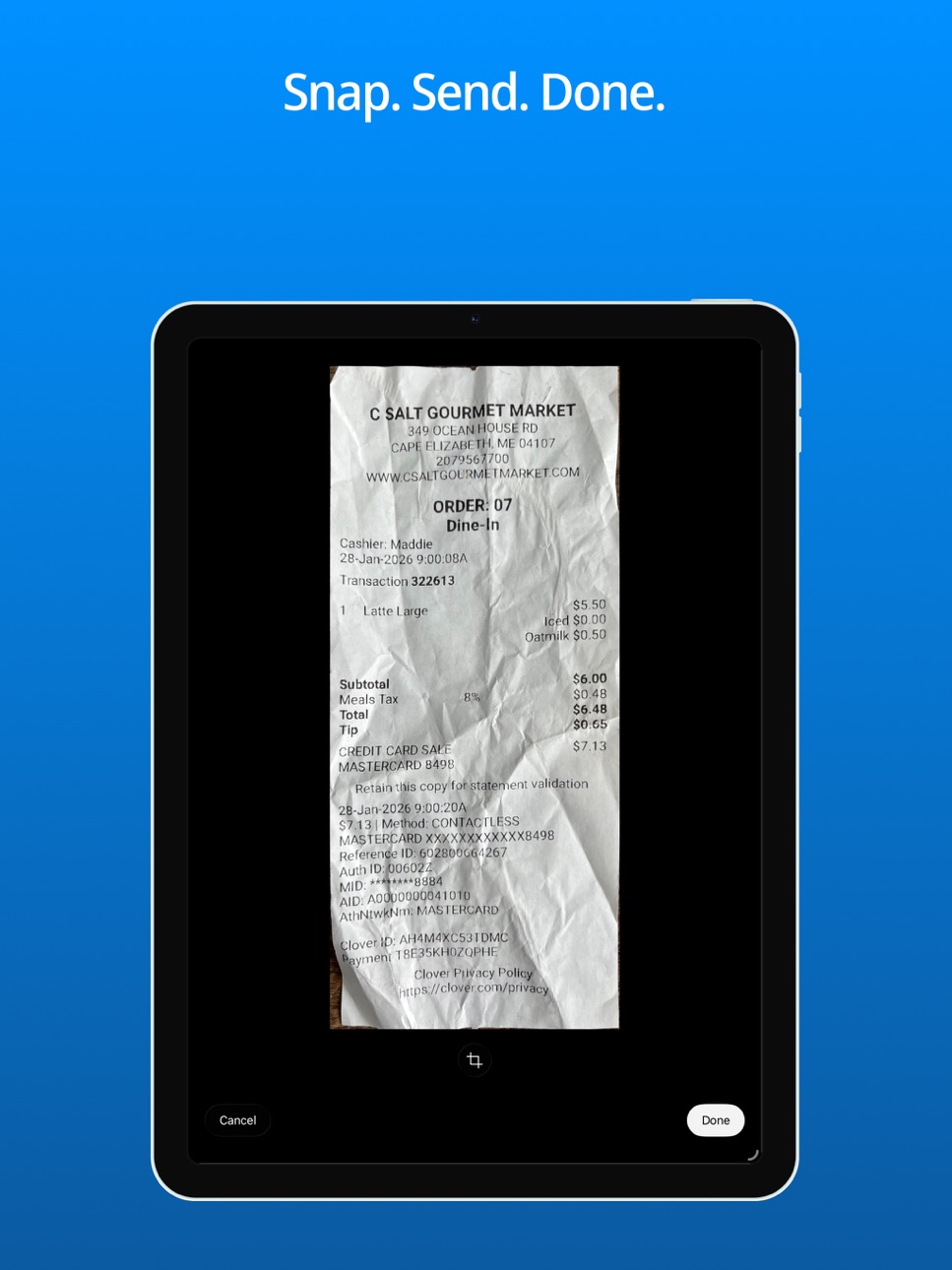
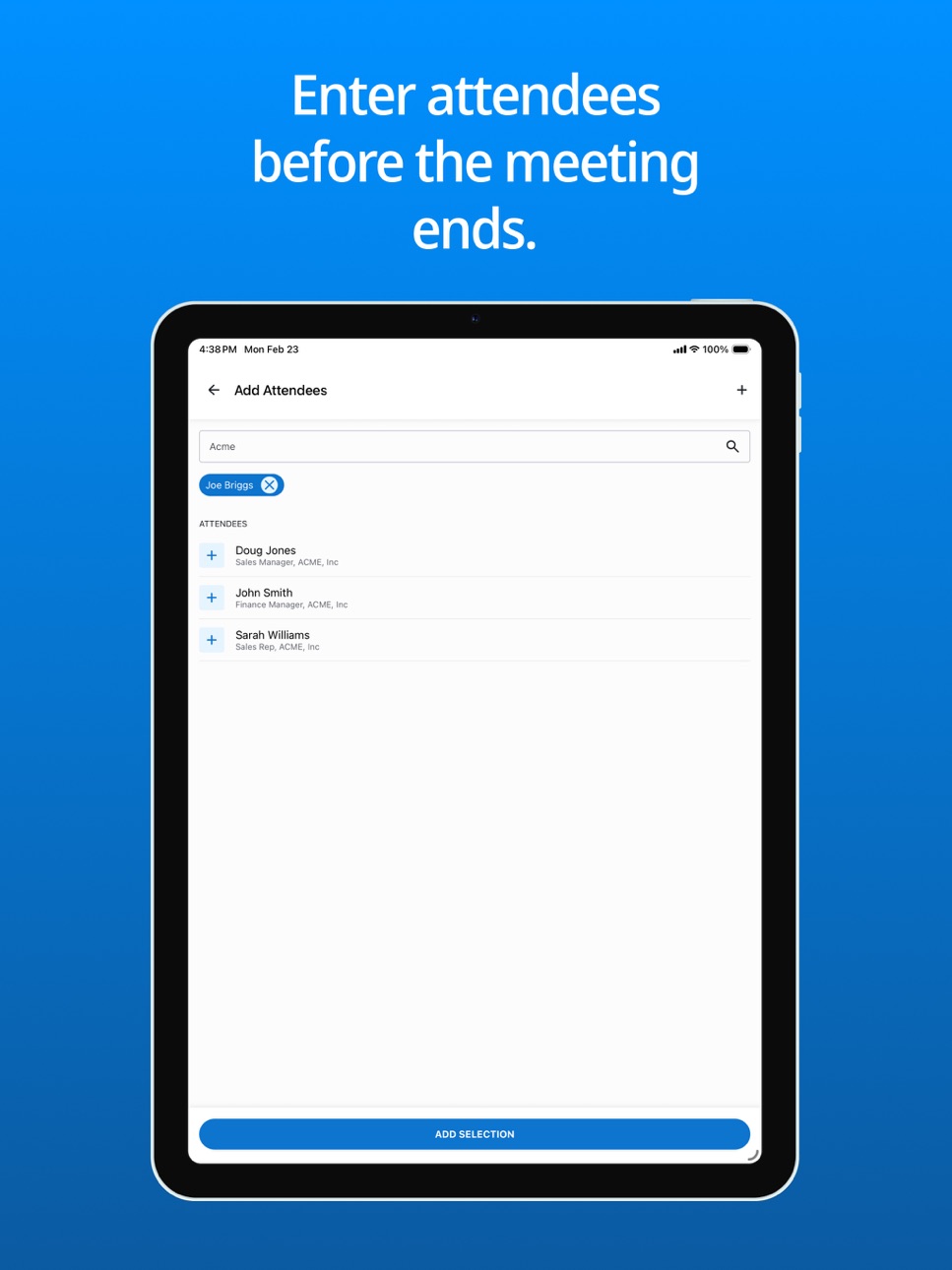
Experience effortless expense management with the Emburse Professional app (formerly Certify Mobile). Simply capture each receipt with your smartphone and Emburse will accurately extract receipt data, using AI to automatically fill out and categorize expense entries. Employees can then easily create, submit, and approve expense reports on-the-go from the app.
*Empower your employees to efficiently manage their expenses from anywhere
*Make paper receipts a thing of the past and simplify the expense experience for all
*Decrease manual data entry, improve data accuracy, and reduce errors
*Get a timely view of spend and gain insights into expense trends faster
ABOUT EMBURSE
Over 12 million professionals in 200 countries trust our platform, from global enterprises to mid-sized businesses and public sector organizations to nonprofits. With Emburse, finance teams eliminate busy work to regain the freedom to lead, grow, and shape the future of their business. Whether you're a CFO seeking financial control, a travel manager optimizing spend, or a busy employee submitting expenses on the go, Emburse simplifies expense management, travel booking, invoicing, and payments so organizations can drive efficiency and focus on strategic growth.
Accessibility
ipadiphonemacrealityDevicetvoswatch
Version history 25 versions
Build 888017018v2026.3.02026-07-09 14:53:56
Bug fixes and performance improvements
Build 887352468v2026.2.22026-06-24 13:34:08
Bug fixes and performance improvements
Build 885980815v2026.2.12026-05-22 13:44:15
Bug fixes and performance improvements
Build 885166050v2026.2.02026-05-04 20:13:44
Bug fixes and performance improvements
Build 884334704v2026.1.02026-04-10 15:01:47
Bug fixes and performance improvements
Build 884024649v2026.0.42026-04-02 14:12:24
The new version of Emburse Professional adds support for Emburse Assurance Proactive Alerts, which notify users of violations during the receipt capture process. The version also includes minor bug fixes and performance enhancements.
Build 883440379v2026.0.32026-03-17 17:31:03
Bug fixes and performance improvements
Build 882954307v2026.0.22026-03-16 21:01:42
The new version of the Emburse Professional mobile app brings a reimagined receipt capture and expense management experience, leveraging action oriented design to expedite the expense submission and approval process. Fully integrated with Emburse AI, this new version significantly decreases manual data entry, improves data accuracy, and reduces errors, ultimately reducing the time it takes to submit expenses so you can get back to focusing on what matters most.
Build 875419223v7152025-09-16 16:07:50
-Receipt auto-detection will detect the borders of the receipt in real time, and automatically snap the photo for you, saving you time and reducing the effort to capture each photo.
-Integrated auto-cropping will crop the receipt for you, removing unnecessary or unwanted imagery from the background.
-Automatic distortion correction and legibility enhancements will correct various distortions (perspective, curvature) from the receipt to straighten the document even if the photo was captured at an angle, greatly improving OCR accuracy.
Build 872478455v3.2.12025-02-26 14:52:39
-Minor performance improvements and bug fixes
Build 871244449v3.2.02025-01-17 14:00:25
- Cosmetic user interface updates to reflect the application name changing from Certify to Emburse Professional
- Minor bug fixes
Build 868212846v3.1.82024-10-03 13:38:47
- Performance enhancements and optimization
- Minor bug fixes
Build 857196459v3.1.62023-05-23 14:11:46
- Performance Improvements and Minor Bug Fixes
Build 855818231v3.1.52023-03-29 13:39:17
- Performance Improvements and Minor Bug Fixes
Build 851887622v3.1.42022-09-01 14:59:38
- Resolved an issue preventing users from filtering GSA Destinations
- Resolved an issue impacting saved passwords
- Minor performance enhancements
Build 850558360v3.1.32022-07-05 19:18:12
- Enhanced the submission experience for users submitting Custom Per Diem expenses
- Resolved an issue where receipt sync was stalling after report creation
- Resolved an issue which was preventing PDF receipts from being visible in the Receipts to Sync folder
- Resolved an issue where taxes were not auto-calculating
Build 848682743v3.1.22022-05-02 14:19:20
- Performance improvements and minor bug fixes
Build 847784553v3.1.12022-03-25 16:37:53
- Resolves an issue preventing some users from authenticating via Single Sign-On
- Resolves an issue preventing some users from sharing device diagnostic information
Build 847482998v3.1.02022-03-09 14:26:32
- Added Support for Mobile Invoice Entry
- Resolved an issue preventing users from viewing PDF's on the mobile app
- Resolved an issue preventing negative amounts from being entered
Build 845713356v3.0.52021-12-06 14:33:37
- Resolved an issue where manually entered tax amounts were not saving
- Resolved an issue where GSA Per Diem expenses were asking for unnecessary information
- Resolved an issue where the Billable status was not retaining the user's previous selection
- Fixed an issue where Autofill was preventing some receipts from saving properly
- Additional bug fixes and performance improvements
Build 844720289v3.0.42021-11-04 13:33:17
- Improved the user experience when adding or editing amounts
- Improved the navigation experience to a user's travel booking provider
- Added access point to Certify Help Center
- Fixed an issue with custom field default visibility and style
- Removed the currency drop down menu for users who do not use multiple currencies
- Fixed an issue impacting custom per diem functionality
- Fixed an issue preventing users from editing tax amounts
Build 844641938v3.0.32021-10-13 18:03:38
- Fixed an issue where some users were unable to add receipts
- Fixed an issue where some users' category list was blank
- Fixed an issue where SSO tokens were not saving
- Additional performance improvements and bug fixes
Build 844389752v3.0.22021-09-30 13:08:57
-Resolved an issue where some users would see a blank screen after taking a photo due to category configuration
Build 844177022v3.0.12021-09-20 20:30:16
-Fixed an issue where editing a receipt could result in a blank screen
-Fixed an issue where some receipt details failed to load
Build 844152500v3.0.02021-09-17 13:01:21
-Fixed an issue where some vendor values were not displaying in the Receipts to Sync folder
-Behind the scenes upgrades to improve performance and stability
-Additional bug fixes and performance improvements
No pricing data captured yet — comparisons appear once the app has paid storefronts or in-app purchases.
Availability 1 of 1 storefronts
| Region | Language | Price | Ratings | Avg | Version |
|---|---|---|---|---|---|
| US | en-US | Free | 12.6k | 4.6 | 2026.3.0 |
Change log 29 changes · US
✎
releaseNotes updated
Bug fixes and performance improvements
✎
description updated
Experience effortless expense management with the Emburse Professional app (formerly Certify Mobile). Simply capture each receipt with your smartphone and Embur
✎
subtitle updated
Expense management made easy
✎
name updated
Emburse Professional
◆
Version 2026.3.0 released
Bug fixes and performance improvements
◆
Version 2026.2.2 released
Bug fixes and performance improvements
◆
Version 2026.2.1 released
Bug fixes and performance improvements
◆
Version 2026.2.0 released
Bug fixes and performance improvements
◆
Version 2026.1.0 released
Bug fixes and performance improvements
◆
Version 2026.0.4 released
The new version of Emburse Professional adds support for Emburse Assurance Proactive Alerts, which notify users of violations during the receipt capture process. The version also includes minor bug fixes and performance enhancements.
◆
Version 2026.0.3 released
Bug fixes and performance improvements
◆
Version 2026.0.2 released
The new version of the Emburse Professional mobile app brings a reimagined receipt capture and expense management experience, leveraging action oriented design to expedite the expense submission and approval process. Fully integrated with E
◆
Version 715 released
-Receipt auto-detection will detect the borders of the receipt in real time, and automatically snap the photo for you, saving you time and reducing the effort to capture each photo.
-Integrated auto-cropping will crop the receipt for you,
◆
Version 3.2.1 released
-Minor performance improvements and bug fixes
◆
Version 3.2.0 released
- Cosmetic user interface updates to reflect the application name changing from Certify to Emburse Professional
- Minor bug fixes
◆
Version 3.1.8 released
- Performance enhancements and optimization
- Minor bug fixes
◆
Version 3.1.6 released
- Performance Improvements and Minor Bug Fixes
◆
Version 3.1.5 released
- Performance Improvements and Minor Bug Fixes
◆
Version 3.1.4 released
- Resolved an issue preventing users from filtering GSA Destinations
- Resolved an issue impacting saved passwords
- Minor performance enhancements
◆
Version 3.1.3 released
- Enhanced the submission experience for users submitting Custom Per Diem expenses
- Resolved an issue where receipt sync was stalling after report creation
- Resolved an issue which was preventing PDF receipts from being visible in the R
◆
Version 3.1.2 released
- Performance improvements and minor bug fixes
◆
Version 3.1.1 released
- Resolves an issue preventing some users from authenticating via Single Sign-On
- Resolves an issue preventing some users from sharing device diagnostic information
◆
Version 3.1.0 released
- Added Support for Mobile Invoice Entry
- Resolved an issue preventing users from viewing PDF's on the mobile app
- Resolved an issue preventing negative amounts from being entered
◆
Version 3.0.5 released
- Resolved an issue where manually entered tax amounts were not saving
- Resolved an issue where GSA Per Diem expenses were asking for unnecessary information
- Resolved an issue where the Billable status was not retaining the user's prev
◆
Version 3.0.4 released
- Improved the user experience when adding or editing amounts
- Improved the navigation experience to a user's travel booking provider
- Added access point to Certify Help Center
- Fixed an issue with custom field default visibility and
◆
Version 3.0.3 released
- Fixed an issue where some users were unable to add receipts
- Fixed an issue where some users' category list was blank
- Fixed an issue where SSO tokens were not saving
- Additional performance improvements and bug fixes
◆
Version 3.0.2 released
-Resolved an issue where some users would see a blank screen after taking a photo due to category configuration
◆
Version 3.0.1 released
-Fixed an issue where editing a receipt could result in a blank screen
-Fixed an issue where some receipt details failed to load
◆
Version 3.0.0 released
-Fixed an issue where some vendor values were not displaying in the Receipts to Sync folder
-Behind the scenes upgrades to improve performance and stability
-Additional bug fixes and performance improvements