Home › Productivity

 US
US
1 of 1 storefronts
Content in en-US
Content in en-US
Information
Preview 2 platforms
iPhone 6 images


iPad 6 images



What’s New Version 3.0.1
- NEW: You can now refresh your Workspaces list.
- FIXED: Downloaders can now download files in all scenarios.
- FIXED: Administrators can no longer be invited to folders/files.
- FIXED: Disable action no longer available for disabled secure links.
- FIXED: Several crashes and user experience improvements.
Description
A better way to securely store and share your business files in the cloud.
- View and access your secure Workspaces
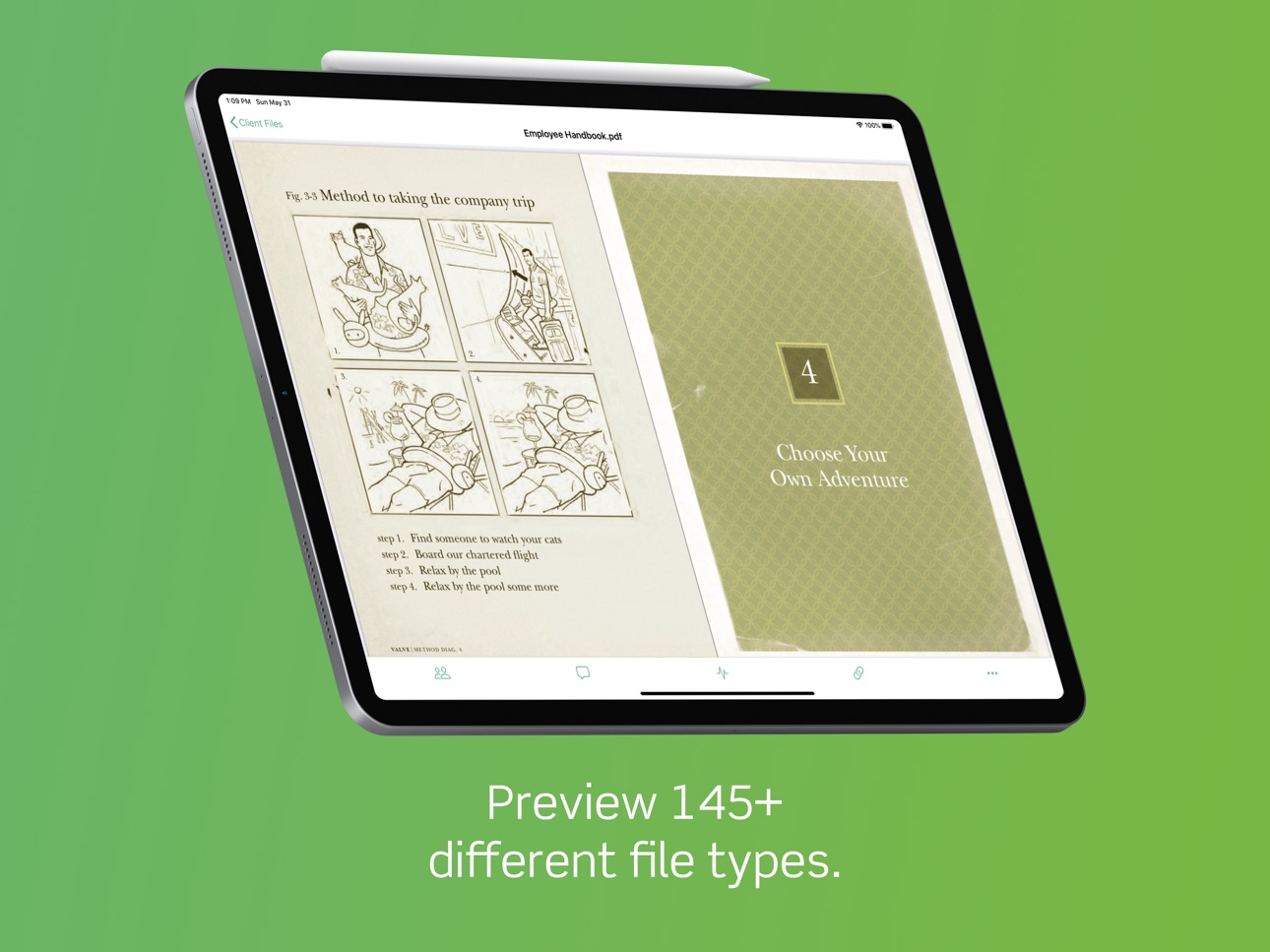
- Preview files directly on your iPhone or iPad
- Upload files to Onehub from your device and other installed apps
- Open your files in other installed apps
- Invite new users to your Workspaces, folders, and files
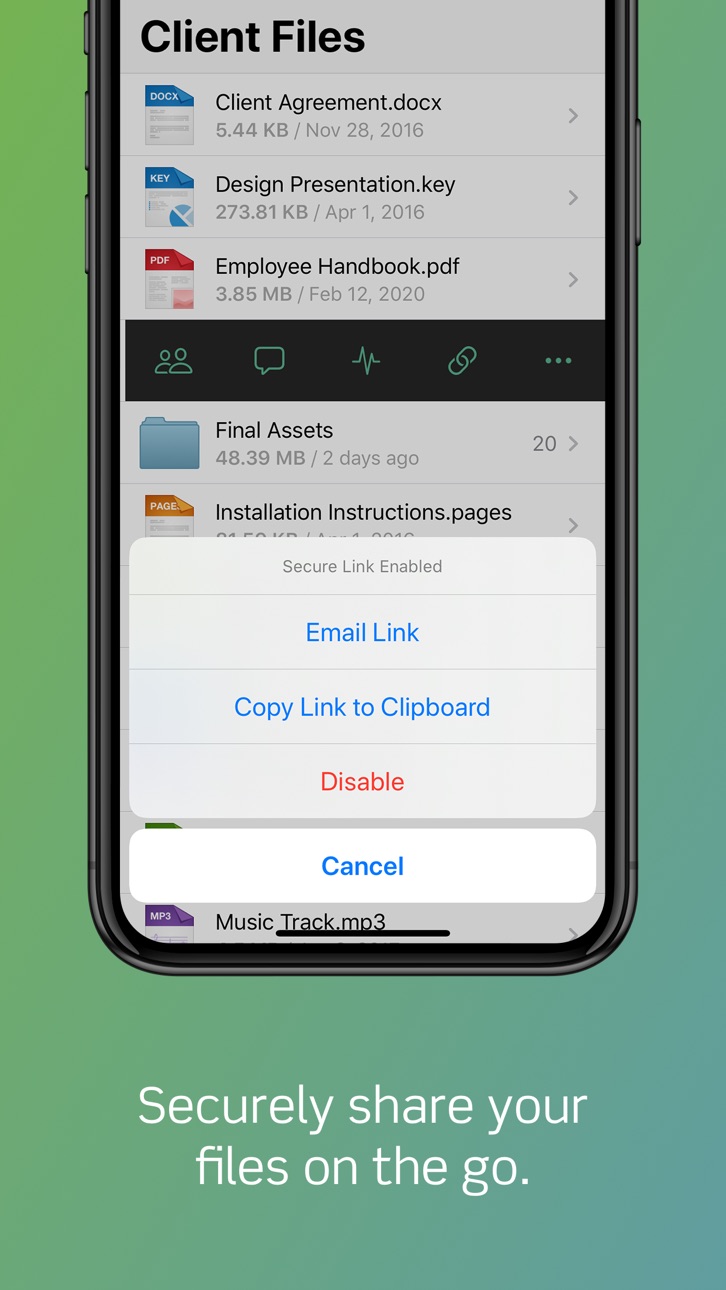
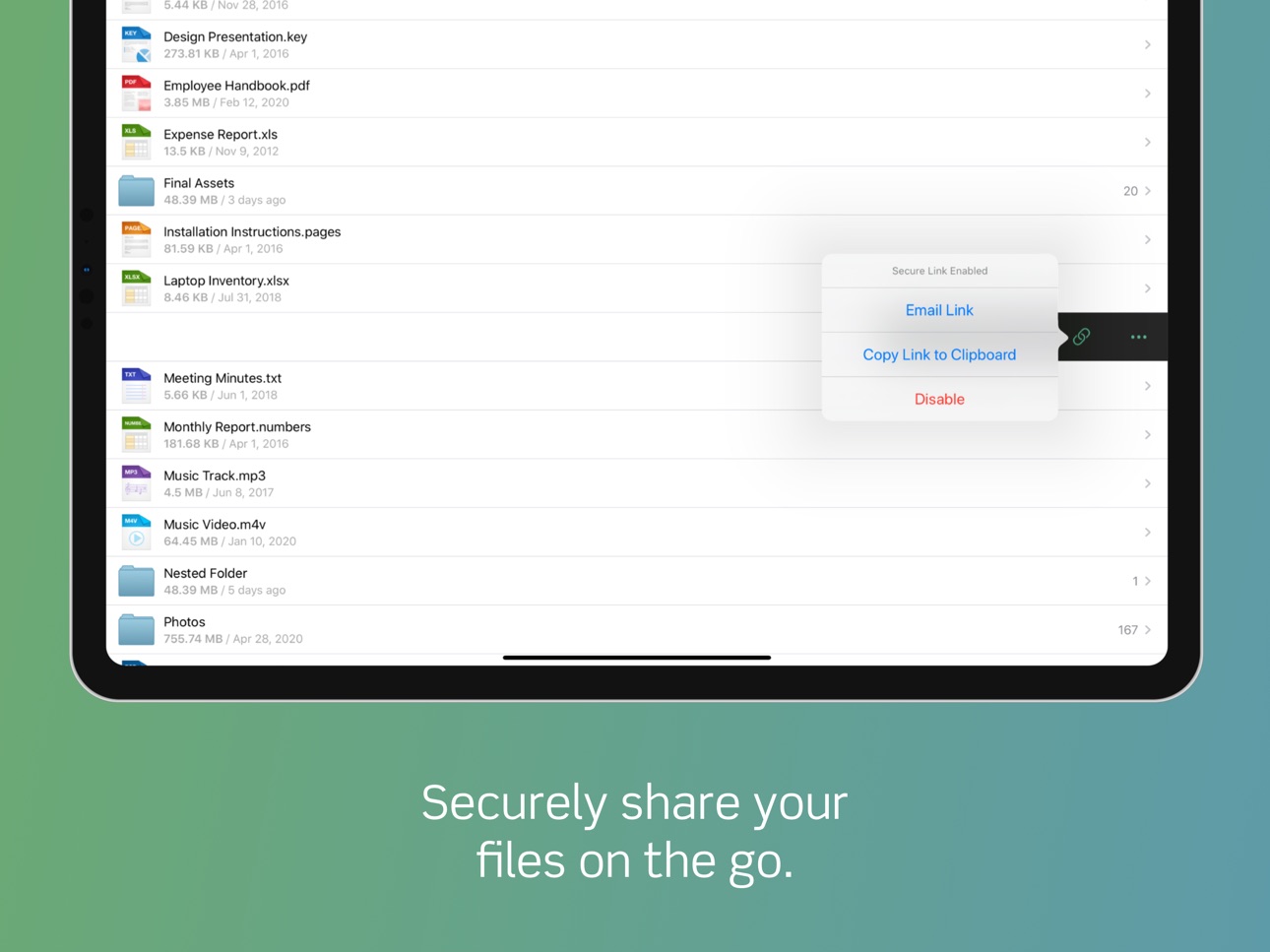
- Send secure links to your folders and files
- Audit user activity
- Email and wirelessly print files
Accessibility
ipadiphonemacrealityDevicetvoswatch
Version history 25 versions
Build 836671382v3.0.12020-07-02 16:50:20
- NEW: You can now refresh your Workspaces list.
- FIXED: Downloaders can now download files in all scenarios.
- FIXED: Administrators can no longer be invited to folders/files.
- FIXED: Disable action no longer available for disabled secure links.
- FIXED: Several crashes and user experience improvements.
Build 836027386v3.02020-06-08 19:35:23
A brand new Onehub for iOS! Rebuilt from the ground up to support all of the newest iOS features and devices. New features include:
- Face ID & Touch ID
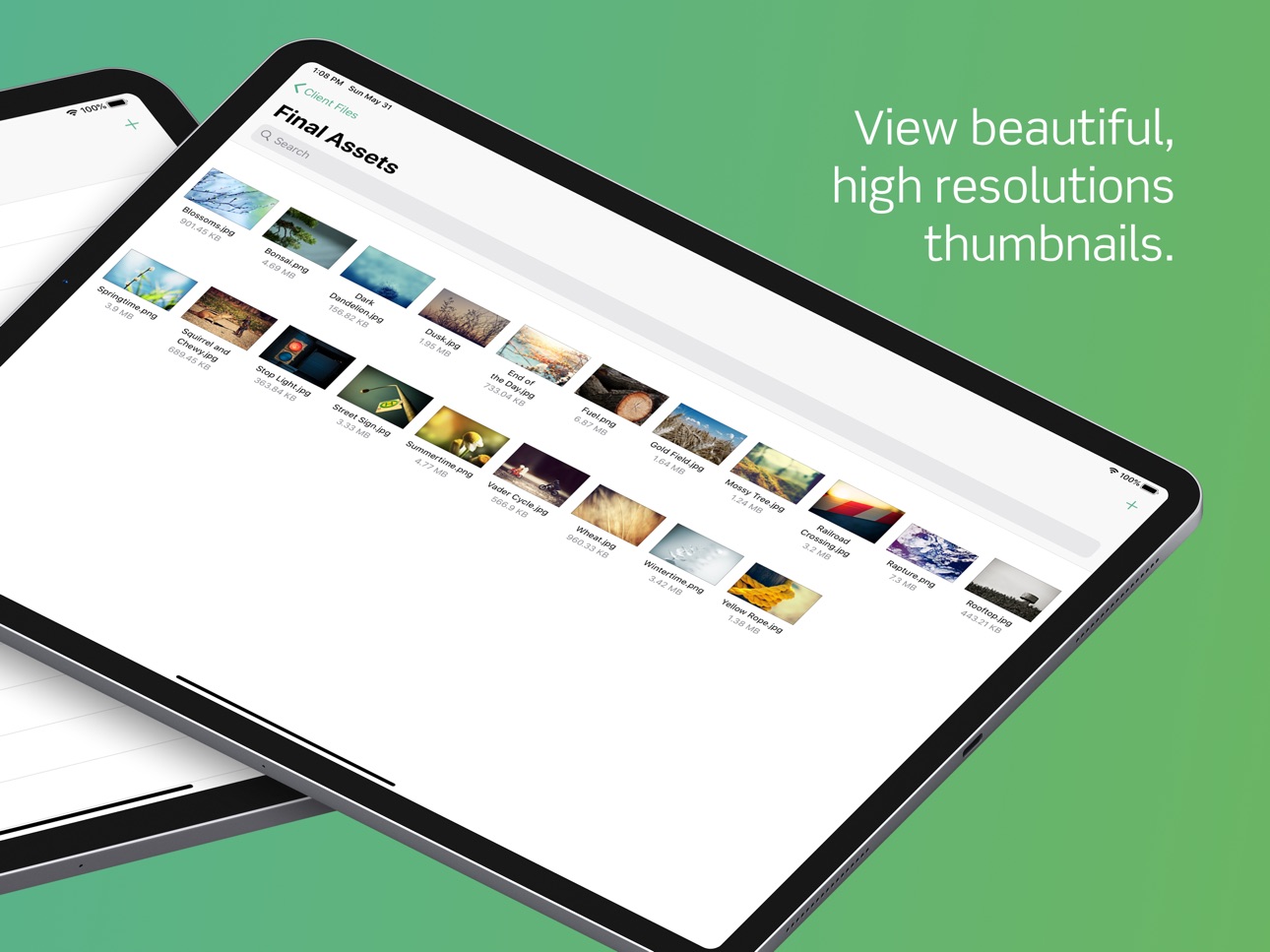
- High Resolution Thumbnails
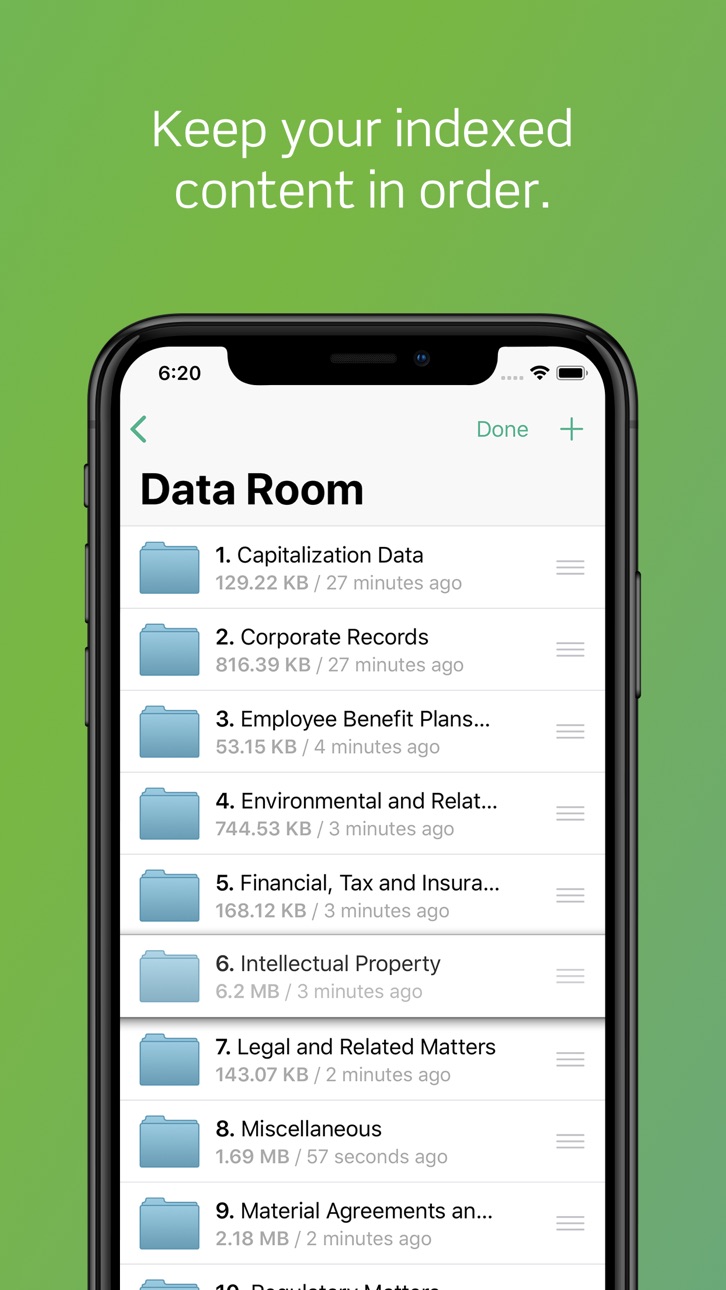
- Data Room Indexing
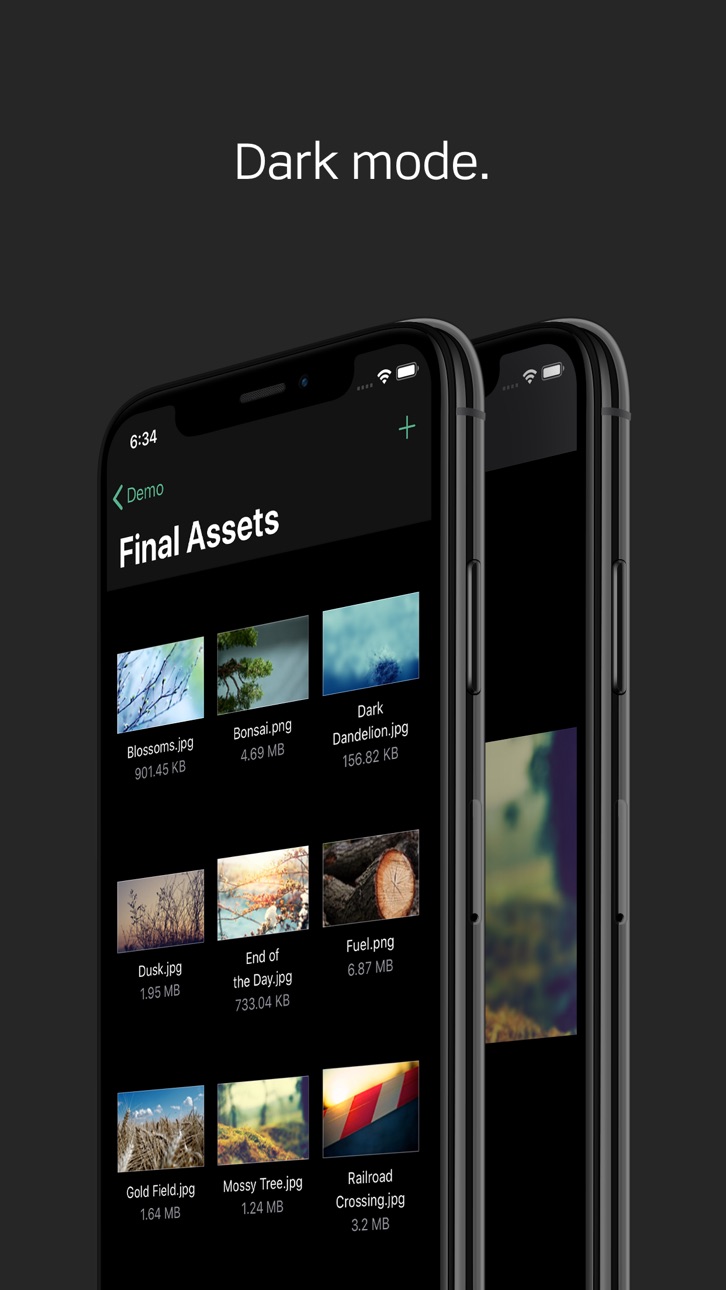
- Dark Mode
Build 826051037v2.9.32018-02-20 18:48:42
- Photos/videos captured on iOS 11 in Apple's new High Efficiency Image Format can now be uploaded and previewed.
Build 824409620v2.9.22017-11-15 02:58:47
- Onehub now works with the native Files.app! Browse your Onehub files within the Files.app and upload files directly to Onehub from other installed apps.
- Fixed a bug where watermarked files were unavailable.
- Fixed a handful of iOS 11 issues.
Build 823836291v2.92017-09-29 00:14:44
- Now iOS 11 friendly — thanks for your patience!
- You can add files to Onehub again via the "Copy To" feature in iOS.
Build 821088852v2.8.122017-02-26 20:19:40
- Fixed a bug where file actions like "Open in..." where not available on iPhone.
- Addressed several new crash reports.
Build 820532233v2.8.112017-01-13 18:20:35
Another round of iOS 10 fixes and a bit of polish.
- Fixed a bug where watermarked documents were not viewable.
- Fixed a bug where secure links were being generated with the incorrect domain.
- Pull-to-refresh actually refreshes again.
- Deleting a folder or file now navigates back to it's container.
- Renamed folders or files are now reflected without having to refresh.
- Improved the performance of some animations.
Build 820203179v2.8.102016-12-19 00:32:54
Fixed some pesky iOS 10 issues. Apologies for the delay!
- You can now use the file preview toolbar again.
- You can now upload files that are stored in iCloud.
- You can now accept Workspace agreements again.
- Pressing the Menu button on iPads, no longer crashes the app.
Build 819171517v2.8.92016-10-05 15:35:31
- Fixed a bug where new folders and files were not available for preview.
- Fixed a bug that was breaking pagination in certain scenarios, making longer lists of items inaccessible.
- Fixed a bug where action icons were incorrectly hidden from Downloaders, preventing Workspace views and sort orders from being changed.
- Fixed a bug where the app would crash during file uploads on iOS 10.
- Fixed a bug where the app would crash after signing in on iOS 10.
Build 818356931v2.8.82016-08-03 00:56:46
- Users invited to a folder or file within a Workspace that has an agreement set, will now be forced to accept the agreement.
- "Open in...", "Print", and "Email" actions were accidentally removed from the file menu on iPad — they're back.
- Fixed a bug where thumbnail views were zoomed in on iPad.
- Fixed a bug where you could not disable thumbnail view on iPad.
- Fixed a bug where the role names in the role picker were invisible on iPad.
- Resolved a handful of crashes. Thanks for the reports!
Build 818045028v2.8.72016-07-08 16:41:40
- A ton of polish applied to the look and feel of the app.
- New high resolution icons throughout the app.
- Integrated the Workspace, folder, and files list to match the web service.
- Redesigned the file upload experience.
- Improved the performance of swiping over a folder/file.
- You can no longer change the file extension of a file and break it.
- Fixed a memory issue that could cause the app to crash over time.
- Fixed a bug where the player bar could cover up the Onehub actions on video previews.
- Fixed a bug where you could not create folders on certain iPhone models.
Build 817608140v2.8.62016-06-01 19:38:01
- You can now modify the role of an account user within a Workspace, folder, or file.
- Fixed a bug where certain role levels could not be promoted or demoted.
- Improved the performance of long lists of files and folders.
- If you forget your passcode, you can now delete the app to reset.
- Improved the experience of file previews on iPads when changing orientation.
- Fixed a bug where you could still press the Activity icon even if your plan did not support file-level Activity.
- Fixed a bug where upload progress was not displayed on iPads.
- Fixed a bug where fullscreen was not available on iPads.
- Fixed a bug where the top of document previews were hidden under the navigation bar on iPads.
Build 817162071v2.8.52016-04-27 22:39:30
- File previews are now faster, better looking, and easier to use.
- File actions are now available while a file preview is downloading.
- App no longer crashes when navigating backwards through a folder structure from a file preview.
- Fixed several layout issues that were visually stretching parts of the app for iPad users.
- Fixed a bug preventing comments from being deleted sometimes.
- Another handful of design updates and smaller bug fixes.
Build 258892631v2.8.42016-04-08 20:45:57
- Fixed a ton of bugs.
Build 86522737v2.7.82013-11-04 16:38:50
- Improved caching of thumbnails
- Additional iOS 7 UI improvements
- Various minor bug fixes
Build 64452640v2.7.12013-10-02 05:47:27
- Updated interface and compatibility for iOS 7.
- You can now search across all of your workspaces, files and folders. The new search option can be found from your workspaces listing.
- Various performance improvements and bug fixes.
Build 15945042v2.5.62013-07-30 16:14:33
New in 2.5.6:
In this update we made a few interface tweaks:
- The upload/create folder button is now at the top where the workspace users button was previously.
- There is a new button at the bottom of the files list that lets you access file list view and sorting options, workspace users, and workspace activity (on iPhone now as well).
-----------------------------------
Previous changes in 2.4.5:
- Onehub is now selectable from the iOS "Open in..." button allowing you to upload files from other apps. This allows you to send a file from Onehub to another app, make changes, then send it back and upload the new version to your workspace.
- Folders and files that you have been invited to can now also be accessed. They appear under your workspaces in the list.
Build 15682609v2.4.52013-06-27 01:14:08
We've got some great new features in this update:
- Onehub is now selectable from the iOS "Open in..." button allowing you to upload files from other apps. This allows you to send a file from Onehub to another app, make changes, then send it back and upload the new version to your workspace.
- Folders and files that you have been invited to can now also be accessed. They appear under your workspaces in the list.
Build 15223150v2.3.122013-04-29 00:58:44
Fixes a bug that caused some users to see a message that the email address they are inviting is not properly formatted.
Build 12912571v2.32012-12-17 17:55:34
Bug fixes and UI improvements
Support for Workspace Agreements
Build 11454849v2.22012-10-15 20:24:07
iOS 6 Support
Build 10770440v2.12012-09-27 01:36:58
Bug fixes
Build 10380660v2.02012-09-10 23:21:15
Version 2.0 now includes iPad optimized views. You can now read, manage and share all your business content directly from your iPad.
Build 7223514v1.32012-03-31 17:45:53
Onehub 1.3 provides a thumbnail view and settings for the application.
New in this release:
- New thumbnail view to see visual representation of files
- Ability to change between List and Thumbnail views and change the sort order
- Settings to manage your local storage
- New passcode feature to ensure your Onehub files are always safe
- Added support for the Collaborator role
Build 6150174v1.22012-02-07 03:41:24
Onehub 1.2 now lets you upload, share and edit content from your phone.
New in this release:
- Share and manage users for Workspaces, folders and files
- Upload photos and videos to Onehub
- Create, edit and delete files and folders
No pricing data captured yet — comparisons appear once the app has paid storefronts or in-app purchases.
Availability 1 of 1 storefronts
| Region | Language | Price | Ratings | Avg | Version |
|---|---|---|---|---|---|
| US | en-US | Free | 9 | 3.0 | 3.0.1 |
Change log 29 changes · US
✎
releaseNotes updated
- NEW: You can now refresh your Workspaces list.
- FIXED: Downloaders can now download files in all scenarios.
- FIXED: Administrators can no longer be invited
✎
description updated
A better way to securely store and share your business files in the cloud.
- View and access your secure Workspaces
- Preview files directly on your iPhone or
✎
subtitle updated
Be unbelievably productive.
✎
name updated
Onehub
◆
Version 3.0.1 released
- NEW: You can now refresh your Workspaces list.
- FIXED: Downloaders can now download files in all scenarios.
- FIXED: Administrators can no longer be invited to folders/files.
- FIXED: Disable action no longer available for disabled secur
◆
Version 3.0 released
A brand new Onehub for iOS! Rebuilt from the ground up to support all of the newest iOS features and devices. New features include:
- Face ID & Touch ID
- High Resolution Thumbnails
- Data Room Indexing
- Dark Mode
◆
Version 2.9.3 released
- Photos/videos captured on iOS 11 in Apple's new High Efficiency Image Format can now be uploaded and previewed.
◆
Version 2.9.2 released
- Onehub now works with the native Files.app! Browse your Onehub files within the Files.app and upload files directly to Onehub from other installed apps.
- Fixed a bug where watermarked files were unavailable.
- Fixed a handful of iOS 11 i
◆
Version 2.9 released
- Now iOS 11 friendly — thanks for your patience!
- You can add files to Onehub again via the "Copy To" feature in iOS.
◆
Version 2.8.12 released
- Fixed a bug where file actions like "Open in..." where not available on iPhone.
- Addressed several new crash reports.
◆
Version 2.8.11 released
Another round of iOS 10 fixes and a bit of polish.
- Fixed a bug where watermarked documents were not viewable.
- Fixed a bug where secure links were being generated with the incorrect domain.
- Pull-to-refresh actually refreshes again.
-
◆
Version 2.8.10 released
Fixed some pesky iOS 10 issues. Apologies for the delay!
- You can now use the file preview toolbar again.
- You can now upload files that are stored in iCloud.
- You can now accept Workspace agreements again.
- Pressing the Menu button on
◆
Version 2.8.9 released
- Fixed a bug where new folders and files were not available for preview.
- Fixed a bug that was breaking pagination in certain scenarios, making longer lists of items inaccessible.
- Fixed a bug where action icons were incorrectly hidden f
◆
Version 2.8.8 released
- Users invited to a folder or file within a Workspace that has an agreement set, will now be forced to accept the agreement.
- "Open in...", "Print", and "Email" actions were accidentally removed from the file menu on iPad — they're back.
◆
Version 2.8.7 released
- A ton of polish applied to the look and feel of the app.
- New high resolution icons throughout the app.
- Integrated the Workspace, folder, and files list to match the web service.
- Redesigned the file upload experience.
- Improved the
◆
Version 2.8.6 released
- You can now modify the role of an account user within a Workspace, folder, or file.
- Fixed a bug where certain role levels could not be promoted or demoted.
- Improved the performance of long lists of files and folders.
- If you forget y
◆
Version 2.8.5 released
- File previews are now faster, better looking, and easier to use.
- File actions are now available while a file preview is downloading.
- App no longer crashes when navigating backwards through a folder structure from a file preview.
- Fix
◆
Version 2.8.4 released
- Fixed a ton of bugs.
◆
Version 2.7.8 released
- Improved caching of thumbnails
- Additional iOS 7 UI improvements
- Various minor bug fixes
◆
Version 2.7.1 released
- Updated interface and compatibility for iOS 7.
- You can now search across all of your workspaces, files and folders. The new search option can be found from your workspaces listing.
- Various performance improvements and bug fixes.
◆
Version 2.5.6 released
New in 2.5.6:
In this update we made a few interface tweaks:
- The upload/create folder button is now at the top where the workspace users button was previously.
- There is a new button at the bottom of the files list that lets you acces
◆
Version 2.4.5 released
We've got some great new features in this update:
- Onehub is now selectable from the iOS "Open in..." button allowing you to upload files from other apps. This allows you to send a file from Onehub to another app, make changes, then sen
◆
Version 2.3.12 released
Fixes a bug that caused some users to see a message that the email address they are inviting is not properly formatted.
◆
Version 2.3 released
Bug fixes and UI improvements
Support for Workspace Agreements
◆
Version 2.2 released
iOS 6 Support
◆
Version 2.1 released
Bug fixes
◆
Version 2.0 released
Version 2.0 now includes iPad optimized views. You can now read, manage and share all your business content directly from your iPad.
◆
Version 1.3 released
Onehub 1.3 provides a thumbnail view and settings for the application.
New in this release:
- New thumbnail view to see visual representation of files
- Ability to change between List and Thumbnail views and change the sort order
- Se
◆
Version 1.2 released
Onehub 1.2 now lets you upload, share and edit content from your phone.
New in this release:
- Share and manage users for Workspaces, folders and files
- Upload photos and videos to Onehub
- Create, edit and delete files and folders