Home › Music

 US
US
1 of 1 storefronts
Content in en-US
Content in en-US
Information
Apple ID457176694
Bundle IDnet.swoon.Radio-Buddy
SellerSeller
Min iOS17.6
Device familiesmac, tvos, iphone, ipad
Released2011-08-26
Copyright© 2011-2026 Mark Miller
Privacy policyLink ↗
Preview 4 platforms
iPhone 9 images






iPad 9 images




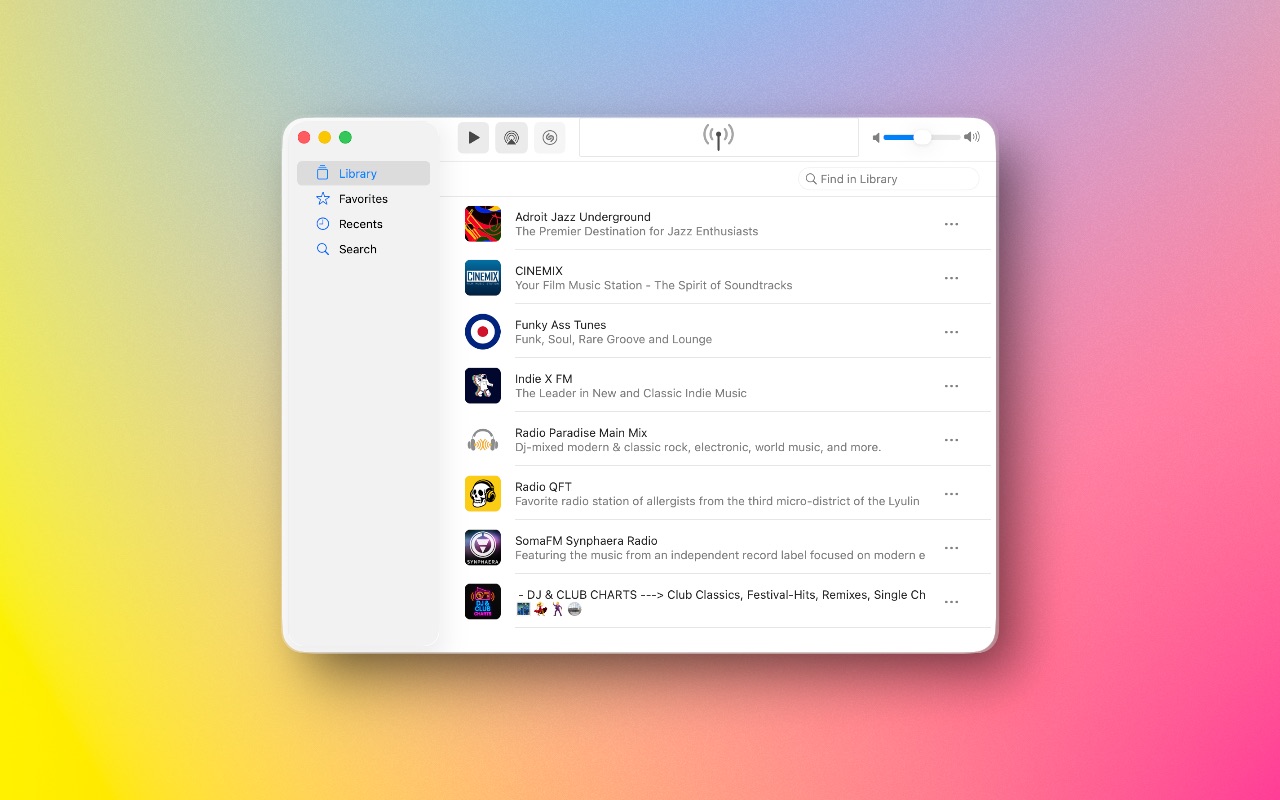
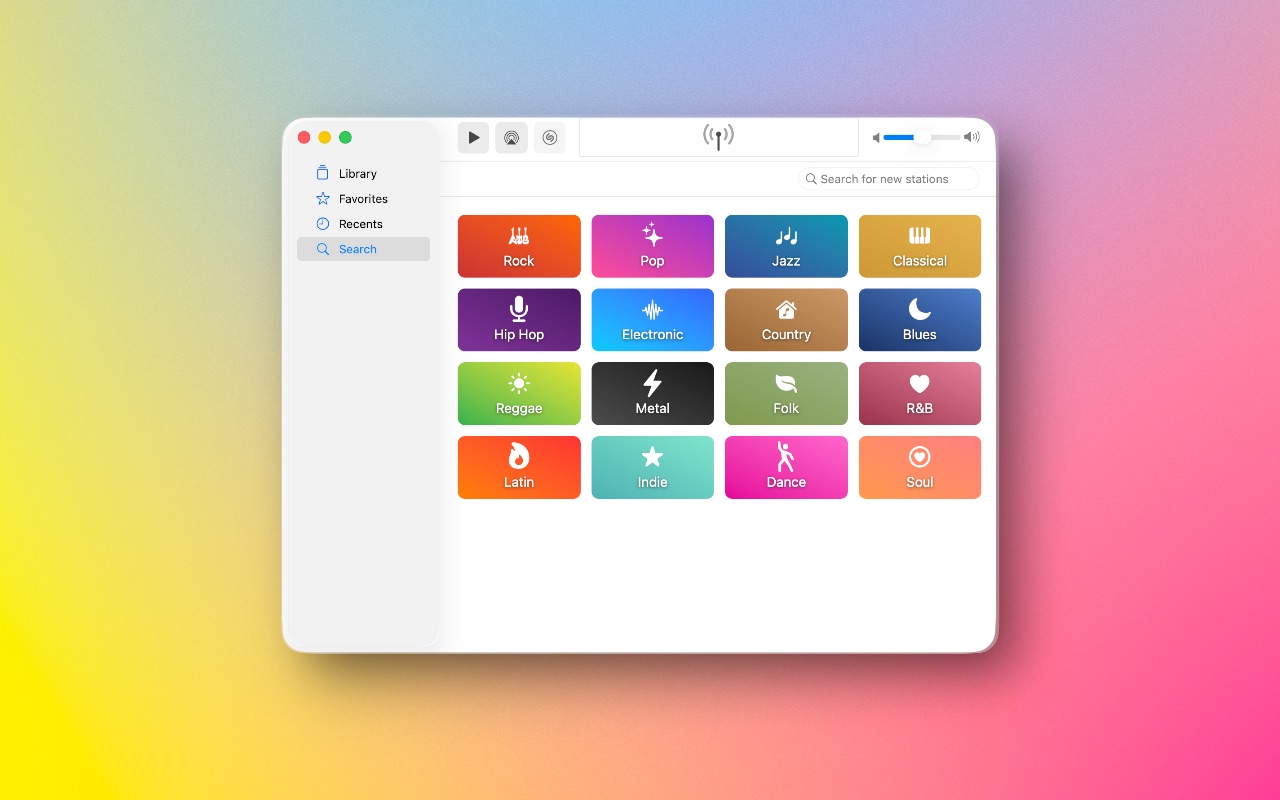
Mac 8 images





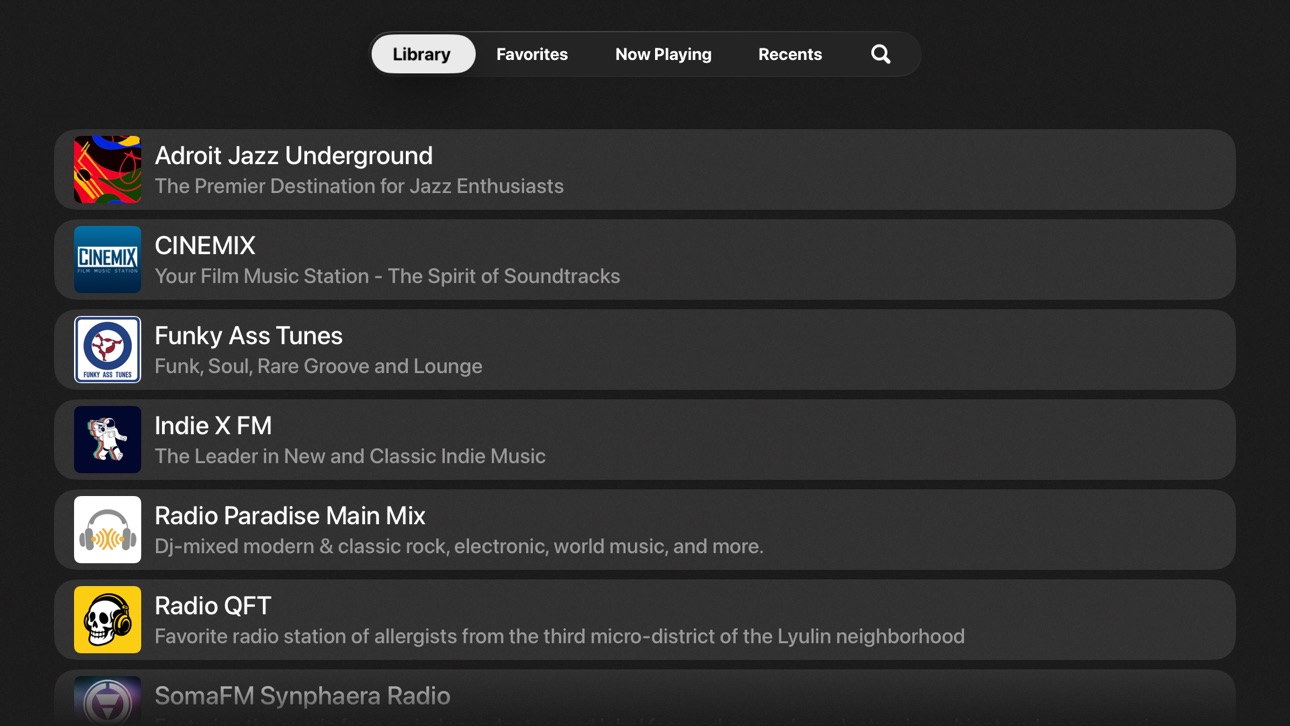
Apple TV 7 images


What’s New Version 4.3.3
Minor enhancements and performance improvements.
Description
Radio Buddy has arrived and wants to be your new music friend.
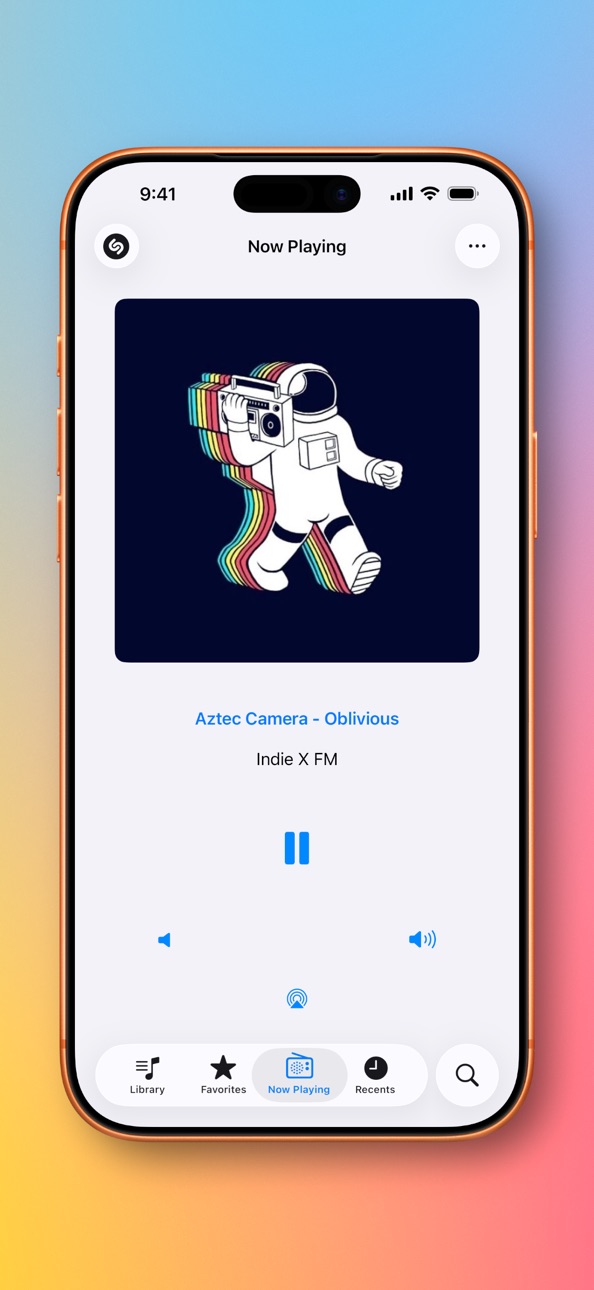
Discover a world of music at your fingertips. Radio Buddy lets you stream radio stations from across the globe, starting with a hand-picked list of curated favorites.
Save the stations you love, favorite them for quick access, or remove any that don’t match your vibe — or add new stations anytime using the search feature.
Sit back, explore, and enjoy the sounds of the world with Radio Buddy!
Radio Buddy: your new music friend.
=-=-=-=-=-=-=-=-=-=-=-=-=-=-=-=-=-=-=-=
Radio Buddy is completely free to use and includes all features with no restrictions. If you enjoy this app, consider leaving a tip! Your support help keeps development going.
In-App Purchases US pricing
One-Time Purchases
Small Tip$0.99
Medium Tip$2.99
Large Tip$4.99
Extra-Large Tip$9.99
Capabilities
In-App Purchases
Accessibility
ipadiphonemacrealityDevicetvoswatch
Version history 25 versions
Build 887201748v4.3.32026-07-05 07:10:32
Minor enhancements and performance improvements.
Build 886365309v4.3.22026-06-04 15:29:46
Minor enhancements and performance improvements.
Build 885763829v4.3.12026-05-19 15:08:48
Version 4.3
Identify Songs with Shazam
Radio Buddy can now identify the song playing on a station using Shazam. When a station updates its “Now Playing” metadata, Radio Buddy briefly captures audio from the stream and sends it to Shazam to find the match -- so you can quickly discover what you're hearing.
Matched songs are saved to the Recent Songs view, where you can browse a history of tracks that Radio Buddy has identified while you listen.
A few caveats: not all stations provide metadata updates, so identification may not trigger on those streams. And if a station’s metadata is delayed or out of sync with the audio, the detected song might not always match perfectly. When that happens, you can always tap the Shazam button to manually capture audio and try identifying the current song.
Still, when everything lines up, it’s a great way to uncover new music.
=-=-=-=-=-=-=-=-=-=-=-=-=-=-=-=-=-=-=-=
Version 4.3.1
• Improvements to Larger Text
• Added new radiobuddy:// URL scheme requests by looking up or creating a station and beginning playback
Supported URL formats:
radiobuddy://play?url=stream-url
radiobuddy://play?name=station-name
Build 883143703v4.32026-04-29 20:05:52
Identify Songs with Shazam
Radio Buddy can now identify the song playing on a station using Shazam. When a station updates its “Now Playing” metadata, Radio Buddy briefly captures audio from the stream and sends it to Shazam to find the match -- so you can quickly discover what you're hearing.
Matched songs are saved to the Recent Songs view, where you can browse a history of tracks that Radio Buddy has identified while you listen.
A few caveats: not all stations provide metadata updates, so identification may not trigger on those streams. And if a station’s metadata is delayed or out of sync with the audio, the detected song might not always match perfectly. When that happens, you can always tap the Shazam button to manually capture audio and try identifying the current song.
Still, when everything lines up, it’s a great way to uncover new music.
Build 881513811v4.22026-01-27 17:47:51
• Improvements to displaying of stream titles
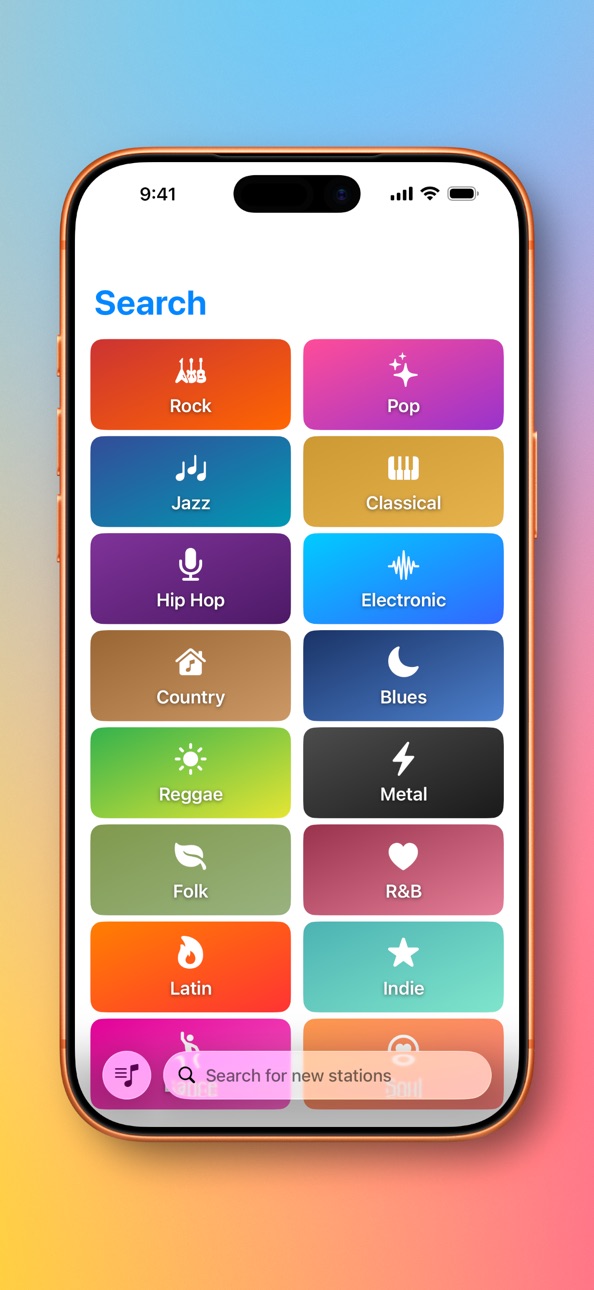
• Added genre category buttons to the Search tab
Build 877460647v4.12025-12-03 00:00:05
• Improvements to CarPlay
• Improvements to displaying of stream titles
• Improvements to editing of Favorites
• Improvements to swipe gesture actions
• Improvements to iCloud sync
• Improvements to iOS 26 / iPadOS 26 user interface
• Added a Tip Jar feature
Build 877426196v4.0.32025-08-21 07:00:04
• Added a new UI for creating a new station
• Added a new right swipe gesture on station rows with actions (Favorite & Share)
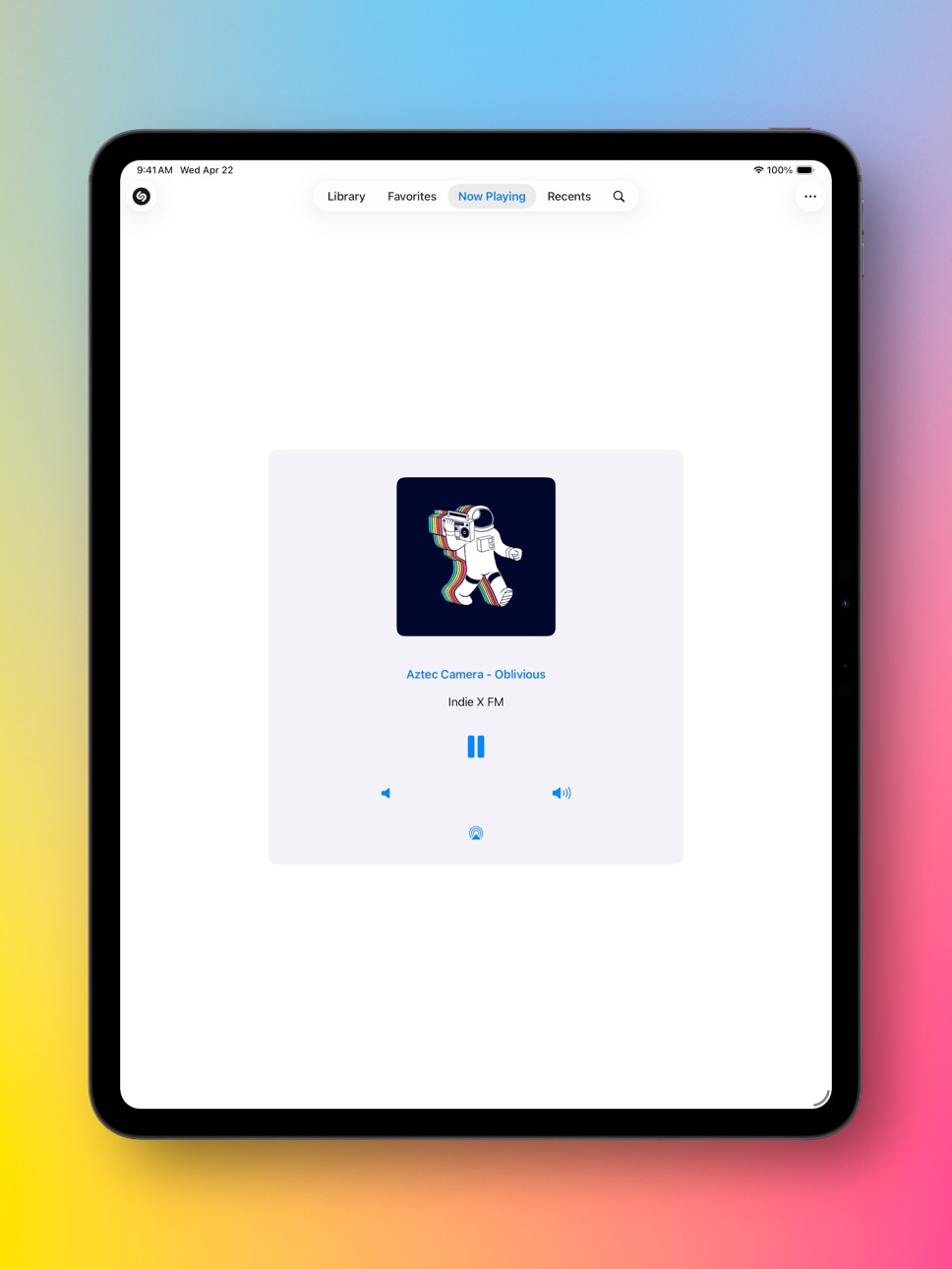
• Updated buttons on the Now Playing view
Build 877166862v4.0.22025-08-12 16:50:53
• Improvements to accessibility and Voice Over
Build 877123980v4.0.12025-08-10 17:20:16
• Improvements to the onboarding experience
• Improvements to iCloud sync
• Improvements to Voice Over
Build 866216291v4.02025-08-07 17:33:14
• Radio Buddy now has a brand new macOS app in the Mac App Store!
• Added a new search to discover thousands of free internet radio streams from around the world
• Share stations with friends
• Improvements to CarPlay
• Improvements to iCloud sync
Build 834174737v3.62020-01-03 20:40:49
• Improved iCloud sync
• Improved caching of radio station data
• Improvements to Dark Mode for iOS 13 users
• Minor enhancements and performance improvements
Also new in version 3:
• Added support for adding other streaming radio stations using the "My Stations" custom genre
• Added support for CarPlay
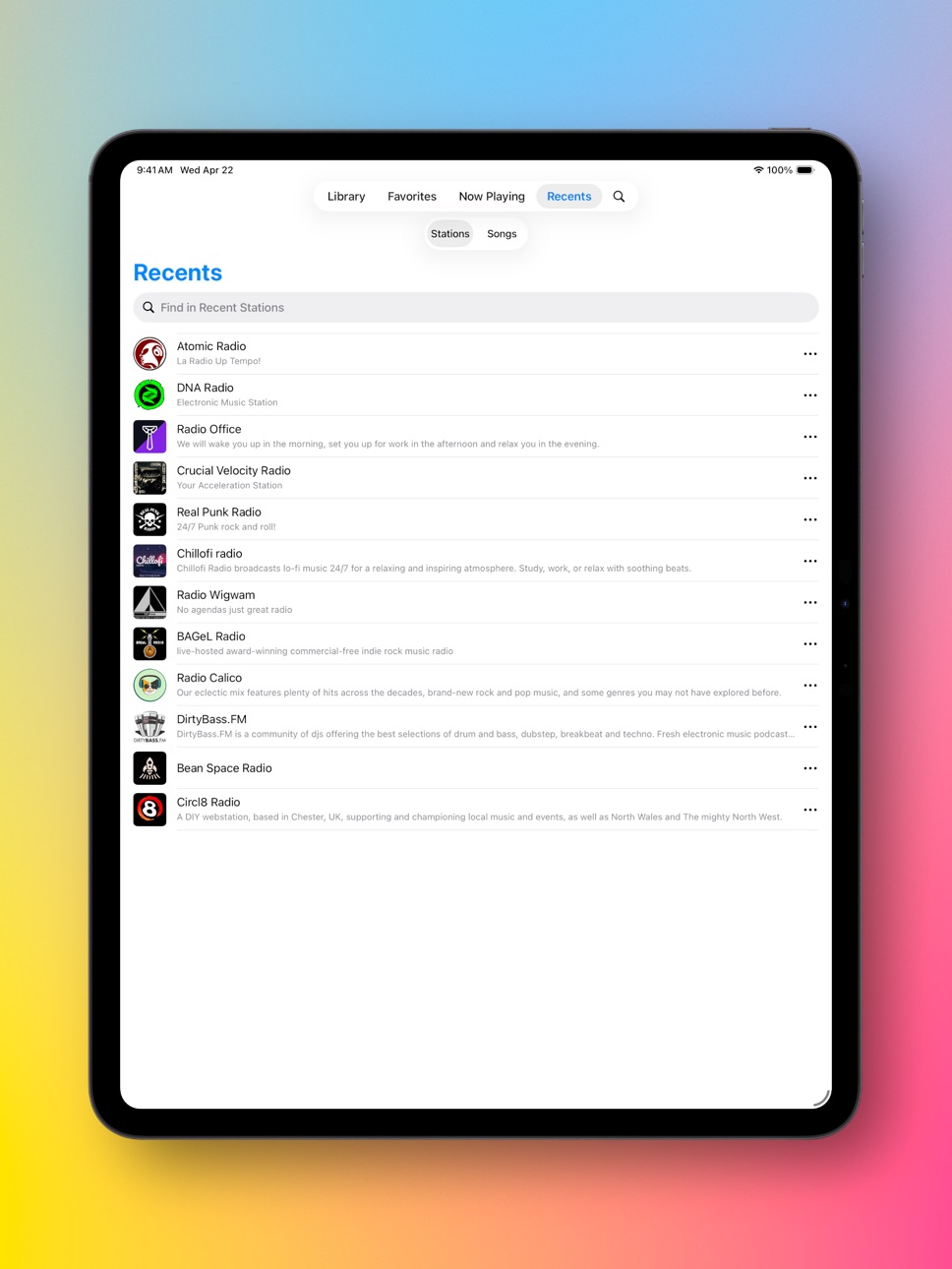
• Added iCloud syncing of your favorite and recent radio stations
• Added AirPlay 2 multi-room audio and support for HomePod stereo pairs
Build 833734213v3.52019-11-26 21:49:44
• Improvements to Dark Mode for iOS 13 users
• Minor enhancements and performance improvements
Also new in version 3:
• Added support for adding other streaming radio stations using the "My Stations" custom genre
• Added support for CarPlay
• Added iCloud syncing of your favorite and recent radio stations
• Added AirPlay 2 multi-room audio and support for HomePod stereo pairs
• Improved caching of radio station data
Build 832513929v3.42019-10-30 22:18:30
• Added Dark Mode for iOS 13 users
• Added support for adding other streaming radio stations using the "My Stations" custom genre
Also new in version 3:
• Added support for CarPlay
• Added iCloud syncing of your favorite and recent radio stations
• Added AirPlay 2 multi-room audio and support for HomePod stereo pairs
• Improved caching of radio station data
Build 832426353v3.32019-08-20 15:47:31
• Minor enhancements and performance improvements
Also new in version 3:
• Added support for CarPlay
• Added iCloud syncing of your favorite and recent radio stations
• Added AirPlay 2 multi-room audio and support for HomePod stereo pairs
• Improved caching of radio station data
Build 829936972v3.22019-01-13 18:44:01
• Minor enhancements and performance improvements
Also new in version 3:
• Added support for CarPlay
• Added iCloud syncing of your favorite and recent radio stations
• Added AirPlay 2 multi-room audio and support for HomePod stereo pairs
• Improved caching of radio station data
Build 828610673v3.12018-12-05 18:59:54
• Minor enhancements and performance improvements
Also new in version 3:
• Added support for CarPlay
• Added iCloud syncing of your favorite and recent radio stations
• Added AirPlay 2 multi-room audio and support for HomePod stereo pairs
• Improved caching of radio station data
Build 828608554v3.0.12018-09-16 15:55:09
• Minor enhancements and performance improvements
Build 828556471v3.02018-09-13 21:39:03
• Added support for CarPlay
• Added iCloud syncing of your favorite and recent radio stations
• Added AirPlay 2 multi-room audio and support for HomePod stereo pairs
• Improved caching of radio station data
Build 825642805v2.52018-01-16 17:58:26
• Minor enhancements and performance improvements.
Build 822561835v2.42017-06-15 17:59:41
• Minor enhancements and performance improvements.
Build 817045587v2.32016-04-17 18:52:58
• Minor enhancements and performance improvements.
Build 811492037v2.22015-01-04 00:28:14
• Minor enhancements and performance improvements.
Build 302812632v2.12014-01-16 22:00:20
• Minor enhancements and performance improvements.
Build 287072634v2.02014-01-09 22:17:17
• Support for iOS 7.
Build 15246657v1.12013-05-03 01:08:17
• Added support for iPhone 5 screen size.
Price history by region
Currency
Show
Columns
Search
Availability 1 of 1 storefronts
| Region | Language | Price | Ratings | Avg | Version |
|---|---|---|---|---|---|
| US | en-US | Free | 15 | 4.9 | 4.3.3 |
Change log 29 changes · US
✎
releaseNotes updated
Minor enhancements and performance improvements.
✎
description updated
Radio Buddy has arrived and wants to be your new music friend.
Discover a world of music at your fingertips. Radio Buddy lets you stream radio stations from ac
✎
subtitle updated
Internet Radio
✎
name updated
Radio Buddy
◆
Version 4.3.3 released
Minor enhancements and performance improvements.
◆
Version 4.3.2 released
Minor enhancements and performance improvements.
◆
Version 4.3.1 released
Version 4.3
Identify Songs with Shazam
Radio Buddy can now identify the song playing on a station using Shazam. When a station updates its “Now Playing” metadata, Radio Buddy briefly captures audio from the stream and sends it to Shazam t
◆
Version 4.3 released
Identify Songs with Shazam
Radio Buddy can now identify the song playing on a station using Shazam. When a station updates its “Now Playing” metadata, Radio Buddy briefly captures audio from the stream and sends it to Shazam to find the ma
◆
Version 4.2 released
• Improvements to displaying of stream titles
• Added genre category buttons to the Search tab
◆
Version 4.1 released
• Improvements to CarPlay
• Improvements to displaying of stream titles
• Improvements to editing of Favorites
• Improvements to swipe gesture actions
• Improvements to iCloud sync
• Improvements to iOS 26 / iPadOS 26 user interface
• Added
◆
Version 4.0.3 released
• Added a new UI for creating a new station
• Added a new right swipe gesture on station rows with actions (Favorite & Share)
• Updated buttons on the Now Playing view
◆
Version 4.0.2 released
• Improvements to accessibility and Voice Over
◆
Version 4.0.1 released
• Improvements to the onboarding experience
• Improvements to iCloud sync
• Improvements to Voice Over
◆
Version 4.0 released
• Radio Buddy now has a brand new macOS app in the Mac App Store!
• Added a new search to discover thousands of free internet radio streams from around the world
• Share stations with friends
• Improvements to CarPlay
• Improvements to iClo
◆
Version 3.6 released
• Improved iCloud sync
• Improved caching of radio station data
• Improvements to Dark Mode for iOS 13 users
• Minor enhancements and performance improvements
Also new in version 3:
• Added support for adding other streaming radio stations
◆
Version 3.5 released
• Improvements to Dark Mode for iOS 13 users
• Minor enhancements and performance improvements
Also new in version 3:
• Added support for adding other streaming radio stations using the "My Stations" custom genre
• Added support for CarPla
◆
Version 3.4 released
• Added Dark Mode for iOS 13 users
• Added support for adding other streaming radio stations using the "My Stations" custom genre
Also new in version 3:
• Added support for CarPlay
• Added iCloud syncing of your favorite and recent radio s
◆
Version 3.3 released
• Minor enhancements and performance improvements
Also new in version 3:
• Added support for CarPlay
• Added iCloud syncing of your favorite and recent radio stations
• Added AirPlay 2 multi-room audio and support for HomePod stereo pairs
◆
Version 3.2 released
• Minor enhancements and performance improvements
Also new in version 3:
• Added support for CarPlay
• Added iCloud syncing of your favorite and recent radio stations
• Added AirPlay 2 multi-room audio and support for HomePod stereo pairs
◆
Version 3.1 released
• Minor enhancements and performance improvements
Also new in version 3:
• Added support for CarPlay
• Added iCloud syncing of your favorite and recent radio stations
• Added AirPlay 2 multi-room audio and support for HomePod stereo pairs
◆
Version 3.0.1 released
• Minor enhancements and performance improvements
◆
Version 3.0 released
• Added support for CarPlay
• Added iCloud syncing of your favorite and recent radio stations
• Added AirPlay 2 multi-room audio and support for HomePod stereo pairs
• Improved caching of radio station data
◆
Version 2.5 released
• Minor enhancements and performance improvements.
◆
Version 2.4 released
• Minor enhancements and performance improvements.
◆
Version 2.3 released
• Minor enhancements and performance improvements.
◆
Version 2.2 released
• Minor enhancements and performance improvements.
◆
Version 2.1 released
• Minor enhancements and performance improvements.
◆
Version 2.0 released
• Support for iOS 7.
◆
Version 1.1 released
• Added support for iPhone 5 screen size.