Home › Navigation

 US
US
1 of 1 storefronts
Content in en-US
Content in en-US
Information
Preview 4 platforms
iPhone 8 images


iPad 6 images


Mac 3 images


Apple Vision Pro 1 image

What’s New Version 2.2
- Ghost markers in between so you can tap on them and insert a point for for precision
- Undo and Redo now tracks full state
Description
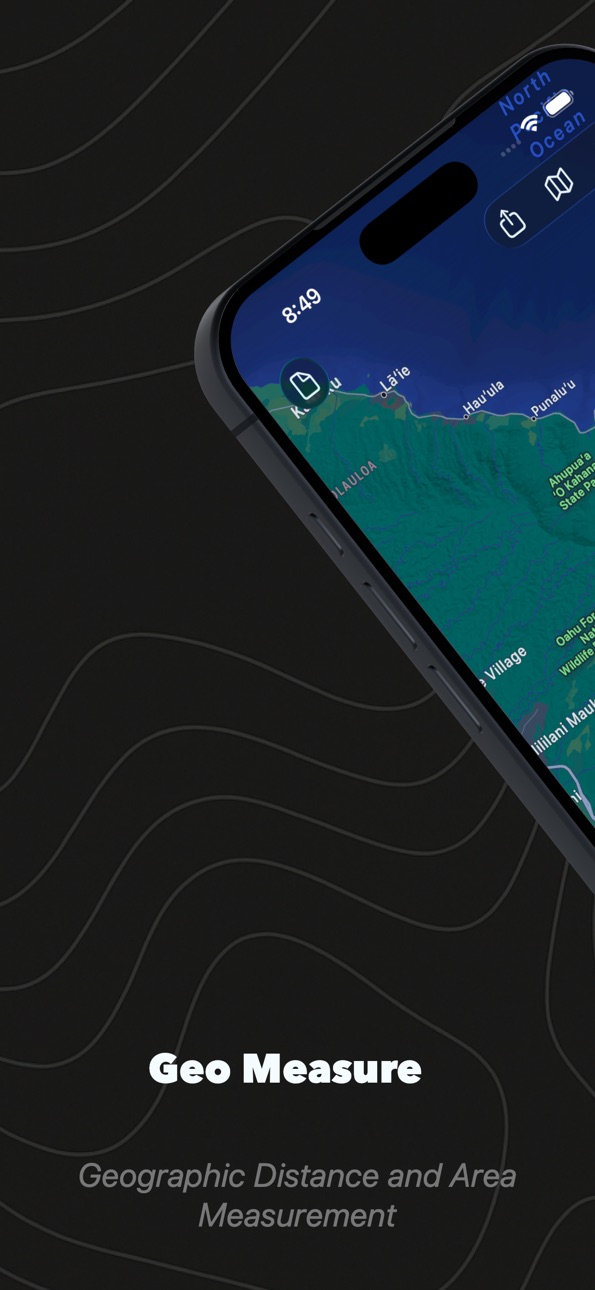
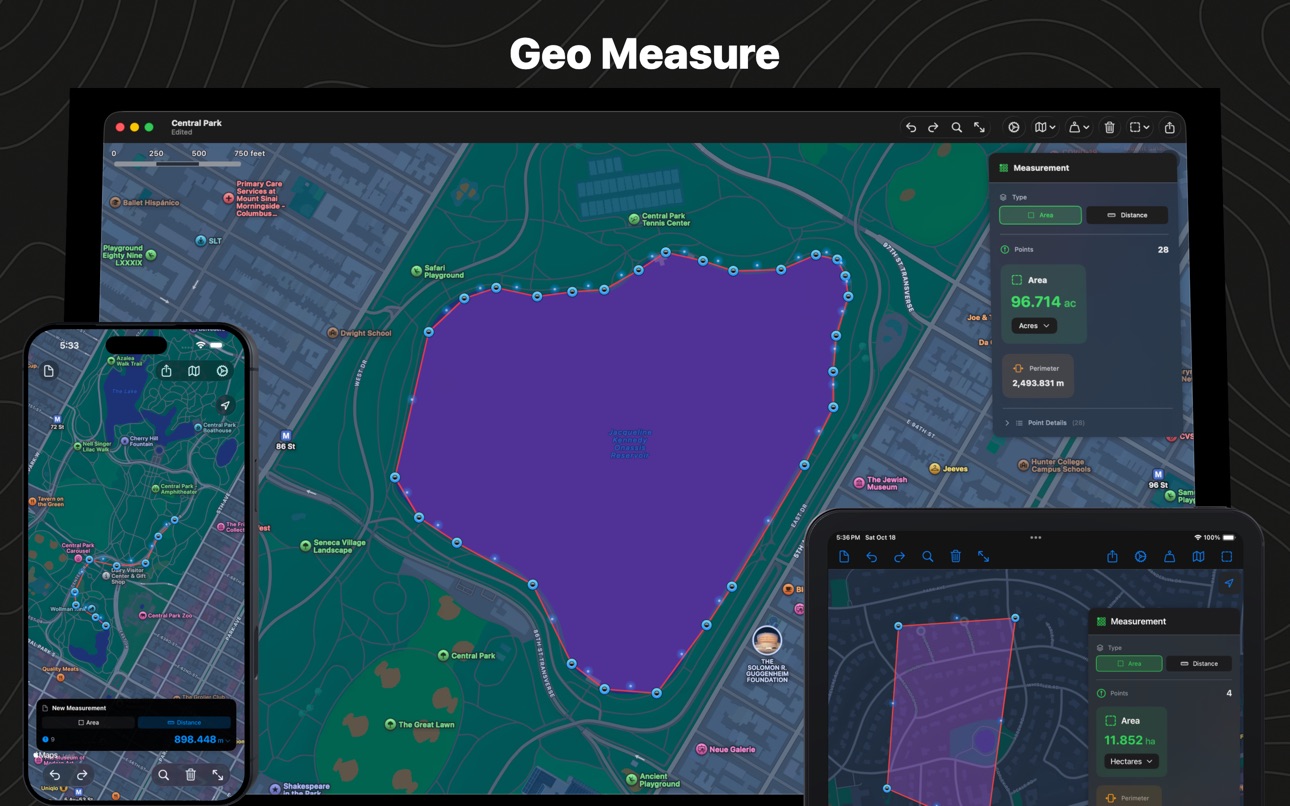
Instantly measure any area or distance on the map with precision and ease.
Why GeoMeasure?
Whether you're a property owner checking acreage, a runner planning routes, a real estate professional evaluating land, or simply curious about the world around you - GeoMeasure gives you accurate measurements at your
fingertips.
Key Features:
- Smart Measurement: Simply tap points on the map to measure any area or distance
- Multiple Units: Switch seamlessly between metric and imperial units
- Save and Share: Export your measurements as GeoJSON files for collaboration
- Universal App: One purchase works on iPhone, iPad, and even Mac
Area Units:
Acres, Hectares, Square Kilometers, Square Miles, Square Meters, Square Feet, Square Yards, Ares
Distance Units:
Kilometers, Miles, Meters, Feet, Nautical Miles, Yards
Perfect For:
- Real estate professionals measuring properties
- Farmers calculating field sizes
- Runners and cyclists planning routes
- Hikers measuring trail distances
- Students working on geography projects
- Anyone curious about distances and areas
Accessibility
ipadiphonemacrealityDevicetvoswatch
Version history 7 versions
Build 879053494v2.22025-10-20 10:32:49
- Ghost markers in between so you can tap on them and insert a point for for precision
- Undo and Redo now tracks full state
Build 874880838v2.12025-09-25 09:09:50
Version 2.1 - Built for iOS 26
• All-new Glass material design with stunning transparency effects
• Optimized for iOS 26 with the latest system features
• Enhanced performance and stability
• Improved map rendering for faster measurements
• Bug fixes and performance improvements
Thank you for using GeoMeasure! We're constantly working to improve your measurement experience.
Build 822448786v2.02025-05-08 08:52:37
- Enhanced UX
Build 10878315v1.32012-09-22 13:19:05
- GeoSquare Integration
- iOS6 Update
- Supports iPhone5
Build 7082729v1.22012-03-24 00:56:39
Export Map Image, CSV and KML with single click
Retina update for new iPad
Remembers your previous map location
Build 6037175v1.12012-01-30 23:44:01
- Map Opens in your country (Based on region setting)
- Localization for Japan
- Current location shows blue dot and zooms in
Build 3952445v1.02011-08-01 22:04:26
Price history by region
Currency
Show
Columns
Search
Availability 1 of 1 storefronts
| Region | Language | Price | Ratings | Avg | Version |
|---|---|---|---|---|---|
| US | en-US | USD 1.99 | 1 | 5.0 | 2.2 |
Change log 11 changes · US
✎
releaseNotes updated
- Ghost markers in between so you can tap on them and insert a point for for precision
- Undo and Redo now tracks full state
✎
description updated
Instantly measure any area or distance on the map with precision and ease.
Why GeoMeasure?
Whether you're a property owner checking acreage, a runner plann
✎
subtitle updated
Geographic Map Area & Distance
✎
name updated
Geo Measure: Area & Distance
◆
Version 2.2 released
- Ghost markers in between so you can tap on them and insert a point for for precision
- Undo and Redo now tracks full state
◆
Version 2.1 released
Version 2.1 - Built for iOS 26
• All-new Glass material design with stunning transparency effects
• Optimized for iOS 26 with the latest system features
• Enhanced performance and stability
• Improved map rendering for faster measu
◆
Version 2.0 released
- Enhanced UX
◆
Version 1.3 released
- GeoSquare Integration
- iOS6 Update
- Supports iPhone5
◆
Version 1.2 released
Export Map Image, CSV and KML with single click
Retina update for new iPad
Remembers your previous map location
◆
Version 1.1 released
- Map Opens in your country (Based on region setting)
- Localization for Japan
- Current location shows blue dot and zooms in
◆
Version 1.0 released