Home › Education

 US
US
1 of 1 storefronts
Content in en-US
Content in en-US
Information
Preview 2 platforms
iPhone 10 images





iPad 5 images



What’s New Version 8.0.2
Welcome to the new MathStudio Express! This version features many interface improvements.
Description
MathStudio Express, a full-featured scientific calculator with hundreds of mathematical functions that cover Basic Math, Pre-Algebra, Algebra, Trigonometry, Precalculus, Calculus, Statistics, Finite Math, Linear Algebra and Statistics.
"MathStudio is a natural for students and for engineers who occasionally need a comprehensive math program but don't need the full horsepower and daunting complexity of Mathematica or Maple. It's a huge leap from the usual calculator program for tablets and smartphones."
▸ IEEE Spectrum Review by Kenneth R. Foster
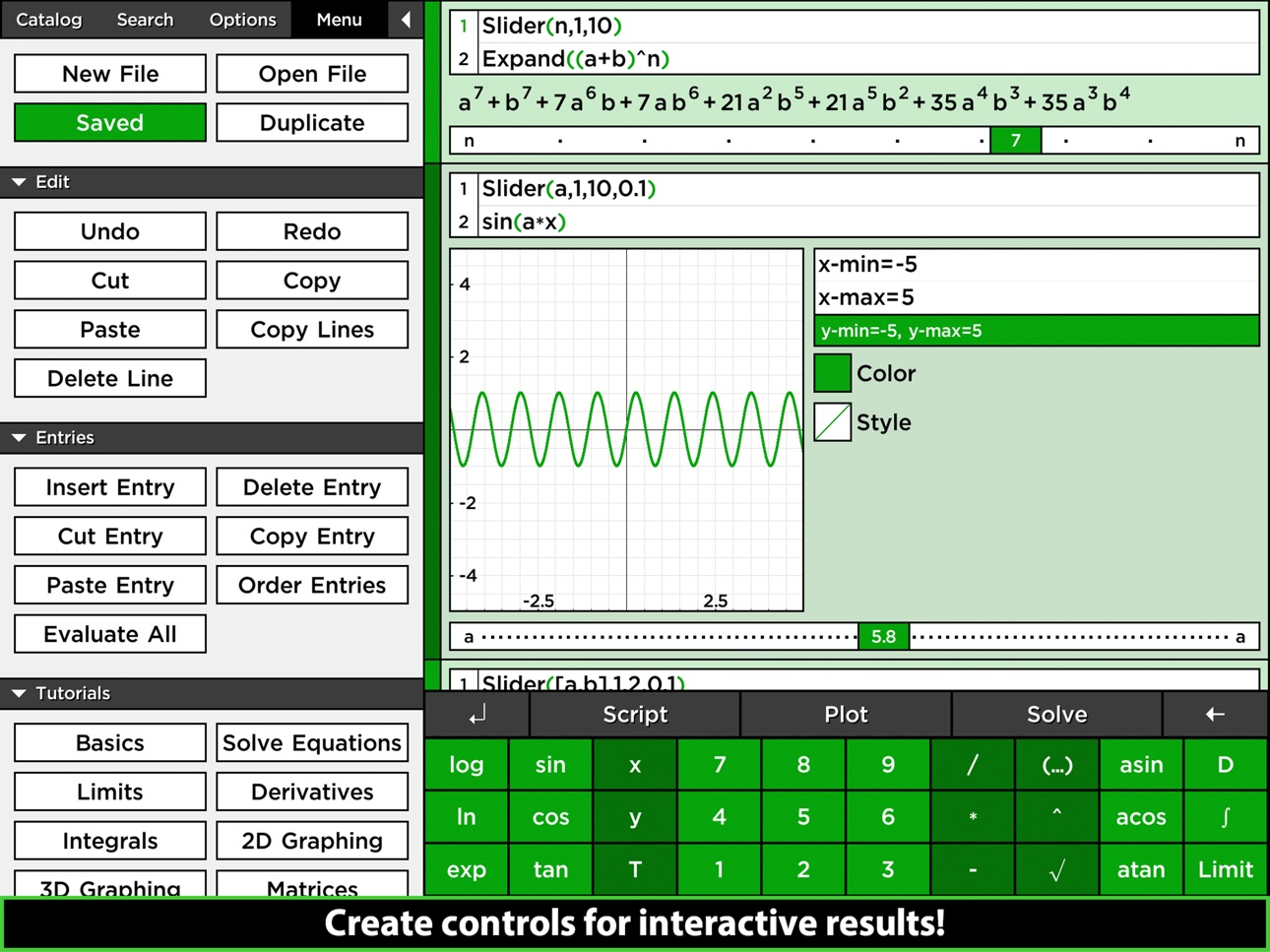
MathStudio is an indispensable tool for students, teachers, and engineers. It provides features comparable to TI calculators but with a modern and intuitive interface.
"I've been waiting for a program like this a long time on my iPhone or iPad, and somehow never found MathStudio until now. This is a phenomenal engineering application for the student or professional. It does it all... Solving equations, integrating, calculating derivatives, and graphing. I had a TI-92 calculator back in my college days that I used for years and dearly loved and this app blows it out of the water. The UI is extremely functional and intuitive to use. They include a really quick tutorial that gets you up and running quickly. This is the example app for the potential of a device like the iPhone or iPad. Superb!"
▸ Fantastic... It's a TI-92 on steroids by Dan Frame
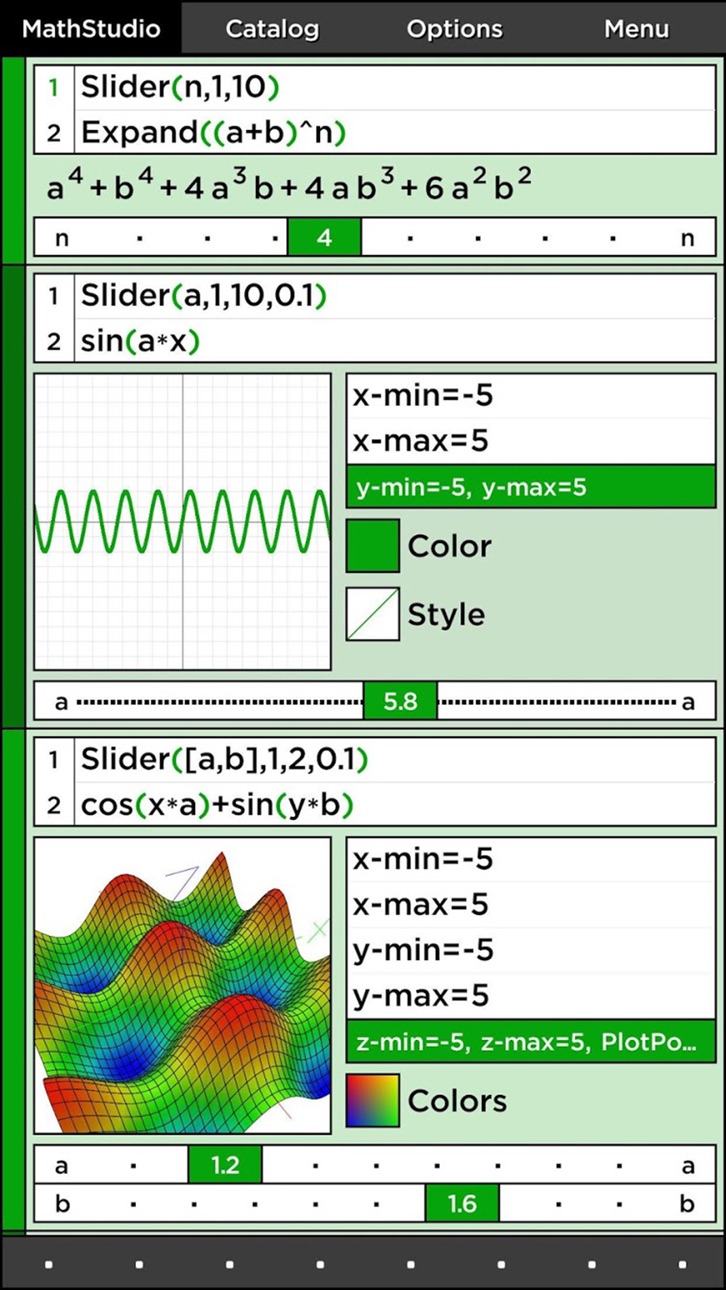
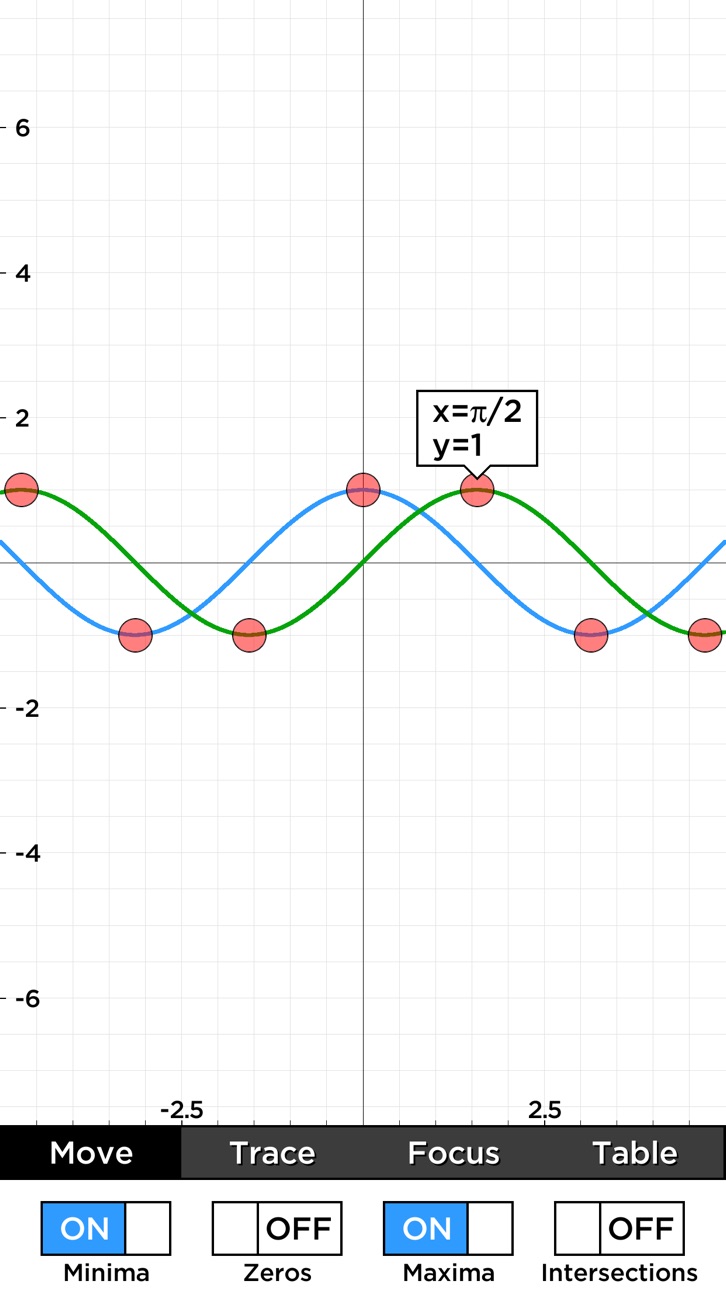
Graph equations with speed and ease you never thought were possible! Move, rotate and pinch function, parametric, polar, implicit, contour, spherical, cylindrical, vector fields, fractals and image plots with amazing speed and accuracy. Use the T variable to create animated plots that graph in space and time! MathStudio is the first calculator to introduce time graphing when it was first released as SpaceTime in 2003 for Pocket PC.
"This is truly an amazing piece of software for the iPhone that could potentially render all the graphing calculators out-there obsolete! I was very impressed with all the graphing features (2D, 3D, 4D, etc) and the powerful CAS loaded with preprogrammed functions. MathStudio solves and displays complex expressions in a fashion that reminds me of my TI 92's 'pretty print' mode. I highly recommend this application to every college student and math enthusiast!"
▸ Dump your graphing calculator! by Syldaril
Plot lists of numerical data in scatter, histograms, box, and probability plots. MathStudio even includes an advanced regression analysis package, choose from several regression functions or create your own.
"I am so lucky to find this application! I will never use TI-89 again! And the price is unbelievable! And you can do scripts! TI-89 costs over 100 dollars. You can use this application instead! Too bad our professor doesn't let us use phones on the test. I will try to convince him by showing this application. MathStudio is well worth the money."
▸ Wow! by aurorae_borealis
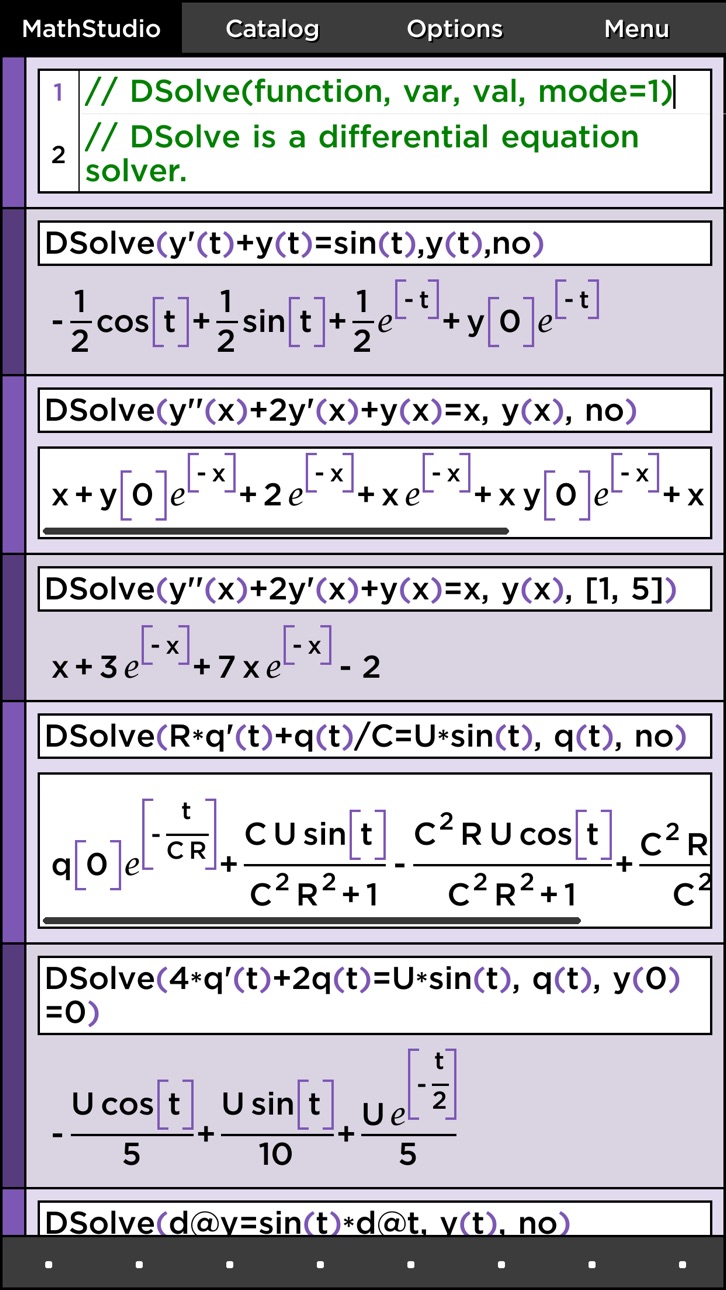
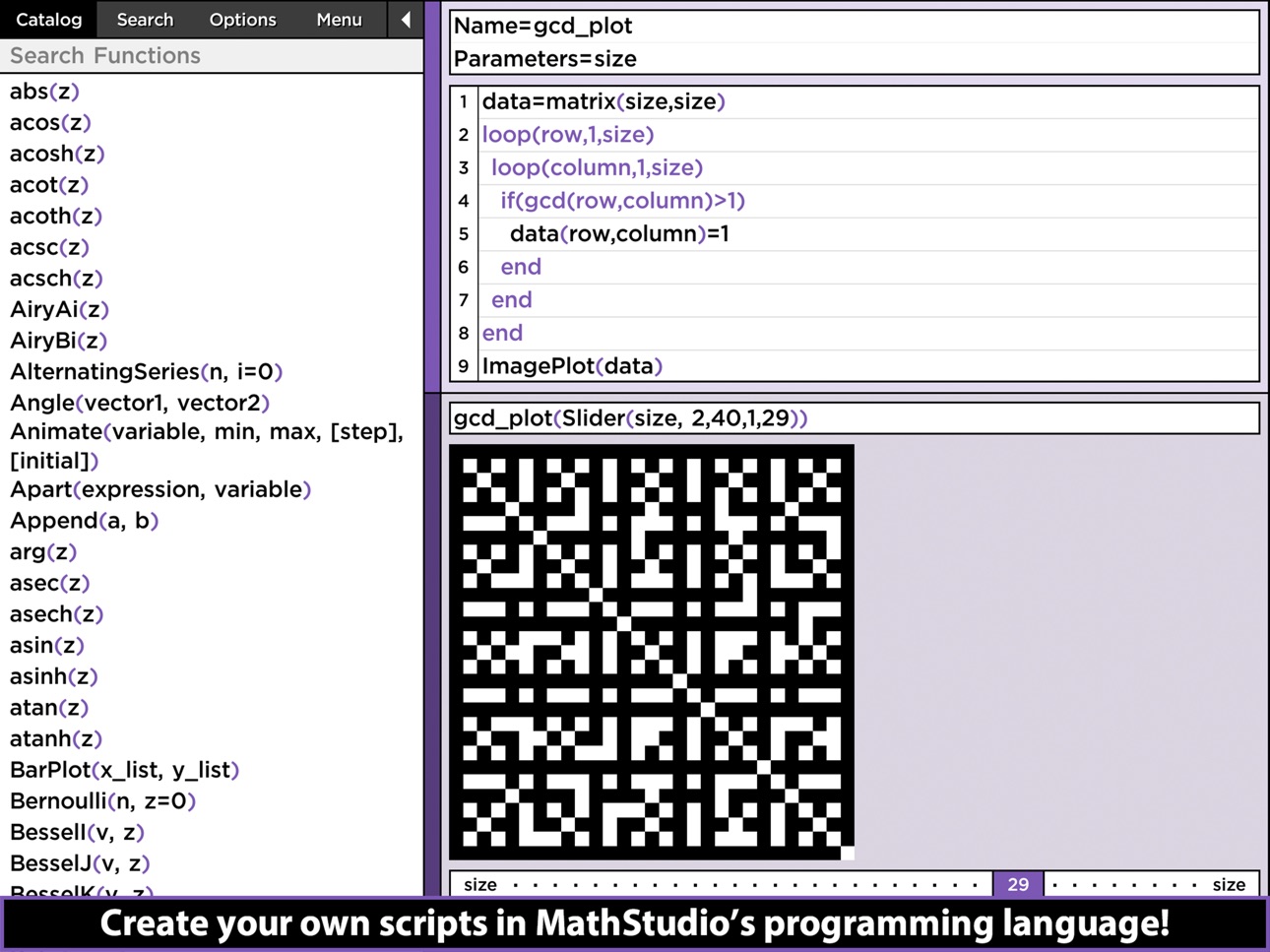
MathStudio is powered by that fastest proprietary computer algebra system available on iOS that beautifully typesets your answers. Got a tough algebra equation to solve or polynomial to factor? Solve quadratic equations, systems of equations, limits, derivates, integrals, differential equations and much more. Create scripts in MathStudio's powerful programming language that supports variables, loops, and recursion.
"This application is simply amazing. I continue to be stunned by the speed and accuracy in which it solves/plots/does just about anything you could possibly need to do in math. I prefer it to computer math applications because you simply cannot beat the touch interface. This app has changed the way that I do math every day, and I highly recommend it to anyone who does math on a daily basis."
▸ Amazing by rationalresponse
Accessibility
ipadiphonemacrealityDevicetvoswatch
Version history 19 versions
Build 835510872v8.0.22020-04-13 00:01:10
Welcome to the new MathStudio Express! This version features many interface improvements.
Build 826931007v8.02020-04-11 15:16:13
Welcome to the new MathStudio Express! This version features many interface improvements.
Build 835504438v8.0.12020-04-11 17:14:41
Welcome to the new MathStudio Express! This version features many interface improvements.
Build 822210632v7.3.32017-05-20 04:56:24
Please Note: This new update will not change MathStudio Express if it is already installed on your device. The new online version will only appear for new installs.
Build 821809985v7.3.22017-05-15 17:05:15
Minor update.
Build 821778600v7.3.12017-04-17 23:14:05
Minor update.
Build 821513410v7.32017-04-13 16:17:29
New update.
Build 818075000v6.12017-03-10 16:19:43
Bug fixes.
Build 813620468v6.0.32016-07-05 06:06:50
This update adds new syntax using the @ symbol and additional characters to the button pad. This also improves the windows settings for graphs. When you expand the window settings on a graph you can now adjust the window to any non-square size.
Build 812503319v5.5.22015-06-12 22:16:11
Use your scripts from other files! This update adds a "Compile" button to compile your scripts and a new "Scripts" button to include your compiled scripts in another file from the "Menu" tab.
Build 812370972v5.5.12015-05-19 01:38:42
This update adds a new "Manual" button in the "Menu" tab to view examples for functions in the catalog! This update also adds a new font size option.
Build 736933070v5.52015-05-05 14:24:50
This version of MathStudio is now MathStudio Express!
• Supports iOS 8
• Supports iPhone 6 and iPhone 6 Plus
• New and improved scripting language with many new functions and operators
• Improved interface and bug fixes
Build 10948650v5.42012-11-13 22:02:00
• Full support of iOS 6 and iPhone 5
• Updated and improved math functions
• Interface improvements
• General bug fixes and memory optimizations
Build 7132443v5.3.22012-03-21 20:32:07
• Adds support for iOS 5.1 and the new iPad's retina display!
• Several other bug fixes and improvements
Build 6940337v5.3.12012-03-13 17:35:58
Added support for iOS 5.1 and the new iPad's retina display.
Build 6349361v5.32012-03-02 03:05:37
BUTTON PAD
• Improved swiping
• Touch and hold to move touch
AUTO-INCLUDE
• New switches in the Include menu lets you auto-include files with scripts.
MATRIX
• Important change! The following syntax now returns a matrix rather than a list. This helps make MathStudio more compatible with MATLAB syntax.
A=[[1,2,3],[4,5,6],[7,8,9]]
A(1,2:3)
FRACTALS
• Improved speed and rendering
This update also includes many smaller improvements, bug fixes and brings back multi-touch gestures that were mistakenly disabled in v5.2.
Build 5847283v5.22012-01-17 23:33:10
New button pad! Swipe up, down, left and right.
Build 5598005v5.12011-12-20 18:45:49
* Copy/Paste now works between apps
* Several bug fixes and improvements
NOTE: Default interface settings have changed. Please see the new "Interface Options" section in "Options" to adjust these new settings.
Build 3746248v5.02011-11-21 21:59:08
Price history by region
Currency
Show
Columns
Search
Availability 1 of 1 storefronts
| Region | Language | Price | Ratings | Avg | Version |
|---|---|---|---|---|---|
| US | en-US | USD 4.99 | 111 | 4.5 | 8.0.2 |
Change log 23 changes · US
✎
releaseNotes updated
Welcome to the new MathStudio Express! This version features many interface improvements.
✎
description updated
MathStudio Express, a full-featured scientific calculator with hundreds of mathematical functions that cover Basic Math, Pre-Algebra, Algebra, Trigonometry, Pre
✎
subtitle updated
Symbolic graphing calculator
✎
name updated
MathStudio Express
◆
Version 8.0.2 released
Welcome to the new MathStudio Express! This version features many interface improvements.
◆
Version 8.0.1 released
Welcome to the new MathStudio Express! This version features many interface improvements.
◆
Version 8.0 released
Welcome to the new MathStudio Express! This version features many interface improvements.
◆
Version 7.3.3 released
Please Note: This new update will not change MathStudio Express if it is already installed on your device. The new online version will only appear for new installs.
◆
Version 7.3.2 released
Minor update.
◆
Version 7.3.1 released
Minor update.
◆
Version 7.3 released
New update.
◆
Version 6.1 released
Bug fixes.
◆
Version 6.0.3 released
This update adds new syntax using the @ symbol and additional characters to the button pad. This also improves the windows settings for graphs. When you expand the window settings on a graph you can now adjust the window to any non-square s
◆
Version 5.5.2 released
Use your scripts from other files! This update adds a "Compile" button to compile your scripts and a new "Scripts" button to include your compiled scripts in another file from the "Menu" tab.
◆
Version 5.5.1 released
This update adds a new "Manual" button in the "Menu" tab to view examples for functions in the catalog! This update also adds a new font size option.
◆
Version 5.5 released
This version of MathStudio is now MathStudio Express!
• Supports iOS 8
• Supports iPhone 6 and iPhone 6 Plus
• New and improved scripting language with many new functions and operators
• Improved interface and bug fixes
◆
Version 5.4 released
• Full support of iOS 6 and iPhone 5
• Updated and improved math functions
• Interface improvements
• General bug fixes and memory optimizations
◆
Version 5.3.2 released
• Adds support for iOS 5.1 and the new iPad's retina display!
• Several other bug fixes and improvements
◆
Version 5.3.1 released
Added support for iOS 5.1 and the new iPad's retina display.
◆
Version 5.3 released
BUTTON PAD
• Improved swiping
• Touch and hold to move touch
AUTO-INCLUDE
• New switches in the Include menu lets you auto-include files with scripts.
MATRIX
• Important change! The following syntax now returns a matrix rather than a lis
◆
Version 5.2 released
New button pad! Swipe up, down, left and right.
◆
Version 5.1 released
* Copy/Paste now works between apps
* Several bug fixes and improvements
NOTE: Default interface settings have changed. Please see the new "Interface Options" section in "Options" to adjust these new settings.
◆
Version 5.0 released