Home › Utilities

 US
US
1 of 1 storefronts
Content in en-US
Content in en-US
Information
Preview 2 platforms
iPhone 8 images



iPad 10 images




What’s New Version 12.10.29
- new menu/expanding prefs design
- unitless rounding fix
- stored settings toggle fix
- added full screen preferences
Description
Professional Grade U.S. Standard to Metric Conversion Calculator by Calculated Industries
The Ultra Measure Master® app from Calculated Industries gives you the power to solve metric and standard unit conversions on your iPhone and iPad. And while perhaps obvious, if you change from an iOS device to a non-iOS device, you WILL need to buy a new license as they are incompatible.
Forget complex scientific calculators, memorizing conversion formulas or using tables — instantly calculate with more than 400 conversion combinations using 60 built-in standard and metric units. The Ultra Measure Master is especially helpful for those working in federal DOT environments where frequent metric to foot-inch conversions and “dual unit” reporting is required -- and includes a full User’s Guide built in as well as the ability to press and hold a key for specific help!
Ideal for Engineers, Architects, Designers, Contractors/Builders, Draftspersons, Excavation/Highway Contractors, Scientists, Pharmaceutical Lab Techs, Purchasing, Importers/Exporters, Students (or anyone who needs fast, easy, professional unit conversions).
• Work in and convert between all building dimensional formats: feet-inch-fractions, inch fraction, yards, decimal feet (10ths, 100ths), decimal inches and metric (m, cm, mm)
• Easily calculate linear, area and volume measurements
• Find dry and liquid weight per volume
• Solve for velocity, flow rate, pressure, temperatures
Created by Calculated Industries, the originator of the award-winning Construction Master® calculators.
FEATURES:
Dimensional Math and Conversions
• More than 60 Standard and Metric (SI) units built-in
• Over 400 conversion combinations
• Works in and converts between
• Feet-Inch-Fraction
• Inch Fraction
• Yards
• Decimal Feet (10ths, 100ths), Decimal Inches
• Full Metric (m, cm, mm)
Dedicated Functions Help You Measure and Calculate:
• Linear
• Feet-Inch-Fractions
• Yards, Miles
• Decimal Feet/Inch
• Millimeters, Centimeters, Meters and Kilometers
• Area
• Feet, Inch, Yards, Acres, Miles
• Millimeters, Centimeters, Meters, Hectares and Kilometers
• Volume
• Feet, Inch, Yards, Miles
• Millimeters, Centimeters, Meters, Kilometers
• Gallons, Liters, Fluid Ounces
• Acre-Feet and Board Feet
• Weight
• Pounds, Dry Ounces, Tons
• Metric Tons, Grams and Kilograms
• Weight per Volume
• Tons per Cubic Yard
• Pounds per Cubic Yard
• Kilograms per Cubic Meter
• Linear Velocity
• Inches per Second
• Feet per Second
• Feet per Minute
• Miles per Hour
• Millimeters per Second/Minute
• Meters per Second/Minute
• Kilometers per Hour
• Flow Rate
• Ounces per Second
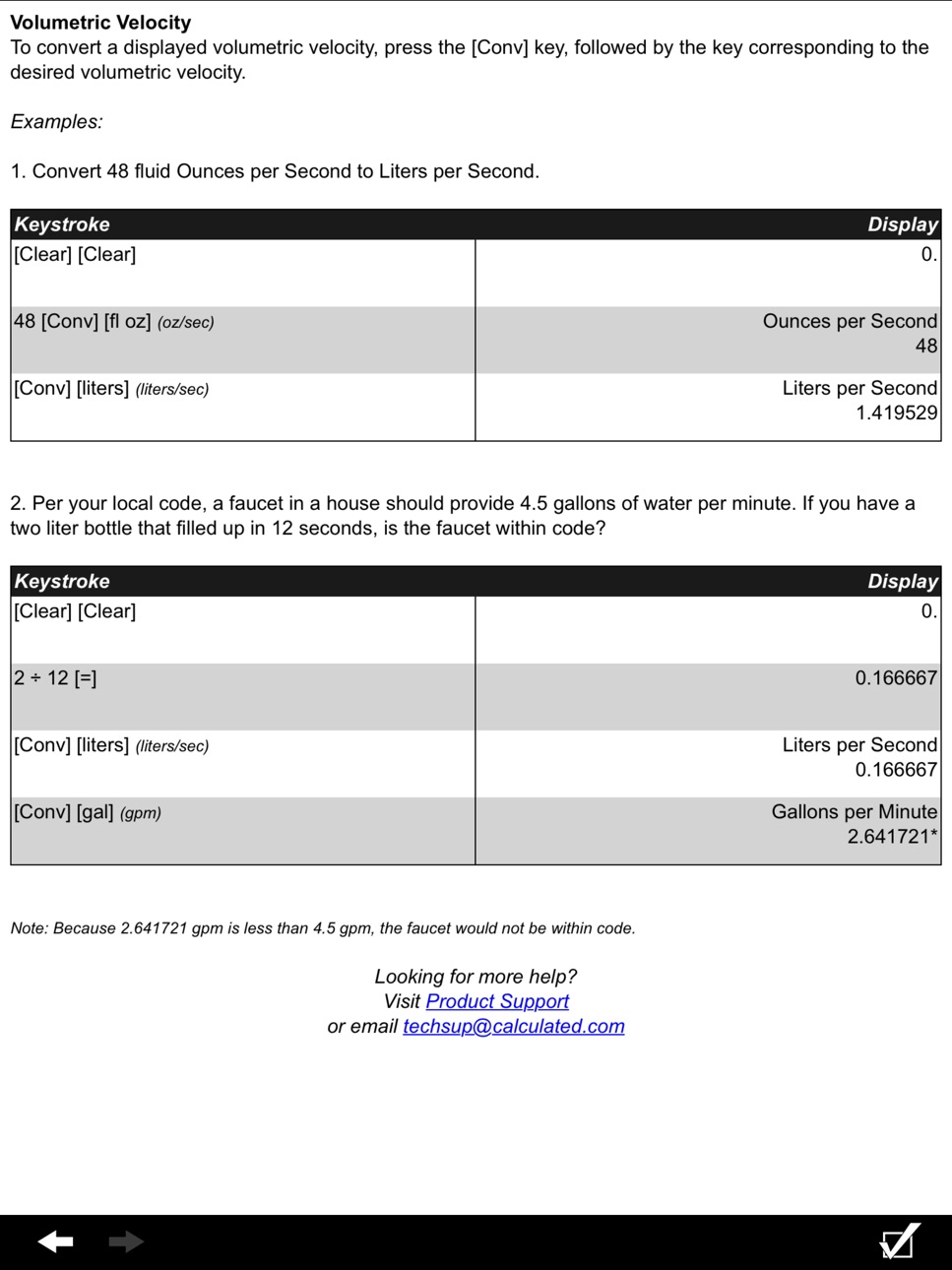
• Gallons per Minute
• Milliliters per Second
• Liters per Second
• Pressure
• Pounds per Square Inch (PSI)
• Pounds per Square Foot (PSF)
• Kilopascal, Megapascal and Bars
• Bending Moment
• Inch-Pounds, Foot-Pounds and Newton-Meters
• Temperature
• Fahrenheit (°F) and Celsius (°C)
Special Functions
• Entry Editing Backspace Key – with a swipe of a finger
• Cost per Unit: Solve unit cost and pricing
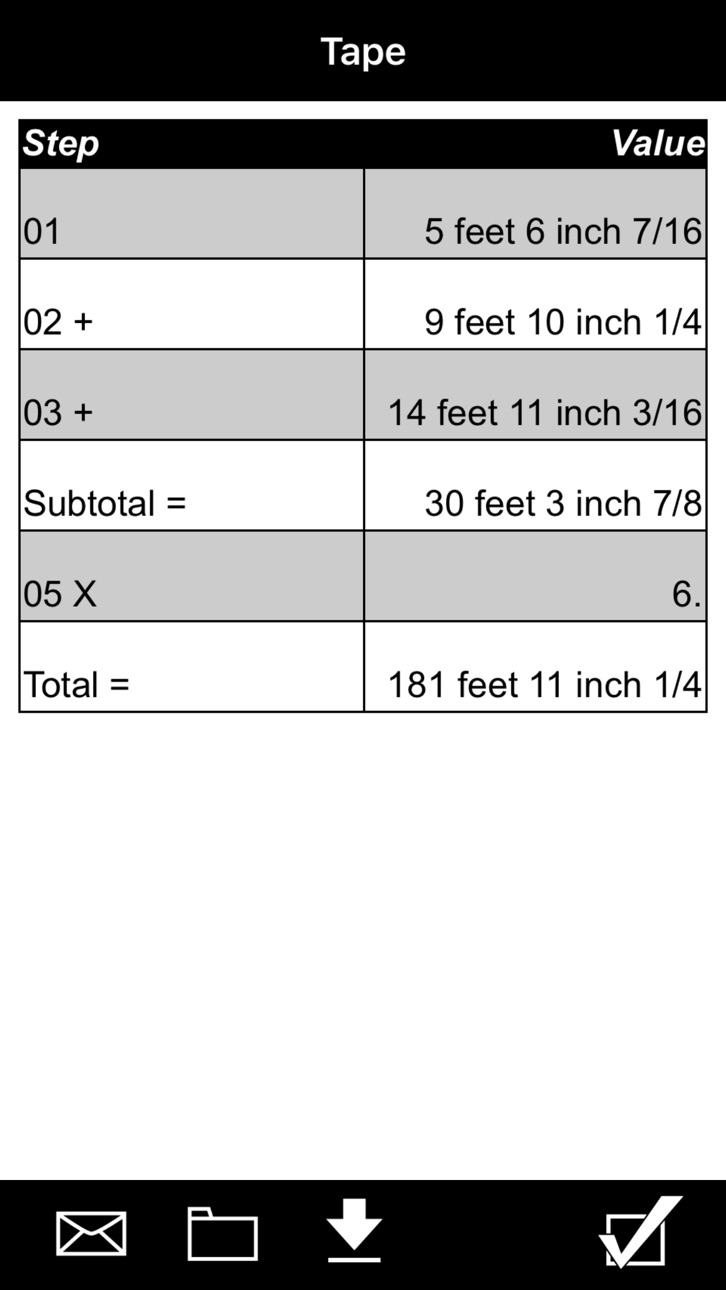
• Paperless Tape
• Board Feet
• Memory function
•User-Definable Preferences — set custom options: Fractions, Area, Volume.
TRADEMARKS:
Ultra Measure Master® and Construction Master® are registered trademarks of Calculated Industries, Inc.
Accessibility
ipadiphonemacrealityDevicetvoswatch
Version history 10 versions
Build 880780625v12.10.292026-02-19 05:13:55
- new menu/expanding prefs design
- unitless rounding fix
- stored settings toggle fix
- added full screen preferences
Build 832119503v10.4.02019-07-24 17:09:10
New menu/navigation, Factory Reset moved to Preferences, new "What's New" one-time automatic view on first launch of new install or first launch after an update.
Build 819500278v1.3.02016-11-09 02:35:34
Support for iOS 10.
Build 688082656v1.2.02014-08-23 20:17:17
Added native support for iPad.
Build 27492650v1.1.42013-09-13 21:08:13
iOS 7 updates.
Build 14815023v1.1.32013-03-27 15:57:16
iPhone 5 graphics support.
Build 3599645v1.1.22011-04-11 20:03:21
Added support for iOS4 graphics.
Build 3085120v1.1.12010-10-26 16:22:11
Fixes stored memory value crash.
Build 2873807v1.1.02010-08-12 01:00:10
1. Added Introduction/FAQ screen explaining the Backspace operation, Help system, and other important information
- New users: Introduction/FAQ screen loads 1-time automatically on first launch of app
- Existing users: access the Introduction screen from the Info screen by tapping the Info icon
2. Added Tell-A-Friend feature
- Access the Tell-A-Friend feature from the Info screen by tapping the Info icon
3. iOS4 functional compatibility update; persistence handling revised for iOS4
Build 2711374v1.0.02010-06-15 16:54:45
Price history by region
Currency
Show
Columns
Search
Availability 1 of 1 storefronts
| Region | Language | Price | Ratings | Avg | Version |
|---|---|---|---|---|---|
| US | en-US | USD 29.99 | 8 | 5.0 | 12.10.29 |
Change log 14 changes · US
✎
releaseNotes updated
- new menu/expanding prefs design
- unitless rounding fix
- stored settings toggle fix
- added full screen preferences
✎
description updated
Professional Grade U.S. Standard to Metric Conversion Calculator by Calculated Industries
The Ultra Measure Master® app from Calculated Industries gives you th
✎
subtitle updated
Pro Conversion Calculator
✎
name updated
Ultra Measure Master
◆
Version 12.10.29 released
- new menu/expanding prefs design
- unitless rounding fix
- stored settings toggle fix
- added full screen preferences
◆
Version 10.4.0 released
New menu/navigation, Factory Reset moved to Preferences, new "What's New" one-time automatic view on first launch of new install or first launch after an update.
◆
Version 1.3.0 released
Support for iOS 10.
◆
Version 1.2.0 released
Added native support for iPad.
◆
Version 1.1.4 released
iOS 7 updates.
◆
Version 1.1.3 released
iPhone 5 graphics support.
◆
Version 1.1.2 released
Added support for iOS4 graphics.
◆
Version 1.1.1 released
Fixes stored memory value crash.
◆
Version 1.1.0 released
1. Added Introduction/FAQ screen explaining the Backspace operation, Help system, and other important information
- New users: Introduction/FAQ screen loads 1-time automatically on first launch of app
- Existing users: access the Introducti
◆
Version 1.0.0 released