Home › Utilities

 US
US
1 of 1 storefronts
Content in en-US
Content in en-US
Information
Preview 4 platforms


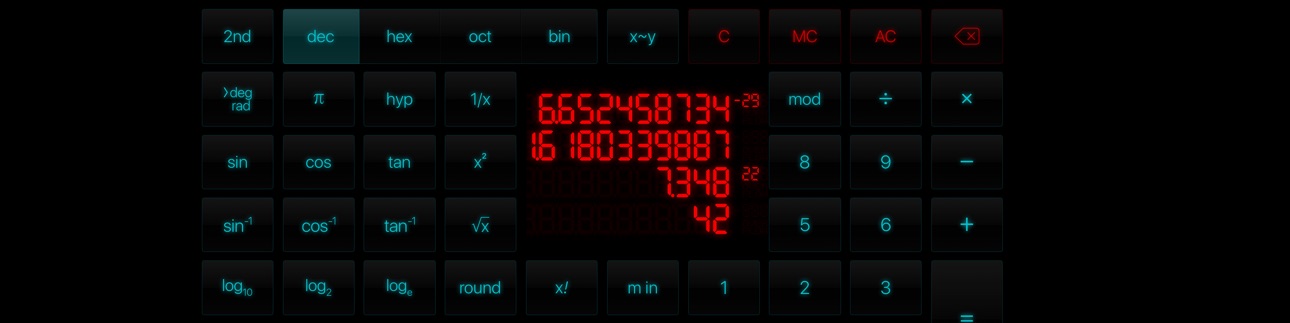
iPhone 10 images


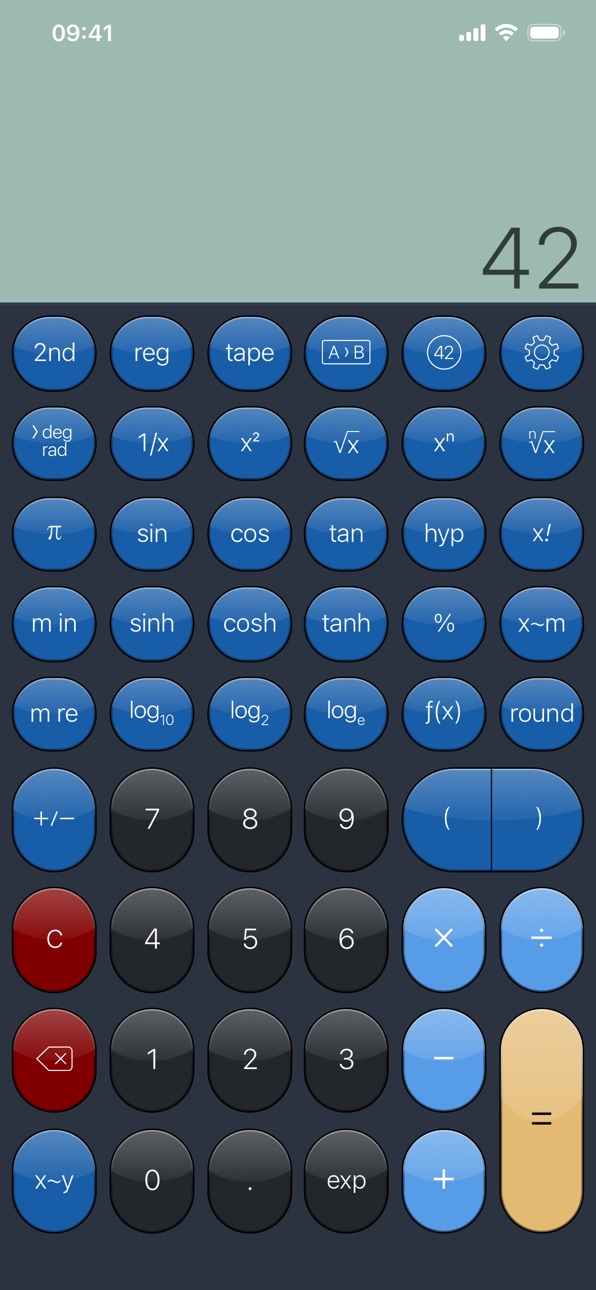


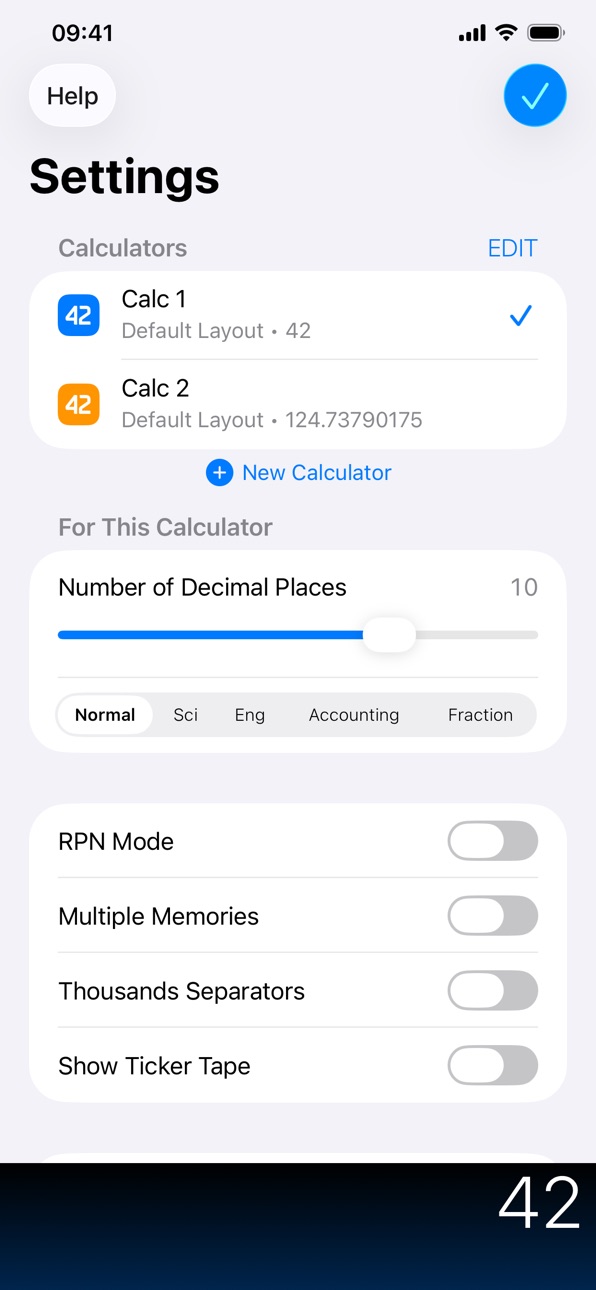
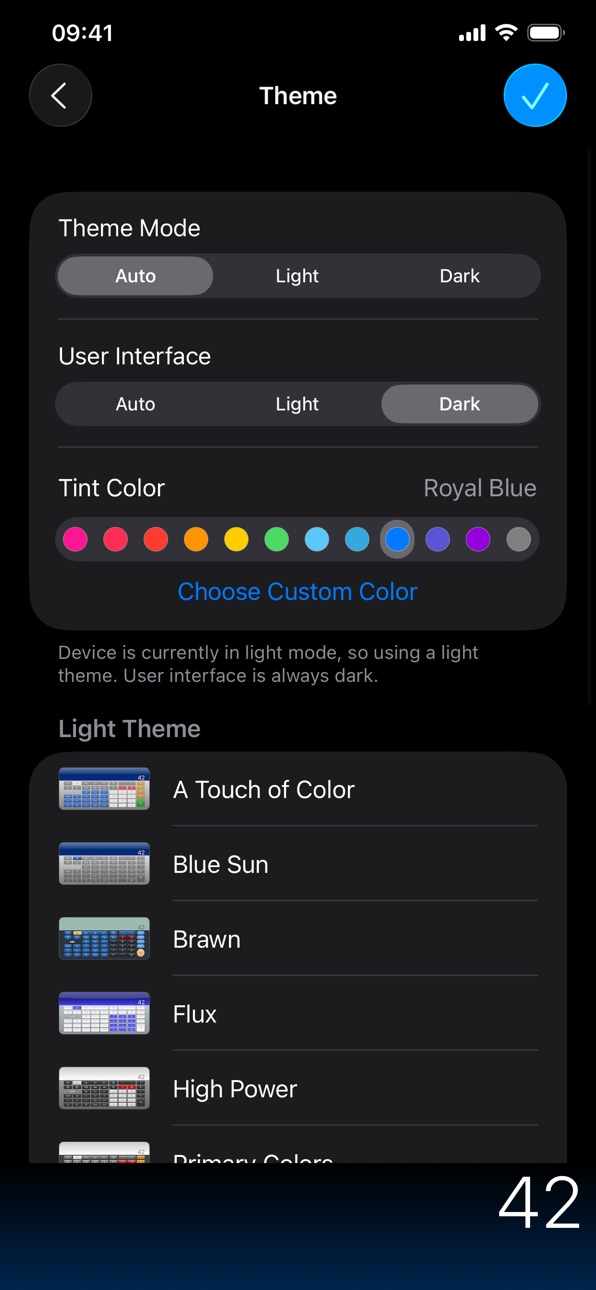
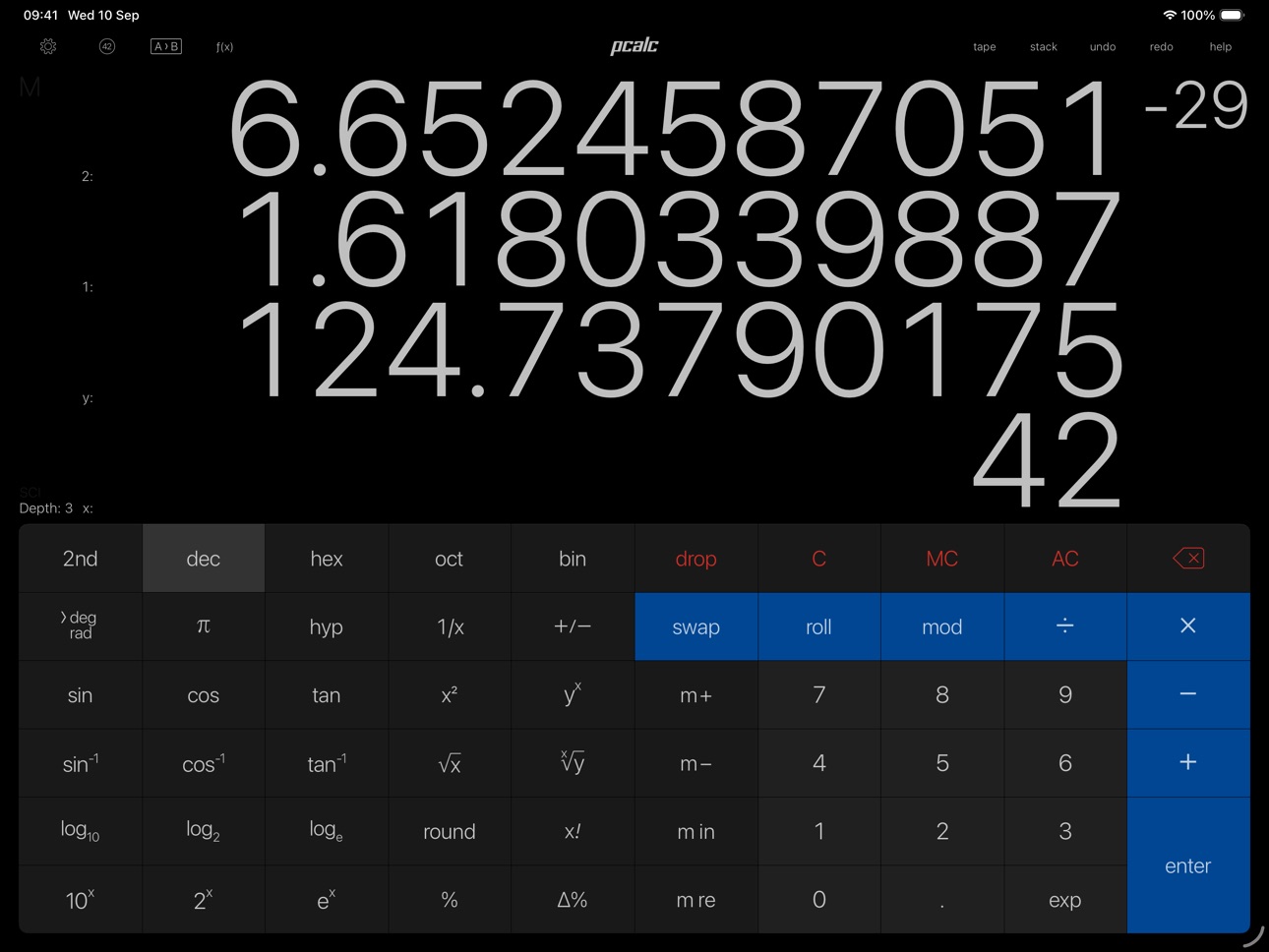
iPad 6 images



Apple Watch 10 images


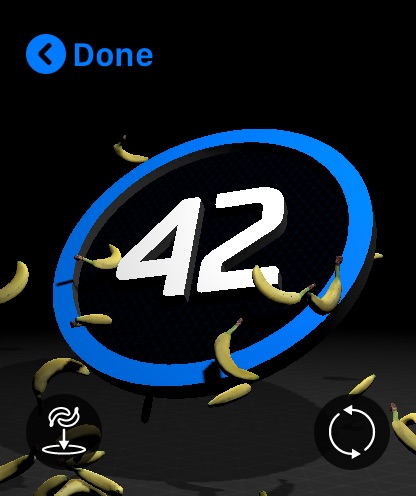
Apple Vision Pro 4 images


What’s New Version 3.14.4
Added an option to use woodworking fractions, in the Advanced settings.
Added an option to use the Indian numbering system for thousands separators, in the Advanced settings.
Added an option to ignore trailing operators, on by default, in the Advanced settings.
Added an option to automatically press Equals before "M+" and "M in" operations, on by default, in the Advanced settings.
Added an option to allow all themes for dark or light mode, in the Theme settings.
Added an option to hide any gloss effects on the display, in the Theme settings.
Added "Flow Rate", "Jewelry", and "Typography" sections to the conversions.
Added "norm", "sci", "eng", "acc", "frac", "nCr", "nPr", and "tau" buttons to the layout editor.
Added "tau" to the constants, and as a 2nd function of "pi" in most layouts.
Improved the layout editor with all the commands and keyboard shortcuts from the macOS version.
The "Clear on Open" option will now only trigger if you haven't used PCalc in the last five minutes.
You can now use combinations and permutations in user functions and conversions.
You can now edit buttons to display any SF Symbol as an image.
Now show a preview image when picking an SF Symbol.
Menus are more consistent with the macOS version.
The user interface mode setting is now independent of the theme mode setting.
Fixed a problem speaking negative numbers.
Fixed a problem displaying overflows.
Fixed a problem with the user interface dark mode settings.
Description
PCalc is the powerful choice for scientists, engineers, students, programmers, or indeed anybody looking for a feature rich calculator. It includes an optional RPN mode and multi-line display, a choice of button layouts, an extensive set of unit conversions and constants, a paper tape, multiple undo and redo, engineering and scientific notation, as well as support for hexadecimal, octal, and binary calculations.
Includes an Apple Watch app, so you can calculate on your wrist!
In-App Purchases US pricing
One-Time Purchases
Small Tip$0.99
Medium Tip$1.99
Large Tip$4.99
Enormous Tip$9.99
Capabilities
In-App PurchasesiMessageFun Camera
Accessibility
ipadiphonemacrealityDevicetvoswatch
Version history 25 versions
Build 882017716v3.14.42026-03-12 17:04:59
Added an option to use woodworking fractions, in the Advanced settings.
Added an option to use the Indian numbering system for thousands separators, in the Advanced settings.
Added an option to ignore trailing operators, on by default, in the Advanced settings.
Added an option to automatically press Equals before "M+" and "M in" operations, on by default, in the Advanced settings.
Added an option to allow all themes for dark or light mode, in the Theme settings.
Added an option to hide any gloss effects on the display, in the Theme settings.
Added "Flow Rate", "Jewelry", and "Typography" sections to the conversions.
Added "norm", "sci", "eng", "acc", "frac", "nCr", "nPr", and "tau" buttons to the layout editor.
Added "tau" to the constants, and as a 2nd function of "pi" in most layouts.
Improved the layout editor with all the commands and keyboard shortcuts from the macOS version.
The "Clear on Open" option will now only trigger if you haven't used PCalc in the last five minutes.
You can now use combinations and permutations in user functions and conversions.
You can now edit buttons to display any SF Symbol as an image.
Now show a preview image when picking an SF Symbol.
Menus are more consistent with the macOS version.
The user interface mode setting is now independent of the theme mode setting.
Fixed a problem speaking negative numbers.
Fixed a problem displaying overflows.
Fixed a problem with the user interface dark mode settings.
Build 878967186v3.14.32025-10-24 14:48:44
Improved support for iOS 26, iPadOS 26, and watchOS 26.
Fixed a problem importing settings and other files on iPadOS 26.
Fixed a problem with the editing toolbar on iOS / iPadOS 26.
Fixed a crash when starting to edit a layout on iOS / iPadOS 26.
Fixed a crash when starting to edit constants.
Fixed a crash with certain custom tint colors.
Build 878341453v3.14.22025-09-28 10:55:32
Improved support for iOS 26, iPadOS 26, and watchOS 26.
Added some icons that are always light or dark, regardless of system setting.
Added dark and tinted variants for the "2016 Earth-2" icon.
The "Chalk" and "Wood" icons have come back, due to popular demand.
Fixed a problem with the tape sidebar not appearing.
Fixed a problem with button text being too small or too big.
Build 878168828v3.14.12025-09-19 18:37:49
Improved support for iOS 26, iPadOS 26, and watchOS 26.
The "Circuit" icon has come back, due to popular demand.
Added a Control Center button to quickly launch the app on watchOS 26 and later.
Now copy the old tint color from the "Dark Night" theme to "Dathomir" by default.
Fixed a problem forgetting the chosen layout.
Fixed a problem with the "Dathomir" theme in RPN mode.
Fixed a problem always resetting the dark theme to "Dathomir".
Fixed a problem with the "New Calculator" button getting truncated.
Build 862913626v3.142025-09-12 22:46:45
Added support for iOS 26, including dark and tinted icons.
Added support for iPadOS 26, including resizable windows and a full menu bar.
Added support for watchOS 26, including the latest watches and new complications.
Added a Control Center button to quickly launch the app on iOS 18 and later.
Added a new default dark mode theme, "Dathomir".
Added an "exp" button to the Apple Watch app.
Updated the scientific constants to include the latest CODATA 2022 values.
Most keyboard shortcuts from the Mac version now work on iOS / iPadOS 26.
Fixed various bugs.
PCalc for the Apple Watch now requires watchOS 9 or later.
PCalc now requires iOS / iPadOS 15 or later.
Apple removed all the old-style widgets in iOS 18, so PCalc's widget is currently unavailable.
Build 859982047v3.13.12023-09-17 14:35:42
Fixed a crash in the settings if you were using the 2013 app icons on iOS 17.
Build 859864489v3.132023-09-15 13:20:42
Added support for iOS 17 and watchOS 10.
Pressing "C" twice in a row will now perform an "AC", regardless of the layout.
Improved the look of the themes with a custom display background color.
Now display the name of the current layout in the layout editing alert.
Fixed a problem with the operator highlight being incorrectly cleared after pressing "C".
Fixed a crash when switching between calculators.
Fixed a crash opening the help sections on narrow phones.
Fixed a problem with the button layout on watchOS 10.
PCalc for the Apple Watch now requires watchOS 7 or later.
PCalc now requires iOS 14 or later.
Build 853042201v3.12.22023-03-09 14:41:37
User functions and conversions can now call other functions and conversions. Within reason! Let's not get too recursive here.
You can now reference constants within user functions and conversions.
Added an option to blink the display if it is updated with an identical value.
Added a button to the conversions to manually update the currency rates.
Added a new alternative icon, "Howell".
Fixed a problem editing certain functions and conversions.
Fixed a problem with the tape not remembering it was open on an iPad.
Fixed a problem with some of the alternative icons.
Fixed a problem with incorrect theme colors.
Fixed a problem with incorrect labels in the settings.
Fixed a problem with key clicks in the widget.
Fixed a problem communicating with the "About by PCalc" app.
Build 852127999v3.12.12022-10-19 14:08:36
Added support for iPadOS 16, including Stage Manager.
Added support for multiple windows on iPad.
Added a new per-calculator rotation lock option for iPhones on iOS 16.
Added an "EV Efficiency" section to the conversions.
Added ten new Pascal the Panda stickers for Messages.
Now interpret text starting with "0x", "0o", or "0b" as hex, octal, and binary numbers.
Improved theme drawing performance.
Improved handling of button selection in the layout editor.
Fixed some cosmetic problems with the user functions and conversions editor.
Fixed an ambiguity when displaying some currency symbols like Yen and Yuan.
Fixed a problem with the recent conversion text getting too small with long unit names.
Fixed a problem with the "Round to Floor" and "Round to Ceiling" user function commands with negative numbers.
Fixed a problem with the "Modulo" function with negative numbers.
Fixed a problem editing the name and images for custom function, conversion, and constant categories.
Fixed a crash when clearing a memory from the contextual menu.
Fixed a crash when adding or duplicating a layout on iPad.
Build 852074569v3.122022-09-10 12:16:06
Added support for iOS 16.
Added support for watchOS 9, including the Apple Watch Ultra.
You can now have multiple calculators, each with a separate setup.
You can open the app and switch to a specific calculator using a URL of the form pcalc://calculator/name.
You can now choose custom theme tint, digit, and display colours.
Added an option to the layout sections to choose between the different types of layout.
Added an option to choose if the user interface is light or dark.
Added a new Pascal the Panda sticker for Messages, "Hugs".
Improved support for Dynamic Type throughout the app.
Improved the "Theme" section of the settings.
Fixed a problem tapping the display mode indicator to quickly change modes.
Fixed a problem with controls in the Tape and Registers sections not being readable in some themes.
PCalc now requires iOS 13 or later.
Build 850985017v3.11.42022-07-27 23:07:06
Fixed a problem with missing layouts on iPhone.
Build 850920736v3.11.32022-07-20 13:00:18
Improved the appearance of the app.
Added menu commands for copying and pasting numbers with U.S. formatting.
Added a new digit style, "Matrix".
Changed the display of numbers between 0.1 and 1.0 to be more consistent in Engineering mode.
You can now set images for the categories of custom functions, conversions, and constants.
iCloud syncing of user data is now switched on again by default if you are running iOS 15.5 or later.
Key clicks are now switched off by default because they were causing the interface to lag occasionally.
Fixed a problem with the watch complication icons.
Fixed a problem with messages about pasting from other apps when dragging registers about.
Fixed a problem with operator button selection being lost after putting the app into the background.
Fixed a problem with the functions popup not opening on iPad.
Fixed a problem with the conversion actions in Shortcuts when set to "Ask each time".
Build 846348319v3.11.22022-03-29 15:01:57
Moved the About screen to a standalone app called "About by PCalc".
If you have the app installed, selecting "About PCalc" in the Help section will work exactly as before.
Build 845884762v3.11.12021-12-15 00:49:10
Due to ongoing iCloud problems, iCloud syncing of user data and layouts has been switched off by default. You can still manually export and import to sync. We will switch this back on when Apple fixes things.
Added four new alternative icons, "Ocean", "Jasper", "Salem", and "Quasar".
About screen now runs at 120Hz on suitable hardware.
Fixed a problem with too many messages about pasting from other apps.
Fixed a problem with the ticker tape vanishing when turned upside-down.
Fixed a problem importing settings and keyboard shortcuts.
Fixed a crash when pasting into the app.
Fixed a crash when rapidly tapping toolbar buttons.
Build 844093416v3.112021-09-18 13:15:17
This update from Apple will improve the functionality of this app. No new features are included.
Added support for iOS and iPadOS 15.
Added support for watchOS 8.
Added the ability to link calculations to notes via Quick Note on iPadOS 15.
You can now use explicit "floor" and "ceiling" rounding in user functions and conversions.
Fixed a number of icon problems.
Fixed a problem with the "Use B&W Icons" option for the Apple Watch resetting.
Fixed a problem creating custom functions, conversions, and constants after resetting iCloud data.
Fixed a crash with the Registers popup on iPad.
Fixed a crash when editing layouts on another device.
Fixed a crash when rotating the device.
PCalc now requires iOS 12.1 or later.
Build 840828656v3.10.52021-03-10 21:49:00
Fixed a problem performing conversions via Siri Shortcuts.
Build 840770133v3.10.42021-03-09 19:59:16
You can now set the C / AC behaviour of a button in the layout editor.
Fixed a problem with the toolbars being too high at the bottom of the functions, conversions, and constants sections on iOS 14.4.
Fixed a problem resetting user data in iCloud.
Fixed a crash when clearing registers with the contextual menu.
Fixed a crash when dragging registers.
Fixed a crash when closing the App Store section for "Dice by PCalc".
Build 840304582v3.10.32021-02-05 02:34:48
Switches off click sounds if you're using bluetooth audio, to work around a button lag problem on iOS 14.
Build 838086543v3.10.22020-10-06 23:46:46
Added some new digit styles.
Fixed a crash at startup on iPadOS 14.
Fixed a crash when rapidly tapping the toolbar buttons on iPadOS 14.
Build 837832861v3.10.12020-09-17 21:41:28
Fixed a problem with slow startup on iOS and iPadOS 14.
Fixed a problem throwing bananas in the About screen on iOS 14, iPadOS 14, and watchOS 7 (yes, really).
Build 837804691v3.102020-09-16 10:58:33
Added support for iOS and iPadOS 14.
Added support for watchOS 7.
Improved the hardware keyboard support on iOS 13.4 or later - all default keyboard shortcuts from the Mac version are now available.
You can now import custom keyboard shortcut definition files from the Mac version.
You can now press any of the keyboard shortcuts for "Clear" twice to perform an AC.
You can now access all ten memories via Siri Shortcuts.
Fixed a problem running Siri Shortcuts.
Fixed a problem creating custom buttons that open a URL.
Fixed a problem syncing tips across devices via iCloud.
Fixed a problem accessing the tap-and-hold shortcuts in the Apple Watch app on watchOS 7.
Tap-and-hold the C/AC button in the Apple Watch app to do an MC.
Added a button to the settings to reload user data from iCloud.
Added a new alternative icon, "Chapman".
Added WASD support to the About screen.
Build 835687726v3.9.52020-04-25 13:35:01
Added the "Hackett Number" to constants.
Various bug fixes.
Build 834602154v3.9.42020-02-05 22:34:07
Added an option for left aligning the main register while editing.
Added a cancel button when picking memory registers in the Apple Watch app.
The option for showing a cursor while editing now works in the widget.
Fixed a problem reading the display with VoiceOver in the Apple Watch app.
Fixed a crash when tapping the share button for the tape or registers on an iPad on iOS 13.
Fixed a crash when bringing up contextual menus for display labels on iOS 13.
Build 833678452v3.9.32019-11-20 18:39:46
Added an option for the widget to use an advanced layout with many more functions.
Added contextual menus for the display on iOS 13.
Added copy and paste as ASCII/UTF-8/UTF-16/UTF-32 to the contextual menus on iOS 13.
Added options to the display settings to turn off contextual menus and drag and drop.
Added a "Haptic Touch" section to the settings on iOS 13, to configure the app icon menu.
Added a new alternative icon, "Cheri".
Fixed a problem with user constants not syncing to the Apple Watch app.
Fixed a problem with some of the 3D/Haptic touch commands not working.
Fixed a problem with dragging between display lines in dark mode on iOS 13.
Build 832814649v3.9.22019-09-20 00:45:21
Fixed a problem with blank keys in the Apple Watch app when running on watchOS 4.
Fixed a problem with PCalc accessing the clipboard when running functions and conversions.
Price history by region
Currency
Show
Columns
Search
Availability 1 of 1 storefronts
| Region | Language | Price | Ratings | Avg | Version |
|---|---|---|---|---|---|
| US | en-US | USD 9.99 | 770 | 4.7 | 3.14.4 |
Change log 29 changes · US
✎
releaseNotes updated
Added an option to use woodworking fractions, in the Advanced settings.
Added an option to use the Indian numbering system for thousands separators, in the Adva
✎
description updated
PCalc is the powerful choice for scientists, engineers, students, programmers, or indeed anybody looking for a feature rich calculator. It includes an optional
✎
subtitle updated
The Best Calculator
✎
name updated
PCalc
◆
Version 3.14.4 released
Added an option to use woodworking fractions, in the Advanced settings.
Added an option to use the Indian numbering system for thousands separators, in the Advanced settings.
Added an option to ignore trailing operators, on by default, in t
◆
Version 3.14.3 released
Improved support for iOS 26, iPadOS 26, and watchOS 26.
Fixed a problem importing settings and other files on iPadOS 26.
Fixed a problem with the editing toolbar on iOS / iPadOS 26.
Fixed a crash when starting to edit a layout on iOS / iPad
◆
Version 3.14.2 released
Improved support for iOS 26, iPadOS 26, and watchOS 26.
Added some icons that are always light or dark, regardless of system setting.
Added dark and tinted variants for the "2016 Earth-2" icon.
The "Chalk" and "Wood" icons have come back, d
◆
Version 3.14.1 released
Improved support for iOS 26, iPadOS 26, and watchOS 26.
The "Circuit" icon has come back, due to popular demand.
Added a Control Center button to quickly launch the app on watchOS 26 and later.
Now copy the old tint color from the "Dark Nig
◆
Version 3.14 released
Added support for iOS 26, including dark and tinted icons.
Added support for iPadOS 26, including resizable windows and a full menu bar.
Added support for watchOS 26, including the latest watches and new complications.
Added a Control Cente
◆
Version 3.13.1 released
Fixed a crash in the settings if you were using the 2013 app icons on iOS 17.
◆
Version 3.13 released
Added support for iOS 17 and watchOS 10.
Pressing "C" twice in a row will now perform an "AC", regardless of the layout.
Improved the look of the themes with a custom display background color.
Now display the name of the current layout in t
◆
Version 3.12.2 released
User functions and conversions can now call other functions and conversions. Within reason! Let's not get too recursive here.
You can now reference constants within user functions and conversions.
Added an option to blink the display if it
◆
Version 3.12.1 released
Added support for iPadOS 16, including Stage Manager.
Added support for multiple windows on iPad.
Added a new per-calculator rotation lock option for iPhones on iOS 16.
Added an "EV Efficiency" section to the conversions.
Added ten new Pasc
◆
Version 3.12 released
Added support for iOS 16.
Added support for watchOS 9, including the Apple Watch Ultra.
You can now have multiple calculators, each with a separate setup.
You can open the app and switch to a specific calculator using a URL of the form pcal
◆
Version 3.11.4 released
Fixed a problem with missing layouts on iPhone.
◆
Version 3.11.3 released
Improved the appearance of the app.
Added menu commands for copying and pasting numbers with U.S. formatting.
Added a new digit style, "Matrix".
Changed the display of numbers between 0.1 and 1.0 to be more consistent in Engineering mode.
Y
◆
Version 3.11.2 released
Moved the About screen to a standalone app called "About by PCalc".
If you have the app installed, selecting "About PCalc" in the Help section will work exactly as before.
◆
Version 3.11.1 released
Due to ongoing iCloud problems, iCloud syncing of user data and layouts has been switched off by default. You can still manually export and import to sync. We will switch this back on when Apple fixes things.
Added four new alternative icon
◆
Version 3.11 released
This update from Apple will improve the functionality of this app. No new features are included.
Added support for iOS and iPadOS 15.
Added support for watchOS 8.
Added the ability to link calculations to notes via Quick Note on iPadOS 15.
◆
Version 3.10.5 released
Fixed a problem performing conversions via Siri Shortcuts.
◆
Version 3.10.4 released
You can now set the C / AC behaviour of a button in the layout editor.
Fixed a problem with the toolbars being too high at the bottom of the functions, conversions, and constants sections on iOS 14.4.
Fixed a problem resetting user data in
◆
Version 3.10.3 released
Switches off click sounds if you're using bluetooth audio, to work around a button lag problem on iOS 14.
◆
Version 3.10.2 released
Added some new digit styles.
Fixed a crash at startup on iPadOS 14.
Fixed a crash when rapidly tapping the toolbar buttons on iPadOS 14.
◆
Version 3.10.1 released
Fixed a problem with slow startup on iOS and iPadOS 14.
Fixed a problem throwing bananas in the About screen on iOS 14, iPadOS 14, and watchOS 7 (yes, really).
◆
Version 3.10 released
Added support for iOS and iPadOS 14.
Added support for watchOS 7.
Improved the hardware keyboard support on iOS 13.4 or later - all default keyboard shortcuts from the Mac version are now available.
You can now import custom keyboard shortc
◆
Version 3.9.5 released
Added the "Hackett Number" to constants.
Various bug fixes.
◆
Version 3.9.4 released
Added an option for left aligning the main register while editing.
Added a cancel button when picking memory registers in the Apple Watch app.
The option for showing a cursor while editing now works in the widget.
Fixed a problem reading th
◆
Version 3.9.3 released
Added an option for the widget to use an advanced layout with many more functions.
Added contextual menus for the display on iOS 13.
Added copy and paste as ASCII/UTF-8/UTF-16/UTF-32 to the contextual menus on iOS 13.
Added options to the d
◆
Version 3.9.2 released
Fixed a problem with blank keys in the Apple Watch app when running on watchOS 4.
Fixed a problem with PCalc accessing the clipboard when running functions and conversions.