Home › Developer Tools

 US
US
1 of 1 storefronts
Content in en-US
Content in en-US
Information
Apple ID1605249052
Bundle IDcom.A1ASoftware.ProductSuites
SellerSeller
Min iOS15.0
Device familiesmac, iphone, ipad, ipod
Released2022-09-28
Copyright© 2022 A1ASoftware
Privacy policyLink ↗
Preview 3 platforms
iPhone 5 images


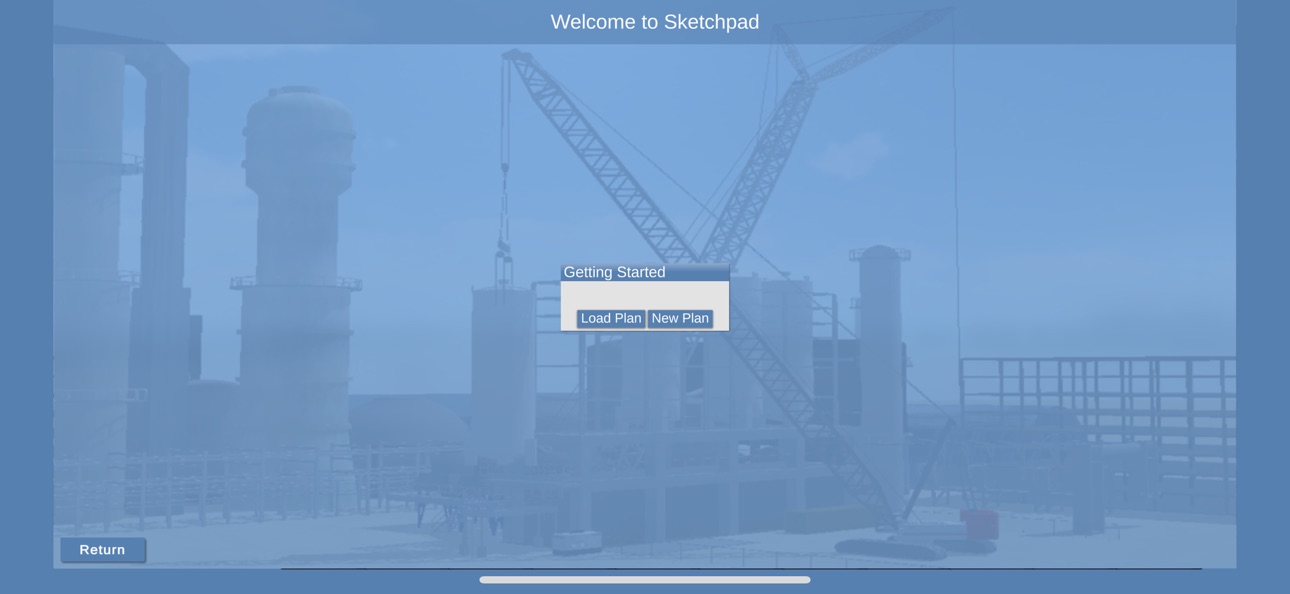
iPad 4 images


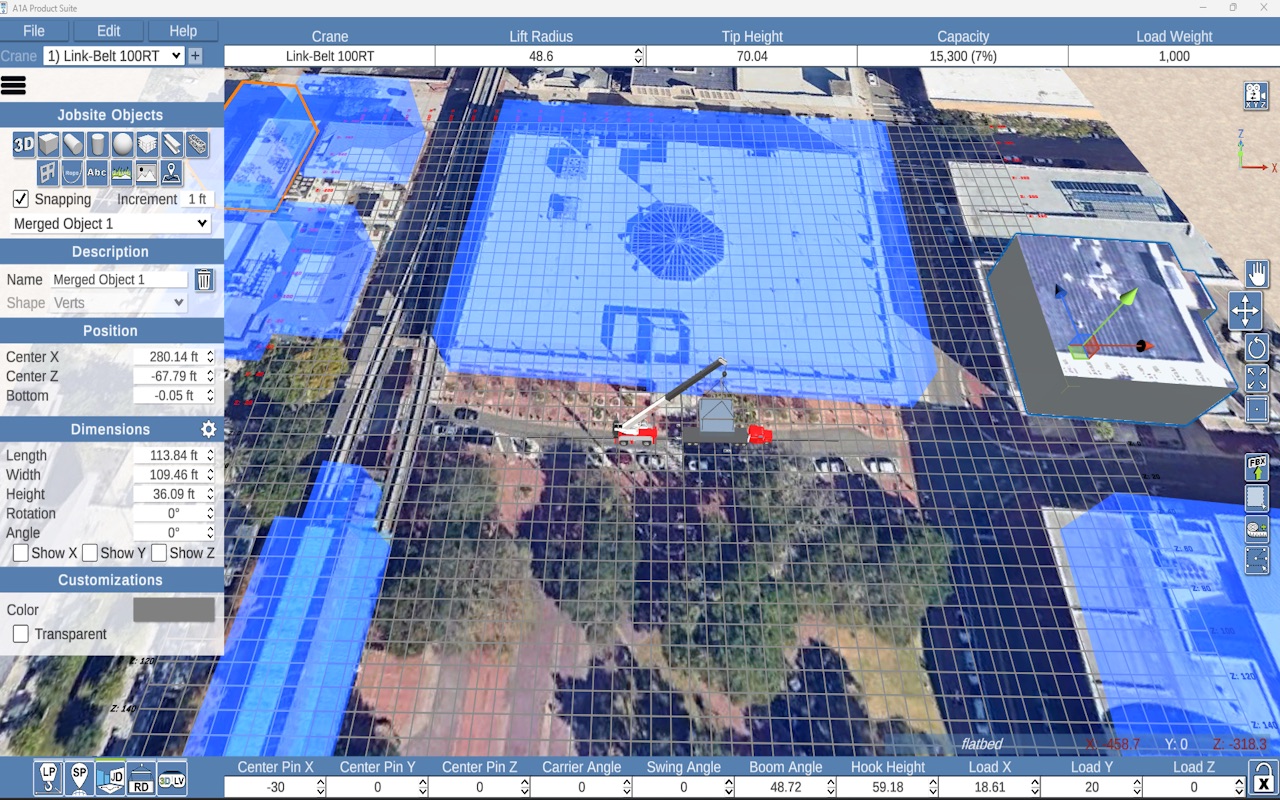
Mac 5 images




What’s New Version 1.44.001
* Large Background update to create a faster and leaner app
* Improved Camera controls
* Improved Selection System
* Improved Transform tools and widgets
Description
A1A Product Suite provides the tools necessary for lift planning, crane selection, ground bearing pressure, and rigging design.
Accessibility
ipadiphonemacrealityDevicetvoswatch
Version history 25 versions
Build 887598524v1.44.0012026-06-30 23:16:19
* Large Background update to create a faster and leaner app
* Improved Camera controls
* Improved Selection System
* Improved Transform tools and widgets
Build 886208060v1.43.0352026-05-27 20:35:11
* Fixed issue where installs on new devices could not load custom objects to the jobsite
* Fixed an issue where the print button wouldn't become active
Build 885930040v1.43.0342026-05-20 23:15:01
* Fixed multiple rigging designer bugs
* added a new news menu
Build 884645691v1.43.0312026-04-18 20:57:29
* Fixed white thumbnails on the 3D Object selection menu
* Improved dropdown menu interactions
Build 884459364v1.43.0292026-04-13 22:14:03
Rigging Designer:
Beam and Lattice working properly with pre-eng rigging
3DLP:
Dropdown interactions have been improved
Bright circle/halo appearing on images has been resolved
Image clarity has been improved
Build 884112015v1.43.0282026-04-03 22:16:34
* Fixed a shader issue that kept some objects from rendering
Build 883596180v1.43.0272026-03-24 21:36:59
3DLP
Print Page sometimes not allowing you to click view print -Fixed
Selecting jobsite objects when more then one exists sometimes doesn't work with the dropdown menu -Fixed
Ground objects images are behaving improperly -Fixed
Crane Configuration Page Dropdowns need more visibility -Fixed Tool tips now appear over highlighted items
Updated to stay compliant with stable unity versions
Build 883306807v1.43.0252026-03-12 21:11:42
* Fixed an issue where rigging designer was crashing because of a bad object call
* Rigging Designs now have the proper load
Build 883275309v1.43.0242026-03-11 23:30:06
* Fixed input so that it works with new ios glass update
Build 882829738v1.43.0232026-02-26 23:39:18
* Fixed an issue where jobsite objects couldn't be selected
* Added the articulated and tower options to the lift simulation page
Build 882415870v1.43.0222026-02-13 00:07:22
* Fixed a bug where selecting jobsite objects would not work if you had certain types of rigging.
Build 882014506v1.43.0212026-01-31 00:41:05
* Fixing rigging designer button issues
* Fixed issues with bottom crane bar
* Improved how we draw lines
Build 881356014v1.43.0182026-01-09 20:06:24
* Added lines for the Center of Gravity
* Fixed a few bugs
* Move the add buildings toggle to a button
Build 880911570v1.43.0172025-12-22 21:01:24
* Upgraded Unity Version
* Updated our development Assets
* Fixed minor issues with text and line colors
* Fixed spreader bar and sling bugs inside rigging designer
Build 879880389v1.43.0162025-11-19 02:57:27
* Fixed some small rigging designer bugs
* Fixed some line and color settings
* Fixed issue with units of measurement being wrong
Build 879557241v1.43.0152025-11-06 23:45:45
* Now checking multiple logins correctly
* Rigging Designer bugs addressed
* New fancy lines and arrows are being used in place of the old ones
Build 878272757v1.43.0132025-09-20 04:39:56
* Fixed a critical bug that cause some of our menus to list the wrong labels
Build 878241054v1.43.0122025-09-19 13:32:07
We updated the UI to match across all the features in our app. Now everything will have our blue style and more comfortable menus to interact with.
Build 875950479v1.43.0112025-06-28 09:51:04
* Fixed tandem lifts
* Fixed a bug where search setup broke the crane
* Added back/next buttons to the top of UI in 3DLP
* Fixed an issue where images would load in the about menu
Build 874253454v1.43.0102025-04-24 14:13:10
* Fixed an issue where the rigging text was in the wrong spot
Build 874226244v1.43.0092025-04-23 10:25:53
* Fixed bug where the map was not loading properly
Build 874049856v1.43.0082025-04-16 09:22:21
* Fixed issue where map was not keeping it's selections
* Fixed Clearance Calculations
Build 873614676v1.43.0072025-03-28 23:21:01
* Added increment buttons to input fields
* Fixed the "Lift Radius" text on the crane bar
* Jobsite Designer button is now available inside 3DLP
* Vet Objects, Pens, Ropes, and Maps all have their shapes locked now and cannot be changed to avoid confusion
* UI can now be scaled (this setting is per device) on the Settings menu inside 3DLP
Build 872887259v1.43.0062025-02-28 22:03:34
* Updated issues where input data was wrong
* Fixed issue with selecting map providers
Build 872216054v1.43.0032025-02-04 18:08:16
* Fixed an issue where dimensions weren't working
* Fixed an issue where some metric values weren't displaying
* Fixed issue where input fields could not be reselected
No pricing data captured yet — comparisons appear once the app has paid storefronts or in-app purchases.
Availability 1 of 1 storefronts
| Region | Language | Price | Ratings | Avg | Version |
|---|---|---|---|---|---|
| US | en-US | Free | 2 | 5.0 | 1.44.001 |
Change log 28 changes · US
✎
releaseNotes updated
* Large Background update to create a faster and leaner app
* Improved Camera controls
* Improved Selection System
* Improved Transform tools and widgets
✎
description updated
A1A Product Suite provides the tools necessary for lift planning, crane selection, ground bearing pressure, and rigging design.
✎
name updated
A1A Product Suite
◆
Version 1.44.001 released
* Large Background update to create a faster and leaner app
* Improved Camera controls
* Improved Selection System
* Improved Transform tools and widgets
◆
Version 1.43.035 released
* Fixed issue where installs on new devices could not load custom objects to the jobsite
* Fixed an issue where the print button wouldn't become active
◆
Version 1.43.034 released
* Fixed multiple rigging designer bugs
* added a new news menu
◆
Version 1.43.031 released
* Fixed white thumbnails on the 3D Object selection menu
* Improved dropdown menu interactions
◆
Version 1.43.029 released
Rigging Designer:
Beam and Lattice working properly with pre-eng rigging
3DLP:
Dropdown interactions have been improved
Bright circle/halo appearing on images has been resolved
Image clarity has been improved
◆
Version 1.43.028 released
* Fixed a shader issue that kept some objects from rendering
◆
Version 1.43.027 released
3DLP
Print Page sometimes not allowing you to click view print -Fixed
Selecting jobsite objects when more then one exists sometimes doesn't work with the dropdown menu -Fixed
Ground objects images are behaving improperly -Fixed
Crane Config
◆
Version 1.43.025 released
* Fixed an issue where rigging designer was crashing because of a bad object call
* Rigging Designs now have the proper load
◆
Version 1.43.024 released
* Fixed input so that it works with new ios glass update
◆
Version 1.43.023 released
* Fixed an issue where jobsite objects couldn't be selected
* Added the articulated and tower options to the lift simulation page
◆
Version 1.43.022 released
* Fixed a bug where selecting jobsite objects would not work if you had certain types of rigging.
◆
Version 1.43.021 released
* Fixing rigging designer button issues
* Fixed issues with bottom crane bar
* Improved how we draw lines
◆
Version 1.43.018 released
* Added lines for the Center of Gravity
* Fixed a few bugs
* Move the add buildings toggle to a button
◆
Version 1.43.017 released
* Upgraded Unity Version
* Updated our development Assets
* Fixed minor issues with text and line colors
* Fixed spreader bar and sling bugs inside rigging designer
◆
Version 1.43.016 released
* Fixed some small rigging designer bugs
* Fixed some line and color settings
* Fixed issue with units of measurement being wrong
◆
Version 1.43.015 released
* Now checking multiple logins correctly
* Rigging Designer bugs addressed
* New fancy lines and arrows are being used in place of the old ones
◆
Version 1.43.013 released
* Fixed a critical bug that cause some of our menus to list the wrong labels
◆
Version 1.43.012 released
We updated the UI to match across all the features in our app. Now everything will have our blue style and more comfortable menus to interact with.
◆
Version 1.43.011 released
* Fixed tandem lifts
* Fixed a bug where search setup broke the crane
* Added back/next buttons to the top of UI in 3DLP
* Fixed an issue where images would load in the about menu
◆
Version 1.43.010 released
* Fixed an issue where the rigging text was in the wrong spot
◆
Version 1.43.009 released
* Fixed bug where the map was not loading properly
◆
Version 1.43.008 released
* Fixed issue where map was not keeping it's selections
* Fixed Clearance Calculations
◆
Version 1.43.007 released
* Added increment buttons to input fields
* Fixed the "Lift Radius" text on the crane bar
* Jobsite Designer button is now available inside 3DLP
* Vet Objects, Pens, Ropes, and Maps all have their shapes locked now and cannot be changed to
◆
Version 1.43.006 released
* Updated issues where input data was wrong
* Fixed issue with selecting map providers
◆
Version 1.43.003 released
* Fixed an issue where dimensions weren't working
* Fixed an issue where some metric values weren't displaying
* Fixed issue where input fields could not be reselected