Home › Business

 US
US
1 of 1 storefronts
Content in en-US
Content in en-US
Information
Preview 2 platforms
iPhone 9 images


iPad 10 images




What’s New Version 4.1.1
Added Japanese language support
Bug fixes and performance improvements
Description
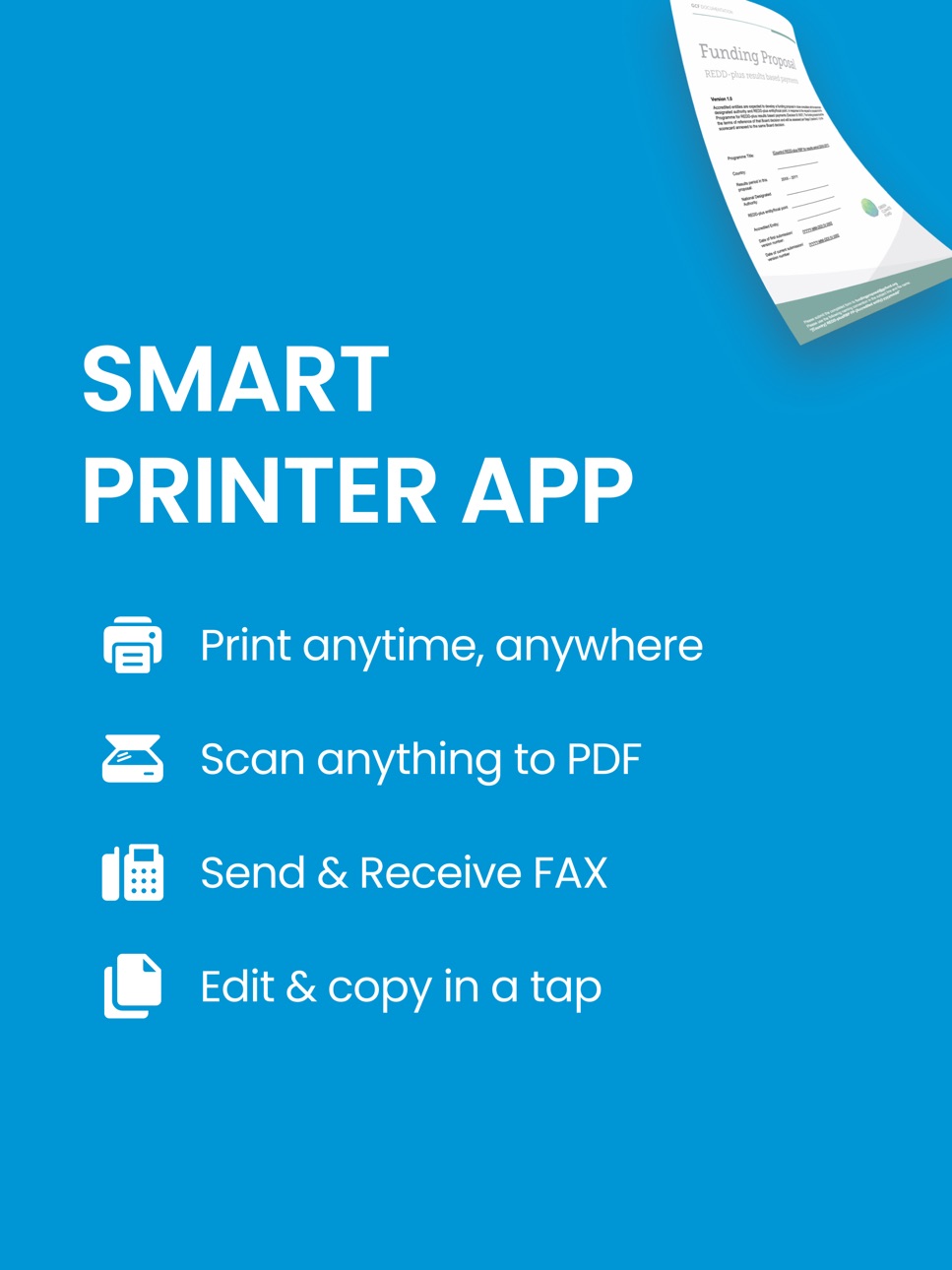
Smart Printer App & Scan helps you print photos & documents without installing printer drivers. It supports 7,500 models from a wide range of printer manufacturers / brands.
Multi-function Printer on your phone include key features:
PRINT FROM IPHONE/IPAD WITH SMART PRINTER APP
> Print photos and documents
> Print multiple photos on same sheet
> Print photo as a poster
> Print emails, webpages
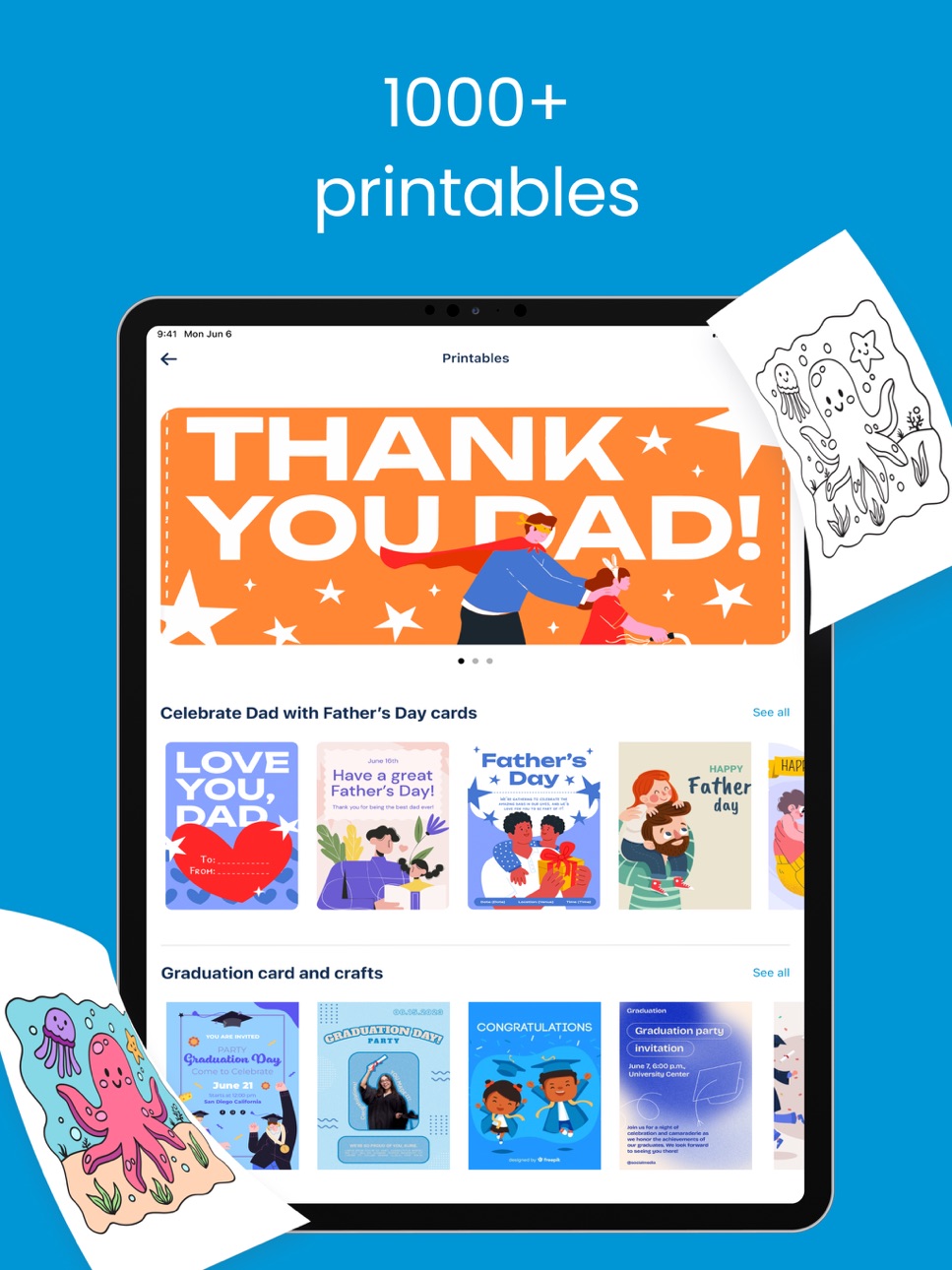
> Print printables: greetings cards, coloring pages, kid learning worksheets, productivity sheets, paper crafts
> Print labels: custom & print labels
> Print calendar: custom & print calendar
> Print quizzes: choose knowledge topics & print quizzes
SCAN DOCUMENTS
> Scan, edit and print documents
> Share documents via email, Airdrop or messaging apps
OFFICE TOOLS
> Convert photos to PDF
> Delete PDF pages
> Compress PDF
> Transfer files from PC to iPhone & iPad
SEND FAXES GLOBALLY
> Scan & send faxes
> Receive notifications of delivery status
> Fax with encrypted connection
SHARE PRINTER ACCESS
> Allow other members to print documents on your printer
> Join a group to print documents on a shared printer
Product, logos and brand names are for identification purpose only and do not indicate endorsement of or affiliation with our application.
Information about the auto-renewal of subscription:
Payment will be charged to iTunes Account at confirmation of purchase.
Subscription automatically renews unless auto-renew is turned off at least 24-hours before the end of the current period.
Account will be charged for renewal within 24-hours prior to the end of the current period, and identify the cost of the renewal. The cost depends on the selected plan.
Subscriptions may be managed by the user and auto-renewal may be turned off by going to the user's Account Settings after purchase.
Any unused portion of the free trial will be forfeited when the user purchases a subscription.
Privacy Policy: https://kainsuite.com/privacy-policy/
Terms of Use: https://kainsuite.com/terms-conditions/
In-App Purchases US pricing
Sub Subscription
HPrinter Premium Monthly · Monthly$12.99
HPrinter Premium Half Year · 6 months$39.99
HPrinter Premium Yearly · Yearly$59.99
Weekly Full Access Free Trial · 7 days 3-day free trial$9.99
Smart Printer Premium Weekly 2 · 7 days$7.99
One-Time Purchases
100 Pages$9.99
Smart Printer App - Lifetime$69.99
Capabilities
In-App Purchases
Accessibility
ipadiphonemacrealityDevicetvoswatch
Version history 25 versions
Build 886825913v4.1.12026-06-14 06:01:31
Added Japanese language support
Bug fixes and performance improvements
Build 886456874v4.1.02026-06-04 02:36:21
Canon printer connection support.
Bug fixes and performance improvements.
Build 884829193v4.0.32026-04-25 05:25:01
- Improve performance and fix bugs
Build 884531933v4.0.22026-04-23 02:31:06
Fix bugs & improve performance
Build 883565735v4.0.12026-03-21 01:18:17
- Fix bugs & improve performance
Build 883252160v4.0.02026-03-18 07:14:01
- Enhanced Edit Tools and Fax feature
- Improve performance and fix bugs
Build 882402519v3.3.62026-02-17 13:38:22
Improve performance and fix bugs
Build 882185613v3.3.52026-02-12 06:53:45
Improve performance and fix bugs
Build 882109198v3.3.42026-02-05 01:46:58
Improve performance and fix bugs
Build 881766496v3.3.32026-01-28 08:03:02
Improve performance and fix bugs
Build 881238850v3.3.22026-01-13 09:36:36
Improve performance and fix bugs
Build 881001381v3.3.12025-12-26 05:16:34
Improve performance and fix bugs
Build 880466834v3.3.02025-12-22 04:46:19
Improve performance and fix bugs
Build 879637400v3.2.42025-11-11 09:05:25
Improve connection to printers and fix bugs
Build 879383611v3.2.32025-11-07 09:54:51
Improve connection to printers and fix bugs
Build 876285040v3.2.22025-07-11 01:30:50
Improve performance and fix bugs
Build 875422945v3.2.12025-06-17 09:06:21
- In-app localization for Spanish, French, Chinese, and Portuguese
- Improve UI
Build 869918507v3.2.02025-05-19 09:41:14
- Improve connection
- New scanner feature
- Magic card maker and remove background
- Improve UI
Build 866841283v3.0.02024-06-24 10:49:02
Updated user interface. Easier to connect Wi-Fi printers. New photobook creator.
Build 865653279v2.3.22024-05-04 00:31:50
Fix bugs & improve performance!
Build 865263578v2.3.12024-04-28 08:35:29
New office tools:
- Convert photo to PDF
- Delete PDF pages
- Compress PDF
- Transfer files from PC to iPhone & iPad
Build 864817429v2.3.02024-04-04 05:11:12
Import and manage files from Files, Dropbox, Google Drive, OneDrive, Photos Gallery
Build 864639876v2.2.22024-03-24 11:59:05
Fix bugs and improve performance
Build 864521468v2.2.12024-03-21 07:53:52
Add tutorials to help users connect their printers to Wi-fi network
Build 863355402v2.1.52024-02-03 01:53:08
New stickers, fix bugs, improve performance
Price history by region
Currency
Show
Columns
Search
App performance US
Availability 1 of 1 storefronts
| Region | Language | Price | Ratings | Avg | Version |
|---|---|---|---|---|---|
| US | en-US | Free | 75.0k | 4.2 | 4.1.1 |
Change log 29 changes · US
✎
releaseNotes updated
Added Japanese language support
Bug fixes and performance improvements
✎
description updated
Smart Printer App & Scan helps you print photos & documents without installing printer drivers. It supports 7,500 models from a wide range of printer manufactur
✎
subtitle updated
Printer App: Print, Scan & Fax
✎
name updated
Smart Printer App & Scan
◆
Version 4.1.1 released
Added Japanese language support
Bug fixes and performance improvements
◆
Version 4.1.0 released
Canon printer connection support.
Bug fixes and performance improvements.
◆
Version 4.0.3 released
- Improve performance and fix bugs
◆
Version 4.0.2 released
Fix bugs & improve performance
◆
Version 4.0.1 released
- Fix bugs & improve performance
◆
Version 4.0.0 released
- Enhanced Edit Tools and Fax feature
- Improve performance and fix bugs
◆
Version 3.3.6 released
Improve performance and fix bugs
◆
Version 3.3.5 released
Improve performance and fix bugs
◆
Version 3.3.4 released
Improve performance and fix bugs
◆
Version 3.3.3 released
Improve performance and fix bugs
◆
Version 3.3.2 released
Improve performance and fix bugs
◆
Version 3.3.1 released
Improve performance and fix bugs
◆
Version 3.3.0 released
Improve performance and fix bugs
◆
Version 3.2.4 released
Improve connection to printers and fix bugs
◆
Version 3.2.3 released
Improve connection to printers and fix bugs
◆
Version 3.2.2 released
Improve performance and fix bugs
◆
Version 3.2.1 released
- In-app localization for Spanish, French, Chinese, and Portuguese
- Improve UI
◆
Version 3.2.0 released
- Improve connection
- New scanner feature
- Magic card maker and remove background
- Improve UI
◆
Version 3.0.0 released
Updated user interface. Easier to connect Wi-Fi printers. New photobook creator.
◆
Version 2.3.2 released
Fix bugs & improve performance!
◆
Version 2.3.1 released
New office tools:
- Convert photo to PDF
- Delete PDF pages
- Compress PDF
- Transfer files from PC to iPhone & iPad
◆
Version 2.3.0 released
Import and manage files from Files, Dropbox, Google Drive, OneDrive, Photos Gallery
◆
Version 2.2.2 released
Fix bugs and improve performance
◆
Version 2.2.1 released
Add tutorials to help users connect their printers to Wi-fi network
◆
Version 2.1.5 released
New stickers, fix bugs, improve performance