Home › Utilities

3 of 3 storefronts
Content in en-US
Content in en-US
Information
Apple ID1594965885
Bundle IDde.AndreTrettin.GameMaster
SellerSeller
Min iOS18.0
Device familiesmac, tvos, iphone, realityDevice, ipad
Released2024-04-09
Copyright© 2024 Andre Trettin
Privacy policyLink ↗
Preview 5 platforms
iPhone 10 images




iPad 8 images




Mac 8 images
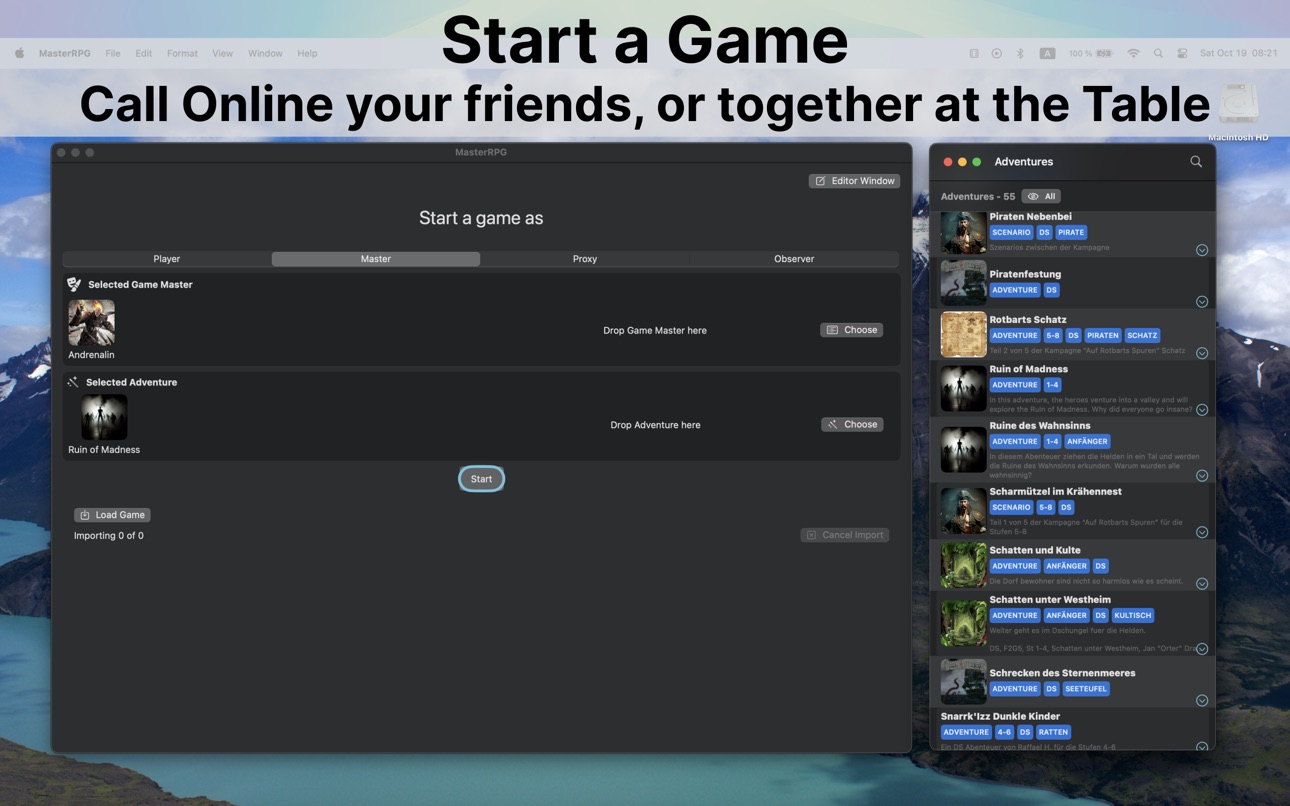
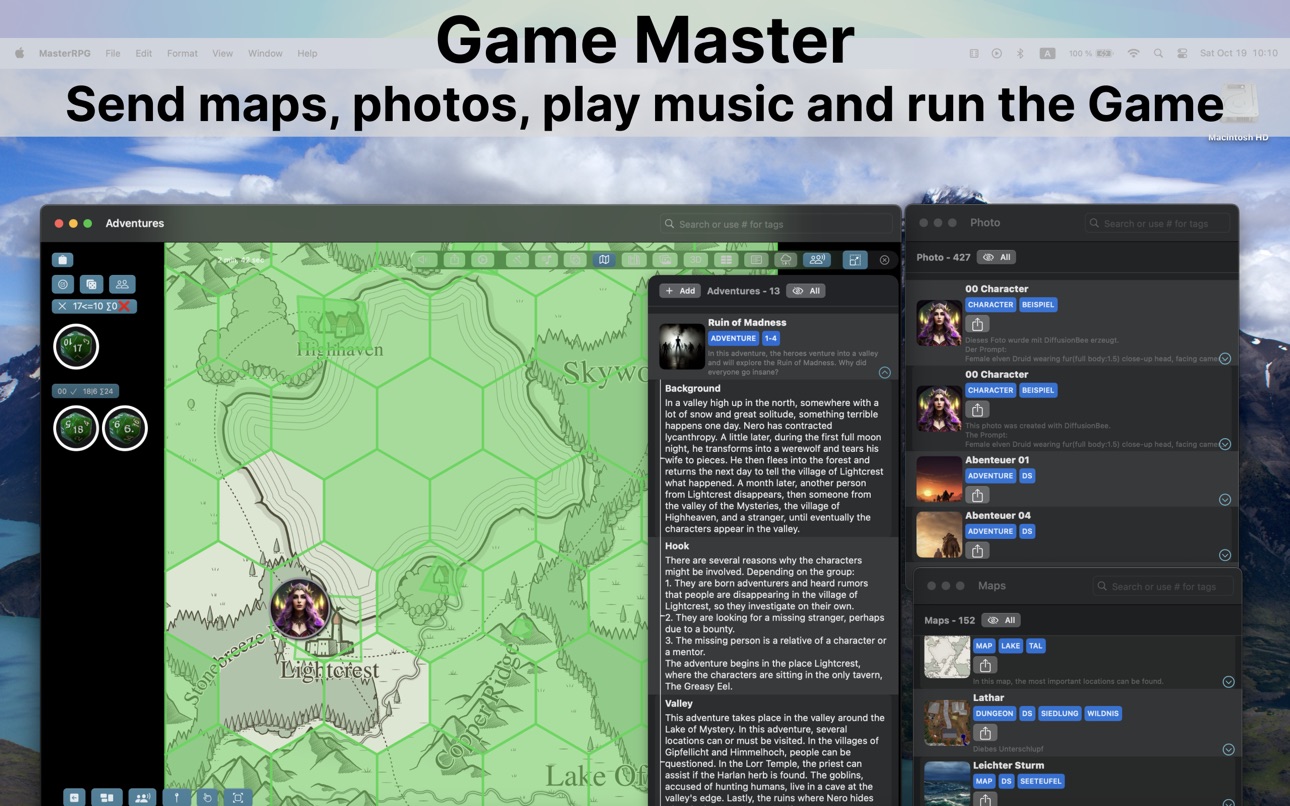

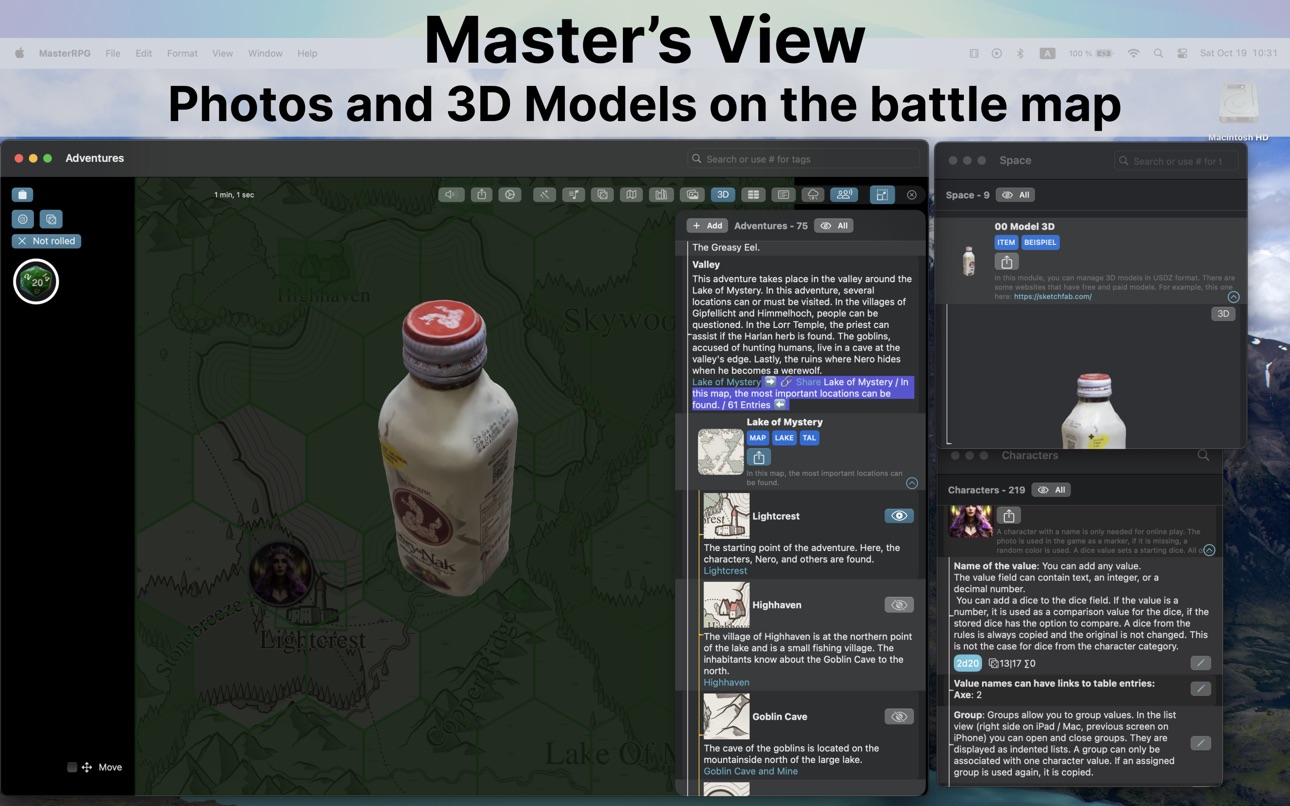


Apple TV 4 images


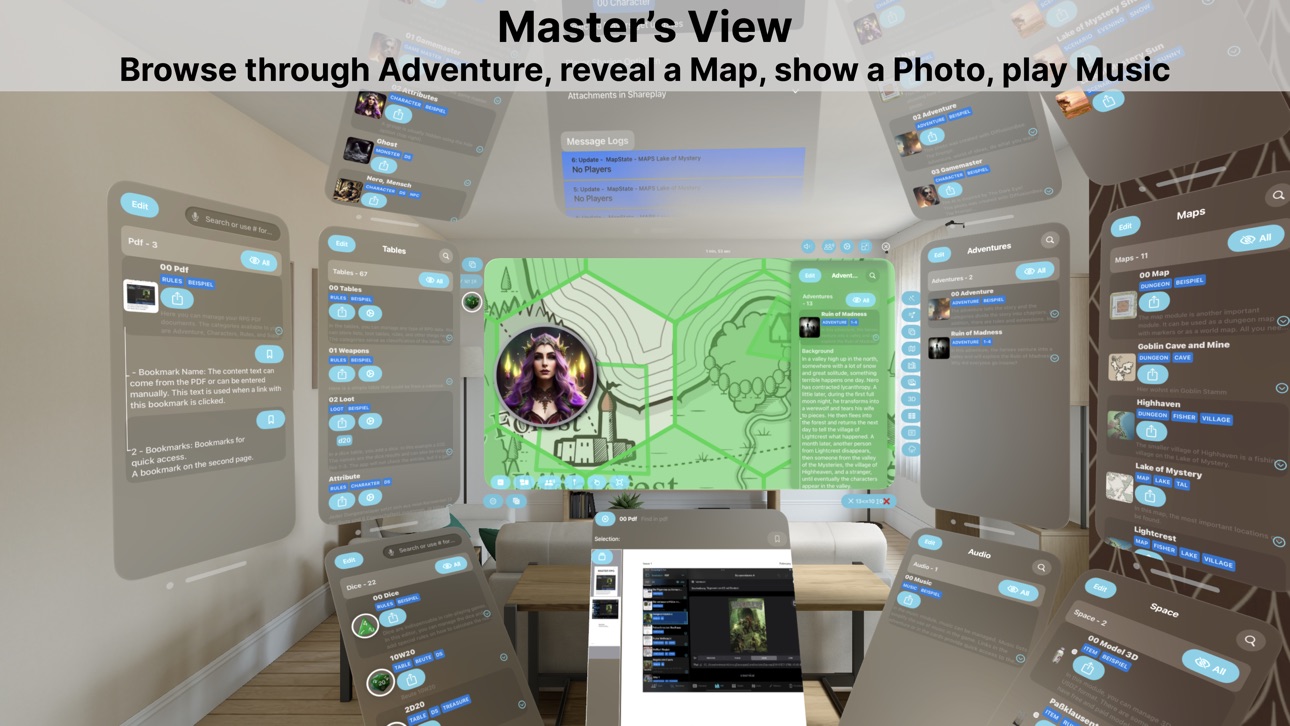
Apple Vision Pro 7 images



What’s New Version 2.6.1
Enabled liquid glass UI for the users of iOS / iPadOS 26
Description
With MasterRPG, you can play pen-and-paper role-playing games with your friends via SharePlay. The program is independent of the role-playing system. You can play the typical Dungeons and Dragons games such as DungeonSlayer or the German classic The Dark Eye or Midgard. But of course, you can also opt for horror like Call of Cthulhu, Cyberpunk, Shadowrun, or even Star Wars.
If you don't want to play online, you can also use the program to lead the game at the table. It offers a network connection to display player content on a second device or the TV.
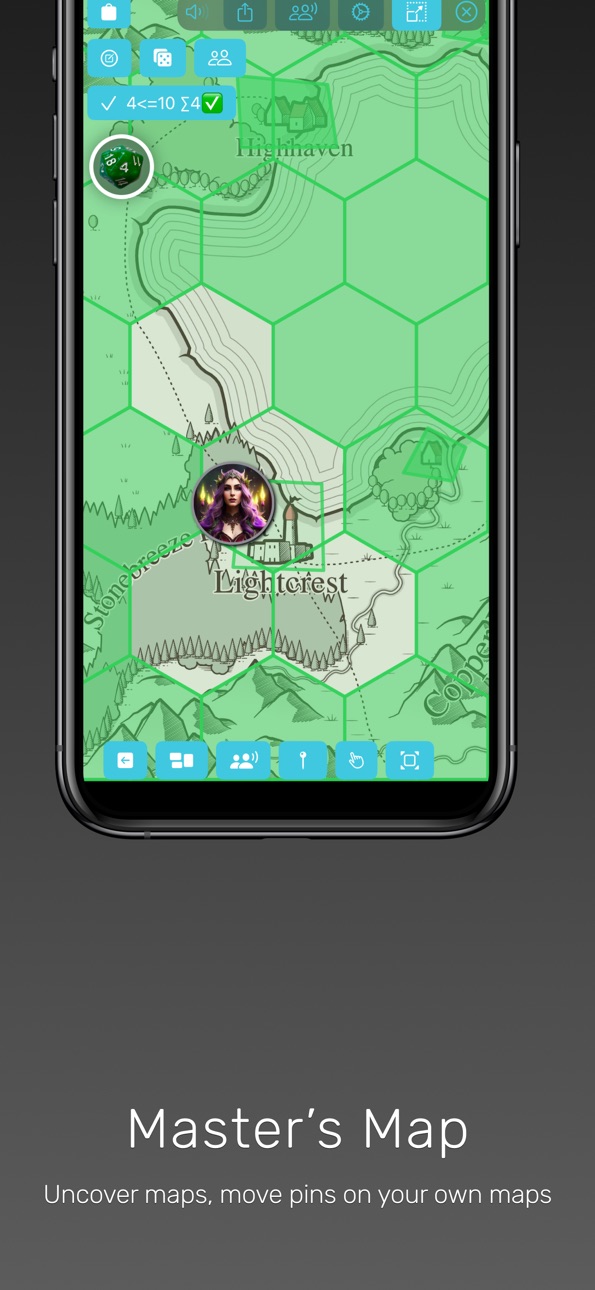
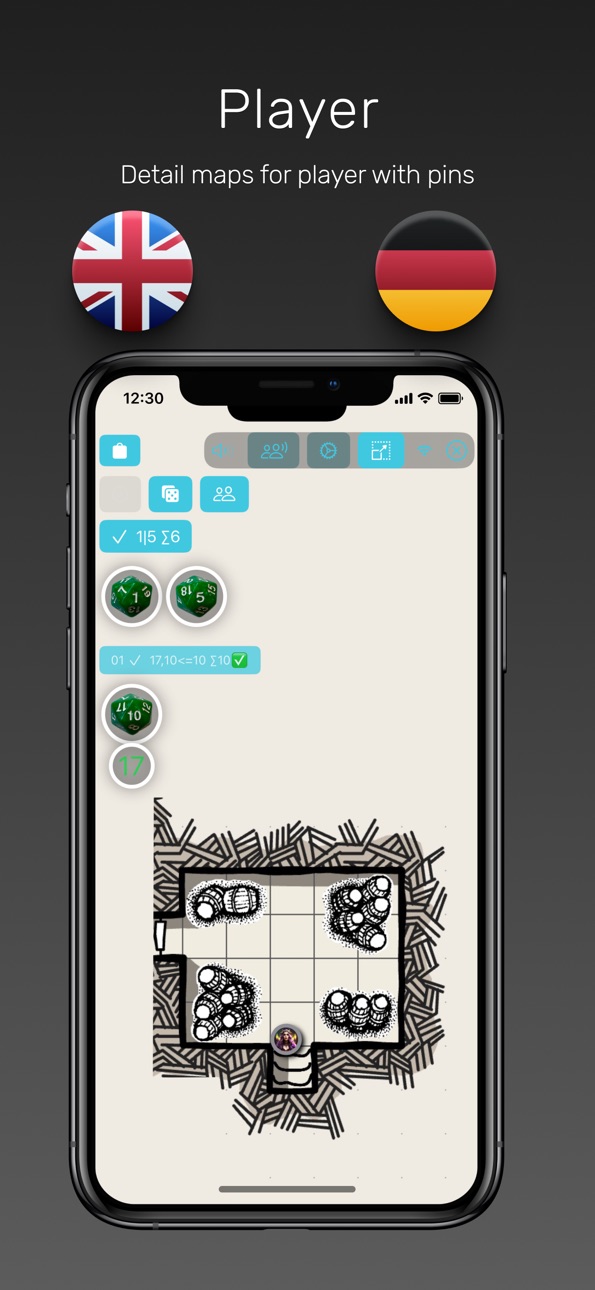
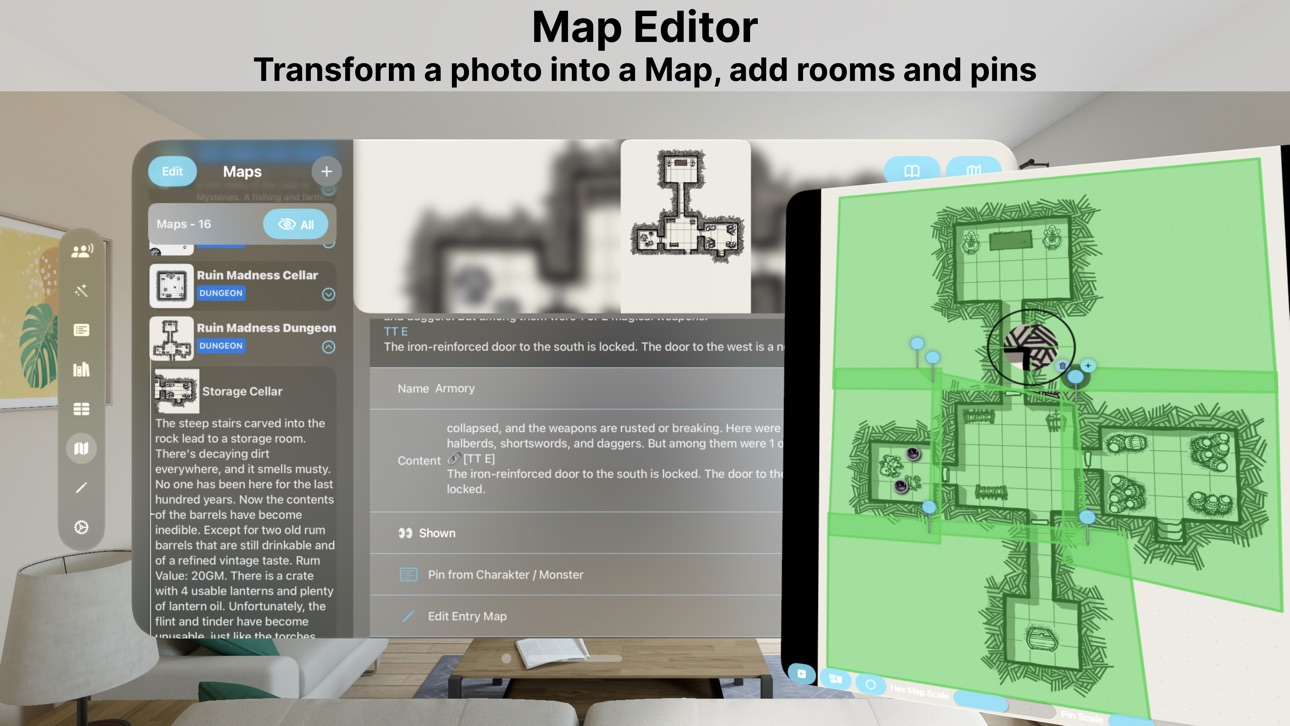
As a game master, the app allows you to import and manage your PDFs, photos, music, and 3D models. With these, you can create your adventures, maps, and characters. Dice with rules on how values should be evaluated and tables such as loot tables complete the package. You can link to the individual contents among each other. This way, you won't lose focus during the game and can quickly look up weapon values or a spell, for example. As you reveal rooms in the dungeon, you can display monster values via a link and much more.
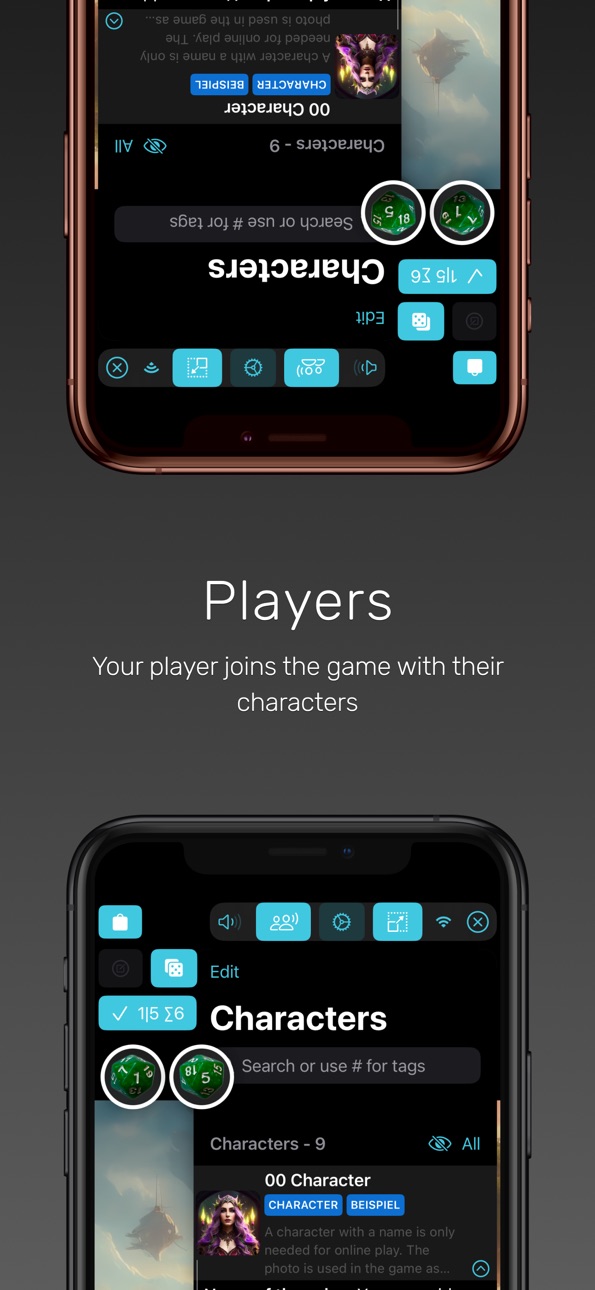
All this is made possible by editors in each area, specially adapted yet uniform, making it easy to create all the important values for the game. Players can even perform simple calculations and place dice to make an attack roll in the game with a click.
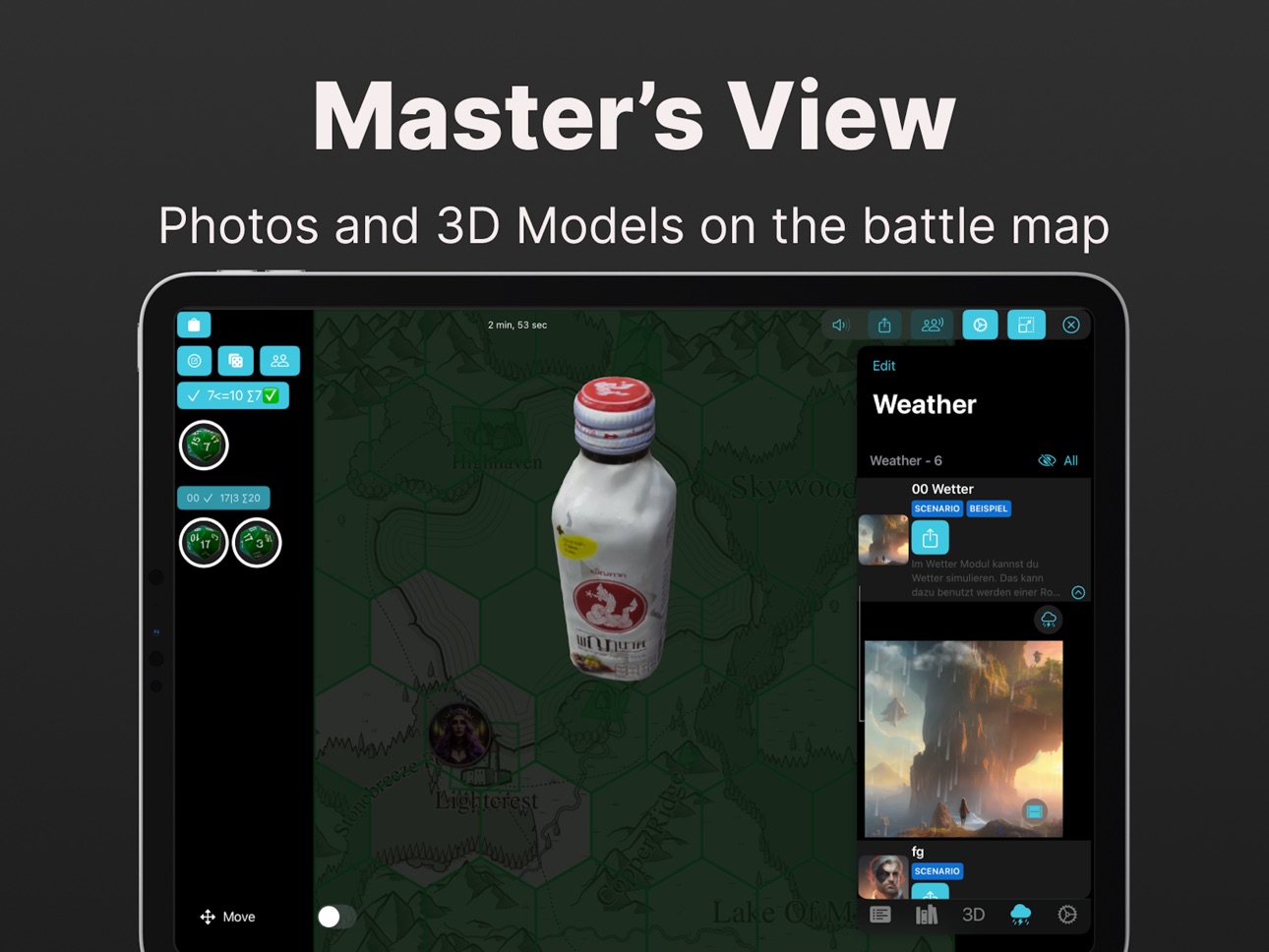
As a bonus, there's a weather module that generates rain, snow, and lightning and can even be displayed on a background image if desired. If you want to create your own 3D models, there's a step-by-step guide on how to use your iPhone or iPad with a LIDAR sensor for this purpose.
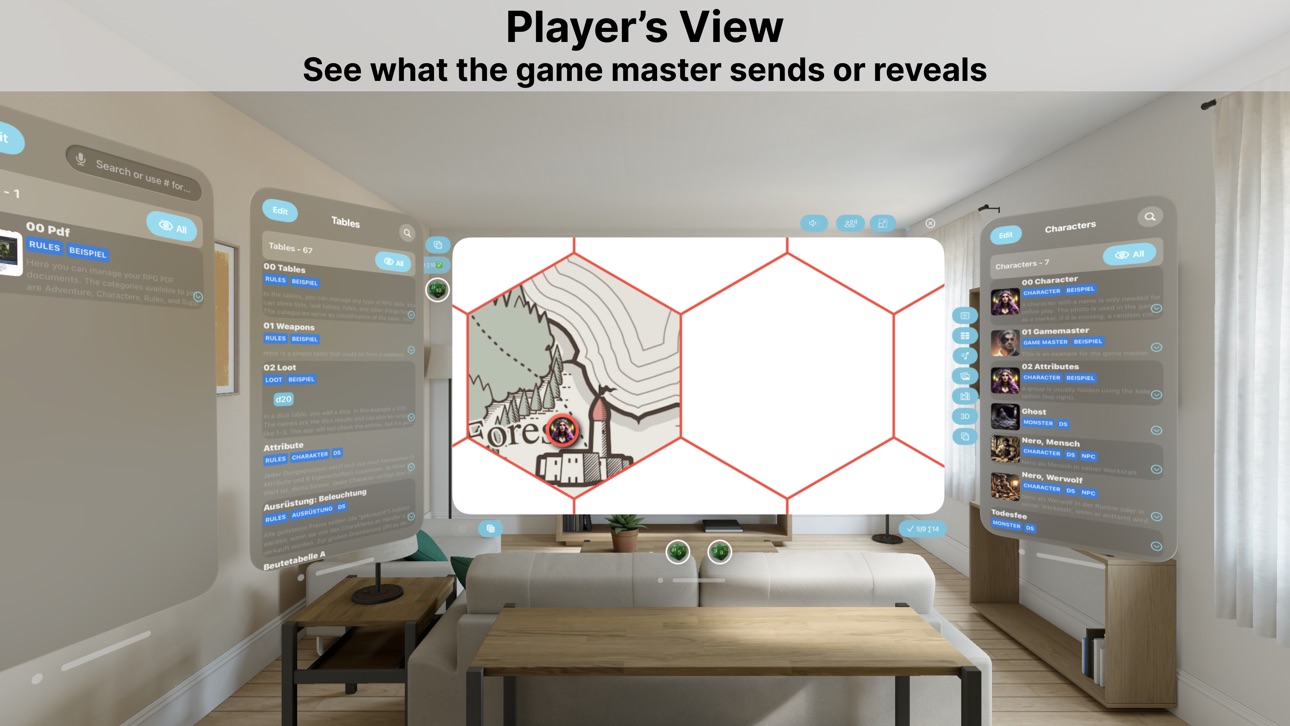
But that's not all; you can use the app on an iPhone, iPad, Mac, AppleTV, and the new VisionPro. Not only are various platforms supported, but you can also extend your game screen with a second device during the game. As a game master, for example, you can present player content on an AppleTV. During a FaceTime SharePlay game, you can not only see images, maps, weather on a second device but also hear the music at your perfect volume without the typical video call volume fluctuations.
Highlights on the VisionPro: Images can be transmitted as immersive images, allowing you to stand inside the pictures. You can place 3D models in the room to view repeatedly, and you can open multiple windows like on a Mac.
With AppleTV, you can join a local game and use the game screen as a player extension or as an observer. You cannot start a game, and the editors are not available.
With that said, have fun playing.
Capabilities
SharePlay
Accessibility
ipadiphonemacrealityDevicetvoswatch
Version history 10 versions
Build 878412531v2.6.12025-09-26 03:15:15
Enabled liquid glass UI for the users of iOS / iPadOS 26
Build 876400123v2.62025-08-26 07:34:08
- New Link presentation with modules icons are added.
- Many modules have now a sheet presentation for compact reading
- Search highlighting in list, reader and editors
Build 872194950v2.5.12025-02-05 00:58:43
Improved the navigation and a rare crash is fix for iPad in background.
Build 871705911v2.52025-01-14 04:20:57
iCloud sync got optimized and loading files for offline usages.
Build 870199300v2.4.12024-11-05 12:08:31
In this Update are many iOS18 features activated. The new icons are available and the new Tab behavior is added (for iPad).
The 3D objects are now inline displayed instead of in a new window.
Some nasty bugs are gone and for render speed was optimized.
Build 869504406v2.42024-11-03 10:09:29
In this Update are many iOS18 features activated. The new icons are available and the new Tab behavior is added (for iPad).
The 3D objects are now inline displayed instead of in a new window.
Some nasty bugs are gone and for render speed was optimized.
Build 869050811v2.32024-09-19 00:41:36
Updated to use new iOS features and many buttons are optimized. Added new Sheets for Tables and Characters. Many small improvements for icons as UI feedback are added.
Build 866739002v2.22024-06-18 23:37:10
A new look and feel in the detail editor brings the photo, pdf, dice, weather, 3D object, character and adventure closer to you. In this version the focus is on small animations on buttons and transitions.
Many improvements in the editor bring you more efficient workflows. The GameScreen is reworked to looks better on all platforms.
Of course Bugs were also removed.
Build 866041106v2.12024-05-19 10:00:35
Several new feature were added:
- Character Generator from own templates for character / npc / monsters are more
- Table Generator for Loot and other items is added. A dice result will reflect the values with easy item creation and send to the players.
- Sharing extension to easily create entries from photos and text shared via system
- Pointer for the map to mark a location
- In game adding of new pins on Map
- Jpeg converter
Of course a release without any fixes is not complete:
- Link validate removed valid links on iCloud sync is moved to settings.
- UI improvements for VisionPro for the game, better dice handling
- Photo immersive space will close on next photo automatically
Build 845290785v2.02024-04-10 00:59:51
No pricing data captured yet — comparisons appear once the app has paid storefronts or in-app purchases.
Availability 3 of 3 storefronts
| Region | Language | Price | Ratings | Avg | Version |
|---|---|---|---|---|---|
 KE KE | en-GB | Free | 0 | — | 2.6.1 |
 NG NG | en-GB | Free | 0 | — | 2.6.1 |
 US US | en-US | Free | 0 | — | 2.6.1 |
Change log 14 changes · US
✎
releaseNotes updated
Enabled liquid glass UI for the users of iOS / iPadOS 26
✎
description updated
With MasterRPG, you can play pen-and-paper role-playing games with your friends via SharePlay. The program is independent of the role-playing system. You can pl
✎
subtitle updated
Pen&Paper Role Play Companion
✎
name updated
MasterRPG
◆
Version 2.6.1 released
Enabled liquid glass UI for the users of iOS / iPadOS 26
◆
Version 2.6 released
- New Link presentation with modules icons are added.
- Many modules have now a sheet presentation for compact reading
- Search highlighting in list, reader and editors
◆
Version 2.5.1 released
Improved the navigation and a rare crash is fix for iPad in background.
◆
Version 2.5 released
iCloud sync got optimized and loading files for offline usages.
◆
Version 2.4.1 released
In this Update are many iOS18 features activated. The new icons are available and the new Tab behavior is added (for iPad).
The 3D objects are now inline displayed instead of in a new window.
Some nasty bugs are gone and for render speed wa
◆
Version 2.4 released
In this Update are many iOS18 features activated. The new icons are available and the new Tab behavior is added (for iPad).
The 3D objects are now inline displayed instead of in a new window.
Some nasty bugs are gone and for render speed wa
◆
Version 2.3 released
Updated to use new iOS features and many buttons are optimized. Added new Sheets for Tables and Characters. Many small improvements for icons as UI feedback are added.
◆
Version 2.2 released
A new look and feel in the detail editor brings the photo, pdf, dice, weather, 3D object, character and adventure closer to you. In this version the focus is on small animations on buttons and transitions.
Many improvements in the editor br
◆
Version 2.1 released
Several new feature were added:
- Character Generator from own templates for character / npc / monsters are more
- Table Generator for Loot and other items is added. A dice result will reflect the values with easy item creation and send to
◆
Version 2.0 released