Home › Productivity

 US
US
1 of 1 storefronts
Content in en-US
Content in en-US
Information
Preview 2 platforms
iPhone 7 images




iPad 6 images


What’s New Version 1.3.0
Thank you for using QuickQR! We hope you enjoy the new updates:
- Added more QR Code type
- Improved UI/UX.
- Performance enhancements and bug fixes.
Description
Unlock the power of QR codes with QuickQR! Effortlessly scan and create custom QR codes for all your needs. Whether you need to quickly scan a QR code on the go or generate personalized QR codes for business, social media, or personal use, QuickQR has you covered.
Key Features:
- Instant QR Code Scanning: Quickly scan any QR code with your device’s camera or from saved photos.
- Generate Custom QR Codes: Create QR codes for text, URLs, contacts, emails, phone numbers, and SMS with ease.
- QR Code History: Keep track of all your scanned and generated QR codes with a comprehensive history log.
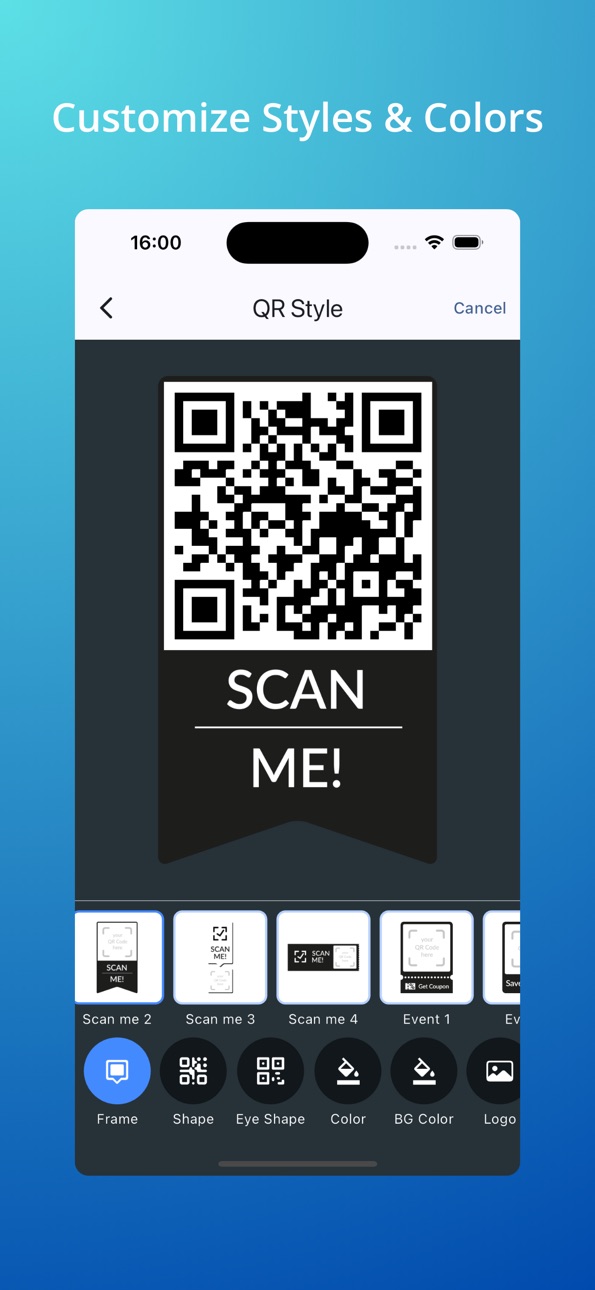
- Customizable Designs: Personalize your QR codes by adjusting colors, styles, and adding icons to make them unique.
- Organize Your QR Codes: Save and organize your QR codes in a dedicated notebook for easy access and management.
- Share and Export: Easily share your QR codes via email, social media, and messaging apps, or export them in various formats.
- Secure and Private: Your data and QR codes are stored securely in your device, ensuring your privacy.
Why Choose QuickQR?
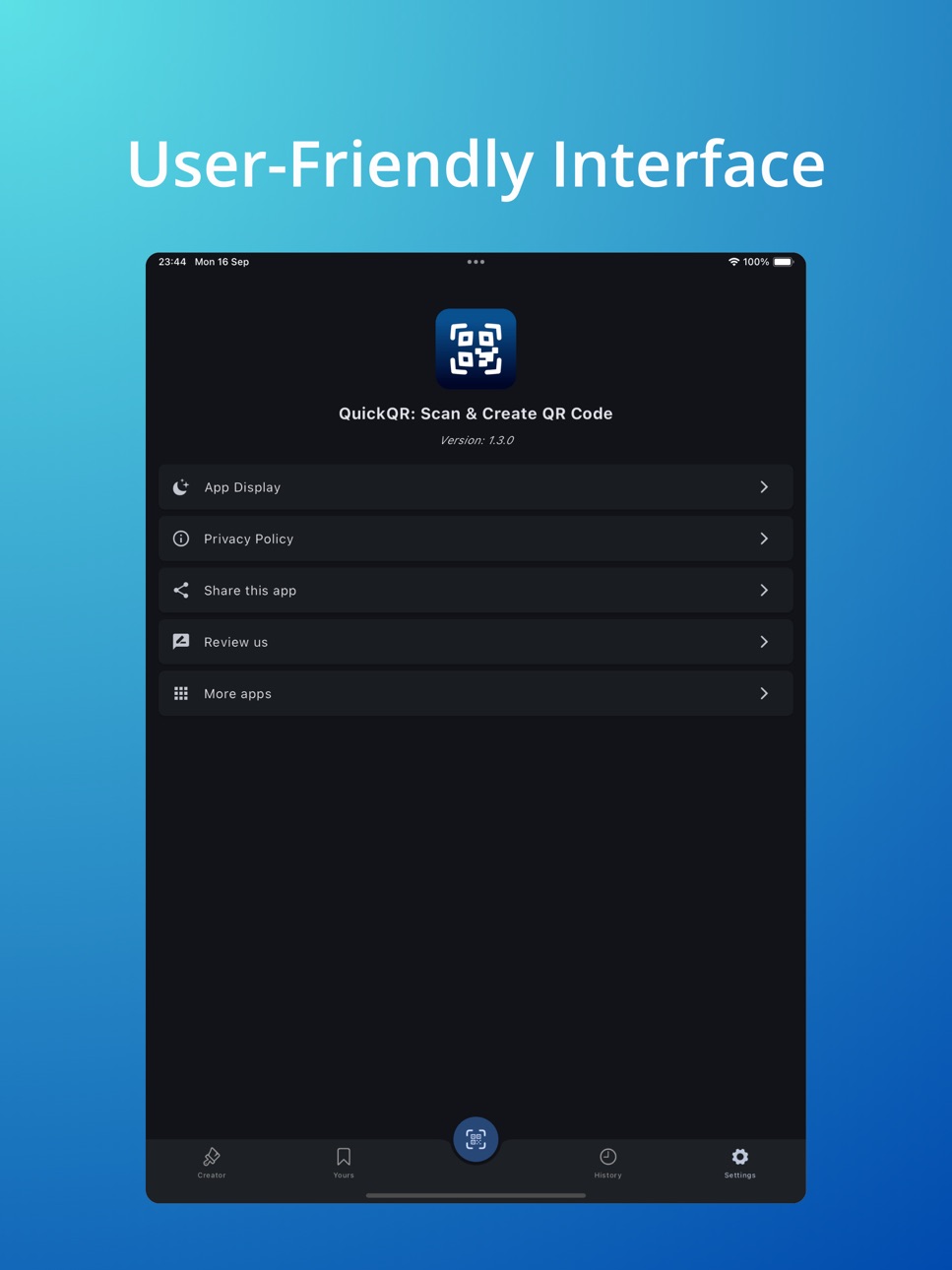
- User-Friendly Interface: Enjoy a seamless experience with an intuitive and easy-to-use interface.
- Fast and Reliable: Experience quick and accurate scanning and generating of QR codes.
- Versatile and Customizable: Create and personalize QR codes to suit your needs, whether for personal, business, or creative projects.
Download QuickQR - Scan & Create QR Code today and explore the endless possibilities of QR codes. Enhance your productivity, creativity, and connectivity with the ultimate QR code companion!
Accessibility
ipadiphonemacrealityDevicetvoswatch
Version history 4 versions
Build 869045572v1.3.02024-09-16 20:36:59
Thank you for using QuickQR! We hope you enjoy the new updates:
- Added more QR Code type
- Improved UI/UX.
- Performance enhancements and bug fixes.
Build 867796239v1.2.02024-07-30 22:24:26
• Improved UI/UX.
• Performance enhancements and bug fixes.
Build 841371357v1.1.02021-04-14 23:37:53
Thank you for use Quick QR.
Here are couple of the enhancements you’ll find in the latest update:
1. Improved Performance and Stability
2. Update new UX/UI
3. New Editor with more options: Frame, Shape, Logo, Colors...
4. History created QR Codes.
Build 839316530v1.0.02020-11-26 04:10:14
No pricing data captured yet — comparisons appear once the app has paid storefronts or in-app purchases.
Availability 1 of 1 storefronts
| Region | Language | Price | Ratings | Avg | Version |
|---|---|---|---|---|---|
| US | en-US | Free | 0 | — | 1.3.0 |
Change log 8 changes · US
✎
releaseNotes updated
Thank you for using QuickQR! We hope you enjoy the new updates:
- Added more QR Code type
- Improved UI/UX.
- Performance enhancements and bug fixes.
✎
description updated
Unlock the power of QR codes with QuickQR! Effortlessly scan and create custom QR codes for all your needs. Whether you need to quickly scan a QR code on the go
✎
subtitle updated
Instant QR Scan & Creation
✎
name updated
QuickQR: Scan & Create QR Code
◆
Version 1.3.0 released
Thank you for using QuickQR! We hope you enjoy the new updates:
- Added more QR Code type
- Improved UI/UX.
- Performance enhancements and bug fixes.
◆
Version 1.2.0 released
• Improved UI/UX.
• Performance enhancements and bug fixes.
◆
Version 1.1.0 released
Thank you for use Quick QR.
Here are couple of the enhancements you’ll find in the latest update:
1. Improved Performance and Stability
2. Update new UX/UI
3. New Editor with more options: Frame, Shape, Logo, Colors...
4. History created QR
◆
Version 1.0.0 released