Home › Productivity

CollaNote: Notes & PDF Markup
25+ Pens to Take Better Notes
 US
US
1 of 1 storefronts
Content in en-US
Content in en-US
Information
Preview 2 platforms


iPhone 10 images




iPad 10 images






What’s New Version 4.1.2
Bug fixes and performance improvements
Description
CollaNote: Powerful note-taking app packed with a wide range of tools.
Note-taking, PDF markup, digital planning, and flashcards - all in one place!
BUILT FOR APPLE PENCIL WITH AN ENHANCED WRITING EXPERIENCE:
- 25+ different pens and brushes to transform your notes into artwork.
- Handwriting stabilizer for beautiful, smooth writing.
- Enjoy a calming ASMR note-taking experience.
- Infinite Arc Menu available for both Apple Pencil Pro and Apple Pencil Gen 2.
IMPORT, MARK-UP, AND EXPORT PDF:
- Import and mark up PDFs, PPTs, DOCs, and Images effortlessly.
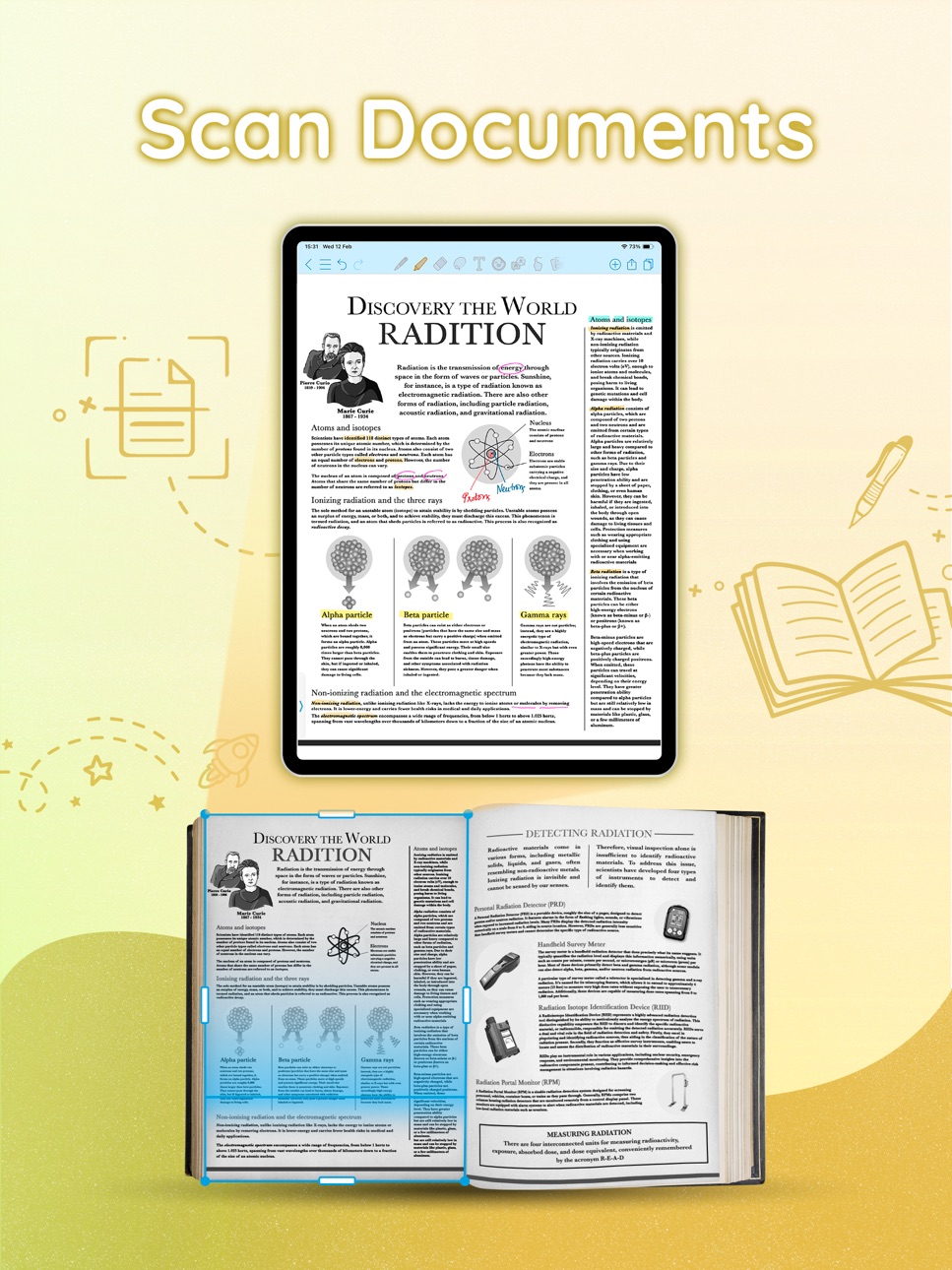
- In-built scanner to digitize your physical documents.
- Export notes to PDF and share with ease.
POWERFUL TOOLS:
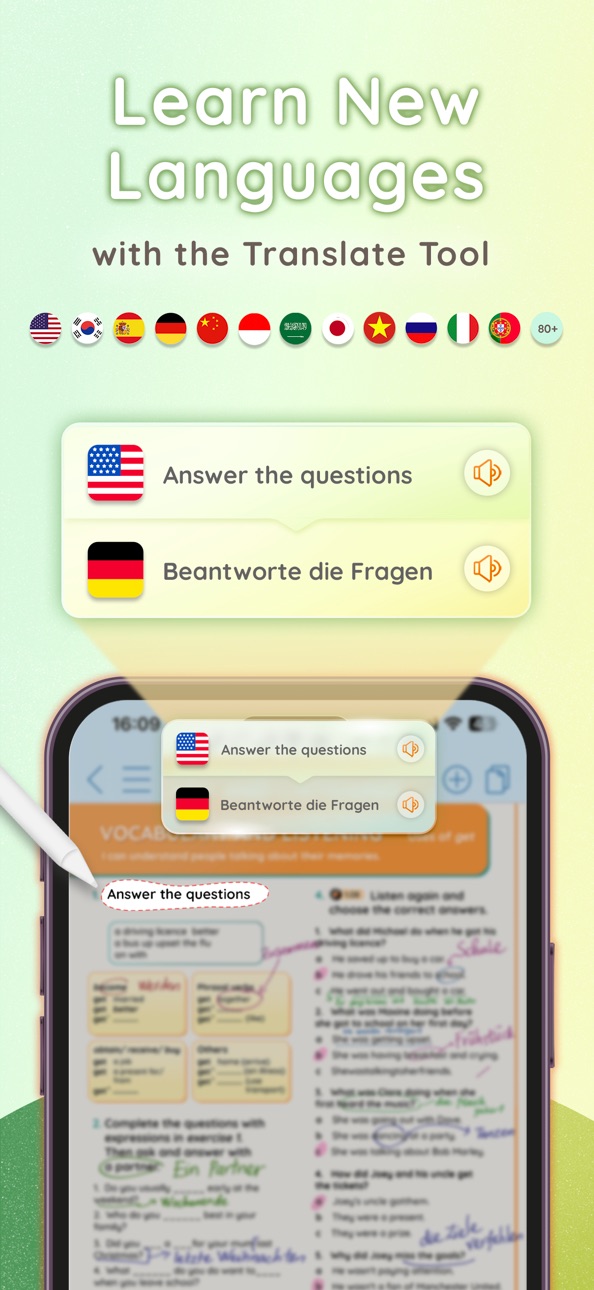
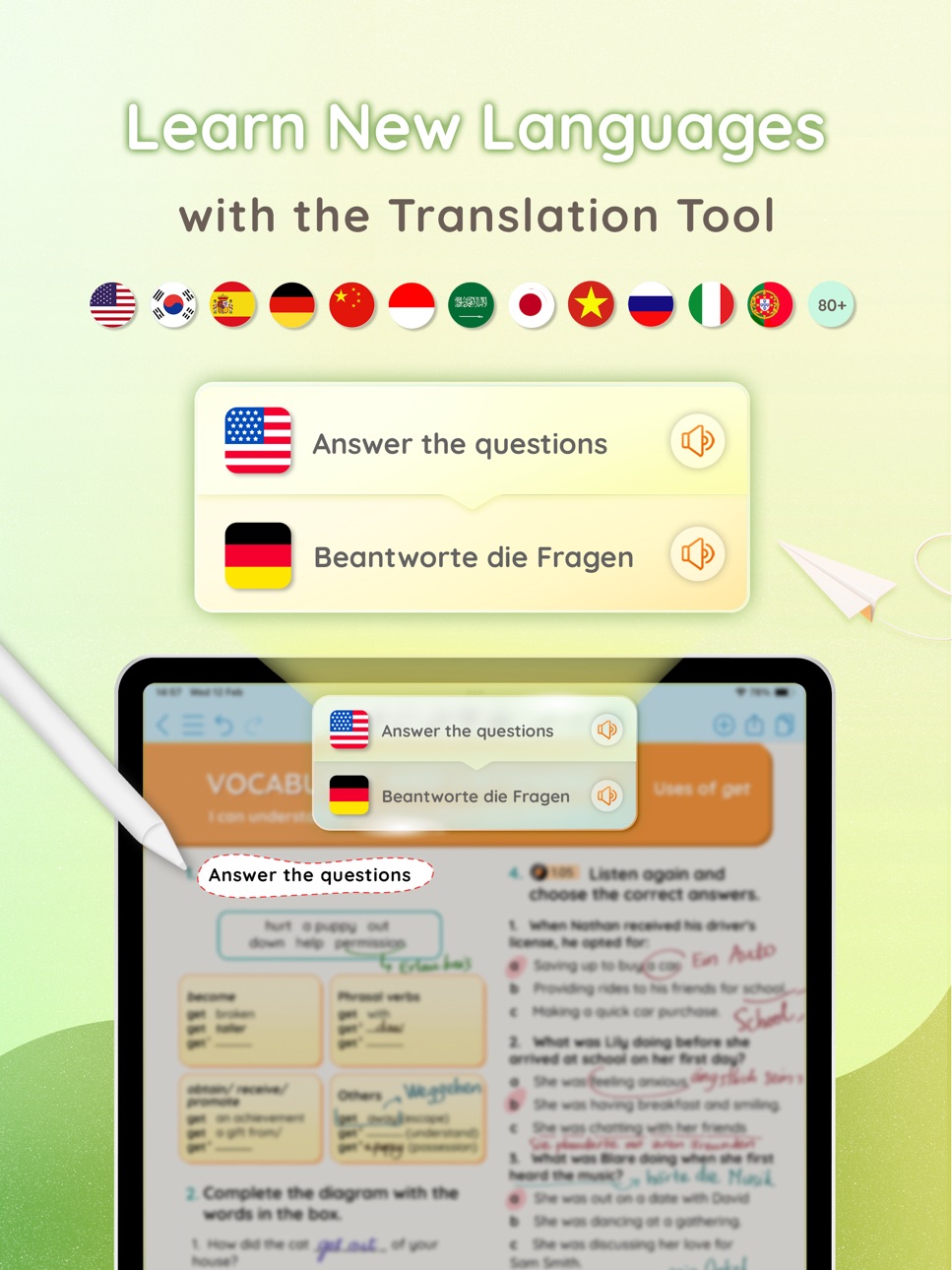
- Translation tool to learn new languages, supporting over 90 languages.
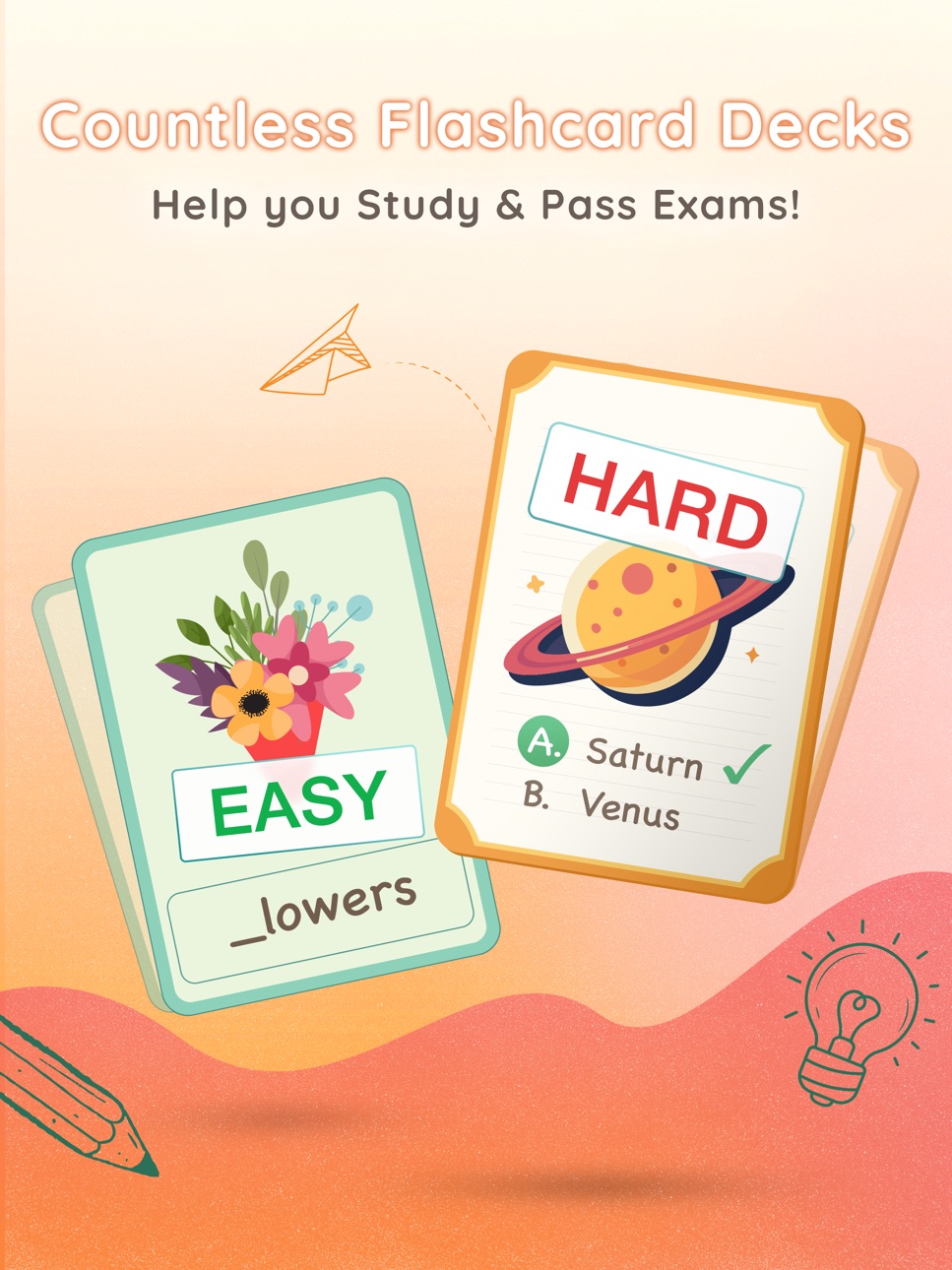
- Create flashcards with audio and images, or use our extensive library.
- Beautiful Planners for tracking tasks, deadlines, and schedules.
- Record and sync audio directly within your notes.
UNLIMITED PAPERS AND NOTEBOOKS:
- Unlimited paper with versatile grids/lines and 150+ colorful templates.
- Keep all your notes organized and easily accessible from anywhere.
- Automatically back up to iCloud and sync across iOS devices.
- Smart Dark Mode for optimal visibility in any lighting.
- Password protection for ultimate note security.
AI POWERED:
- Built-in AI Calculator for complex calculations.
- AI drawing tools for perfect shapes.
- Get intelligent writing and note-taking assistance.
- Generate unique stickers with AI.
ENGAGING CREATIVE COMMUNITY:
- Join the Public Room to connect with creators worldwide.
- Real-time collaboration function (unlimited participants).
CollaNote's journey began with a student at Hamburg University, who now leads a dedicated team of individuals devoted to delivering the finest digital paper experience. We extend our heartfelt gratitude to our users for their unwavering support since the early days of CollaNote.
Download CollaNote now to discover even more surprises!
In-App Purchases US pricing
One-Time Purchases
Lifetime Premium Loyal Users$6.95
Premium: Time Limited Sale$6.95
Lifetime Premium Welcome Offer$9.69
Lifetime Premium$13.90
Capabilities
In-App Purchases
Accessibility
ipadiphonemacrealityDevicetvoswatch
Version history 25 versions
Build 885408858v4.1.22026-05-14 03:10:01
Bug fixes and performance improvements
Build 884394739v4.1.12026-05-08 02:41:42
- Improved Lasso Tool: The Lasso Tool now supports selectable content types: pen strokes, marker strokes, and boxes.
- Improved Translation Tool
+ Added 2 selection modes: rectangular selection and freehand selection.
+ Improved translation quality.
- Hover Support for Pen Tools: Added hover support for all pen tools.
- New Trash Bin UI: Redesigned the Trash Bin with a new interface.
- New Note History Feature: You can now manage the edit history of your notes and restore earlier versions.
- Bug Fixes and Performance Improvements
Build 884189621v4.1.02026-04-09 02:14:57
Fixed minor bugs
Build 884047626v4.0.92026-04-06 03:47:12
Fixed minor bugs
Build 883776990v4.0.72026-03-31 08:00:55
- Added a variety of new pens to give you more creative ways to decorate your notes
- Improved performance
- Fixed minor bugs
Build 881838735v4.0.62026-02-23 08:54:54
Lunar New Year update: Introducing the Firecracker Pen
Build 881170062v4.0.52026-01-09 03:17:07
Fix small bugs
Build 881065931v4.0.42026-01-03 02:15:33
Fix a minor issue with displaying notes
Build 880788118v4.0.32025-12-23 11:59:25
Improved stability on iOS 26
Build 880027986v4.0.22025-12-02 06:44:17
- New AI Pen: Squeeze Apple Pencil Pro and circle on the note to select an area and activate AI
• Turn hand-drawn doodles into beautiful stickers
• Convert handwriting into text
• Chat with AI based on selected content
• Requires Apple Pencil Pro and iOS 18+
- New CollaNote AI document chat:
• Chat directly inside your document with CollaNote AI
• Supports both offline mode and online mode with web search
- Improved AI Generated Stickers:
• Now works offline
• Creates even more beautiful, high-quality stickers
Build 879019585v4.0.12025-10-30 03:12:26
Fix minor bugs in iOS 26
Build 878724225v4.0.02025-10-09 23:02:11
BIG UPDATE — CollaNote 4.0
- Completely Redesigned UI/UX with Glass Design
+ A brand-new interface featuring modern glass effects, improved navigation, and a cleaner layout.
+ More intuitive, more self-explained, and designed for focus and clarity.
- Audio Tool with AI Transcript
+ Record notes, lectures, or meetings.
+ AI automatically creates accurate transcripts.
+ Handwriting, audio, and transcript now sync together during playback.
- Smarter Translation Tool
+ Improved translation accuracy.
+ Faster and more context-aware.
+ Ideal for multilingual note-taking and learning.
- Introduce Flashcard Library
+ Browse and find ready-made flashcards tailored to your study needs.
+ Perfect for learning languages or memorizing key concepts.
- Introduce Digital Planner Library
+ Access a growing library of digital planners.
+ Plan your day, week, or month with stylish, functional templates.
- New Import Feature
+ Import not only PDF files, but also Word and PowerPoint documents.
+ Work with all your study or work materials in one place.
- New Papers, Templates and Sticker Packs
- General Performance and Stability Improvements
Build 878588368v3.9.02025-10-06 01:49:31
Fix compatibility issues with iOS 26
Build 876822595v3.1.82025-08-07 08:57:46
Preparing for the next big update & Fix small bugs
Build 876438975v3.1.72025-07-17 07:07:40
Preparing for the next big update & Fix bugs in the Text Tool.
Build 875642995v3.1.62025-07-15 17:56:39
Preparing for the next big update
Build 875190075v3.1.52025-06-01 08:06:34
- Updated the UI of the Home screen
- Added drag-and-drop support for moving notes and folders
- Improved background performance significantly
- Preparations for an upcoming major update
Build 873284020v3.1.42025-03-18 08:43:21
Bug fixes and performance improvements
Build 872958527v3.1.22025-03-17 01:55:25
Bug fixes and performance improvements
Build 872369138v3.1.12025-02-19 02:51:01
- Enhanced translation tool for more natural and accurate translations.
- Added clock tool messages to the note-taking screen.
- Relocated the export button to the top-right corner.
Build 870820447v3.1.02024-12-09 02:47:20
BIG UPDATE: A BIG Step Forward!
- Introducing the Sidebar: A brand-new sidebar packed with essential tools to enhance your productivity. Customize its placement—left or right of your screen—for seamless access.
- New TimeTool: Manage your time effectively with three powerful features designed to boost your focus and productivity:
+ Timer: Perfect for timed study sessions, helping you stay disciplined and on track for tests or deadlines.
+ Stopwatch: Ideal for tracking how long you spend on specific tasks or activities, great for reviewing and improving study efficiency.
+ Pomodoro Timer: Enhance your learning experience with the proven Pomodoro Technique. Alternate between focused study intervals and short breaks to maintain concentration, with a longer break to recharge after multiple cycles.
- Redesigned Note-Taking UI: A fresh, intuitive interface to make note-taking even more enjoyable and efficient.
- Audio Recording Revamped:
Smarter functionality, improved sound quality, and a user experience designed to capture your thoughts with ease.
- Bug Fixes
Update now and take your note-taking experience to the next level!
Build 870122938v3.0.102024-11-01 05:57:02
Minor Bug Fixes
Build 870095362v3.0.92024-11-01 03:50:07
Minor bug fixes
Build 869971598v3.0.82024-10-30 02:52:30
Fixed translation tool for Traditional Chinese
Build 869696387v3.0.72024-10-22 04:36:10
Minor Bug Fixes
Price history by region
Currency
Show
Columns
Search
Availability 1 of 1 storefronts
| Region | Language | Price | Ratings | Avg | Version |
|---|---|---|---|---|---|
| US | en-US | Free | 13.5k | 4.7 | 4.1.2 |
Change log 29 changes · US
✎
releaseNotes updated
Bug fixes and performance improvements
✎
description updated
CollaNote: Powerful note-taking app packed with a wide range of tools.
Note-taking, PDF markup, digital planning, and flashcards - all in one place!
BUILT FOR
✎
subtitle updated
25+ Pens to Take Better Notes
✎
name updated
CollaNote: Notes & PDF Markup
◆
Version 4.1.2 released
Bug fixes and performance improvements
◆
Version 4.1.1 released
- Improved Lasso Tool: The Lasso Tool now supports selectable content types: pen strokes, marker strokes, and boxes.
- Improved Translation Tool
+ Added 2 selection modes: rectangular selection and freehand selection.
+ Improved transla
◆
Version 4.1.0 released
Fixed minor bugs
◆
Version 4.0.9 released
Fixed minor bugs
◆
Version 4.0.7 released
- Added a variety of new pens to give you more creative ways to decorate your notes
- Improved performance
- Fixed minor bugs
◆
Version 4.0.6 released
Lunar New Year update: Introducing the Firecracker Pen
◆
Version 4.0.5 released
Fix small bugs
◆
Version 4.0.4 released
Fix a minor issue with displaying notes
◆
Version 4.0.3 released
Improved stability on iOS 26
◆
Version 4.0.2 released
- New AI Pen: Squeeze Apple Pencil Pro and circle on the note to select an area and activate AI
• Turn hand-drawn doodles into beautiful stickers
• Convert handwriting into text
• Chat with AI based on selected content
• Requires Ap
◆
Version 4.0.1 released
Fix minor bugs in iOS 26
◆
Version 4.0.0 released
BIG UPDATE — CollaNote 4.0
- Completely Redesigned UI/UX with Glass Design
+ A brand-new interface featuring modern glass effects, improved navigation, and a cleaner layout.
+ More intuitive, more self-explained, and designed f
◆
Version 3.9.0 released
Fix compatibility issues with iOS 26
◆
Version 3.1.8 released
Preparing for the next big update & Fix small bugs
◆
Version 3.1.7 released
Preparing for the next big update & Fix bugs in the Text Tool.
◆
Version 3.1.6 released
Preparing for the next big update
◆
Version 3.1.5 released
- Updated the UI of the Home screen
- Added drag-and-drop support for moving notes and folders
- Improved background performance significantly
- Preparations for an upcoming major update
◆
Version 3.1.4 released
Bug fixes and performance improvements
◆
Version 3.1.2 released
Bug fixes and performance improvements
◆
Version 3.1.1 released
- Enhanced translation tool for more natural and accurate translations.
- Added clock tool messages to the note-taking screen.
- Relocated the export button to the top-right corner.
◆
Version 3.1.0 released
BIG UPDATE: A BIG Step Forward!
- Introducing the Sidebar: A brand-new sidebar packed with essential tools to enhance your productivity. Customize its placement—left or right of your screen—for seamless access.
- New TimeTool: Manage your
◆
Version 3.0.10 released
Minor Bug Fixes
◆
Version 3.0.9 released
Minor bug fixes
◆
Version 3.0.8 released
Fixed translation tool for Traditional Chinese
◆
Version 3.0.7 released
Minor Bug Fixes