Home › Utilities

Information
Preview 2 platforms
iPhone 6 images


iPad 4 images


What’s New Version 3.1.0
What's new in 3.1.0:
• Improved QR code generation speed
• Enhanced scanner accuracy
• Better dark mode support
• Bug fixes and stability improvements
Enjoy sharing WiFi the easy way!
Description
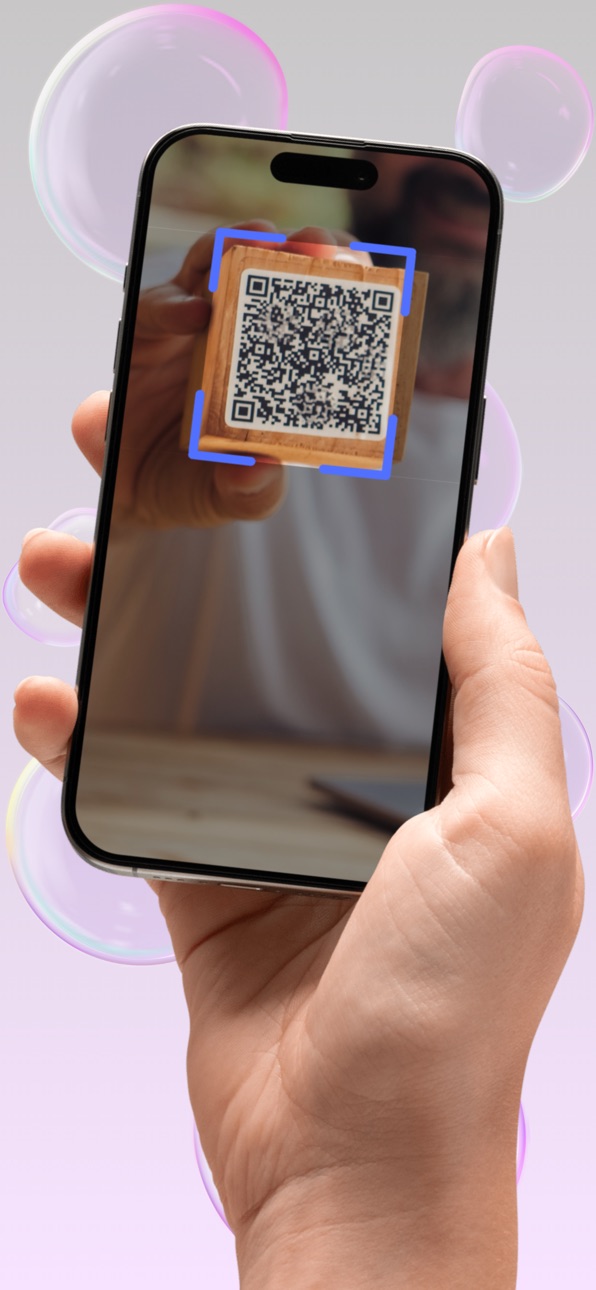
Share your WiFi password instantly with a QR code — no typing, no mistakes!
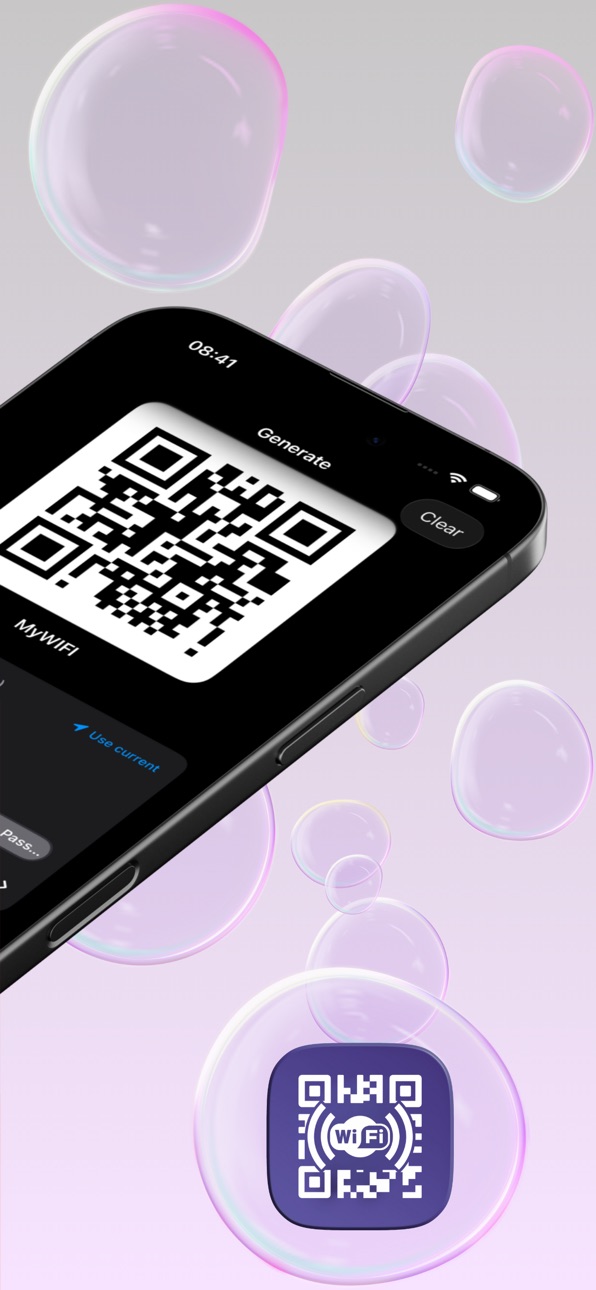
WiFi QR Code Generator creates scannable QR codes that let anyone connect to your network in seconds. Works completely offline. No internet needed.
HOW IT WORKS:
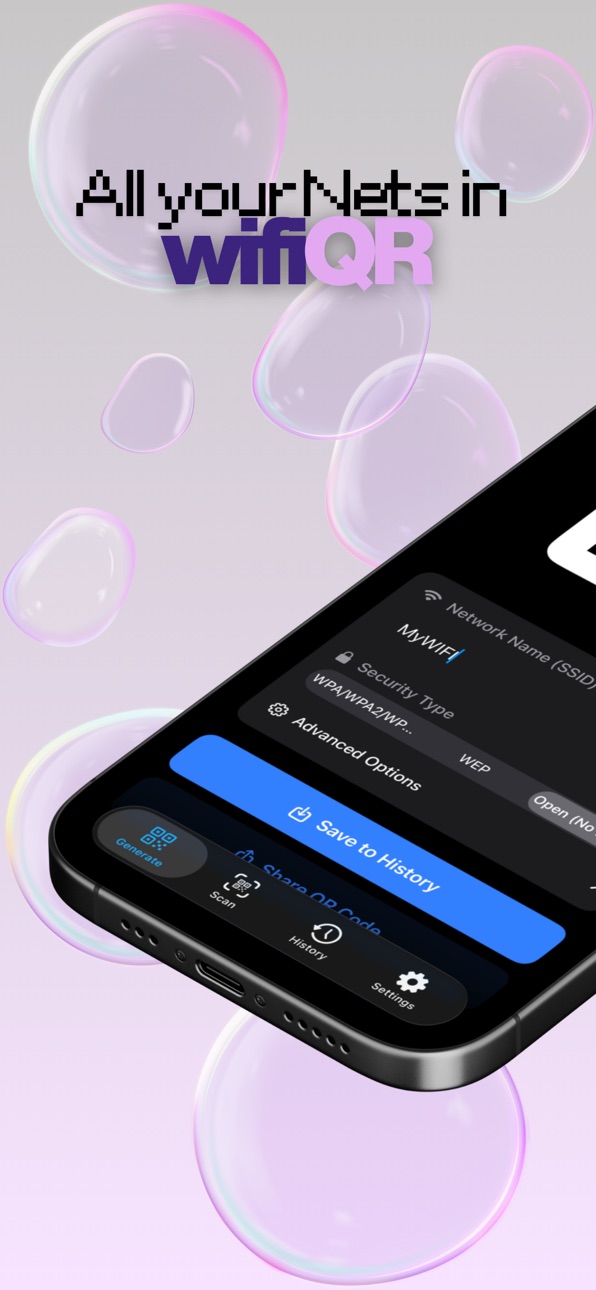
1) Enter your network name (SSID)
2) Choose your security type (WPA/WPA2, WEP or Open)
3) Enter your password (if any)
4) Share the QR code — scan from screen, save, or send via WhatsApp, email, Telegram...
That's it! Your guests just point their camera and connect instantly.
KEY FEATURES:
• Works 100% offline — no internet required
• Dark mode for comfortable use anytime
• Share QR via any messaging app
• Supports all security types (WPA, WPA2, WEP, Open)
• Hidden network support
• QR codes never expire
• Fast, lightweight and free
PERFECT FOR:
• Home — let guests connect without asking for the password
• Office — share network access with colleagues securely
• Restaurants & Cafés — let customers connect easily
• Hotels & Airbnb — professional WiFi sharing for guests
• Events — quick network access for all attendees
FREQUENTLY ASKED QUESTIONS:
Is my WiFi network hidden? Can I still create a QR code?
Yes! Just enable the "Hidden" option next to the network name field. Your hidden network will work perfectly with the QR code.
Which security protocol should I choose?
WPA/WPA2 is the most secure and common option — choose this if unsure. "None" means your network is open and unprotected.
Why use a QR code to share WiFi?
It's faster, more secure, and eliminates typos. You control who connects by sharing the QR only with the right people. No more writing passwords on paper or dictating them letter by letter.
Share WiFi the smart way — generate your first QR code in seconds!
Terms & Conditions: https://ghapps1.wordpress.com/terms-condition/
Privacy Policy: https://ghapps1.wordpress.com/privacy-policy/
In-App Purchases US pricing
WIFI QR Subs Subscription
WIFI QR week sub · 7 days$0.99
WIFI QR month sub · Monthly$1.99
WIFI QR year sub · Yearly$17.99
Capabilities
In-App Purchases
Accessibility
ipadiphonemacrealityDevicetvoswatch
Version history 5 versions
Build 883500428v3.1.02026-03-19 18:45:44
What's new in 3.1.0:
• Improved QR code generation speed
• Enhanced scanner accuracy
• Better dark mode support
• Bug fixes and stability improvements
Enjoy sharing WiFi the easy way!
Build 880973516v3.0.02026-01-05 15:14:30
What’s New:
We’ve completely rebuilt WiFi QR from the ground up.
This update introduces a full redesign and major improvements across the entire app, focused on speed, clarity, and ease of use.
What’s improved:
-Brand-new, modern iOS-native design
-Dramatically improved UI & UX for faster workflows
-Smoother performance and better stability
-Cleaner layouts with improved readability
-Refined QR generation and sharing experience
The app is now simpler, faster, and much more intuitive than before, while keeping everything you already rely on — and improving it.
Thank you for using WiFi QR and for supporting its evolution.
Build 852949591v2.0.02022-10-25 17:15:01
-Improve Performance
-Fix some bugs
-Update Libraries
Build 844319116v1.1.02021-09-29 13:03:00
-Dark Theme
-Improve UI
-Improve Performance
Build 837451436v1.02020-08-21 00:33:23
Price history by region
Currency
Show
Columns
Search
Availability 25 of 25 storefronts
| Region | Language | Price | Ratings | Avg | Version |
|---|---|---|---|---|---|
 DZ DZ | en-GB | Free | 1 | 5.0 | 3.1.0 |
 TZ TZ | en-GB | Free | 1 | 5.0 | 3.1.0 |
 US US | en-US | Free | 1 | 5.0 | 3.1.0 |
 AO AO | en-GB | Free | 0 | — | 3.1.0 |
 BJ BJ | en-GB | Free | 0 | — | 3.1.0 |
 BW BW | en-GB | Free | 0 | — | 3.1.0 |
 CV CV | en-GB | Free | 0 | — | 3.1.0 |
 GH GH | en-GB | Free | 0 | — | 3.1.0 |
 GM GM | en-GB | Free | 0 | — | 3.1.0 |
 GW GW | en-GB | Free | 0 | — | 3.1.0 |
 KE KE | en-GB | Free | 0 | — | 3.1.0 |
 LR LR | en-GB | Free | 0 | — | 3.1.0 |
 LY LY | en-GB | Free | 0 | — | 3.1.0 |
 MU MU | en-GB | Free | 0 | — | 3.1.0 |
 MZ MZ | en-GB | Free | 0 | — | 3.1.0 |
 NA NA | en-GB | Free | 0 | — | 3.1.0 |
 NG NG | en-GB | Free | 0 | — | 3.1.0 |
 RW RW | en-GB | Free | 0 | — | 3.1.0 |
 SC SC | en-GB | Free | 0 | — | 3.1.0 |
 SN SN | en-GB | Free | 0 | — | 3.1.0 |
 ST ST | en-GB | Free | 0 | — | 3.1.0 |
 SZ SZ | en-GB | Free | 0 | — | 3.1.0 |
 UG UG | en-GB | Free | 0 | — | 3.1.0 |
 ZM ZM | en-GB | Free | 0 | — | 3.1.0 |
 ZW ZW | en-GB | Free | 0 | — | 3.1.0 |
Change log 9 changes · US
✎
releaseNotes updated
What's new in 3.1.0:
• Improved QR code generation speed
• Enhanced scanner accuracy
• Better dark mode support
• Bug fixes and stability improvements
Enjoy s
✎
description updated
Share your WiFi password instantly with a QR code — no typing, no mistakes!
WiFi QR Code Generator creates scannable QR codes that let anyone connect to your n
✎
subtitle updated
Scan & Share WiFi Password
✎
name updated
WiFi QR Code Generator
◆
Version 3.1.0 released
What's new in 3.1.0:
• Improved QR code generation speed
• Enhanced scanner accuracy
• Better dark mode support
• Bug fixes and stability improvements
Enjoy sharing WiFi the easy way!
◆
Version 3.0.0 released
What’s New:
We’ve completely rebuilt WiFi QR from the ground up.
This update introduces a full redesign and major improvements across the entire app, focused on speed, clarity, and ease of use.
What’s improved:
-Brand-new, modern iOS-nat
◆
Version 2.0.0 released
-Improve Performance
-Fix some bugs
-Update Libraries
◆
Version 1.1.0 released
-Dark Theme
-Improve UI
-Improve Performance
◆
Version 1.0 released