Home › Lifestyle

 US
US
1 of 1 storefronts
Content in en-US
Content in en-US
Information
Preview 1 platform
iPhone 4 images

What’s New Version 1.0.9
Performance improvement
Description
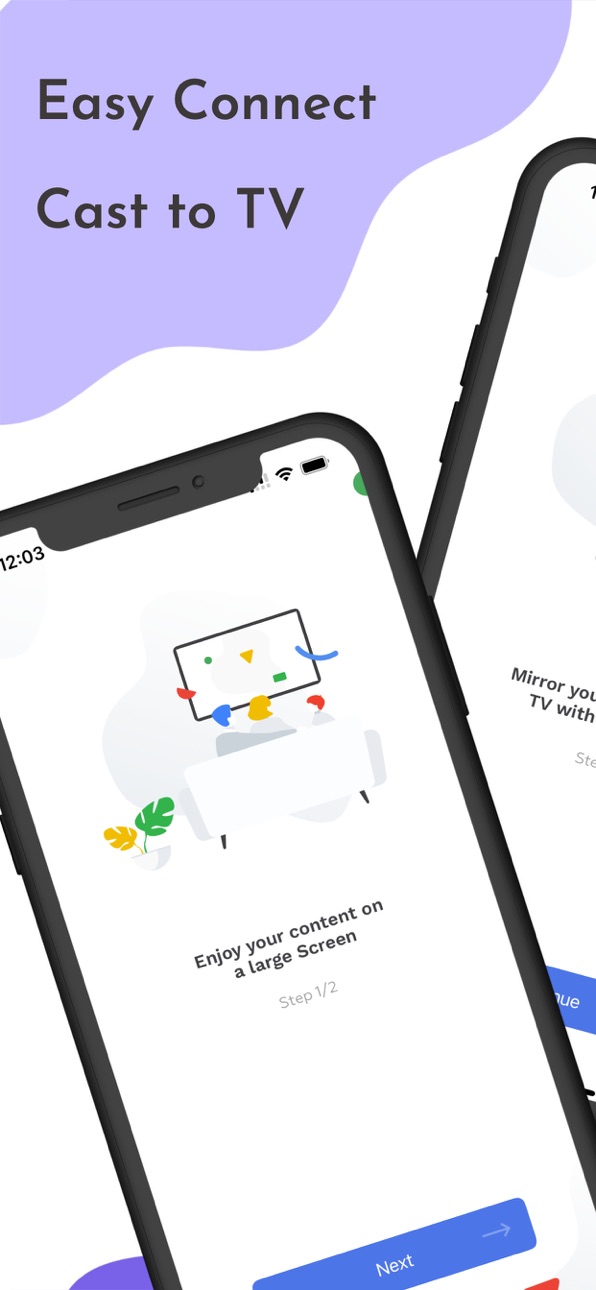
- Mirror your phone screen to your TV with Chromecast!
- Watch your Photos & Videos, Browse the web, Cast your app to a TV...
HOW DOES IT WORK:
- Download the app
- Choose which cast device to Connect to
- Start mirroring and watch the stream from your phone screen to the TV
- To stop mirroring, there are two options: (1) click on the red top bar/button that you will see on your iPhone or iPad. Or (2) Open the app and click on 'Stop Mirroring'.
FEATURES:
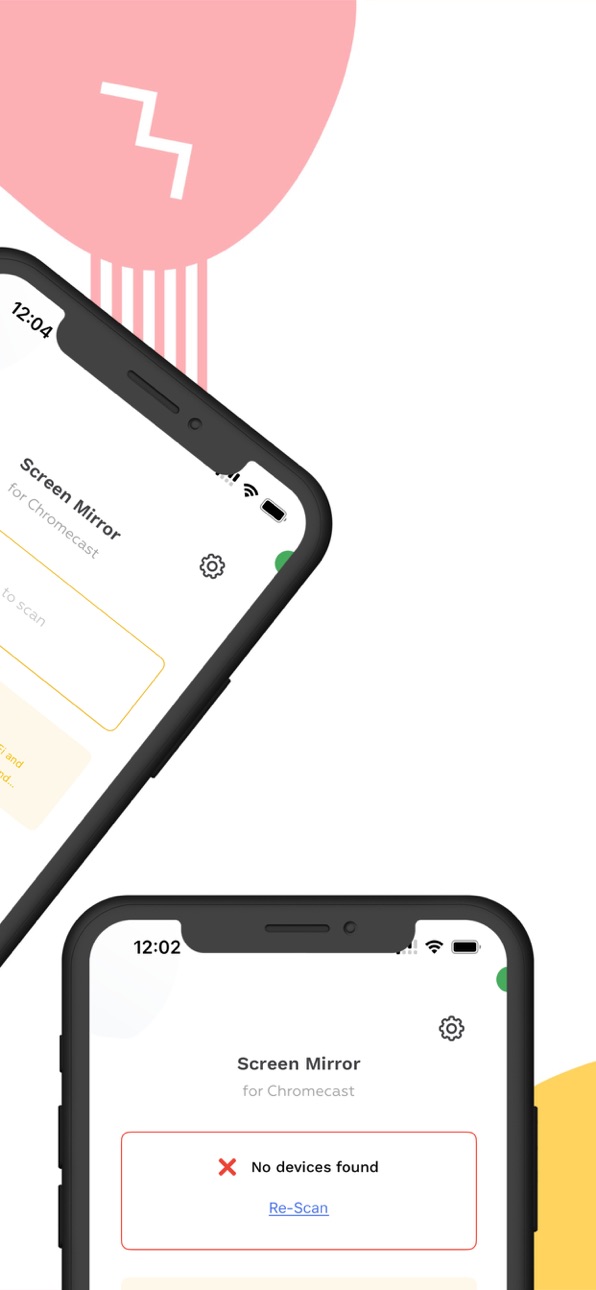
- Easy to setup: the app will identify available devices on your network. Just choose which one the app connects to
- Portrait/Landscape: the app will automatically switch between portrait or landscape orientation depending on availability and compatibility
COMPATIBILITY:
The app is compatible with:
- All versions of Google ChromeCast (1st, 2nd, 3rd generation and Ultra 4K)
- Every device or TV with Chromecast built-in: Xiaomi MI Box, NVIDIA Shield TV, Sony, TCL, Vizio, Sharp, Philips, Hisense, Skyworth, Soniq... Check https://www.google.com/chromecast/built-in/ for more information.
- Gaming consoles
- All versions of Fire TV
NOTES:
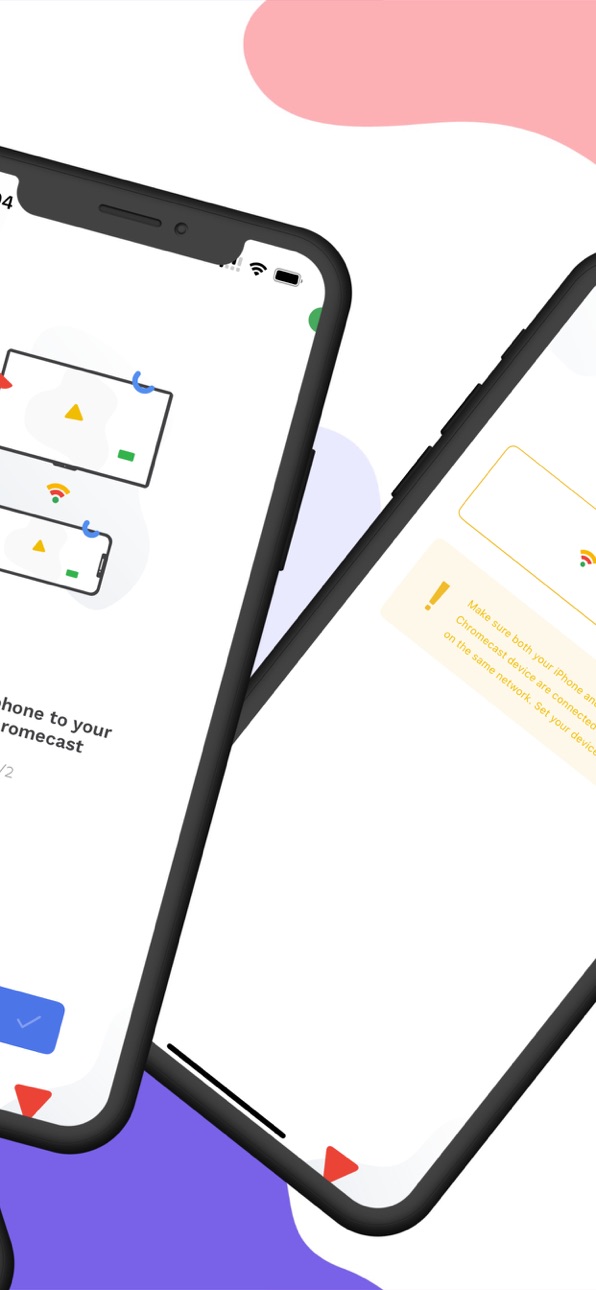
- WiFi Network: Your iPhone/iPad and your Chromecast must be connected to the same wifi to enable screen mirroring
- Privacy: Even though there are notifications about Screen Recording, we do access any recording you make. It is only streamed to your Chromecast device.
- DRM Restriction: Be aware that some Apps do not allow the screen to be captured (like Amazon Prime or Netflix). So the TV screen will be black.
DISCLAIMER:
Chromecast is a trademarks of Google LLC. The app is not affiliated with Google or any other trademark mentioned. This is for informational purposes only intended for the user.
Fire TV is a trademark of Amazon. This app is not affiliated with Amazon or any other trademark mentioned. This is for informational purposes only intended for the user.
SUBSCRIPTIONS:
You can subscribe to upgrade to Premium features
- Subscriptions length: weekly, yearly
- Your payment will be charged to iTunes Account at confirmation of purchase
- Subscription automatically renews unless auto-renew is turned off at least 24-hours before the end of the current period
- Account will be charged for renewal within 24-hours prior to the end of the current period, and identify the cost of the renewal
- Subscriptions may be managed by the user and auto-renewal may be turned off by going to the user's Account Settings after purchase
- To Manage or Cancel your subscription, it can be done via the Settings app of your device: Open the Settings app, Tap your name, Tap Subscriptions, Tap the subscription, Tap Cancel Subscription. You might need to scroll down to find the Cancel Subscription button. If there is no Cancel button or you see an expiration message in red text, the subscription is already canceled. For more detail, see https://support.apple.com/en-us/118428 .
- To Manage or Cancel your subscription, it can also be done directly from the app: Go to ‘Settings’ screen inside our app, tap on ‘Manage Subscriptions’ and the app will directly open the list of your Subscriptions with the AppStore. You can select a subscription and check available plans or cancel subscription.
- When canceling a subscription, your subscription will remain active until the end of the period. Auto-renewal will be disabled but the current subscription will not be refunded.
- Any unused portion of a free trial period, if offered, will be forfeited when the user purchases a subscription to that publication, where applicable
Read our Privacy Policy at: https://roundingsquares.com/privacy/
Read our Terms of Use at: https://roundingsquares.com/terms/
Capabilities
In-App Purchases
Accessibility
ipadiphonemacrealityDevicetvoswatch
Version history 10 versions
Build 880908743v1.0.92026-06-30 09:48:08
Performance improvement
Build 872377318v1.0.82025-02-14 14:15:41
Performance improvement
Build 862830983v1.0.72024-01-17 15:56:13
- Bug fix and performance improvement
Build 845254402v1.0.62021-11-12 21:21:22
- Advertisement
Build 840914639v1.0.52021-03-17 13:54:10
- Languages
Build 840503638v1.0.42021-02-16 23:22:22
- New icon
Build 840138731v1.0.32021-01-22 01:36:05
- Updated policy & terms
Build 839297296v1.0.22020-11-25 03:23:33
- Performance improvements
Build 838383767v1.0.12020-10-28 11:24:42
- Performance improvement
Build 837443265v1.02020-10-20 22:52:29
No pricing data captured yet — comparisons appear once the app has paid storefronts or in-app purchases.
Availability 1 of 1 storefronts
| Region | Language | Price | Ratings | Avg | Version |
|---|---|---|---|---|---|
| US | en-US | Free | 892 | 4.4 | 1.0.9 |
Change log 14 changes · US
✎
releaseNotes updated
Performance improvement
✎
description updated
- Mirror your phone screen to your TV with Chromecast!
- Watch your Photos & Videos, Browse the web, Cast your app to a TV...
HOW DOES IT WORK:
- Download the
✎
subtitle updated
Screen Mirroring Streamer App
✎
name updated
TV Cast Mirror for Chromecast
◆
Version 1.0.9 released
Performance improvement
◆
Version 1.0.8 released
Performance improvement
◆
Version 1.0.7 released
- Bug fix and performance improvement
◆
Version 1.0.6 released
- Advertisement
◆
Version 1.0.5 released
- Languages
◆
Version 1.0.4 released
- New icon
◆
Version 1.0.3 released
- Updated policy & terms
◆
Version 1.0.2 released
- Performance improvements
◆
Version 1.0.1 released
- Performance improvement
◆
Version 1.0 released