Home › Music

 US
US
1 of 1 storefronts
Content in en-US
Content in en-US
Information
Preview 2 platforms
iPhone 4 images


iPad 4 images
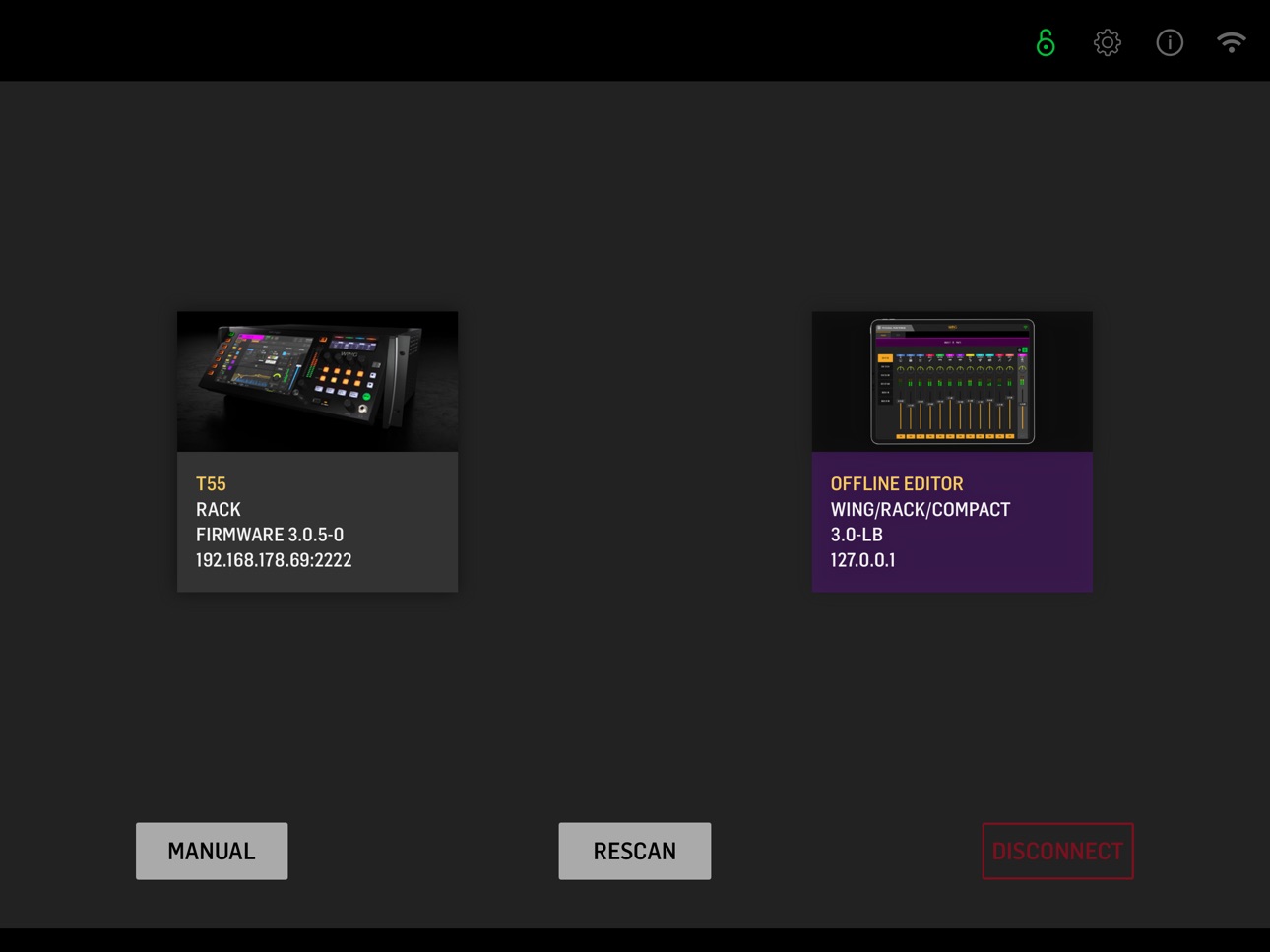
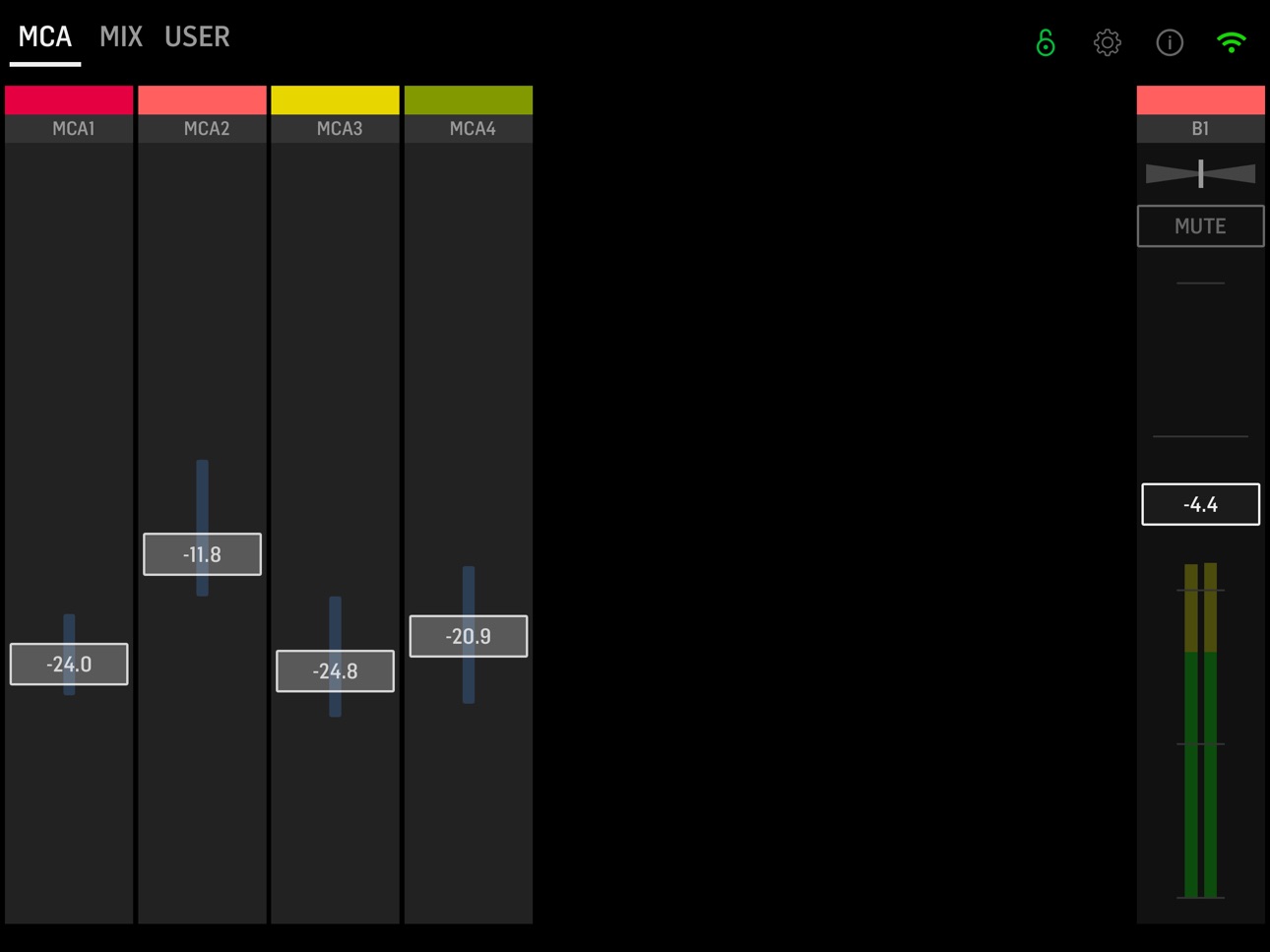


What’s New Version 3.1.3
Added
• Support for firmware 3.1
Description
Experience seamless wireless control of your personalized monitor mixes on the WING console using WING-Q. Whether in studio or live, WING-Q allows for multiple users to adjust bus mixers simultaneously with additional lock features. The new WING-Q App offers wireless remote control for WING Personal Mixing Consoles on mobile devices.
Features:
• Select one of the 16 stereo aux buses
• Lock icon prevents unintentional bus change
• Mix adjustment based on individual channels or MCAs
• Name and customize your MCAs the way that makes sense to you
• All input channel sends feature level, width and pan controls
• Control the bus master volume, stereo width and panorama
Perfect For:
• Bands and performers looking to self-manage their monitor mixes.
• Live sound engineers who need quick flexible and mobile control during concerts and events.
• Studio musicians and technicians who require precise and personalized bus adjustments.
Compatibility:
• Designed for use with the Behringer WING console on firmware version 3.1 or higher.
• Requires a wireless router connected to the WING console.
Support:
Get stuck? Visit behringer.com/service for FAQs and customer support.
We hear you.
Accessibility
ipadiphonemacrealityDevicetvoswatch
Version history 14 versions
Build 878392545v3.1.32025-11-27 10:07:21
Added
• Support for firmware 3.1
Build 873236281v3.1.22025-03-20 14:03:09
• Bug fixes
Build 873140219v3.1.12025-03-12 06:27:06
• Fixed a bug that prevented selecting mix buses
Build 870728443v3.12025-03-11 07:43:06
Added
• customizable app settings
- customizable channel strip UI
- fader sensitivity
- disable meter updates
- customizable horizontal padding
• lock mixbus select
• optional user layouts page
• MCA filter in MIX page
Changed
• UI redesign:
- continuous customizable MIX page
- simplified MCA page
• panning control available on send configuration overlay
Fixed
• MCA assignment dependent on send mode state
Build 870427510v3.0.22024-11-27 10:19:51
Added
• panning control available on send configuration overlay
Changed
• bus-to-same-bus routing removed
Build 869787599v3.0.12024-10-22 07:23:34
Added
• mIndicate send options in pan-width-indicator
Changed
• Pan handling in mixer
Fixed
• Various issues regarding bus to bus mixing
Build 867237511v3.02024-10-07 14:00:48
Added:
• Functionality aligned with new WING FW 3.0
• New bus to bus mixing
Build 866632029v1.42024-07-01 08:10:48
Support for console firmware 2.1
Build 859005097v1.3.12023-08-09 10:46:27
• Fixed UI for some iPad models
Build 842973183v1.32023-08-03 09:47:17
What’s New:
• New native tablet user interface
• Faster and more reliable network connection
• Significantly reduced battery drain
• Various bug fixes and improvements
• New offline/demo mode
Build 840157638v1.22021-07-01 07:13:44
• Larger touch targets for fader tracks (entire fader)
• Improved labeling for layer buttons
• New label when Bus send is set to subgroup
• Fader shows channel level in subgroup mode and adjustment is blocked
Build 840052602v1.12021-01-15 23:53:54
We implemented WebSocket connectivity providing significantly improved network stability and speed
Build 836728499v1.0.22020-07-08 14:47:22
Minor bug fixes
Build 836457901v1.02020-07-06 07:22:12
No pricing data captured yet — comparisons appear once the app has paid storefronts or in-app purchases.
Availability 1 of 1 storefronts
| Region | Language | Price | Ratings | Avg | Version |
|---|---|---|---|---|---|
| US | en-US | Free | 23 | 2.5 | 3.1.3 |
Change log 17 changes · US
✎
releaseNotes updated
Added
• Support for firmware 3.1
✎
description updated
Experience seamless wireless control of your personalized monitor mixes on the WING console using WING-Q. Whether in studio or live, WING-Q allows for multiple
✎
name updated
WING-Q
◆
Version 3.1.3 released
Added
• Support for firmware 3.1
◆
Version 3.1.2 released
• Bug fixes
◆
Version 3.1.1 released
• Fixed a bug that prevented selecting mix buses
◆
Version 3.1 released
Added
• customizable app settings
- customizable channel strip UI
- fader sensitivity
- disable meter updates
- customizable horizontal padding
• lock mixbus select
• optional user layouts page
• MCA filter in MIX page
Changed
• U
◆
Version 3.0.2 released
Added
• panning control available on send configuration overlay
Changed
• bus-to-same-bus routing removed
◆
Version 3.0.1 released
Added
• mIndicate send options in pan-width-indicator
Changed
• Pan handling in mixer
Fixed
• Various issues regarding bus to bus mixing
◆
Version 3.0 released
Added:
• Functionality aligned with new WING FW 3.0
• New bus to bus mixing
◆
Version 1.4 released
Support for console firmware 2.1
◆
Version 1.3.1 released
• Fixed UI for some iPad models
◆
Version 1.3 released
What’s New:
• New native tablet user interface
• Faster and more reliable network connection
• Significantly reduced battery drain
• Various bug fixes and improvements
• New offline/demo mode
◆
Version 1.2 released
• Larger touch targets for fader tracks (entire fader)
• Improved labeling for layer buttons
• New label when Bus send is set to subgroup
• Fader shows channel level in subgroup mode and adjustment is blocked
◆
Version 1.1 released
We implemented WebSocket connectivity providing significantly improved network stability and speed
◆
Version 1.0.2 released
Minor bug fixes
◆
Version 1.0 released