Home › Photo & Video

 US
US
1 of 1 storefronts
Content in en-US
Content in en-US
Information
Preview 2 platforms
iPhone 3 images


iPad 2 images

What’s New Version 1.3
Now you can lock (disable) "auto focus" and "auto exposition".
Just tap on new "Lock Focus" button near the Settings button on the main view of app.
When app in "locked" mode, you can manual set focus with "Long press" gesture...
Description
This application works with OBS Studio via USB connection only.
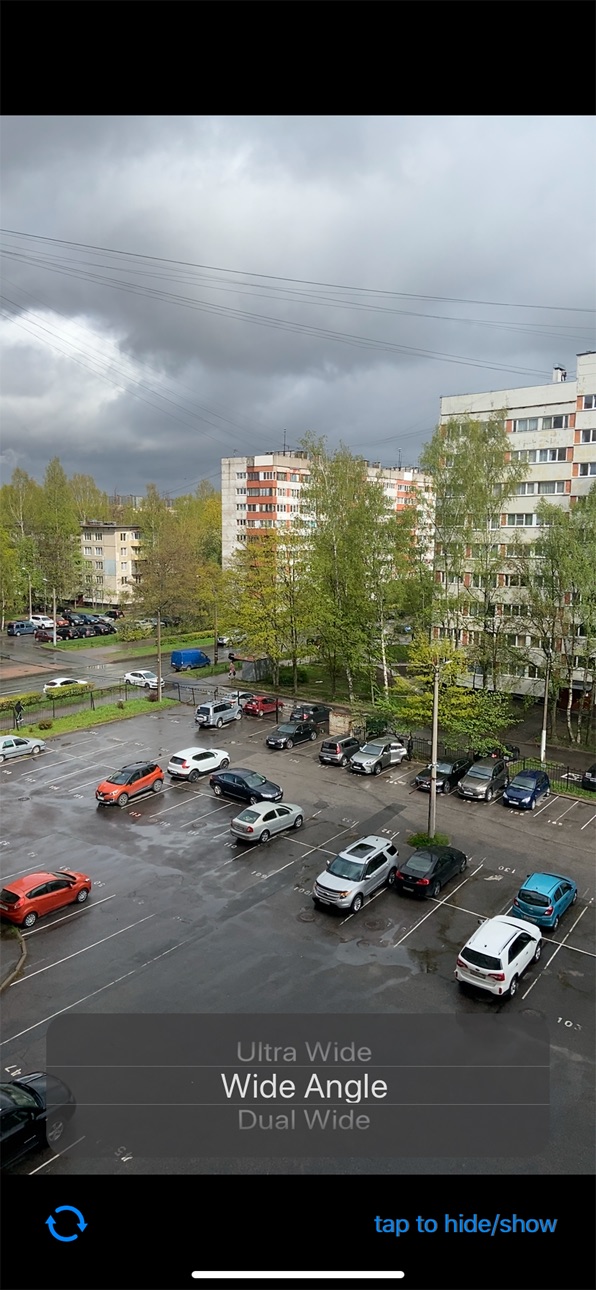
You can use full matrix picture from iPhone device camera.
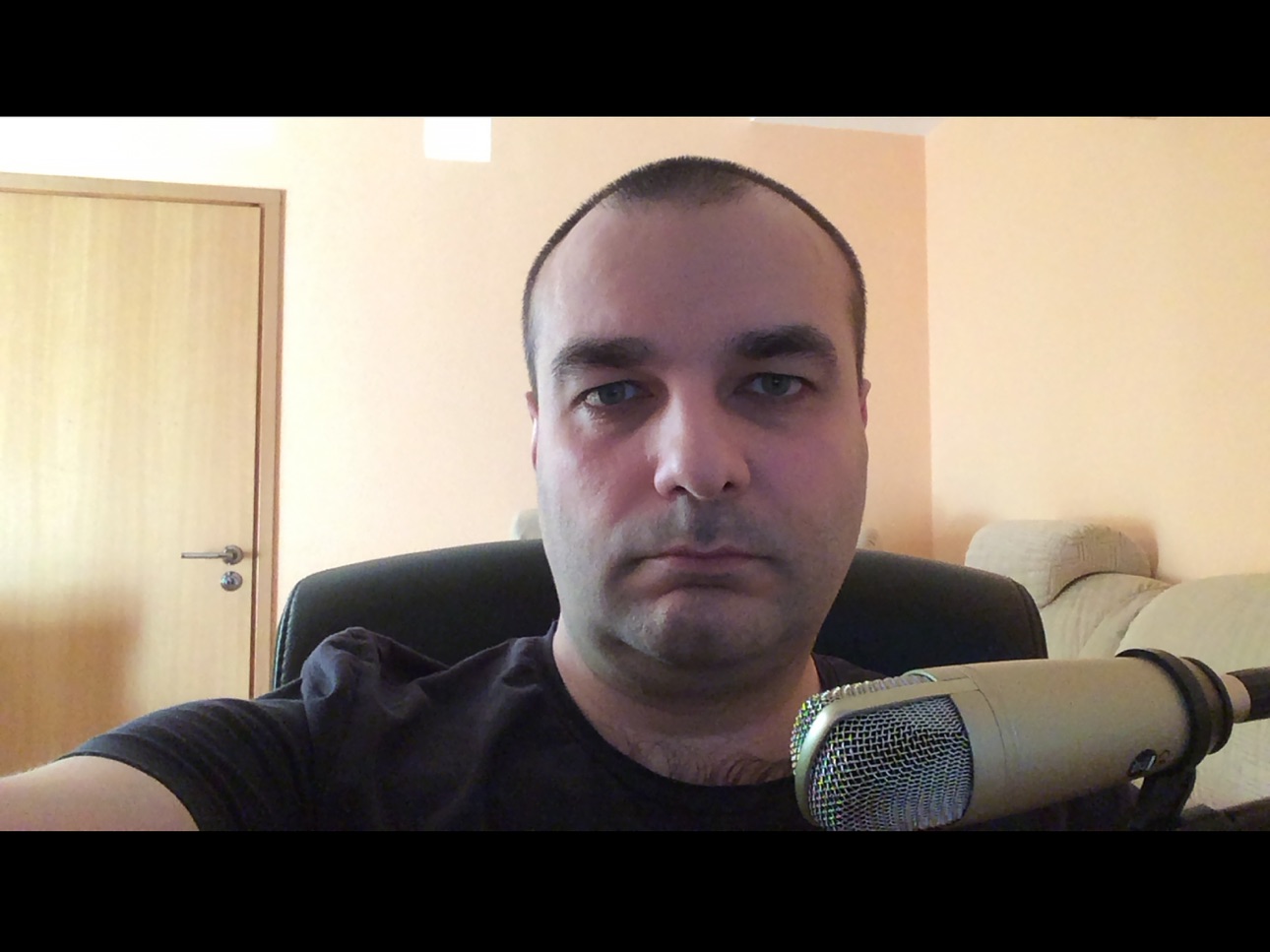
You can switch front/rear camera.
For hide/show switch button, tap once on the screen.
When you connect your iPhone to the OBS Studio application, you can see iPhone as external video camera. Just add video source to the scene and choose your iphone as source of video. Start StreamOBS application and you will see full screen video from the iPhone camera device.
In most of other cases, you need crop picture, cause capture cameras screen has a lot of info, such as "record button" / "flash button " / "switch camera button" / "tracking square for face" and other... As a fact, you need crop image to receive video inside OBS Studio. So, you will see only part of you video at last...
This application hides all unneeded elements from the screen, and you can capture video from the full whole matrix.
Stream you video to youtube, twitch and other platforms with OBS Studio and your iPhone as a main camera device.
User Agreement: https://serve.center/streamobs/agreement
Policy: https://serve.center/streamobs/policy
Sample use with OBS on MacOSX: https://youtu.be/5L1m5U4S894?t=104
Works with USB connection only on MacOSX
You can rotate screen from Portrait to Landscape mode uses transform function of OBS.
Accessibility
ipadiphonemacrealityDevicetvoswatch
Version history 4 versions
Build 844090188v1.32021-09-17 12:28:31
Now you can lock (disable) "auto focus" and "auto exposition".
Just tap on new "Lock Focus" button near the Settings button on the main view of app.
When app in "locked" mode, you can manual set focus with "Long press" gesture...
Build 838467581v1.22020-11-02 08:43:16
Native support for Landscape mode without use transform option in OBS.
Build 836082548v1.12020-05-24 10:42:14
iPad support
Build 835802433v1.02020-05-19 13:39:35
Price history by region
Currency
Show
Columns
Search
Availability 1 of 1 storefronts
| Region | Language | Price | Ratings | Avg | Version |
|---|---|---|---|---|---|
| US | en-US | USD 0.99 | 3 | 2.3 | 1.3 |
Change log 8 changes · US
✎
releaseNotes updated
Now you can lock (disable) "auto focus" and "auto exposition".
Just tap on new "Lock Focus" button near the Settings button on the main view of app.
When app in
✎
description updated
This application works with OBS Studio via USB connection only.
You can use full matrix picture from iPhone device camera.
You can switch front/rear camera.
✎
subtitle updated
Camera device for OBS Studio
✎
name updated
Stream For OBS
◆
Version 1.3 released
Now you can lock (disable) "auto focus" and "auto exposition".
Just tap on new "Lock Focus" button near the Settings button on the main view of app.
When app in "locked" mode, you can manual set focus with "Long press" gesture...
◆
Version 1.2 released
Native support for Landscape mode without use transform option in OBS.
◆
Version 1.1 released
iPad support
◆
Version 1.0 released