Home › Business

 US
US
1 of 1 storefronts
Content in en-US
Content in en-US
Information
Apple ID1511163266
Bundle IDcom.calengoo.booking
SellerSeller
Min iOS12.0
Min macOS12.0
Device familiesiphone, ipad, ipod
Released2020-05-14
Copyright© 2021 Gunia UG (haftungsbeschränkt)
Privacy policyLink ↗
Preview 2 platforms
iPhone 6 images


iPad 6 images


What’s New Version 1.0.21
- Additional functions have been added.
- Bug fixes
Description
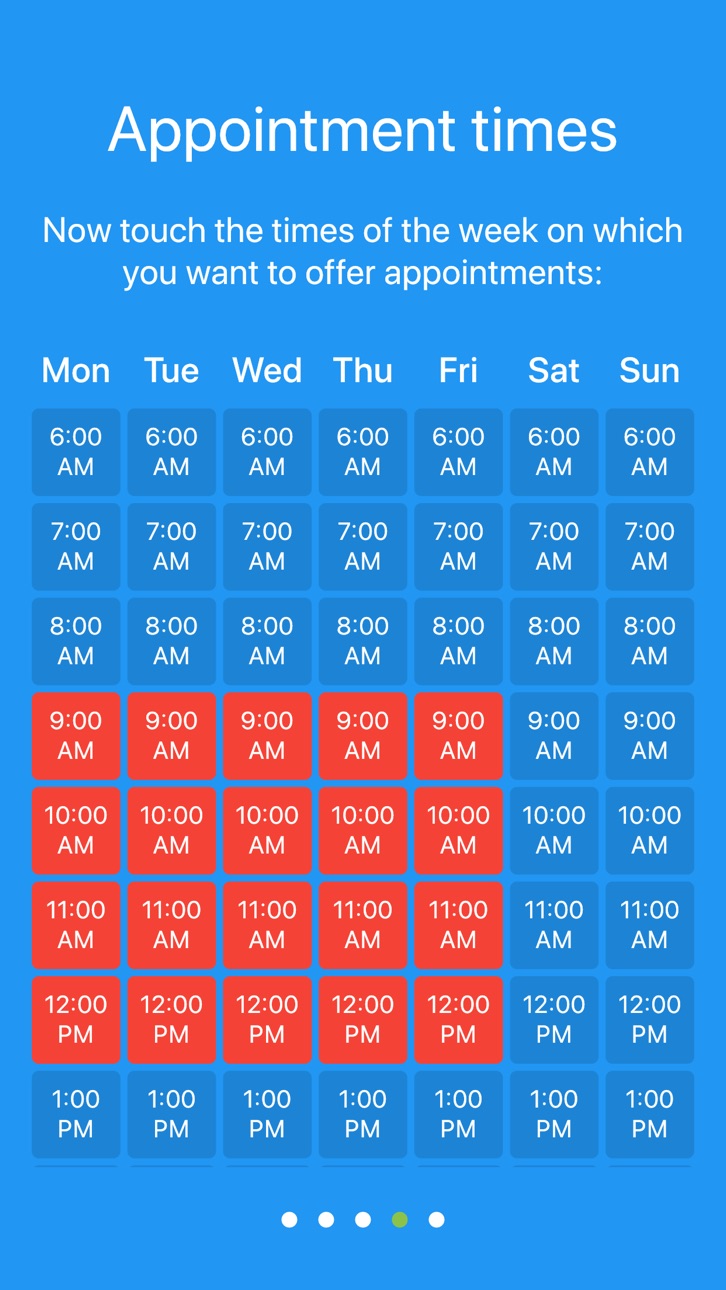
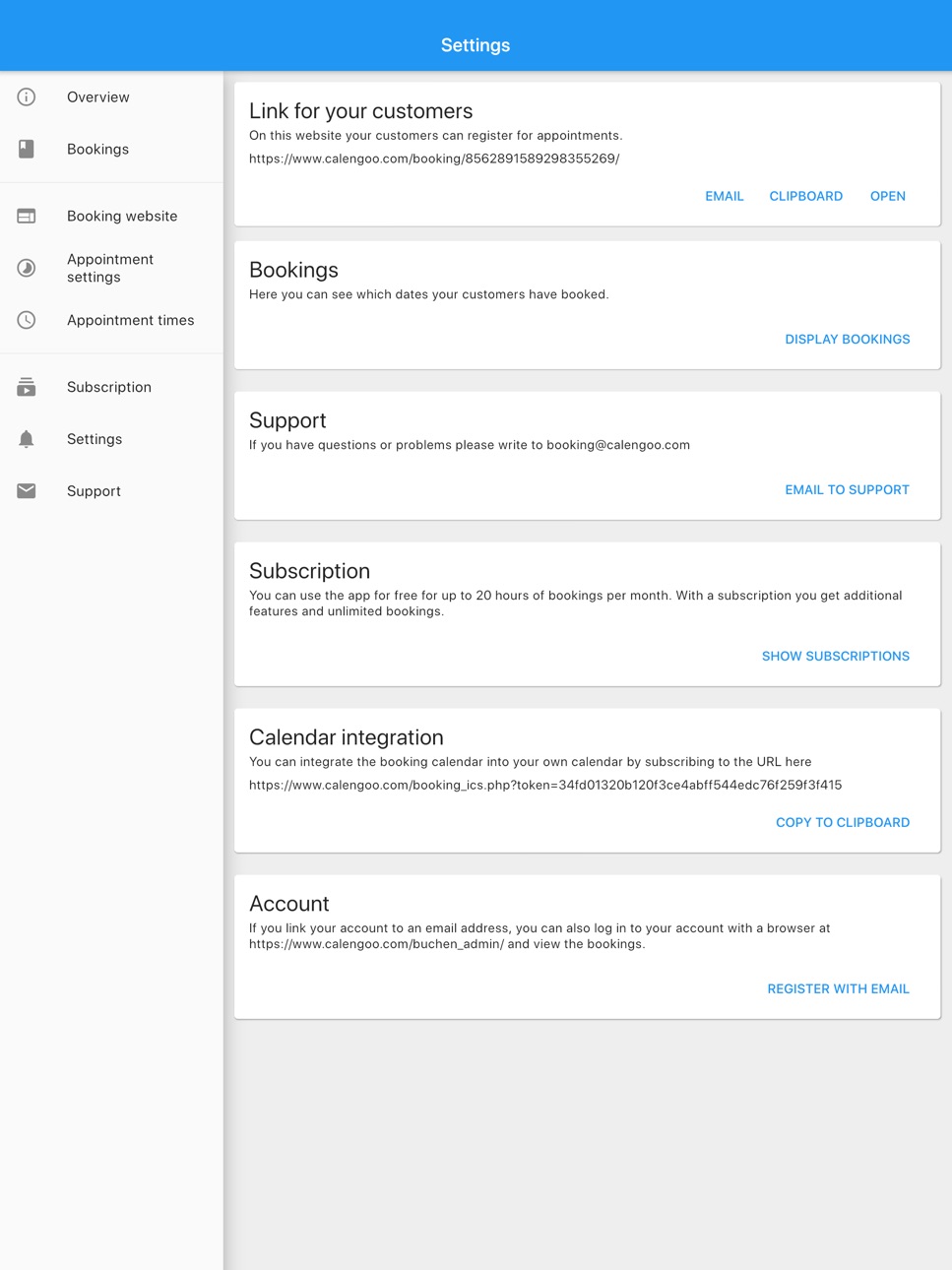
Using this app you can quickly set up a booking system to accept bookings from your customers by answering a few questions. It takes only a few minutes. Afterward, you will have a link to a website that you can send to your customers. On that website they can see where you have free appointment slots and can book them.
When one of your customers books an appointment, you will immediately receive a notification, and you can optionally also receive an email.
You can use this app for free for booking up to 20 hours per month. If you would like to have an unlimited number of bookings each month, you can subscribe:
Monthly subscription: With this subscription you can use the app for an unlimited number of bookings each month. $1.99 for each of the first 2 months, then $9.99/month. The subscription will automatically renew until you cancel it. You can manage your subscriptions in the App Store app.
You can find the Terms of Use here: https://www.calengoo.com/bookingsystem/impressum.html
In-App Purchases US pricing
Booking Subscription Subscription
Monthly subscription · Monthly 1-month free trial$9.99
Yearly subscription · Yearly 2-month free trial$99.99
Capabilities
In-App Purchases
Accessibility
ipadiphonemacrealityDevicetvoswatch
Version history 22 versions
Build 874050770v1.0.212025-04-18 08:30:05
- Additional functions have been added.
- Bug fixes
Build 860082522v1.0.202023-09-24 10:33:45
- Additional functions have been added.
- Improvements for the time picker.
- Bug fixes
Build 850497385v1.0.192022-06-30 08:33:44
- New formatting options for the description at the top of the booking page.
- Added a function to export multiple months
- Bug fixes
Build 844257979v1.0.182021-09-25 07:48:56
- Additional functions have been added.
- Bug fixes
Build 842633609v1.0.172021-06-21 07:43:17
- Additional design options have been added.
- Bug fixes
Build 840871600v1.0.162021-03-14 09:20:54
- Added a new field type "checkbox" in the "Booking website" screen.
- Bug fixes
Build 840491984v1.0.152021-02-16 08:49:39
- Added new field types "yes/no" and "list" in the "Booking website" screen.
- Bug fixes
Build 840094268v1.0.142021-01-20 09:38:04
The export function can now export days, weeks and months.
Build 840028711v1.0.132021-01-17 12:51:40
The export function can now export days, weeks and months.
Build 839554394v1.0.122020-12-09 11:37:04
- The bookings of a day can be printed and exported (text, PDF, CSV, Excel).
- It is now possible to make individual, i.e. non weekly, slots available for booking in the "Bookings" view.
Build 838801543v1.0.112020-11-19 10:07:53
- Added a function to print the bookings of a whole day.
- It is now possible to send email reminders to the clients.
Build 838312630v1.0.102020-10-24 08:25:30
- Input fields of type "Text" can now be displayed over multiple lines.
- It is now possible to assign individual colors to individual appointment slots (just turn "Show expert settings" on in the settings and then long press an appointment slot in the "Appointment times" screen).
- Spanish translation
Build 838109368v1.0.92020-10-12 09:31:51
Bug fixes and translations.
Build 837716343v1.0.82020-09-11 06:31:44
- Added a print and share function for appointment slots with multiple attendees.
- It is now possible to define a list of services instead of just allowing the clients to book multiple slots.
- If necessary different bookable persons can now have different appointment slot durations, pauses and shifted times.
Build 837316561v1.0.72020-08-12 10:55:11
- Improved the booking history view.
- Optional function to allow clients to cancel their bookings themselves. It can be enabled in the settings. Please contact the support if you have any problems or questions.
Build 836825934v1.0.62020-07-15 12:16:08
Usability improvements and bug fixes.
Build 836524877v1.0.52020-06-24 07:51:55
A few visual improvements and bug fixes.
Build 836303715v1.0.42020-06-07 17:40:56
- It is now easier to block hours or days (e.g. for holidays). Just tap on the date header of a day in the bookings screen.
- Bug fixes
Build 836181768v1.0.32020-05-29 19:04:25
By answering a few simple questions, the app allows you to quickly set up your own booking system and receive information about bookings. All important functions are directly available. However, if you need more advanced, special functions, you can now activate an expert mode in the settings.
Build 836080313v1.0.22020-05-26 11:30:08
- It is now also possible to let multiple clients book the same appointment. It is turned off by default but you can configure it in the settings under "Appointment settings" or by long pressing an appointment slot under "Appointment times".
- Bug fixes
Build 836068671v1.0.12020-05-22 17:07:53
It is now also possible to let multiple clients book the same appointment. It is turned off by default but you can configure it in the settings under "Appointment settings" or by long pressing an appointment slot under "Appointment times".
Build 835782789v1.02020-05-14 07:47:37
Price history by region
Currency
Show
Columns
Search
Availability 1 of 1 storefronts
| Region | Language | Price | Ratings | Avg | Version |
|---|---|---|---|---|---|
| US | en-US | Free | 22 | 4.5 | 1.0.21 |
Change log 25 changes · US
✎
releaseNotes updated
- Additional functions have been added.
- Bug fixes
✎
description updated
Using this app you can quickly set up a booking system to accept bookings from your customers by answering a few questions. It takes only a few minutes. Afterwa
✎
name updated
Appointment Booking System
◆
Version 1.0.21 released
- Additional functions have been added.
- Bug fixes
◆
Version 1.0.20 released
- Additional functions have been added.
- Improvements for the time picker.
- Bug fixes
◆
Version 1.0.19 released
- New formatting options for the description at the top of the booking page.
- Added a function to export multiple months
- Bug fixes
◆
Version 1.0.18 released
- Additional functions have been added.
- Bug fixes
◆
Version 1.0.17 released
- Additional design options have been added.
- Bug fixes
◆
Version 1.0.16 released
- Added a new field type "checkbox" in the "Booking website" screen.
- Bug fixes
◆
Version 1.0.15 released
- Added new field types "yes/no" and "list" in the "Booking website" screen.
- Bug fixes
◆
Version 1.0.14 released
The export function can now export days, weeks and months.
◆
Version 1.0.13 released
The export function can now export days, weeks and months.
◆
Version 1.0.12 released
- The bookings of a day can be printed and exported (text, PDF, CSV, Excel).
- It is now possible to make individual, i.e. non weekly, slots available for booking in the "Bookings" view.
◆
Version 1.0.11 released
- Added a function to print the bookings of a whole day.
- It is now possible to send email reminders to the clients.
◆
Version 1.0.10 released
- Input fields of type "Text" can now be displayed over multiple lines.
- It is now possible to assign individual colors to individual appointment slots (just turn "Show expert settings" on in the settings and then long press an appointment
◆
Version 1.0.9 released
Bug fixes and translations.
◆
Version 1.0.8 released
- Added a print and share function for appointment slots with multiple attendees.
- It is now possible to define a list of services instead of just allowing the clients to book multiple slots.
- If necessary different bookable persons can n
◆
Version 1.0.7 released
- Improved the booking history view.
- Optional function to allow clients to cancel their bookings themselves. It can be enabled in the settings. Please contact the support if you have any problems or questions.
◆
Version 1.0.6 released
Usability improvements and bug fixes.
◆
Version 1.0.5 released
A few visual improvements and bug fixes.
◆
Version 1.0.4 released
- It is now easier to block hours or days (e.g. for holidays). Just tap on the date header of a day in the bookings screen.
- Bug fixes
◆
Version 1.0.3 released
By answering a few simple questions, the app allows you to quickly set up your own booking system and receive information about bookings. All important functions are directly available. However, if you need more advanced, special functions,
◆
Version 1.0.2 released
- It is now also possible to let multiple clients book the same appointment. It is turned off by default but you can configure it in the settings under "Appointment settings" or by long pressing an appointment slot under "Appointment times"
◆
Version 1.0.1 released
It is now also possible to let multiple clients book the same appointment. It is turned off by default but you can configure it in the settings under "Appointment settings" or by long pressing an appointment slot under "Appointment times".
◆
Version 1.0 released