Home › Utilities

 US
US
1 of 1 storefronts
Content in en-US
Content in en-US
Information
Preview 2 platforms
iPhone 5 images


iPad 3 images


What’s New Version 1.1.1
Minor Bug Fix
Description
Use your iPhone or iPad to scan and print any written, printed, or graphic material, including:
- Any Business cards;
- Contracts for your clients or partners;
- Any Receipts to track your expenses;
- Book pages and articles for further reading and analysis;
- Paper notes and rough documents to save the best ideas for future reference;
- Any Texts that don't offer a digital copy;
Or use it for any other multipage document for different purposes.
What Sets Us Apart
With our best document scanner app, Manage your documents easily:
# SCAN with your phone camera or choose photos from Camera Roll.
# EDIT the scan’s area
# ADJUST applies filters, change the orientation.
# PRINT scanned documents
# ATTACH any scanned document to the email documents
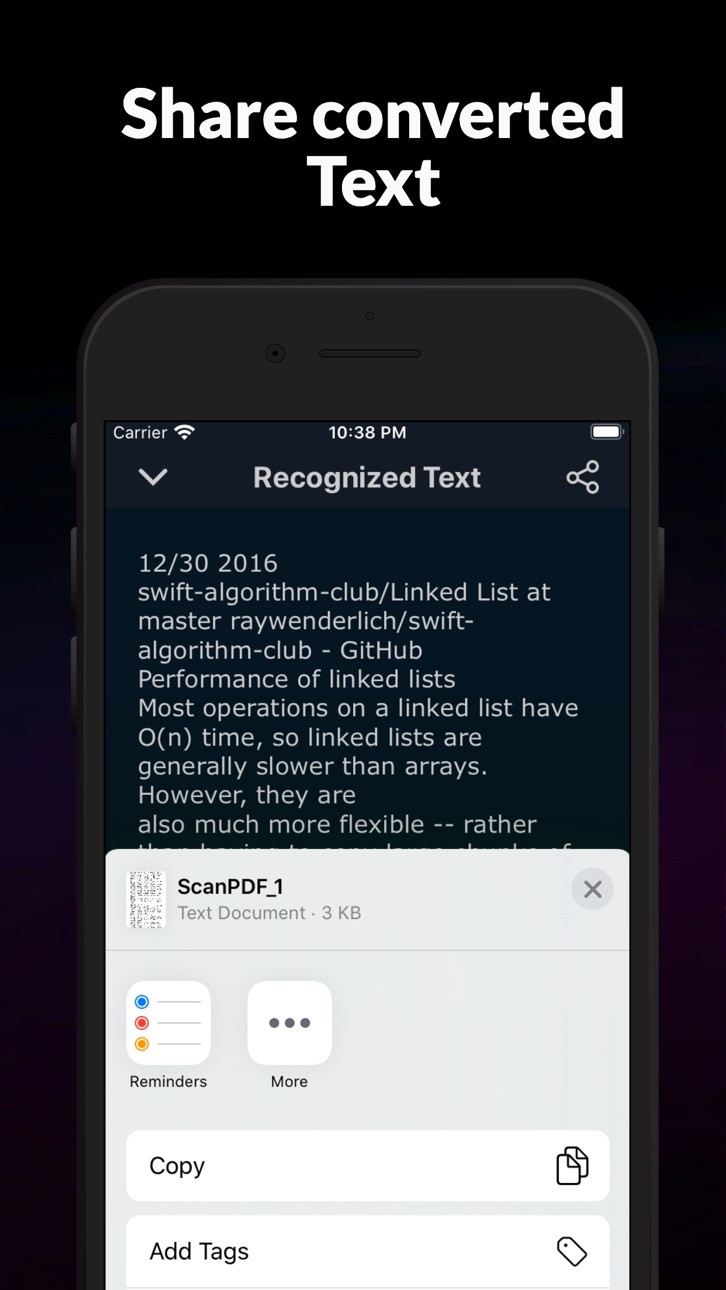
# SHARE the scan as images or pdf
#OCR support for the English Language
Premium Services
Get a full version of the Best Pdf Scanner App to access all the Premium features:
* Scan and share without any limits.
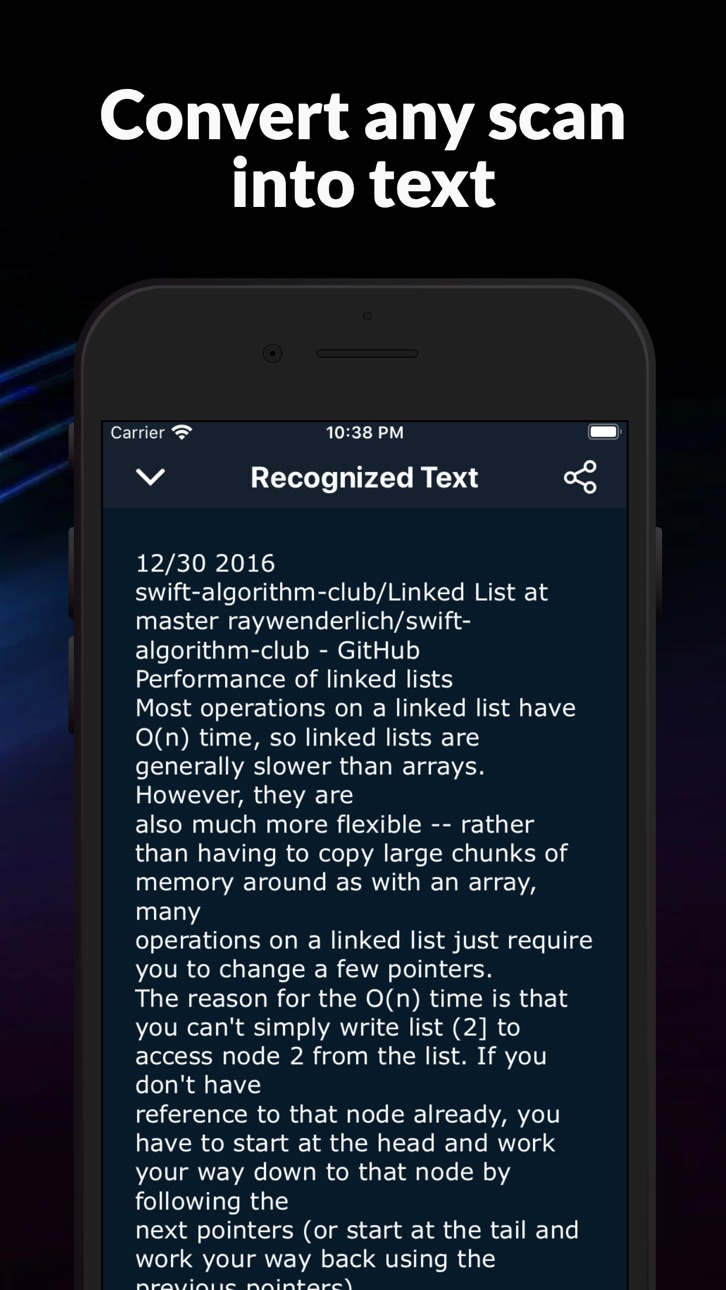
* Convert your scans into text with OCR (Optical Character Recognition) technology with this best phone scanner app.
* OCR Recognition is available for texts in English.
* No Annoying ads.
* Subscription is available like any apple pdf scanner app. The payments will be charged to your iTunes account at confirmation of your purchase.
* Subscription automatically renews for the same price and duration period as the original “one week”/”one month”/ unless auto-renew is turned off at least 24-hours before the end of the current period
Our Standard Subscriptions are:
A 1-week auto-renewal subscription with a 3-day trial period.
A 1-month auto-renewal subscription with a 3-day trial period.
Privacy Policy: https://sites.google.com/view/pdfscanner/home/privacy-policy
Terms of Use: https://sites.google.com/view/pdfscanner/home/terms-condition
Capabilities
In-App Purchases
Accessibility
ipadiphonemacrealityDevicetvoswatch
Version history 3 versions
Build 843919900v1.1.12021-09-03 20:39:39
Minor Bug Fix
Build 838064132v1.12020-10-13 10:23:11
Minor bug fixed
Compatible for iOS 14
Build 835766884v1.02020-05-05 19:59:14
No pricing data captured yet — comparisons appear once the app has paid storefronts or in-app purchases.
Availability 1 of 1 storefronts
| Region | Language | Price | Ratings | Avg | Version |
|---|---|---|---|---|---|
| US | en-US | Free | 8 | 4.9 | 1.1.1 |
Change log 7 changes · US
✎
releaseNotes updated
Minor Bug Fix
✎
description updated
Use your iPhone or iPad to scan and print any written, printed, or graphic material, including:
- Any Business cards;
- Contracts for your clients or partners
✎
subtitle updated
best document scanner app
✎
name updated
Best Pdf Scanner app
◆
Version 1.1.1 released
Minor Bug Fix
◆
Version 1.1 released
Minor bug fixed
Compatible for iOS 14
◆
Version 1.0 released