Home › Finance

 US
US
1 of 1 storefronts
Content in en-US
Content in en-US
Information
Preview 2 platforms
iPhone 9 images

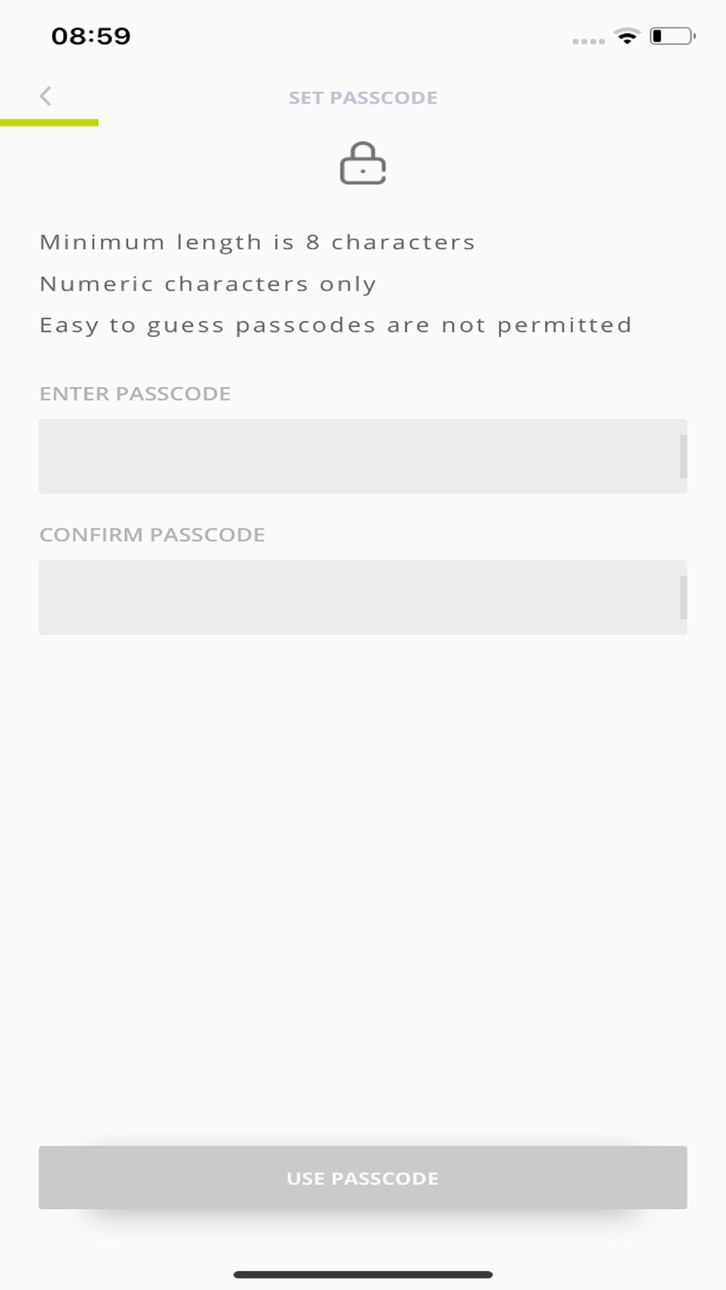


iPad 7 images


What’s New Version 2.1.0
App maintenance, bug fix and minor improvements.
Description
As part of SMBC Group’s commitment to online security and recent changes instigated as part of a European Regulatory requirement, known as the “Payment Service Directive 2 (“PSD2”) we have introduced the “SMBC Digital app. The app provides significantly enhanced security features when compared with the traditional OTP generating token and delivers an improved login experience through secure authentication.
Further, the app allows for the “Dynamic Linking” of payments by letting approval users validate and digitally sign payment details “out of band”, thus providing enhanced protection against fraud. When you approve E-payments, the contents are sent to the SMBC Digital App for signing by the scanning of a “Cronto Image” that contains details of the payments you have selected for approval. By scanning this “Cronto Image” into your SMBC Digital App, it can display the payment information and will allow you to sign them by inputting a response generated by the mobile app. This means when the Bank receives payment orders, the systems can verify that they are genuine.
The App only reads the data already available to you at the time of authorisation, this data is never stored on the phone or is viewable other than when you access the app at the point of authorisation. No transaction history is ever available on the mobile device.
Accessibility
ipadiphonemacrealityDevicetvoswatch
Version history 9 versions
Build 880317435v2.1.02025-12-08 08:27:31
App maintenance, bug fix and minor improvements.
Build 874055372v2.0.02025-04-16 16:10:45
App maintenance, bug fix and minor improvements.
Build 859915310v1.24.02023-09-15 15:46:31
App maintenance, bug fix and minor improvements.
Build 852165133v1.2.3.1.02022-09-14 08:44:58
Release to ensure compatibility with the latest iOS
Build 844136497v1.2.0.0.12021-09-16 23:47:17
Upgraded to version 1.2.0.0.1 the enhance security features
Build 839731543v1.04.522020-12-19 20:32:45
Amended screenshots for release 1.04
Build 839688848v1.04.512020-12-18 17:13:08
iOS 14 Release
Build 836024166viOS App 1.0.12020-05-20 08:04:55
Improved Security Settings
Build 835716921v1.0.02020-05-19 16:12:44
No pricing data captured yet — comparisons appear once the app has paid storefronts or in-app purchases.
Availability 1 of 1 storefronts
| Region | Language | Price | Ratings | Avg | Version |
|---|---|---|---|---|---|
| US | en-US | Free | 0 | — | 2.1.0 |
Change log 13 changes · US
✎
releaseNotes updated
App maintenance, bug fix and minor improvements.
✎
description updated
As part of SMBC Group’s commitment to online security and recent changes instigated as part of a European Regulatory requirement, known as the “Payment Service
✎
subtitle updated
Mobile Authentication App
✎
name updated
SMBC Digital
◆
Version 2.1.0 released
App maintenance, bug fix and minor improvements.
◆
Version 2.0.0 released
App maintenance, bug fix and minor improvements.
◆
Version 1.24.0 released
App maintenance, bug fix and minor improvements.
◆
Version 1.2.3.1.0 released
Release to ensure compatibility with the latest iOS
◆
Version 1.2.0.0.1 released
Upgraded to version 1.2.0.0.1 the enhance security features
◆
Version 1.04.52 released
Amended screenshots for release 1.04
◆
Version 1.04.51 released
iOS 14 Release
◆
Version iOS App 1.0.1 released
Improved Security Settings
◆
Version 1.0.0 released