Home › Productivity

 US
US
1 of 1 storefronts
Content in en-US
Content in en-US
Information
Apple ID1508926261
Bundle IDnpj.SharpMD
SellerSeller
Min iOS11.0
Min macOS11.0
Device familiesiphone, ipad, ipod
Released2020-04-25
Copyright© 2020 Keiko Nishie All Rights Reserved.
Privacy policyLink ↗
Preview 2 platforms
iPhone 5 images


iPad 5 images


What’s New Version 1.0.2
Supports real-time preview.
Description
# MKD - Live preview Markdown Editor -
## Features
- Live preview
- you can see the results of your input in real-time.
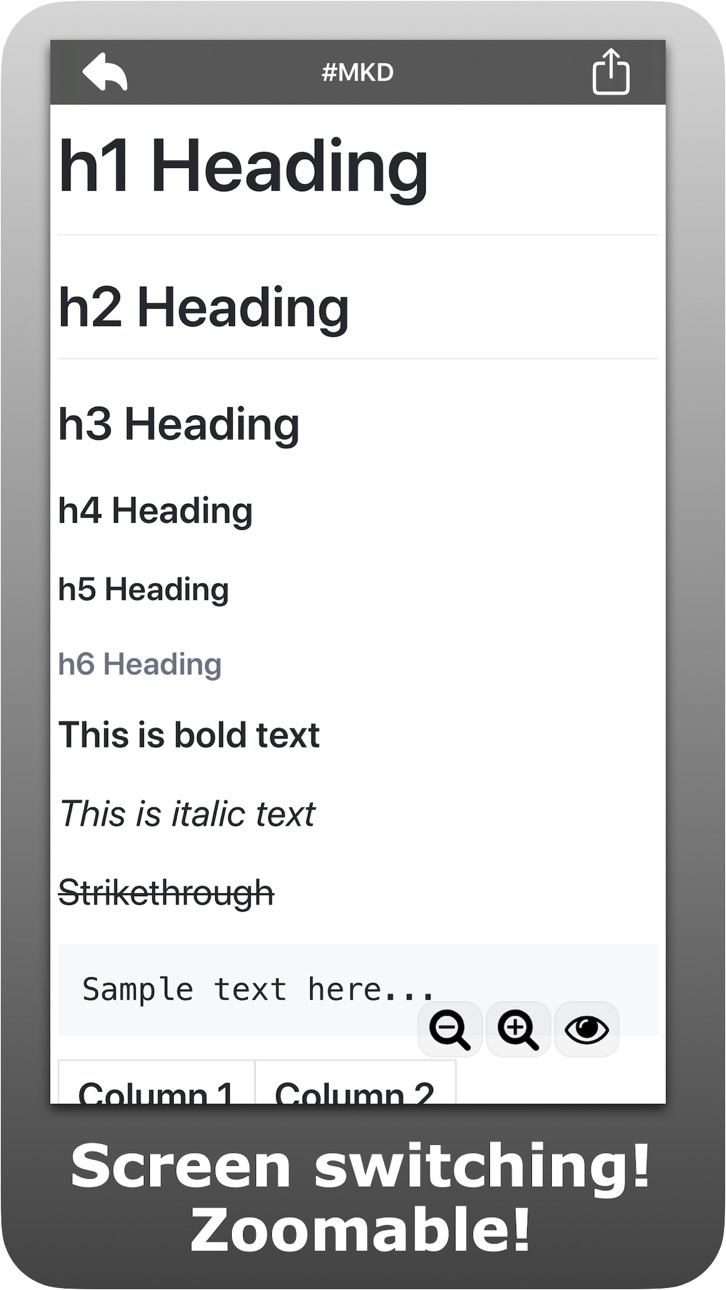
- Screen switching
- you can switch to three screens: a live view screen, a preview screen, and an edit screen.
- Zoom in/out
- you can change the font size.
- Text Sharing
- you can share the markdown text to other applications from action button.
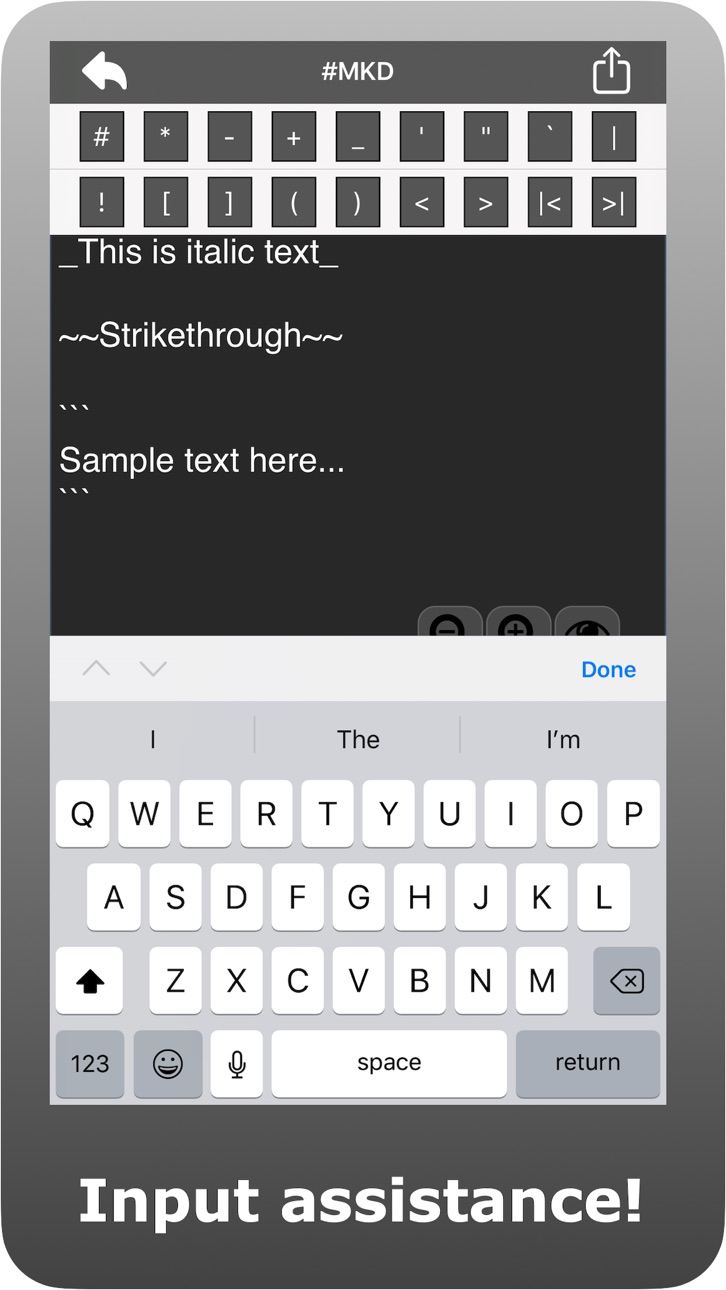
- Input assistance
- you can easy to access markdown-characters.
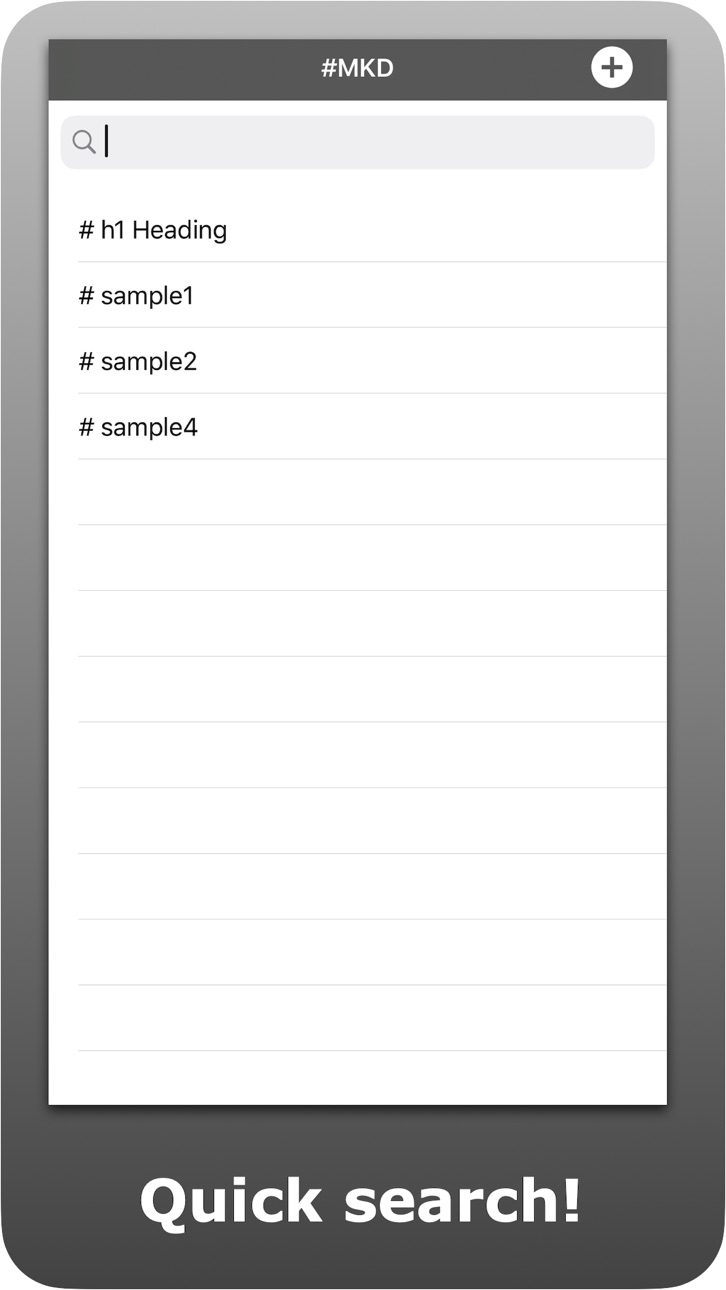
- Quick Search
- you can search your markdown-texts.
- you can delete an item by swiping it.
- Supporting CommonMark Spec and GitHub Flavored Markdown Spec
Accessibility
ipadiphonemacrealityDevicetvoswatch
Version history 2 versions
Build 836639396v1.0.22020-07-02 23:10:10
Supports real-time preview.
Build 835608685v1.02020-04-25 18:34:07
No pricing data captured yet — comparisons appear once the app has paid storefronts or in-app purchases.
Availability 1 of 1 storefronts
| Region | Language | Price | Ratings | Avg | Version |
|---|---|---|---|---|---|
| US | en-US | Free | 0 | — | 1.0.2 |
Change log 6 changes · US
✎
releaseNotes updated
Supports real-time preview.
✎
description updated
# MKD - Live preview Markdown Editor -
## Features
- Live preview
- you can see the results of your input in real-time.
- Screen switching
- you can s
✎
subtitle updated
Live Preview Markdown Editor
✎
name updated
Markdown Editor - #MKD
◆
Version 1.0.2 released
Supports real-time preview.
◆
Version 1.0 released