Home › Productivity

 US
US
1 of 1 storefronts
Content in en-US
Content in en-US
Information
Apple ID1493140581
Bundle IDAPC.Text-Scanner
SellerSeller
Min iOS15.0
Min macOS12.0
Device familiesiphone, ipad, ipod
Released2019-12-31
Copyright© 2025 Text Scanner
Privacy policyLink ↗
Preview 2 platforms
iPhone 6 images


iPad 6 images




What’s New Version 2.2
Hello! This update includes performance enhancements.
Thank you for using Text Scanner! Please contact us if you have any questions or feedback.
Description
Text Scanner uses Optical Character Recognition (OCR) technology to recognize text in documents and images.
Features of Text Scanner:
- Scan documents with a click
- iCloud syncing across all your devices
- Auto page-detection while scanning
- Extract text from documents and images
- Edit your scan the way you like - crop, filter, and rotation features
- Copy and share the extracted text
- Export your scans as images or PDF
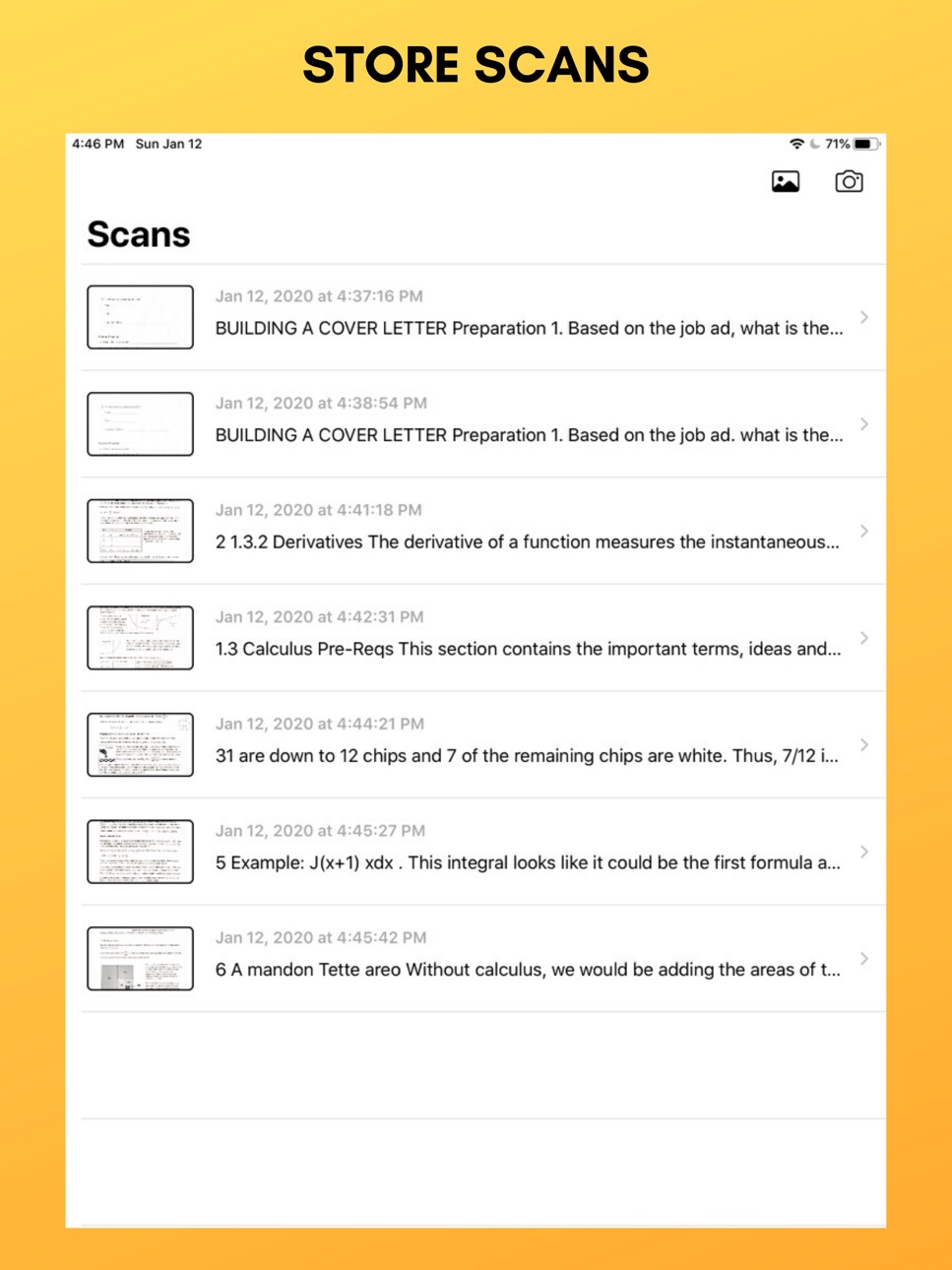
- Store all scans in one place
- Automatically sorted scans
- Scan using your camera or import from photo library
- No internet required
- No ads
Experience the full power of Text Scanner with Text Scanner Pro, an auto-renewing subscription or a lifetime purchase that unlocks all the features in the app, including unlimited saved scans and upgraded limit of 24 scans per request, with all scans seamlessly saved and synced across your devices using iCloud.
Payment will be charged to the account associated with your Apple ID when you confirm your purchase. Your subscription will automatically renew unless you cancel at least 24 hours before the end of the current period. You can manage your subscription anytime by going to your account settings in the App Store after purchase.
Terms of Use - https://www.apple.com/legal/internet-services/itunes/dev/stdeula/
Privacy Policy - https://voicestudio.notion.site/Privacy-Policy-184946b1eaa6807ba92dd95a4eea5f4f
Capabilities
In-App Purchases
Accessibility
ipadiphonemacrealityDevicetvoswatch
Version history 7 versions
Build 872174041v2.22025-02-02 22:13:36
Hello! This update includes performance enhancements.
Thank you for using Text Scanner! Please contact us if you have any questions or feedback.
Build 872039194v2.12025-01-27 11:15:10
Hello! In this update, we've added the following features:
- Scanned images are now saved alongside text
- Ability to export scans as PDF
Thank you for using Text Scanner! Please contact us if you have any questions or feedback.
Build 871976695v2.02025-01-24 07:47:51
Introducing Text Scanner 2.0!
This update adds the following features:
- iCloud syncing across all your devices
- Ability to scan multiple pages per request
- Ability to edit scanned text with automatic saving
- Easily copy and share scanned text
Thank you for using Text Scanner! Please contact us if you have any questions or feedback.
Build 846951130v1.32022-02-01 16:14:13
Performance Enhancements
Build 840318993v1.22021-02-03 01:23:36
Performance Enhancements
Build 834320894v1.12020-01-13 15:22:37
Performance Enhancements & New Features
Build 834161845v1.02019-12-31 14:16:58
No pricing data captured yet — comparisons appear once the app has paid storefronts or in-app purchases.
Availability 1 of 1 storefronts
| Region | Language | Price | Ratings | Avg | Version |
|---|---|---|---|---|---|
| US | en-US | Free | 38 | 4.8 | 2.2 |
Change log 11 changes · US
✎
releaseNotes updated
Hello! This update includes performance enhancements.
Thank you for using Text Scanner! Please contact us if you have any questions or feedback.
✎
description updated
Text Scanner uses Optical Character Recognition (OCR) technology to recognize text in documents and images.
Features of Text Scanner:
- Scan documents with a c
✎
subtitle updated
Scan text from image easily
✎
name updated
Text Scanner - Scan and Save
◆
Version 2.2 released
Hello! This update includes performance enhancements.
Thank you for using Text Scanner! Please contact us if you have any questions or feedback.
◆
Version 2.1 released
Hello! In this update, we've added the following features:
- Scanned images are now saved alongside text
- Ability to export scans as PDF
Thank you for using Text Scanner! Please contact us if you have any questions or feedback.
◆
Version 2.0 released
Introducing Text Scanner 2.0!
This update adds the following features:
- iCloud syncing across all your devices
- Ability to scan multiple pages per request
- Ability to edit scanned text with automatic saving
- Easily copy and share scann
◆
Version 1.3 released
Performance Enhancements
◆
Version 1.2 released
Performance Enhancements
◆
Version 1.1 released
Performance Enhancements & New Features
◆
Version 1.0 released