Home › Finance

 US
US
1 of 1 storefronts
Content in en-US
Content in en-US
Information
Preview 2 platforms
iPhone 6 images



iPad 6 images


What’s New Version 1.56
Additions in this new version:
* More available languages: Čeština, Français, Italiano
* Further enhancements for platform additions created using AI
Description
No compromises! Trade from your iPhone or iPad with more tools and controls than your desktop platform.
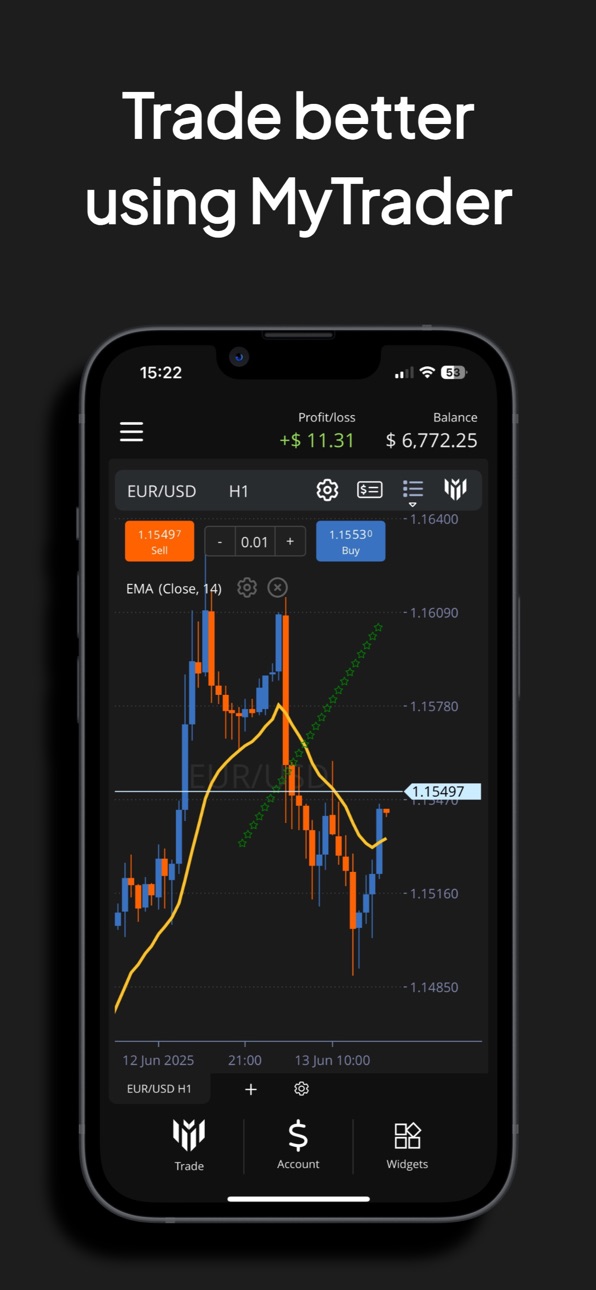
MyTrader offers outstanding charting, market analysis, and power-user trading tools including order batches, grids, and market depth. And it’s fully customisable. MyTrader contains over 40 different trading widgets which you can combine in any order to create your own personalised trading platform - as simple or as complex as you want.
MyTrader can trade FX Blue's own demo accounts, and can also currently to forex, CFD, and cryptocurrency accounts with OANDA, Forex.com, FXCM, or any MT4/MT5 broker by running the MyTrader Connector EA in the MT4/5 client terminal. MyTrader also offers a data-only connection if you just want to analyse markets and prices without trading an account.
Trading
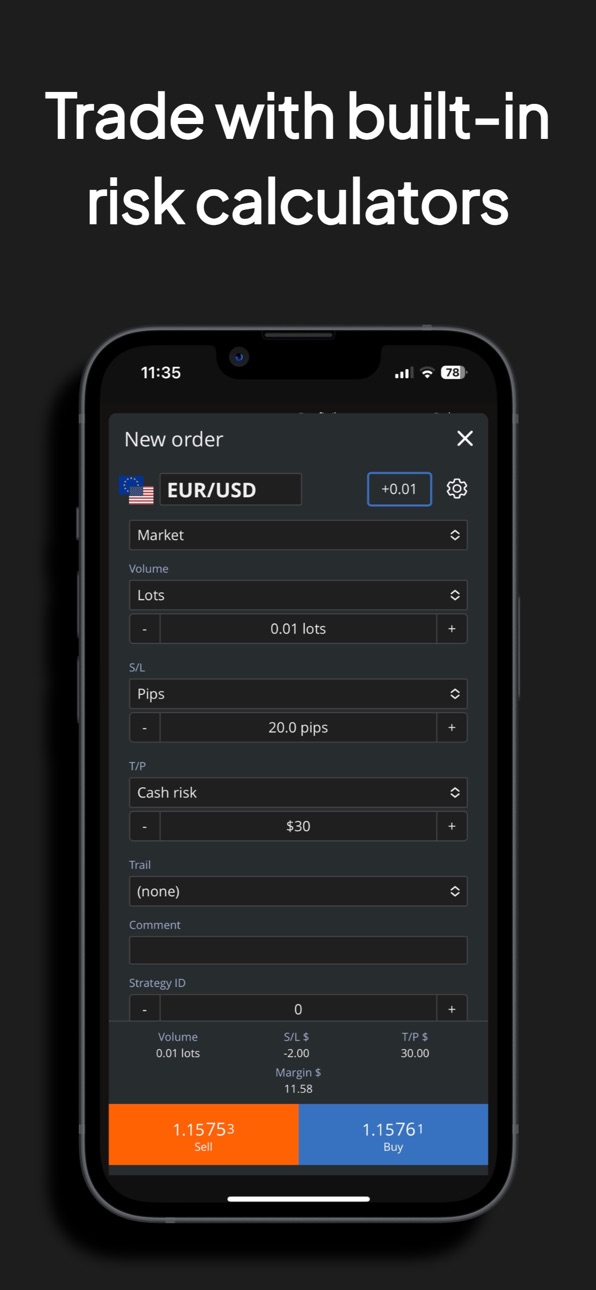
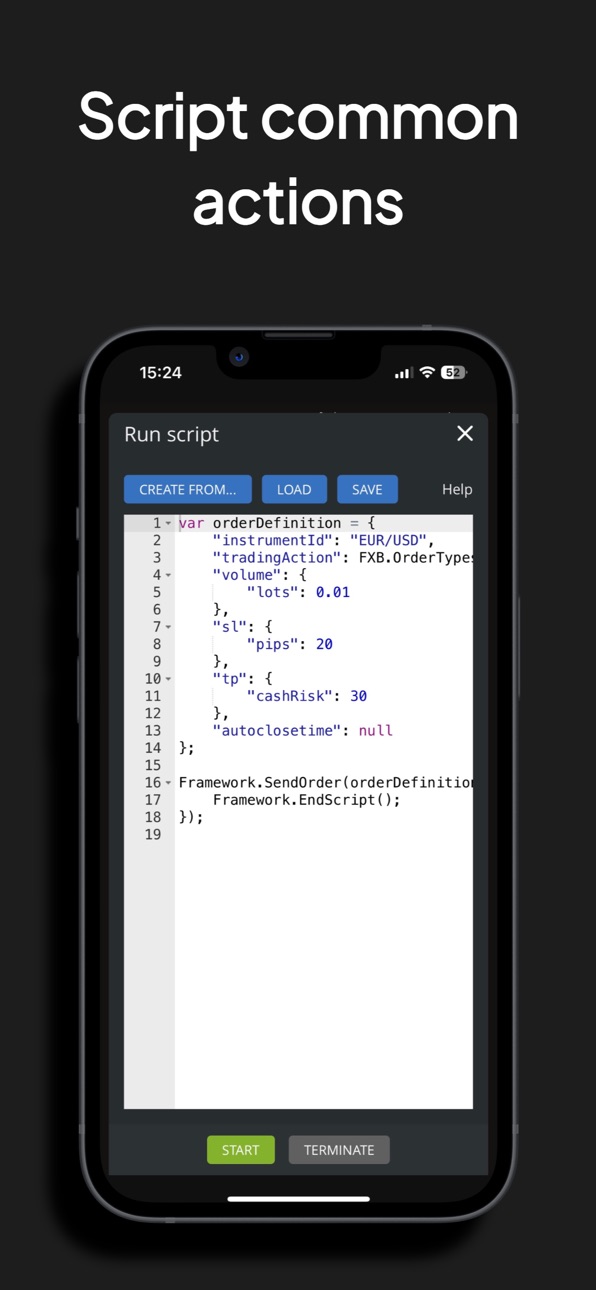
MyTrader has it all: one-tap trading, order placement and editing direct from charts, choice between deal tickets or order grids, sophisticated order templating, and power tools such as grids and batches. You can even write your own scripts to place a single order or basket with a tap of an icon.
Outstanding Charting
Over 100 technical indicators, over 50 drawing tools, and chart types which include Renko, Kagi, and Point & Figure as well as more traditional bar and candle charts. Hugely flexible and unique drawing features, to create stunning charts. Supports multi-chart layouts on iPads.
Technical Analysis
Automated technical analysis, combining multiple moving averages, oscillators, and pivot points into a single overall buy/sell rating.
Heat Map, Currency Strength, and Sentiment
Keep track of market movements using a heat map of major changes, a display of relative currency strength, and real-time long/short sentiment based on real-money trades by FX Blue users.
Quote Boards and Watch-lists
Monitor current prices using the app's simple but effective quote board. Choose from pre-defined lists of markets, such as USD crosses, or create your own watch-lists which can then be used throughout the app.
Calculators
Easy-to-use calculators for common trading needs: calculate position sizes, Fibonacci retracements, pivot levels etc, or simply convert cash values from one currency to another.
Fully Customisable
Open widgets on a temporary basis if you just want a quick peek at some information, or create saved pages within the app which make your preferred widgets more permanently available. iPhones can have any number of pages within the app, but each page can only display a singe widget. The larger screen of iPads allows multi-widget layouts of huge flexibility - in particular, multiple charts side by side.
Scripts
Create scripts for your common actions and turn them into one-tap icons in the software's banner. Software developers can go much, much further and create whole new widgets of the software with access to all the same features as the built-in components.
Accessibility
ipadiphonemacrealityDevicetvoswatch
Version history 25 versions
Build 887005670v1.562026-06-16 05:10:03
Additions in this new version:
* More available languages: Čeština, Français, Italiano
* Further enhancements for platform additions created using AI
Build 886067575v1.552026-05-25 00:06:22
Changes in this new version:
* More additions to assist widgets and indicators created using AI
* Other minor enhancements
Build 885437777v1.542026-05-08 19:53:08
Additions in this version:
* Enhancements for building indicators and widgets using AI
Build 882240063v1.532026-02-06 23:44:08
Changes in this new version:
* Added TradingView's Screener and Economic Map to the list of available widgets
* Various other enhancements and bug fixes
Build 879772570v1.522025-11-15 17:37:05
Additions in this new version:
* Simulator now allows simulated trading challenges
Build 877945337v1.512025-09-09 15:34:26
Additions in this new version:
* Minor bug fixes and enhancements
More to follow shortly!
Build 875853420v1.502025-06-25 06:10:28
Changes in this new version:
* Minor adjustments following our re-brand to MyTrader
Build 875601019v1.482025-06-18 06:40:53
MyTrader is the new name for Figaro!
Other changes in this version:
* Enhanced look and feel
* Flexible chart sidebars for market data and open orders
* Various minor bug fixes and enhancements
* Trading simulator
Build 872725887v1.472025-02-24 01:01:27
Additions in this new version:
* Various minor enhancements and bug fixes
Build 872525342v1.462025-02-16 02:40:50
Additions in this new version:
* Volume Gravity indicator
* Various minor enhancements and bug fixes
Build 872346409v1.452025-02-09 20:29:07
Additions in this new version:
* Mark timeframes as favourites
* Drag charts using two fingers (and reset using a two-fingered long tap)
* On iPad, hide/collapse widgets in multi-widget displays
Build 870345856v1.442024-11-12 07:37:11
Minor bug fixes and enhancements (mainly for developers of widgets and UDIs)
Build 869917828v1.432024-10-23 15:22:34
Additions in this new version:
* Set auto-close times on positions when trading demo accounts and challenges from FX Blue
Build 869799585v1.422024-10-17 21:51:55
Additions in this new version, when trading demo accounts and challenges from FX Blue:
* One-cancels-all groups of pending order
* Contingent orders
Build 866445695v1.412024-06-04 23:49:44
Additions in this new version:
* Japanese translation
* Pivot option in the market scanner
Build 866024824v1.402024-05-17 21:39:44
Additions in this new version:
* More on-chart widgets: tick chart and market scanner
Build 865993460v1.392024-05-16 20:47:02
Additions in this version:
* More chart widgets: market overview, trade list, account metrics
* Support for remote user indicators
Build 865388230v1.382024-04-23 05:43:47
Additions in this new version:
Trades Widget
* Option to display account metrics at the bottom of the widget (View > Account Metrics)
* Option to display extra information when in card view (View > Cards Values)
* Configurable long-tap behaviour (on cards, or on the ID column in grid view)
Custom Pages
* Option to use two-widget and three-widget on small screens
Build 865269530v1.362024-04-17 15:01:08
Additions in this new version:
* User-defined indicators have access to UDI.setRecommendedTrade()
Build 865174611v1.352024-04-14 09:23:31
Changes in this new version:
* Phone status bar adapts to chosen app colour theme
Build 865066766v1.332024-04-09 17:33:03
Changes in this version:
* Fixed long-tap on chart axis
* Various other minor enhancements
Build 864055453v1.322024-02-27 16:50:23
Additions in this new version:
* New options for order markers on charts
Build 863428825v1.312024-02-06 03:56:40
Changes and additions in this new version:
* Option to lock drawings
* New drawing type representing an order, integrating with the chart's deal ticket
* Faster, easier way of sharing a link to a live chart
* Chart screenshots - download, copy to clipboard, share a link, or tweet
Build 862984190v1.302024-01-18 00:31:22
Changes and additions in this version:
* Optional one-click trading panel for charts
* Fibonacci Channel drawing
* Various minor enhancements and bug fixes
Build 861968790v1.262023-12-05 03:14:47
Additions in this new version:
* In grid mode, long-tabs on the Quotes and Trades list to open the action menu
No pricing data captured yet — comparisons appear once the app has paid storefronts or in-app purchases.
Availability 1 of 1 storefronts
| Region | Language | Price | Ratings | Avg | Version |
|---|---|---|---|---|---|
| US | en-US | Free | 0 | — | 1.56 |
Change log 29 changes · US
✎
releaseNotes updated
Additions in this new version:
* More available languages: Čeština, Français, Italiano
* Further enhancements for platform additions created using AI
✎
description updated
No compromises! Trade from your iPhone or iPad with more tools and controls than your desktop platform.
MyTrader offers outstanding charting, market analysis,
✎
subtitle updated
Trading, charts, analysis
✎
name updated
MyTrader
◆
Version 1.56 released
Additions in this new version:
* More available languages: Čeština, Français, Italiano
* Further enhancements for platform additions created using AI
◆
Version 1.55 released
Changes in this new version:
* More additions to assist widgets and indicators created using AI
* Other minor enhancements
◆
Version 1.54 released
Additions in this version:
* Enhancements for building indicators and widgets using AI
◆
Version 1.53 released
Changes in this new version:
* Added TradingView's Screener and Economic Map to the list of available widgets
* Various other enhancements and bug fixes
◆
Version 1.52 released
Additions in this new version:
* Simulator now allows simulated trading challenges
◆
Version 1.51 released
Additions in this new version:
* Minor bug fixes and enhancements
More to follow shortly!
◆
Version 1.50 released
Changes in this new version:
* Minor adjustments following our re-brand to MyTrader
◆
Version 1.48 released
MyTrader is the new name for Figaro!
Other changes in this version:
* Enhanced look and feel
* Flexible chart sidebars for market data and open orders
* Various minor bug fixes and enhancements
* Trading simulator
◆
Version 1.47 released
Additions in this new version:
* Various minor enhancements and bug fixes
◆
Version 1.46 released
Additions in this new version:
* Volume Gravity indicator
* Various minor enhancements and bug fixes
◆
Version 1.45 released
Additions in this new version:
* Mark timeframes as favourites
* Drag charts using two fingers (and reset using a two-fingered long tap)
* On iPad, hide/collapse widgets in multi-widget displays
◆
Version 1.44 released
Minor bug fixes and enhancements (mainly for developers of widgets and UDIs)
◆
Version 1.43 released
Additions in this new version:
* Set auto-close times on positions when trading demo accounts and challenges from FX Blue
◆
Version 1.42 released
Additions in this new version, when trading demo accounts and challenges from FX Blue:
* One-cancels-all groups of pending order
* Contingent orders
◆
Version 1.41 released
Additions in this new version:
* Japanese translation
* Pivot option in the market scanner
◆
Version 1.40 released
Additions in this new version:
* More on-chart widgets: tick chart and market scanner
◆
Version 1.39 released
Additions in this version:
* More chart widgets: market overview, trade list, account metrics
* Support for remote user indicators
◆
Version 1.38 released
Additions in this new version:
Trades Widget
* Option to display account metrics at the bottom of the widget (View > Account Metrics)
* Option to display extra information when in card view (View > Cards Values)
* Configurable long-tap be
◆
Version 1.36 released
Additions in this new version:
* User-defined indicators have access to UDI.setRecommendedTrade()
◆
Version 1.35 released
Changes in this new version:
* Phone status bar adapts to chosen app colour theme
◆
Version 1.33 released
Changes in this version:
* Fixed long-tap on chart axis
* Various other minor enhancements
◆
Version 1.32 released
Additions in this new version:
* New options for order markers on charts
◆
Version 1.31 released
Changes and additions in this new version:
* Option to lock drawings
* New drawing type representing an order, integrating with the chart's deal ticket
* Faster, easier way of sharing a link to a live chart
* Chart screenshots - download,
◆
Version 1.30 released
Changes and additions in this version:
* Optional one-click trading panel for charts
* Fibonacci Channel drawing
* Various minor enhancements and bug fixes
◆
Version 1.26 released
Additions in this new version:
* In grid mode, long-tabs on the Quotes and Trades list to open the action menu