Home › Utilities

 US
US
1 of 1 storefronts
Content in en-US
Content in en-US
Information
Preview 2 platforms
iPhone 10 images






iPad 10 images






What’s New Version 7.63
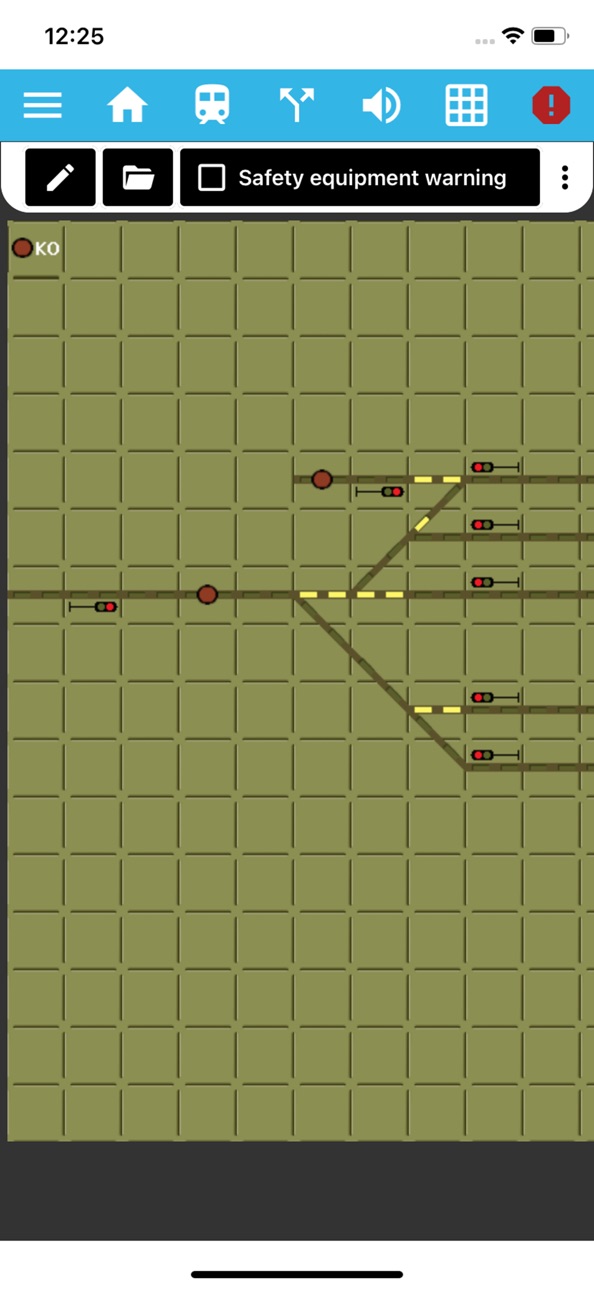
Dispatcher: Blue Route Button – The button used to set routes can now appear in blue, for example for shunting routes.
Improved Locomotive Switching – The speed is no longer reset automatically when switching locomotives, enabling smoother operations.
Direction Button Visual Feedback – The current travel direction is now highlighted in white on the direction switch button.
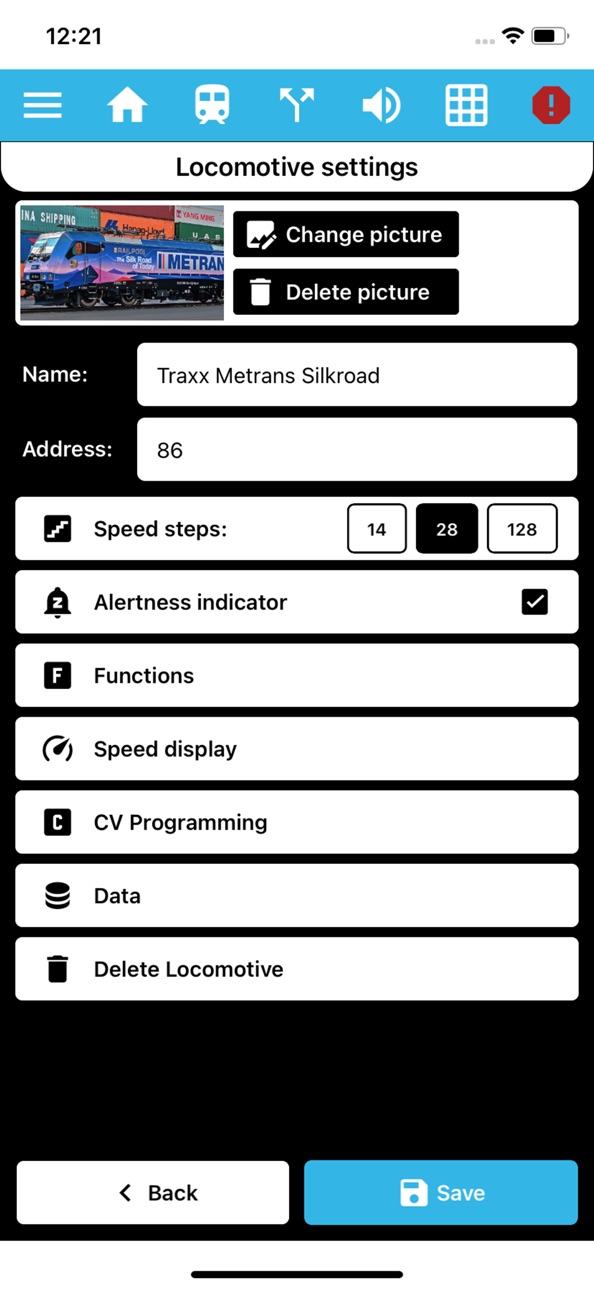
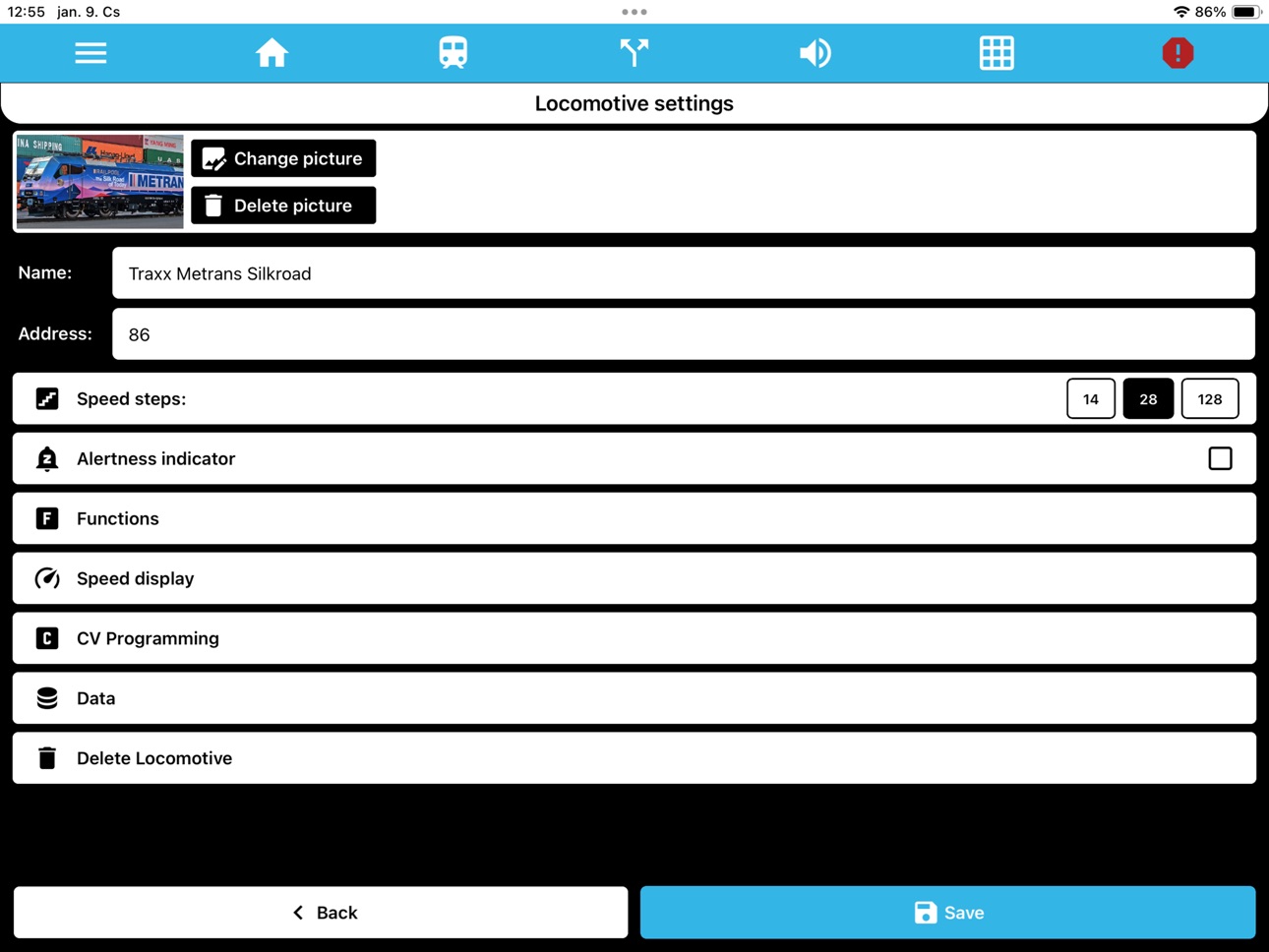
New Alertness Timer UI – A redesigned interface makes it easier to adjust the alertness timer.
Updated Connection Menu – The connection menu has received a cleaner and more transparent design.
Load Empty Profile – It's now possible to load a completely empty profile, allowing you to start with a clean slate.
Profile Size Optimization – During import, oversized images are automatically resized, optimizing the display of locomotive images.
iOS Bug Fixes – Multiple locomotive sounds can now be played simultaneously on iOS.
macOS Support – The app is now compatible with macOS.
Description
Using DigiTrainsPro, you can control your model railroad layout from your iPhone, iPad via WIFI.
From the locomotive library you can easily and quickly select the locomotive you want to control, which you can create a unique photo.
You can reach the speed, direction and all the features of the locomotive with a single touch while you are free to move around your layout.
Finally, you do not have to remember the addresses, you can play very simply, even with multiple trains.
You can add any number of data to trains, sort them into groups, and filter in locomotive library for any data or group.
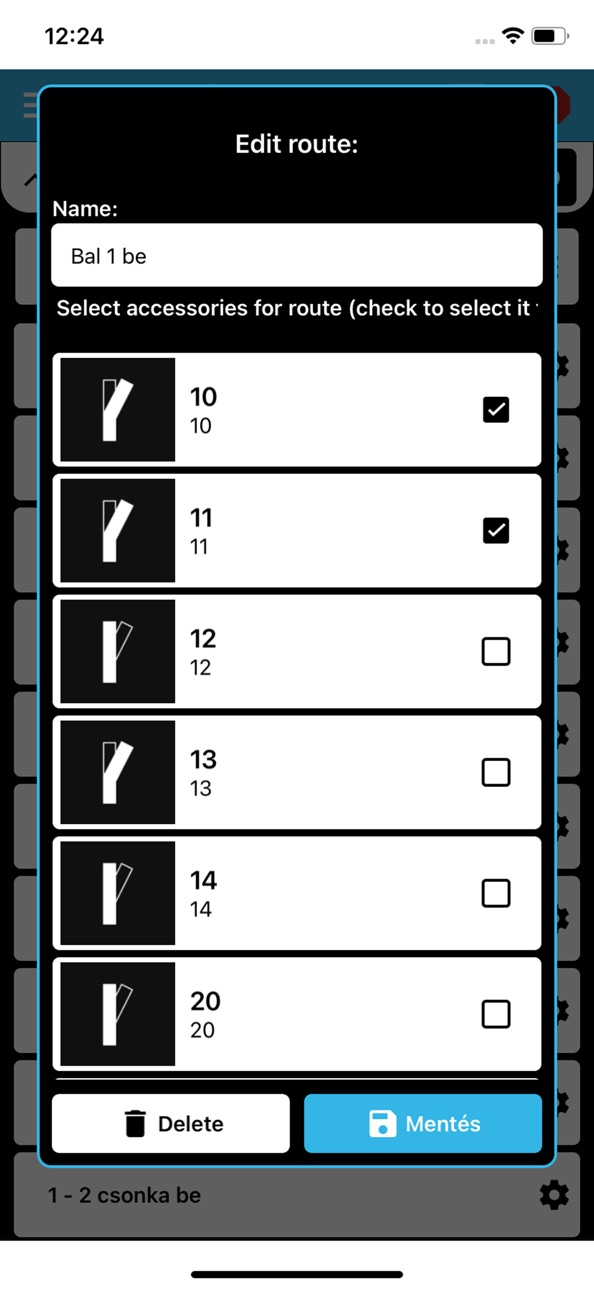
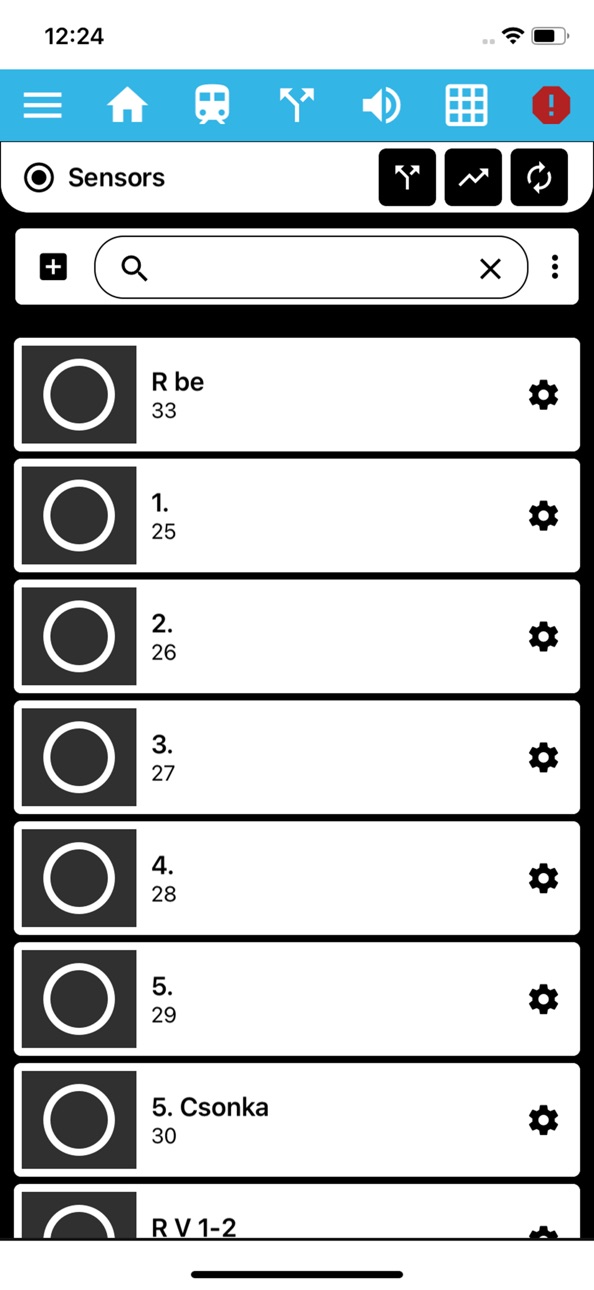
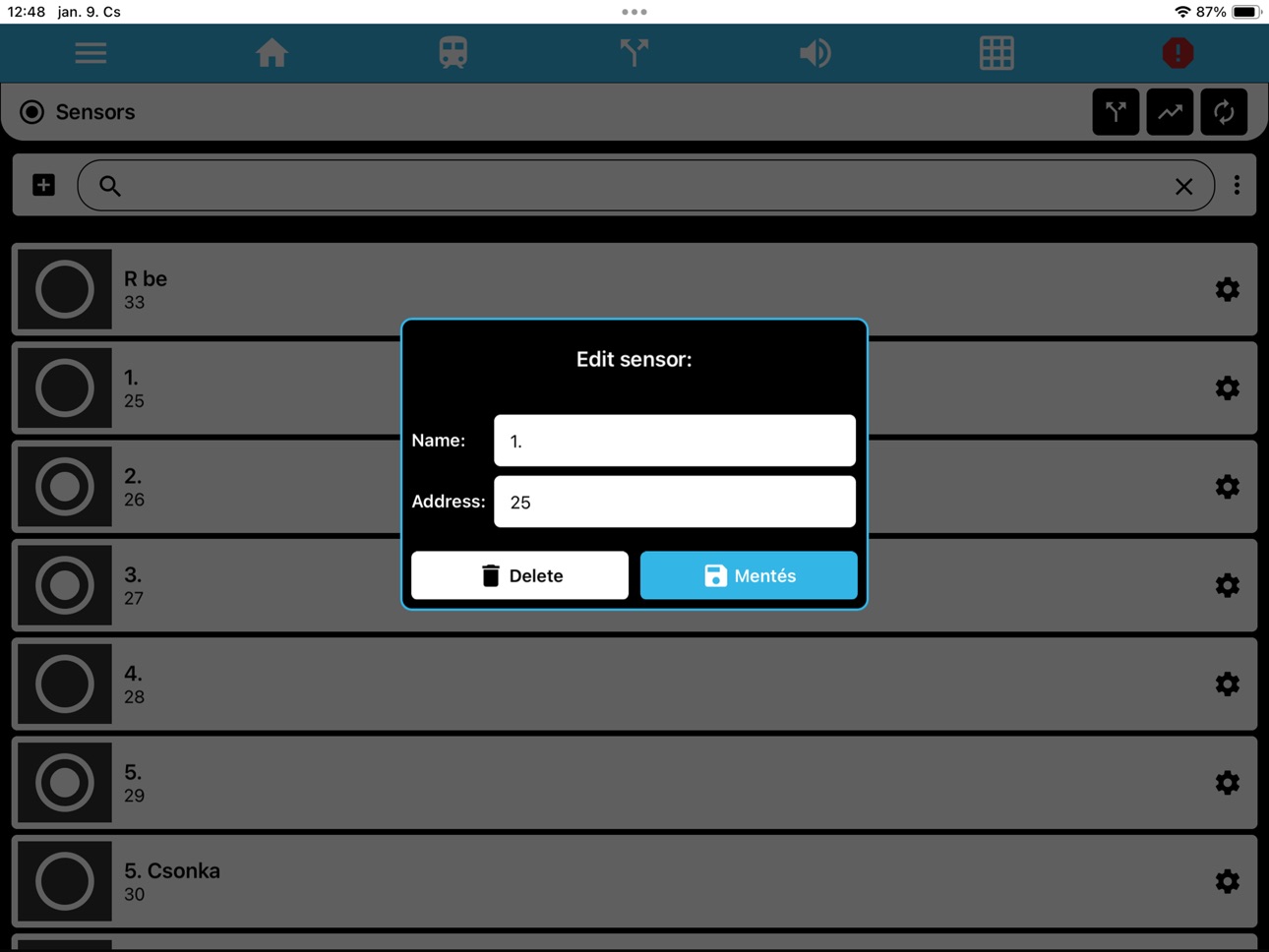
You can add your accessories (turnouts, signals, lamps, etc.) to the app and control them individually. You can also make routes, add signals to see block occupancy and create unique dependency logic commands.
The following digital command centers are compatible with the app: Roco Z21, JMRI, Digikeijs DR5000, YaMoRc, Digitools DigiWifi and more coming soon.
Accessibility
ipadiphonemacrealityDevicetvoswatch
Version history 10 versions
Build 874778876v7.632025-05-16 17:17:21
Dispatcher: Blue Route Button – The button used to set routes can now appear in blue, for example for shunting routes.
Improved Locomotive Switching – The speed is no longer reset automatically when switching locomotives, enabling smoother operations.
Direction Button Visual Feedback – The current travel direction is now highlighted in white on the direction switch button.
New Alertness Timer UI – A redesigned interface makes it easier to adjust the alertness timer.
Updated Connection Menu – The connection menu has received a cleaner and more transparent design.
Load Empty Profile – It's now possible to load a completely empty profile, allowing you to start with a clean slate.
Profile Size Optimization – During import, oversized images are automatically resized, optimizing the display of locomotive images.
iOS Bug Fixes – Multiple locomotive sounds can now be played simultaneously on iOS.
macOS Support – The app is now compatible with macOS.
Build 871638231v7.512025-01-10 00:50:50
-Renewed locomotive and equipment list
-Bulk deletion option
-Enhanced filtering options
-New locomotive fuction sound
Build 858136638v5.722023-06-28 17:39:59
Bug fix: Profile export was not working on some iOS devies - fixed
Bug fix: Alertness indicator was not working on some iOS devices - fixed
Build 839573183v5.622023-01-07 00:07:59
Version: 5.6:
New accessory type: DigiSignal multi-light indicator. With the 4 + 1 indicator, the call sign can be set to red + flashing white.
Dependency - commands are sent only if the status of the given signal changes compared to the one stored in the program
Security logic:
-It is not possible to set a route to a busy section
-Route crossing an active route cannot be set
-Signal set: if there is a route for which a given singal is the start signal, all turnouts on the track must be in good direction, otherwise no signal may be given
-Individual turnout set is disabled when the security logic is enabled
When editing a dependency, if you check the box, the status of the accessory has also changed - fixed
When editing a route, if you check the box, the status of the accessory has also changed - fixed
Bug fix: Pressing an emergency stop sometimes causes the system to jump between the emergency stop and normal operation statuses. Only a command station restart solved it.
Fixed to not get into this state
Bug fix: Accessoirtes did not always change in dependency logic - fixed
Bug fix: Dispatcher game: KO doesn't always changed signals to red - fixed. If a signal is red according to the program, app do not send the red command to that signal
Build 837871164v5.32020-09-20 21:18:31
New train sounds: wagon coupling, wagon disconnection
Categorize and filter accessories (default, turnout, signal, other)
Tablet view support also on lower resolution tablets
Force tablet view on lower resolution tablets
Dispatcher game icon appears in the header when it fits - making it easier to switch
between traffic game and loud passenger information
Build 836490922v5.22020-06-19 18:20:17
Alertness indicator in Loco control screen
Turntable accessory can be added
Build 835230382v4.52020-03-23 21:49:42
Version 4.5
Dispatcher Game: When KO button is pressed, signals were not switched to red in reality only in app (command was not sent) - fixed
When you press the multi-light signal, you can select the signal status from a pop-up list
Signals will turn to red after STOP status when command station returns to normal operation. You can enable this in the Accssory submenu.
Dispatcher Game: It is only possible to change accessory or set route when the app is connected to the command station and it is in normal operation. You can enable this in the Dispatcher submenu.
When adding or editing an accesssory, if the accessory type is changed, the status icons are not updated below - fixed
German language fixes based on user feedback
Release notes menu can be opened at any time in Main Menu / Miscellaneous
Build 834525147v4.02020-01-29 15:47:46
For travel direction buttons, the distinction between current and inactive travel direction is displayed in the same way as the active-inactive status indication used in the functions (gray Background is inactive, blue background is active status)
On the Android homepage, pressing the double back button will ask you if you want to quit
There is a slider for model time scaling when it is displayed when the time is paused. Automatic measurement has been removed. The program saves the set size
New model time font: digital clock style
If you add a new locomotive / accessory/ route / sensor / dependency, it will no longer be added at the end of the list, but in order
Locomotive List Submenu New button to display only the locomotives currently moving
Short list for locomotives: for example, if there are many trains on the list, this list shows what is on the track. Add to Short list: Drag a locomotive to the left in the locomotive library and check the checkbox. Display: press Show short list button in the Locomotive List submenu
Main Menu changes - in Miscellaneus menu there are new submenus: WEB, Documentation, Facebook link and Email directly
Locomotive speed command not sent with + and - keys: Fixed
Submenu Icons Not Displayed in Accessories, Routes, Sensors, and Dependencies: Fixed
Build 833916154v3.912019-12-07 20:02:55
Version 3.91
Model Time: A new feature has been added to the main menu, Model Time. This allows you to display model time for scheduled play at any time with a desired acceleration. How to use it: In the Model Time menu, use the gear icon to set the start time, the rate at which the clock is accelerated (for example: speed 5 means one minute is 12 seconds in model time), then use the play icon to start the clock. If there is a big delay in your scheduled game you can stop the clock with the pause icon at any time. Run it full screen on a device, put it in a prominent place where dispatchers and loco drivers can see the model time! Detailed description at www.digitrainspro.hu. Further improvements coming soon: model time display in dispatcher view, loco driver view, club server synchronization with centralized model time control.
A new function icon has been added to the app: weight. For heavy loads, you may define a function with this icon that affects the dynamics of a locomotive.
When retrieving locomotive information, not only the speed display but also the slider is updated
Dispatcher game in now available in main menu
Dependencies in some cases did not run properly - fixed
On some devices STOP button did not work properly on Locomotive control screen - fixed
Build 832994687v3.852019-10-05 16:29:31
No pricing data captured yet — comparisons appear once the app has paid storefronts or in-app purchases.
Availability 1 of 1 storefronts
| Region | Language | Price | Ratings | Avg | Version |
|---|---|---|---|---|---|
| US | en-US | Free | 1 | 5.0 | 7.63 |
Change log 13 changes · US
✎
releaseNotes updated
Dispatcher: Blue Route Button – The button used to set routes can now appear in blue, for example for shunting routes.
Improved Locomotive Switching – The spee
✎
description updated
Using DigiTrainsPro, you can control your model railroad layout from your iPhone, iPad via WIFI.
From the locomotive library you can easily and quickly select
✎
name updated
DigiTrainsPro
◆
Version 7.63 released
Dispatcher: Blue Route Button – The button used to set routes can now appear in blue, for example for shunting routes.
Improved Locomotive Switching – The speed is no longer reset automatically when switching locomotives, enabling smoother
◆
Version 7.51 released
-Renewed locomotive and equipment list
-Bulk deletion option
-Enhanced filtering options
-New locomotive fuction sound
◆
Version 5.72 released
Bug fix: Profile export was not working on some iOS devies - fixed
Bug fix: Alertness indicator was not working on some iOS devices - fixed
◆
Version 5.62 released
Version: 5.6:
New accessory type: DigiSignal multi-light indicator. With the 4 + 1 indicator, the call sign can be set to red + flashing white.
Dependency - commands are sent only if the status of the given signal changes compared
◆
Version 5.3 released
New train sounds: wagon coupling, wagon disconnection
Categorize and filter accessories (default, turnout, signal, other)
Tablet view support also on lower resolution tablets
Force tablet view on lower resolution tablets
Dispatcher game
◆
Version 5.2 released
Alertness indicator in Loco control screen
Turntable accessory can be added
◆
Version 4.5 released
Version 4.5
Dispatcher Game: When KO button is pressed, signals were not switched to red in reality only in app (command was not sent) - fixed
When you press the multi-light signal, you can select the signal status from a pop-up list
Sig
◆
Version 4.0 released
For travel direction buttons, the distinction between current and inactive travel direction is displayed in the same way as the active-inactive status indication used in the functions (gray Background is inactive, blue background is active
◆
Version 3.91 released
Version 3.91
Model Time: A new feature has been added to the main menu, Model Time. This allows you to display model time for scheduled play at any time with a desired acceleration. How to use it: In the Model Time menu, use the gear icon
◆
Version 3.85 released