Home › Productivity

 US
US
1 of 1 storefronts
Content in en-US
Content in en-US
Information
Apple ID1479822076
Bundle IDcom.guaiwu.Ritual
SellerSeller
Min iOS11.0
Min macOS11.0
Device familieswatch, iphone, ipad, ipod
Released2019-10-02
Copyright© 2019 Guo Xiaojiang
Privacy policyLink ↗
Preview 3 platforms
iPhone 10 images




iPad 10 images





Apple Watch 6 images




What’s New Version 2.81
* New Features
1. Attach GIF on task
2. Video thumbnail. Long press on video for more options.
3. New display for Note List: no checkbox
4. Hashtag for task. Tap on#hashtag#to filter tasks in list.
5. Tap to modify date in Record List
6. Drag image, text, link, gif from other apps.
IOS 15 only.
7. Task Input — New Line
* Others
1. Show thumbnail of locations
2. Fixed bugs for previous version
3. Optimize list, widget experiences
* Known Issues
1. Notification Center widget is not too stable. Wait for next version if you strongly relies on it.
Description
Features:
1. Create checklist from rich built-in templates
2. Dark Mode for iOS 13
3. Quickly check your task one-by-one with a tap. Designed for your recurring tasks.
4. Sync between devices. Support Handoff
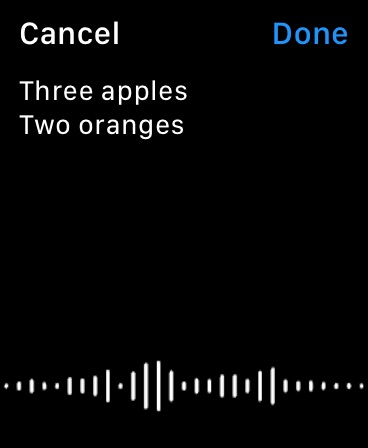
5. Voice input for multiple tasks
6. Speak your checklist ( with different language, speed and media control with lock screen)
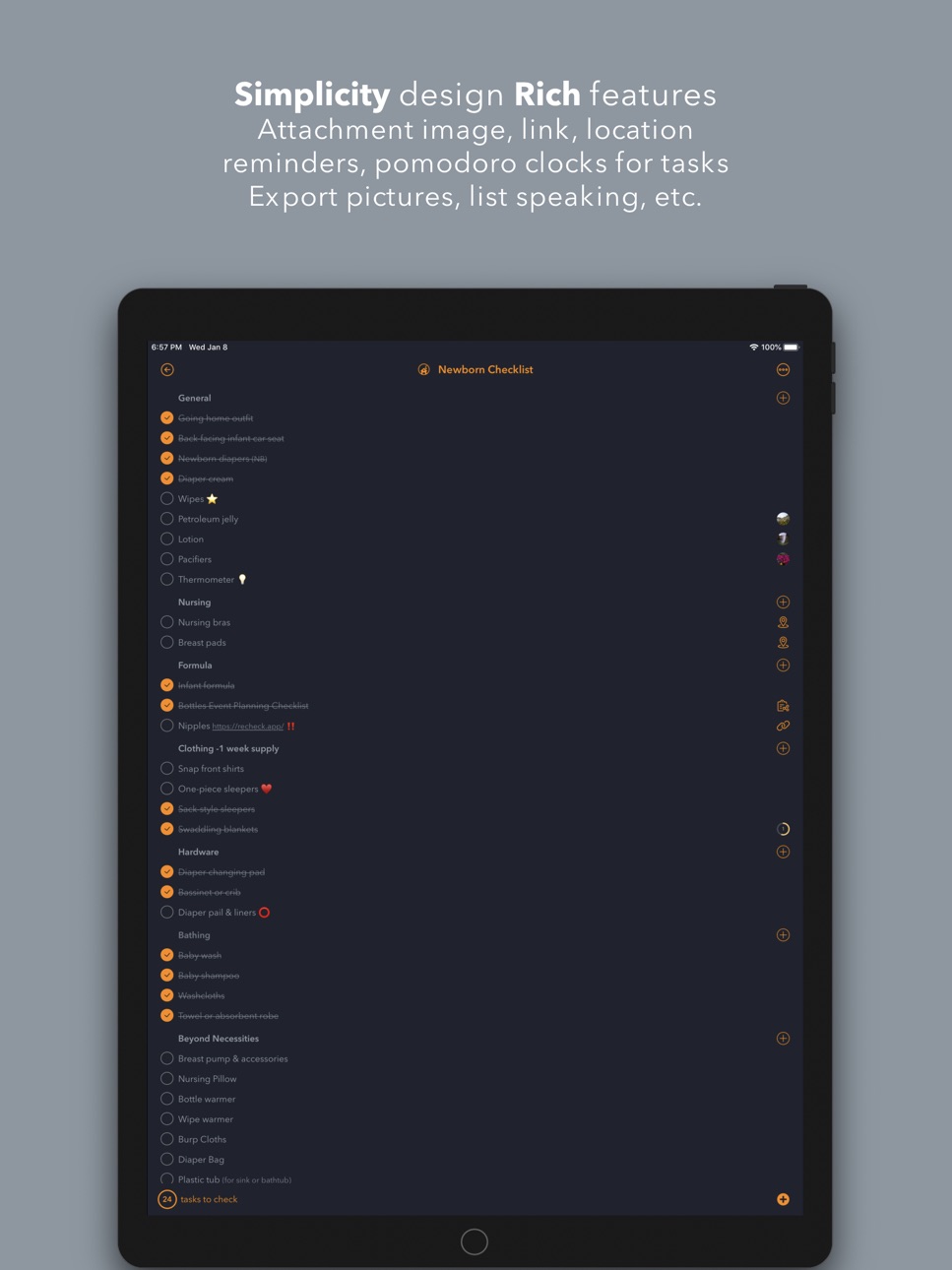
7. Task attachments: image, location, text notes, link, link between lists and more)
8. Countdown Days. ( countdown the days in future, remember days passed )
9. Pomodoro Clock / Customizable Timer. With time management support - record the time elapsed for a task
10. Task - Amount. for your trip packing, workout logging and more
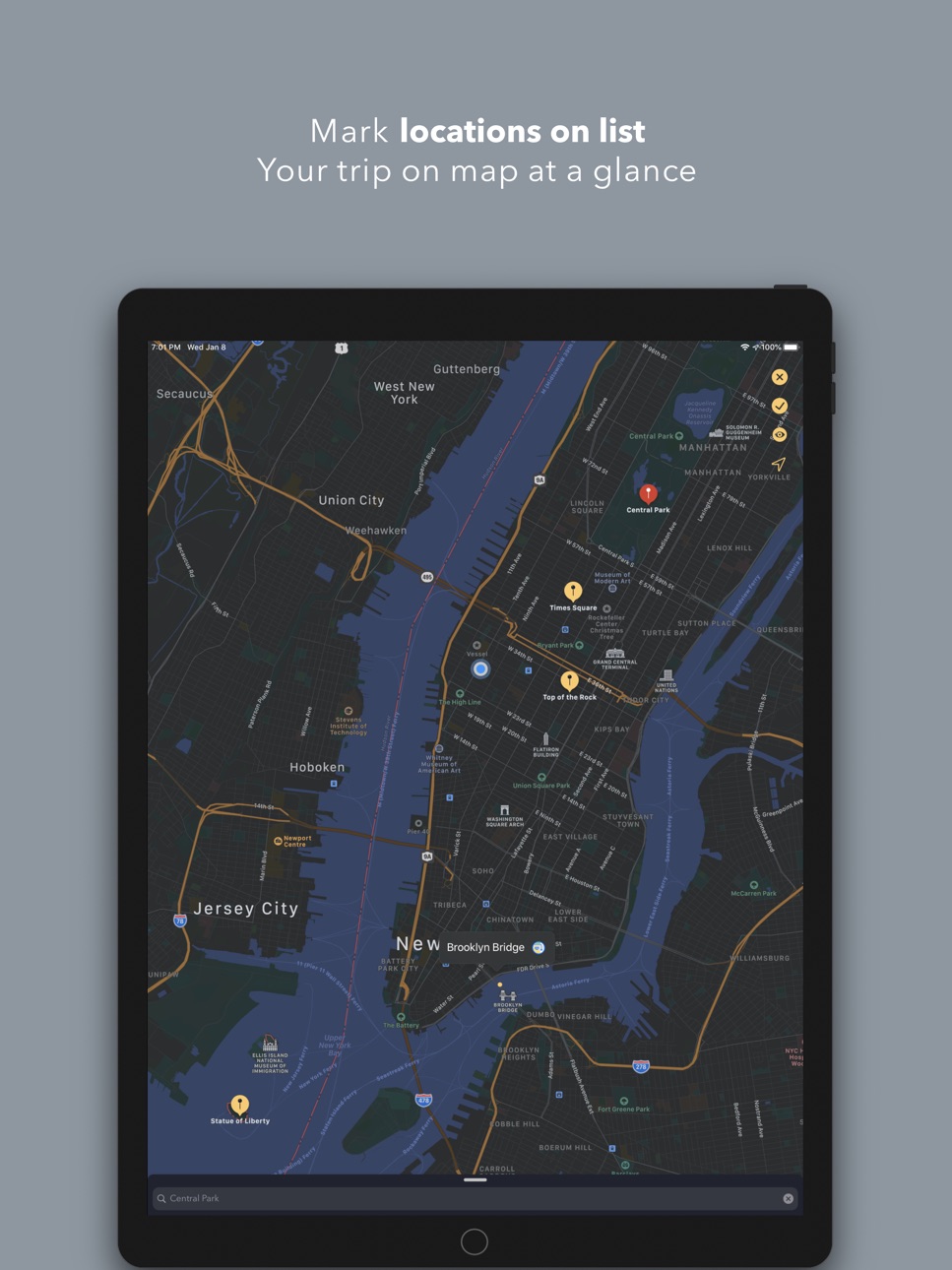
11. Map list. View all locations in your list on map.
12. Easily share your list with your friends, family and co-workers. export list as image, PDF, HTML or well-formatted text ( 7 formats include markdown ). Via airdrop.
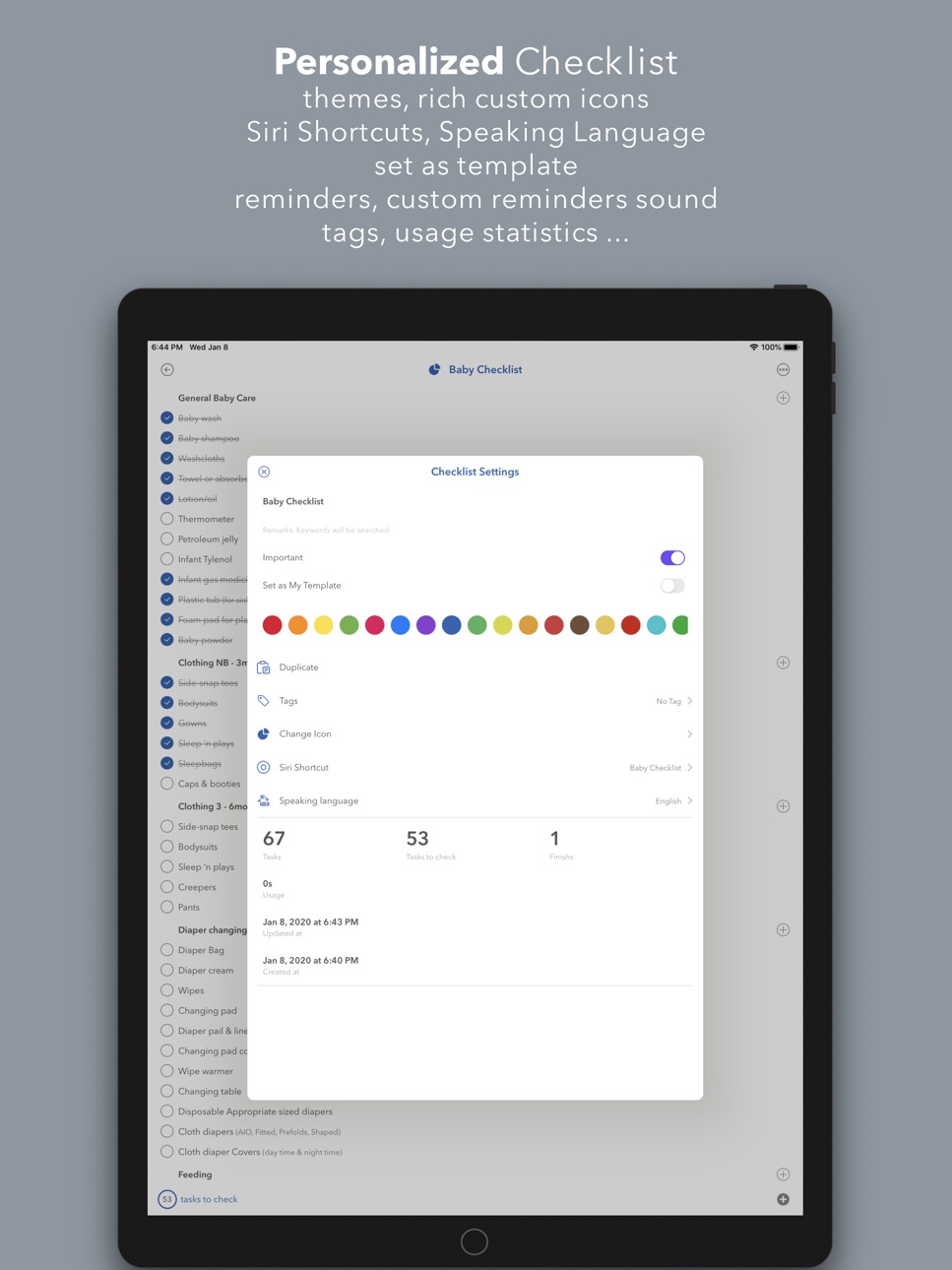
13. Customize your checklist: Repeat reminders, priority, icons, language, drag and drop to move tasks, etc…
14. FaceID/TouchID to unlock
15. Rich Gestures. Tap, Long Press, Swipe, Double Finger Swipe, Pinch, Pan to quickly access features.
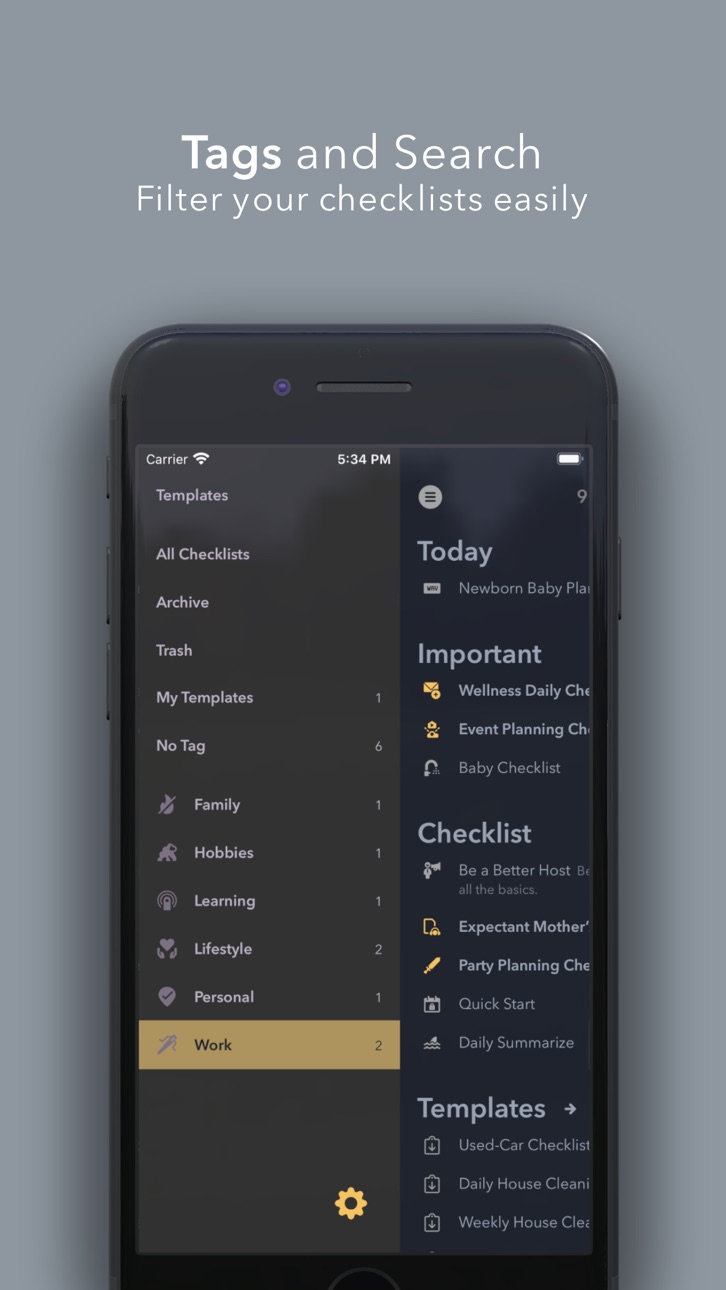
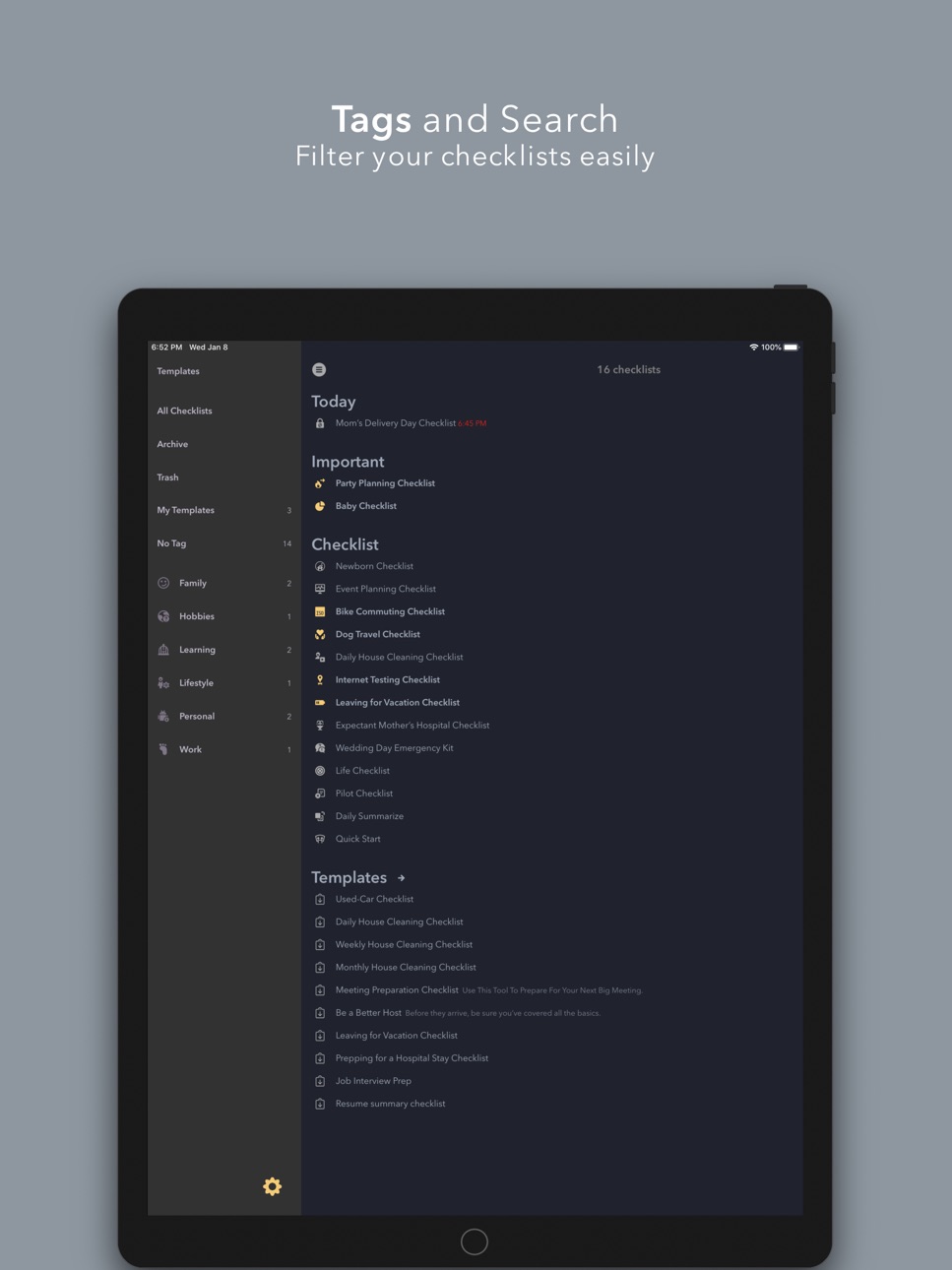
16. Tag management. Flexible way to group your lists. Customizable tag icon. Trash and Archive supported.
17. Import list from other apps (Notes, Bear, Reminders etc...). Support plain text or markdown. Import via different ways: copy to pasteboard, via share extension, airdrop
18. Share Extension. Share lists, text, link, location, image from any APP ( Safari, Maps, Photos, Notes and any APP support share ) to Recheck!
19. Siri Shortcut support. Use hi siri to open lists.
20. Search checklist ( pull down to search or use iOS Spotlight search)
21. Search task in checklist ( good for item management )
22. Today Widget
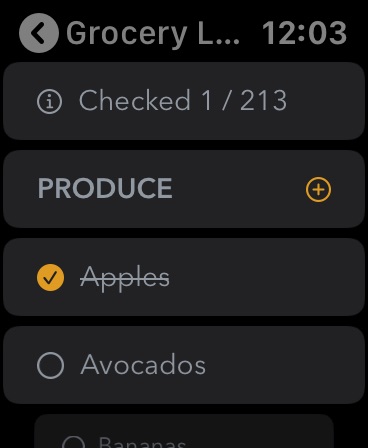
23. Watch APP
24. Support iPad features: Landscape Screen, Slide Over, Split Screen, External Keyboard Shortcuts and more
25. URL Scheme to open, create list
26. Create your own checklist template. Reuse your lists.
27. Crafted user experiences and continuing updates
Hope you like it.
Feel free to let me know your feedback, feature requests, bug reports.
Email: apprecheck@gmail.com
Instagram: RecheckApp
Ted
In-App Purchases US pricing
One-Time Purchases
Recheck Pro$9.99
Capabilities
In-App Purchases
Accessibility
ipadiphonemacrealityDevicetvoswatch
Version history 25 versions
Build 847685184v2.812022-03-13 13:22:53
* New Features
1. Attach GIF on task
2. Video thumbnail. Long press on video for more options.
3. New display for Note List: no checkbox
4. Hashtag for task. Tap on#hashtag#to filter tasks in list.
5. Tap to modify date in Record List
6. Drag image, text, link, gif from other apps.
IOS 15 only.
7. Task Input — New Line
* Others
1. Show thumbnail of locations
2. Fixed bugs for previous version
3. Optimize list, widget experiences
* Known Issues
1. Notification Center widget is not too stable. Wait for next version if you strongly relies on it.
Build 844945464v2.622021-10-27 21:02:02
Fixed crash at startup on some condition
Build 844865164v2.612021-10-22 13:20:39
Fixed iOS 11, 12, 13 crashes in previous version
Build 844756911v2.602021-10-21 22:28:07
Fully refactored since last version.
Added support to iOS 15
Added: Memory Curve Customization
Added: Change Thumbnail Size
Added: Right swipe on list to add task at home screen
Added: Long press on link icon -> reload title of link
Build 841241211v2.552021-04-07 15:53:01
fixed serious crash bug for previous version
Build 841233360v2.542021-04-06 19:39:14
* Added:"Skip" task. Useful for skip any tasks in checklist . How to: Long press the task —— More —— Skip.
* Fixed: The bug of merge images in the previous version.
Build 841215501v2.532021-04-05 16:24:17
1. Added: Repeat reminder of memory curve. Reminders (8 times in total) after 12 hours, 1 day, 2 days, 4 days, 7 days, 14 days, and 31 days after setting, suitable for memorizing words, reviewing reading notes, etc.
2. Added: Markdown for task title (*bold* and #label#) in the list screen. Suitable for note lists.
3. Added: Clean Up (long press the task group -- clean up) , which can be organized in multiple ways
4. Added: Batch Selection -- Remove prefix/suffix
5. Optimized list speaking: Optimize the display of the lock screen, you can set the default reading language, fixed related bugs.
6. Fixed Some bugs
Build 841067087v2.522021-03-25 22:34:44
Fixed bugs
Build 840966299v2.512021-03-23 20:45:38
Fixed bugs for previous version
Build 840851214v2.492021-03-12 02:40:00
Fixed crashes on iOS 12 and iPad in previous version
Build 840763838v2.482021-03-05 22:08:55
1. Optimize the map. You can display the route to the selected location, switch the satellite map, and some setting options available now.
2. Optimize experiences such as note and link import.
3. Fix some bugs in the previous version
Build 840622064v2.472021-02-25 01:45:34
* Added: stopwatch timer ( counting up ). You can type " 0m " to create a stopwatch timer in task.
* Fixed bugs for last version
Build 840581043v2.462021-02-22 20:31:12
1. Scanning text now supports scanning existing pictures
2. Added: Editing when adding pictures. It needs to be turned on in the Settings -- Interactions.
3. Optimize the user experience, optimize the sharing of imported content (shortcuts/widgets), optimize the paste function of today's widgets, optimize the list - paste, optimize tasks - copy, optimize the record list (add full date display), optimize Multi-select task movement (adding the recently moved task group for quick selection and folding)
4. When the timer starts, you can choose to copy text/copy markdown link (Settings--Interaction--Experimental Features)
5. Fix bugs
Build 840162195v2.452021-01-22 21:40:19
* Added: multi-select task operations -> copy text and merge amount
* Added: Auto Correction setting (disabled by default)
* Optimized button touch experience
* Some bug fixes
Build 839986193v2.442021-01-11 20:55:21
Fixed minor issues
Build 839968328v2.432021-01-09 14:50:16
Fixed a crash issue
Build 839911765v2.422021-01-06 00:01:09
Fixed some issues last version
Build 839853850v2.412020-12-31 20:30:37
Fixed some crashes.
Build 839703539v2.402020-12-21 20:43:47
1. Optimize the experience of searching and title bar.
2. Add many Siri Shortcuts (including many shortcut commands with customizable parameters)
* Save text, pictures, videos, locations, links directly to any list.
* Start typing task in any list
* Create and start a timer
* Scan text to any list (convenient to save paper book paragraphs)
* And more... Check it in "Settings"-"Siri Shortcuts"
3. "Collection List" is renamed "Notes List"
4. "Record List" support customize display format of date & time
5. Optimized many details
6. Fixed many problems.
Build 839388970v2.312020-11-26 21:50:29
1. Fix: The problem that all pictures are invisible due to some option.
2. Added: Smart list. Only displayed in the tag by default, you can long press the tag to set it to display on the homepage.
3. Add settings → Siri Shortcut: you can edit and manage all the shortcut commands (lists, labels, etc.) you set here
4. Add Siri Shortcut: scan text, open the previous note
5. Optimization: reminder, heat map, map and various user experience details
6. Optimize the synchronization feature, optimize the opening speed of pictures and videos after synchronization.
7. Fix: some problems in the previous version
Build 839212407v2.302020-11-15 21:27:56
1. Add video tutorial (short video, you can swipe left and right to watch, tap to watch in full screen)
2. Optimize Timer/Pomodoro: floating display, some bug fixed
3. Optimize voice input. Changed from "pressing and hold button to create" to "long pressing to activate voice input, and tap to finish."
4. Optimization: list heat map, to-do list, task list and some UI details.
5. Added: Support for entering a space before the task name to indent the task display. It is suitable to represent tasks beyond two levels in one list.
6. Simplify some functions: remove the "Important List" setting (you can still long press the list title to set), remove the "Today Widget List" option (still can be set in Settings - Interactions)
7. Fix many problems
Build 838484697v2.282020-11-02 16:10:13
This may be the most important update recently, which means that Recheck has officially changed from a *checklist* APP to an *all-round* list APP.
1. Add four new list types (task list, wish list, record list, collection list), which can be switched in the list settings.
* Task list: *Automatically move completed tasks* to the end of the task group, and automatically count the *estimated task group time* (to facilitate planning work). Used for project to-do tasks
* Wish list: Shows *date of completion of the task*. Used for: wish list (things to buy, places to go), to-be-reading list, goal list, achievement list, check-in list, etc.
* Record list: display *date when the task was created*. Used for: various log records
* Favorites list: *The font will not be size down after first sentence*. Used for: inspiration collection, save article paragraphs, reading notes, etc.
2. Add 2 Light Themes (Barcelona, Forest)
3. Add custom fonts (two new fonts are provided)
4. Optimize the experience of using the list, long press almost all places (buttons, location, pictures, videos, links, task groups, prices) will have more functions.
5. Optimize the experience of using the map and fix minor problems with the map.
6. Optimize the timer and fix occasional display problems
7. Fix many problems
Build 838362207v2.272020-10-24 14:35:32
1. Added: Text Scanning. Open the "Note" of the task and tap scan button at the bottom.
2. Redesigned "move" tasks feature. Long press any box to select multiple tasks, and tap Move at the bottom to try. Organizing tasks is easier.
3. Added: Drag to create to-do. Long press the create button at the bottom right of any list and drag it to the bottom left to create a "to-do" task (to the to-do list).
4. Added: Support for writing tasks on the list screen or input box with Apple Pencil
5. Added and updated multiple URL Schemes. /note, /image, /video and add new parameters to the existing /open, /create. The link can be copied in the note window, and the link can be copied by long pressing the thumbnail and video buttons. And you can put the link in the note to open it.
6. Added setting: prompt to delete original picture (or video) after adding picture
7. Added setting: clipboard monitoring. After turning it on, Mac and iOS devices can share the list by copying it, and import WeChat reading or Kindle notes. (It was turned on by default before, and turned off by default after this version)
8. Added: Multi-select tasks-batch selection, you can batch select checked, unchecked or marked emoticons.
9. Added: Settings - Interaction - Experimental Features - Recover complete list
10. iPad landscape can now display notes in full screen, which is more suitable for input.
11. Optimization: experience of map feature; experience of search feature; startup speed; detail optimization; watch icon adjustment.
12. Fix problems
Build 838154991v2.262020-10-10 17:21:24
Fix wrong handling of commas in task names
Fix some display issues and some minor issues under iPadOS 14 landscape
Added experimental features -> more obvious task group
Added experimental features -> Display the number of tasks in the collapsed task group
Add URL Scheme to create todos (addtodos?text=task names)
Build 838140286v2.252020-10-09 13:06:03
Fix Crash on first sync (Pro)
Fix Crash when setting reminder for task
Updated Tap on task in iOS 14 widget to open that task ( medium or large widget )
Added Select multiple tasks to clear elapsed time
Price history by region
Currency
Show
Columns
Search
Availability 1 of 1 storefronts
| Region | Language | Price | Ratings | Avg | Version |
|---|---|---|---|---|---|
| US | en-US | Free | 19 | 4.7 | 2.81 |
Change log 29 changes · US
✎
releaseNotes updated
* New Features
1. Attach GIF on task
2. Video thumbnail. Long press on video for more options.
3. New display for Note List: no checkbox
4. Hashtag for task
✎
description updated
Features:
1. Create checklist from rich built-in templates
2. Dark Mode for iOS 13
3. Quickly check your task one-by-one with a tap. Designed for your recurrin
✎
subtitle updated
Designed for checklist.
✎
name updated
Recheck!
◆
Version 2.81 released
* New Features
1. Attach GIF on task
2. Video thumbnail. Long press on video for more options.
3. New display for Note List: no checkbox
4. Hashtag for task. Tap on#hashtag#to filter tasks in list.
5. Tap to modify date in Record List
◆
Version 2.62 released
Fixed crash at startup on some condition
◆
Version 2.61 released
Fixed iOS 11, 12, 13 crashes in previous version
◆
Version 2.60 released
Fully refactored since last version.
Added support to iOS 15
Added: Memory Curve Customization
Added: Change Thumbnail Size
Added: Right swipe on list to add task at home screen
Added: Long press on link icon -> reload title of link
◆
Version 2.55 released
fixed serious crash bug for previous version
◆
Version 2.54 released
* Added:"Skip" task. Useful for skip any tasks in checklist . How to: Long press the task —— More —— Skip.
* Fixed: The bug of merge images in the previous version.
◆
Version 2.53 released
1. Added: Repeat reminder of memory curve. Reminders (8 times in total) after 12 hours, 1 day, 2 days, 4 days, 7 days, 14 days, and 31 days after setting, suitable for memorizing words, reviewing reading notes, etc.
2. Added: Markdown for
◆
Version 2.52 released
Fixed bugs
◆
Version 2.51 released
Fixed bugs for previous version
◆
Version 2.49 released
Fixed crashes on iOS 12 and iPad in previous version
◆
Version 2.48 released
1. Optimize the map. You can display the route to the selected location, switch the satellite map, and some setting options available now.
2. Optimize experiences such as note and link import.
3. Fix some bugs in the previous version
◆
Version 2.47 released
* Added: stopwatch timer ( counting up ). You can type " 0m " to create a stopwatch timer in task.
* Fixed bugs for last version
◆
Version 2.46 released
1. Scanning text now supports scanning existing pictures
2. Added: Editing when adding pictures. It needs to be turned on in the Settings -- Interactions.
3. Optimize the user experience, optimize the sharing of imported content (shortcuts/
◆
Version 2.45 released
* Added: multi-select task operations -> copy text and merge amount
* Added: Auto Correction setting (disabled by default)
* Optimized button touch experience
* Some bug fixes
◆
Version 2.44 released
Fixed minor issues
◆
Version 2.43 released
Fixed a crash issue
◆
Version 2.42 released
Fixed some issues last version
◆
Version 2.41 released
Fixed some crashes.
◆
Version 2.40 released
1. Optimize the experience of searching and title bar.
2. Add many Siri Shortcuts (including many shortcut commands with customizable parameters)
* Save text, pictures, videos, locations, links directly to any list.
* Start typing task in
◆
Version 2.31 released
1. Fix: The problem that all pictures are invisible due to some option.
2. Added: Smart list. Only displayed in the tag by default, you can long press the tag to set it to display on the homepage.
3. Add settings → Siri Shortcut: you can ed
◆
Version 2.30 released
1. Add video tutorial (short video, you can swipe left and right to watch, tap to watch in full screen)
2. Optimize Timer/Pomodoro: floating display, some bug fixed
3. Optimize voice input. Changed from "pressing and hold button to create"
◆
Version 2.28 released
This may be the most important update recently, which means that Recheck has officially changed from a *checklist* APP to an *all-round* list APP.
1. Add four new list types (task list, wish list, record list, collection list), which can b
◆
Version 2.27 released
1. Added: Text Scanning. Open the "Note" of the task and tap scan button at the bottom.
2. Redesigned "move" tasks feature. Long press any box to select multiple tasks, and tap Move at the bottom to try. Organizing tasks is easier.
3. Ad
◆
Version 2.26 released
Fix wrong handling of commas in task names
Fix some display issues and some minor issues under iPadOS 14 landscape
Added experimental features -> more obvious task group
Added experimental features -> Display the number of tasks in the coll
◆
Version 2.25 released
Fix Crash on first sync (Pro)
Fix Crash when setting reminder for task
Updated Tap on task in iOS 14 widget to open that task ( medium or large widget )
Added Select multiple tasks to clear elapsed time