Home › Finance

 US
US
1 of 1 storefronts
Content in en-US
Content in en-US
Information
Preview 1 platform
iPhone 7 images



What’s New Version 3.0.48
Fixed error which could result in Top-up screen not showing
Improved message screen
Description
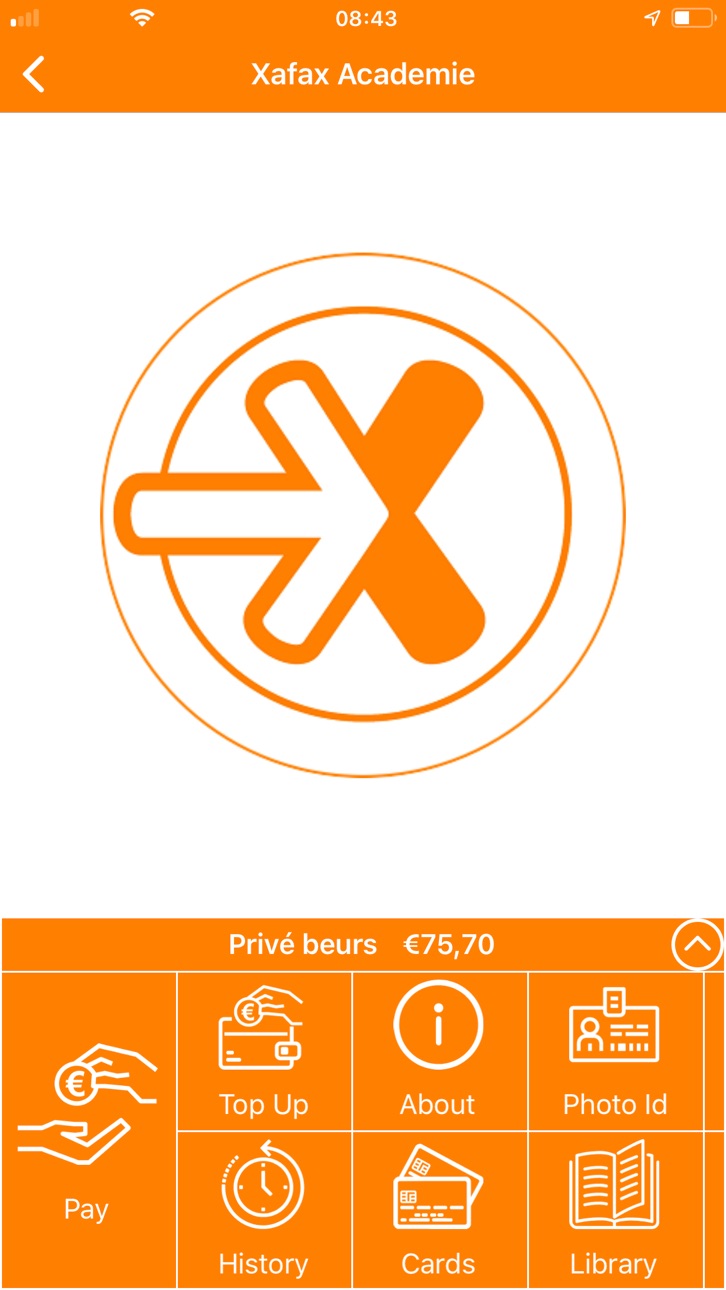
It is now super easy to use your mobile for payments directly from your NetPay E-wallet. Other useful features: check and top up your balance, reviewing transactions and transferring NetPay balances to each other.
Who is myNetPay for?
For all NetPay account holders.
Mobile payments
Having your mobile ready allows you to pay directly from your E-wallet by scanning the QR code or using NFC to pay.
Checking your balance
It has never been easier: opening the app will immediately display your current balance.
Reviewing transactions
The app displays all transactions and clicking one will provide more detailed information, such as a description of your purchase and any loyalty points you have received.
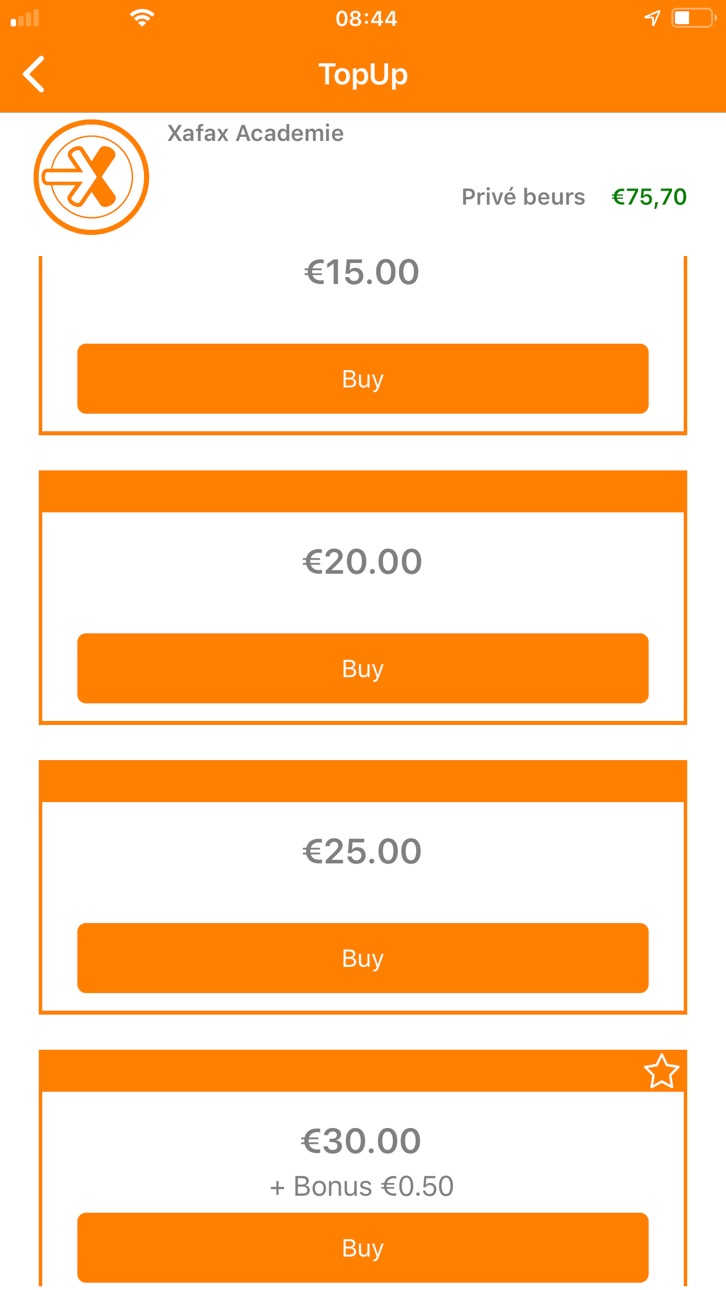
Top up your balance
Quick and easy through iDEAL or PayPal. Enter the amount you want to load into your account and select your preferred payment method. Click confirm and your E-wallet will immediately be recharged. This is so quick and easy, you can even do it while you are already at the checkout.
Transferring money into each other’s accounts
A nice myNetPay gesture for friends: help out a friend who is temporarily short of funds. Enter the recipient’s user name and money is immediately transferred into his or her E-wallet.
Manage your account
myNetPay has more useful features for managing your account.
◆ Card blocking
◆ Reclaiming a balance
◆ Setting a balance alert
◆ Loyalty point management
Accessibility
ipadiphonemacrealityDevicetvoswatch
Version history 19 versions
Build 883185425v3.0.482026-03-10 18:29:17
Fixed error which could result in Top-up screen not showing
Improved message screen
Build 880770787v3.0.452025-12-17 21:26:58
small fix to share screen
Build 880674137v3.0.442025-12-15 17:57:00
Minor changes to improve user experience
Build 879514426v3.0.382025-11-06 09:09:49
Minor improvements in user experience
Build 879452083v3.0.312025-11-03 22:28:42
Fix for reset password
Fix for Easy Order
Build 879372206v3.0.292025-10-31 13:27:17
New transaction history layout.
Build 868988762v2.0.1082024-09-13 19:01:23
Various bug fixes
Build 868748903v2.0.1052024-09-04 23:11:34
Various bug fixes
Build 866440760v2.0.1002024-09-03 08:34:19
Right to be Forgotten screen allows users to anonymise their data.
Changes to the Transaction screen
Various bug fixes
Build 853598898v2.0.882022-11-28 18:24:53
Adds a new customisable photo id screen.
Many screens modified to give a more responsive feel to the app.
Build 851952971v2.0.822022-09-07 19:56:15
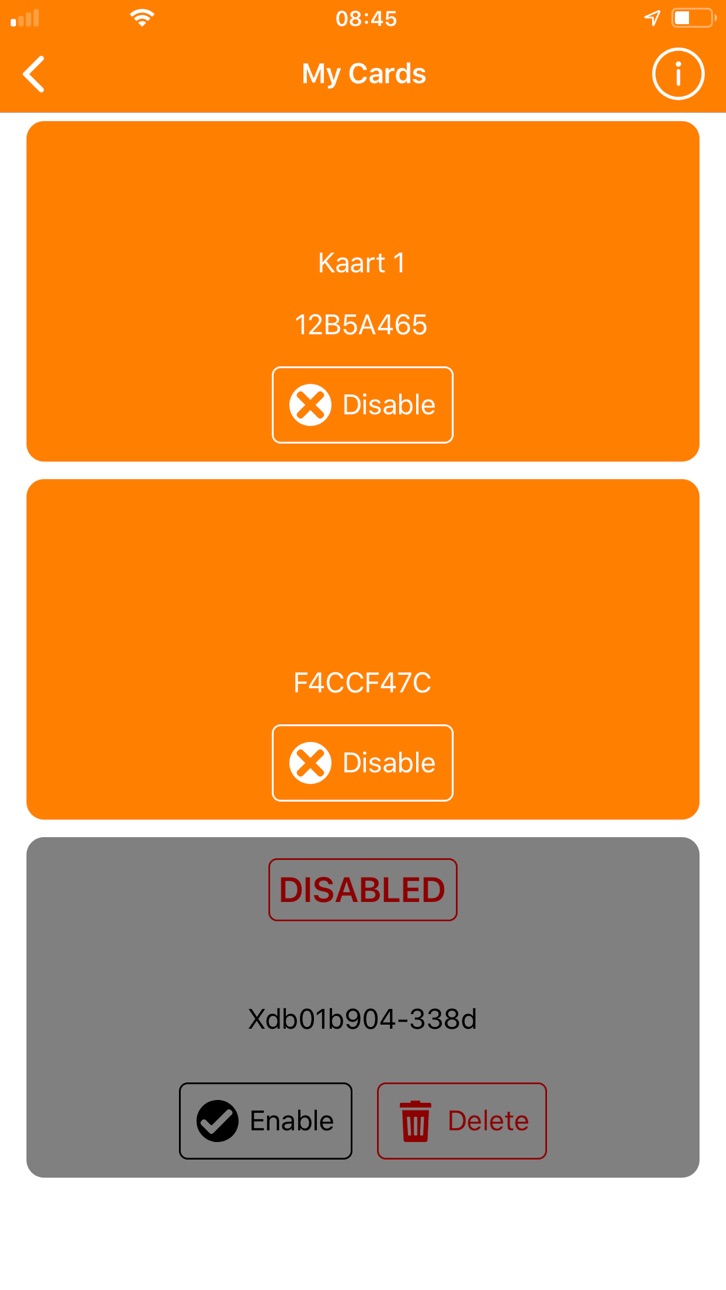
Add Stored Cards to account
Scroll through purses on the location page
New My Balances function button
Balance Transfer comment
Balance Transfer with payment QR code
Build 848371025v2.0.762022-05-06 11:01:12
Norwegian language support
Build 845258055v2.0.712021-11-13 06:18:10
Adds a new 'Unique Code' button type that locations can use to direct users to one-time-only URLs.
Fixes direction arrows in the icons for Transfer transactions in the user history
The colour of the value in deposit transactions in the user history is now changed to highlight that money is coming into the account.
Build 842004612v2.0.572021-05-10 10:29:07
German language Support
App goes straight to the default location on start up
Build 834887972v2.0.272020-02-28 10:54:02
Support has been added for multiple accounts on a single location. This allows for situations such as a parent managing all their children's accounts. To add a new account simply follow the same process used to add the initial account. From the My Locations screen, tap the + button at the top right of the screen. Select the desired location, then register or login. Once this process is completed successfully the new instance will appear and be selectable on the My Locations page.
Build 833788484v2.0.112019-11-28 06:45:56
Fixes a bug in the 'My Account' section where user data would not be accessible and edits could not be saved.
Build 833670203v2.0.102019-11-20 07:49:28
Fixes a bug in the Top-up screen that could cause the entry fields to scroll out of view when the on-screen keyboard was used.
Build 833479787v2.0.92019-11-08 11:52:27
For sites that accept registration with an e-mail, the e-mail address is checked for previous enrolment. If the e-mail address has been registered previously the user is given the option to use a different e-mail, create a new account using this email, or attempt to reset and recover the previous account if the site allows.
For sites that permit password reset and account recovery, a 'Forgot Password' button appears on the Login screen.
GDPR information Screen no longer shows entry for parent password when not in use.
Language updates
Minor Screen colour changes
Build 832571853v2.02019-10-03 06:46:18
No pricing data captured yet — comparisons appear once the app has paid storefronts or in-app purchases.
Availability 1 of 1 storefronts
| Region | Language | Price | Ratings | Avg | Version |
|---|---|---|---|---|---|
| US | en-US | Free | 0 | — | 3.0.48 |
Change log 23 changes · US
✎
releaseNotes updated
Fixed error which could result in Top-up screen not showing
Improved message screen
✎
description updated
It is now super easy to use your mobile for payments directly from your NetPay E-wallet. Other useful features: check and top up your balance, reviewing transac
✎
subtitle updated
manage your myNetPay account
✎
name updated
myNetPay
◆
Version 3.0.48 released
Fixed error which could result in Top-up screen not showing
Improved message screen
◆
Version 3.0.45 released
small fix to share screen
◆
Version 3.0.44 released
Minor changes to improve user experience
◆
Version 3.0.38 released
Minor improvements in user experience
◆
Version 3.0.31 released
Fix for reset password
Fix for Easy Order
◆
Version 3.0.29 released
New transaction history layout.
◆
Version 2.0.108 released
Various bug fixes
◆
Version 2.0.105 released
Various bug fixes
◆
Version 2.0.100 released
Right to be Forgotten screen allows users to anonymise their data.
Changes to the Transaction screen
Various bug fixes
◆
Version 2.0.88 released
Adds a new customisable photo id screen.
Many screens modified to give a more responsive feel to the app.
◆
Version 2.0.82 released
Add Stored Cards to account
Scroll through purses on the location page
New My Balances function button
Balance Transfer comment
Balance Transfer with payment QR code
◆
Version 2.0.76 released
Norwegian language support
◆
Version 2.0.71 released
Adds a new 'Unique Code' button type that locations can use to direct users to one-time-only URLs.
Fixes direction arrows in the icons for Transfer transactions in the user history
The colour of the value in deposit transactions in the user
◆
Version 2.0.57 released
German language Support
App goes straight to the default location on start up
◆
Version 2.0.27 released
Support has been added for multiple accounts on a single location. This allows for situations such as a parent managing all their children's accounts. To add a new account simply follow the same process used to add the initial account. From
◆
Version 2.0.11 released
Fixes a bug in the 'My Account' section where user data would not be accessible and edits could not be saved.
◆
Version 2.0.10 released
Fixes a bug in the Top-up screen that could cause the entry fields to scroll out of view when the on-screen keyboard was used.
◆
Version 2.0.9 released
For sites that accept registration with an e-mail, the e-mail address is checked for previous enrolment. If the e-mail address has been registered previously the user is given the option to use a different e-mail, create a new account using
◆
Version 2.0 released