Home › Navigation

 US
US
1 of 1 storefronts
Content in en-US
Content in en-US
Information
Preview 3 platforms
iPhone 7 images
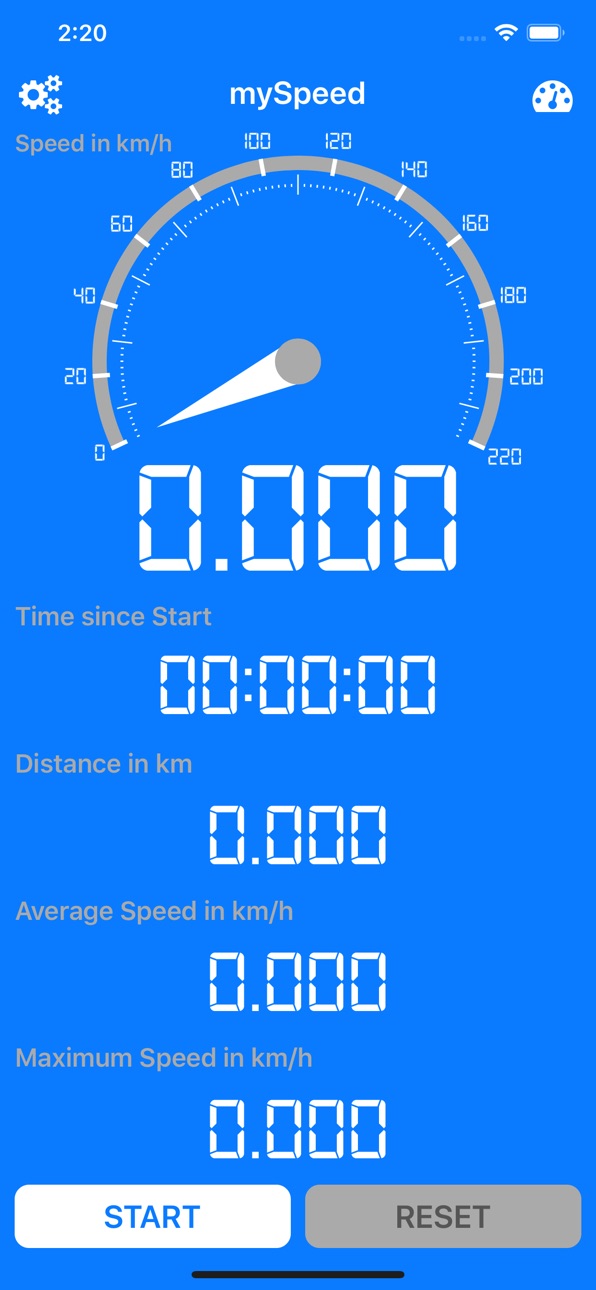


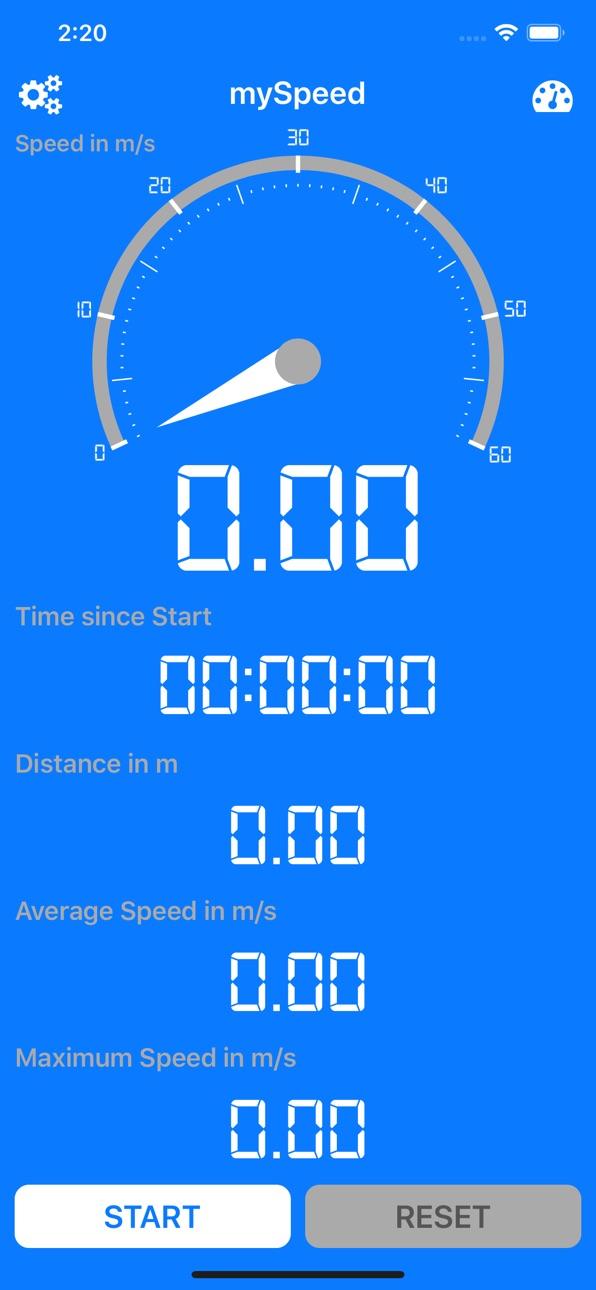
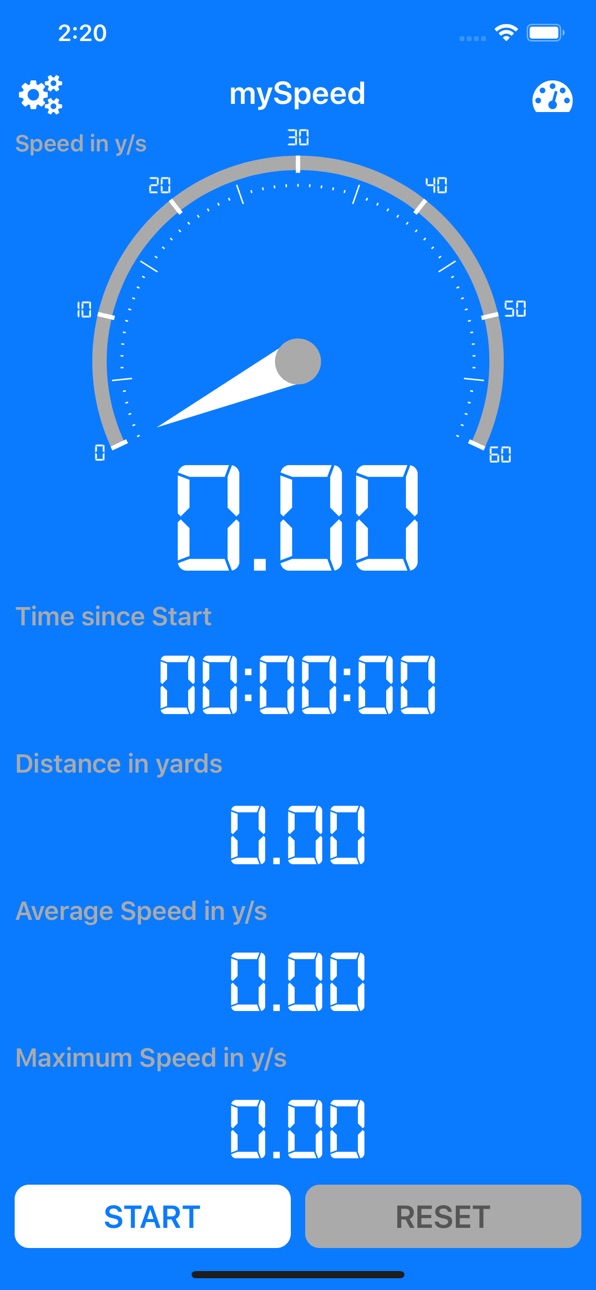


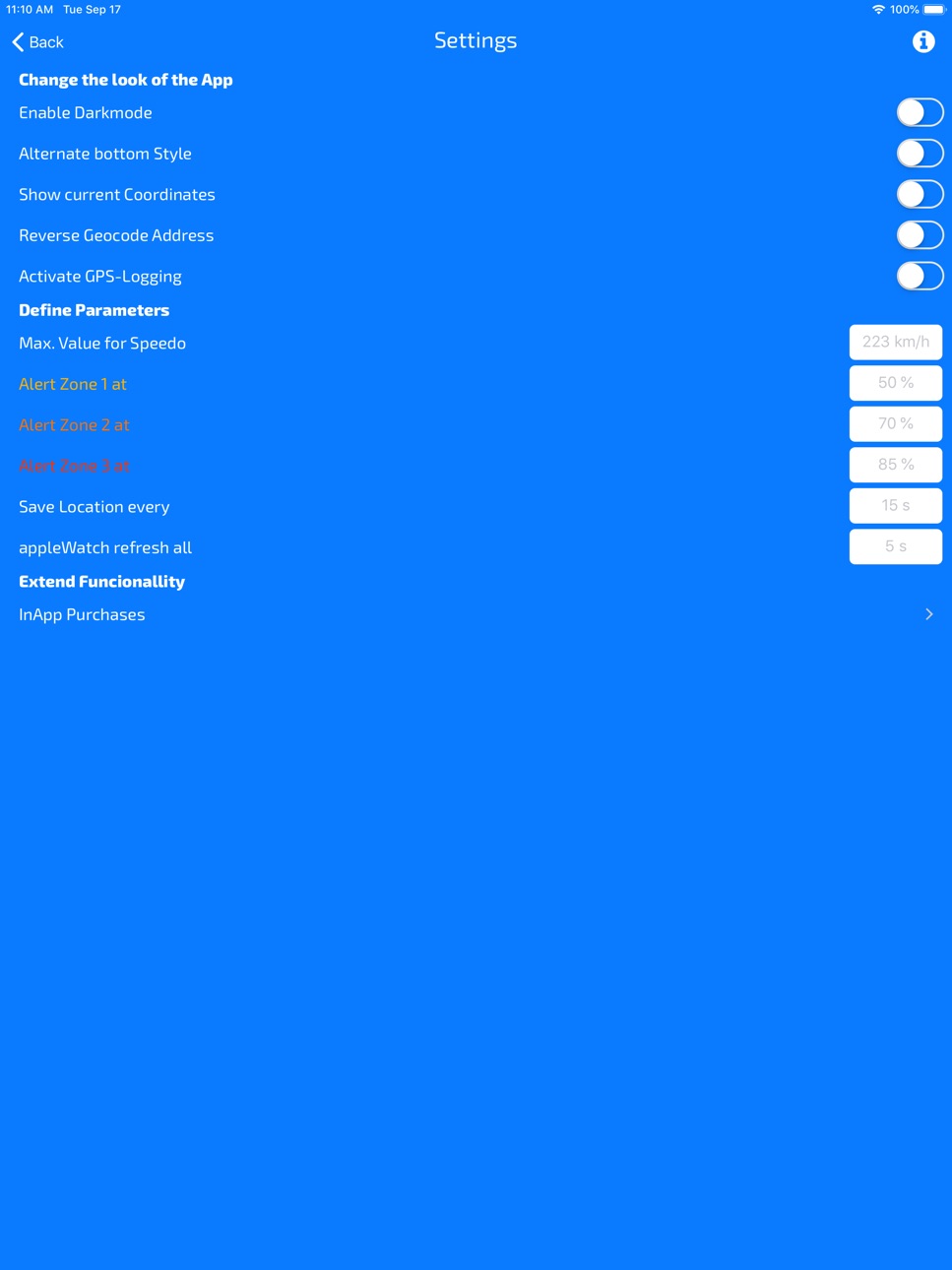
iPad 5 images
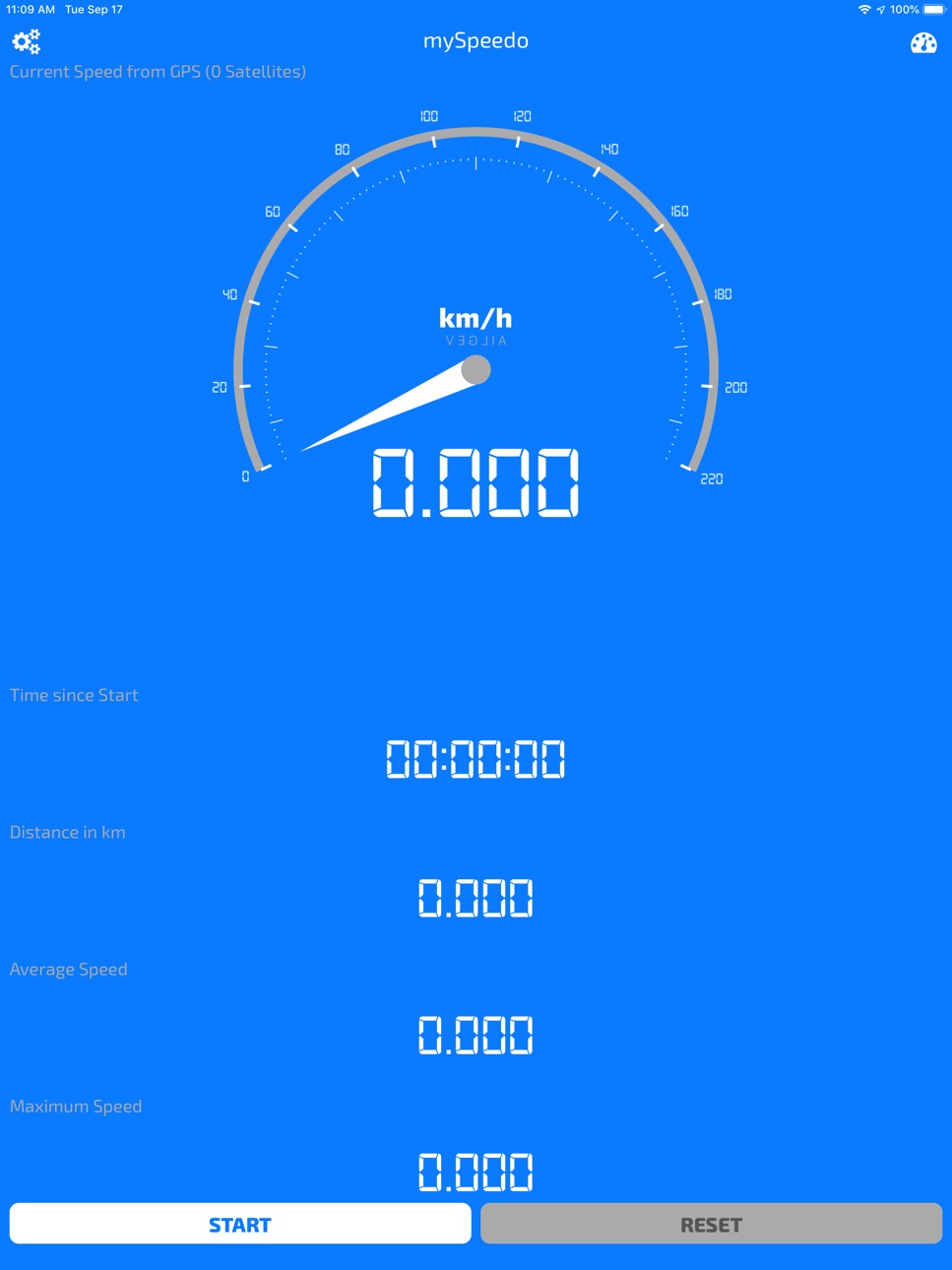


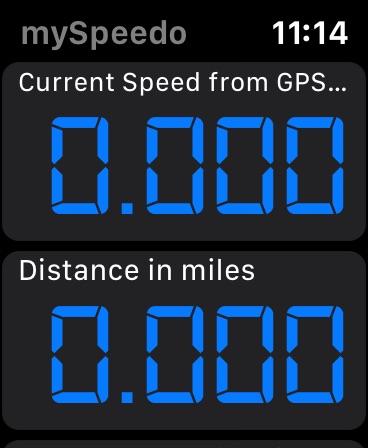
Apple Watch 2 images

What’s New Version 1.1
- fixed wrong handling of the Settings Pane Input fields
Description
mySpeedmeter (mySpeedo) shows you the speed at which you're currently travelling on your Device. Either as km/h, miles, knots or m/s. It also has a Companion App for your appleWatch, so that you can see these values directly on your wrist too.
It requires access to your location to be able to calculate the speed and the display does not go into sleep mode while using the app, so that you can see the values without having to tap on the screen all the time, to prevent to having it going dark. This might increase you battery consumption, so it might be useful to attach your device to a power cord while using the app for a prolonged time.
Activating the tracker mode will display the current Location as a readable String, this requires access to the Internet, so that the app can convert the current coordinates into an address.
Capabilities
In-App Purchases
Accessibility
ipadiphonemacrealityDevicetvoswatch
Version history 2 versions
Build 833312697v1.12019-10-24 13:45:21
- fixed wrong handling of the Settings Pane Input fields
Build 832308193v1.02019-10-23 03:18:52
No pricing data captured yet — comparisons appear once the app has paid storefronts or in-app purchases.
Availability 1 of 1 storefronts
| Region | Language | Price | Ratings | Avg | Version |
|---|---|---|---|---|---|
| US | en-US | Free | 0 | — | 1.1 |
Change log 6 changes · US
✎
releaseNotes updated
- fixed wrong handling of the Settings Pane Input fields
✎
description updated
mySpeedmeter (mySpeedo) shows you the speed at which you're currently travelling on your Device. Either as km/h, miles, knots or m/s. It also has a Companion Ap
✎
subtitle updated
Display various Speed Values
✎
name updated
mySpeedmeter
◆
Version 1.1 released
- fixed wrong handling of the Settings Pane Input fields
◆
Version 1.0 released