Home › Finance

 US
US
1 of 1 storefronts
Content in en-US
Content in en-US
Information
Apple ID1473878763
Bundle IDcom.nsbank.treasury.businessrdc
SellerSeller
Min iOS15.0
Min macOS12.0
Device familiesiphone, ipad, ipod
Released2019-08-06
Copyright© 2025 Zions Bancorporation, N.A.
Privacy policyLink ↗
Preview 2 platforms
iPhone 6 images




iPad 4 images


What’s New Version 2.3.21
• Login screen has changed
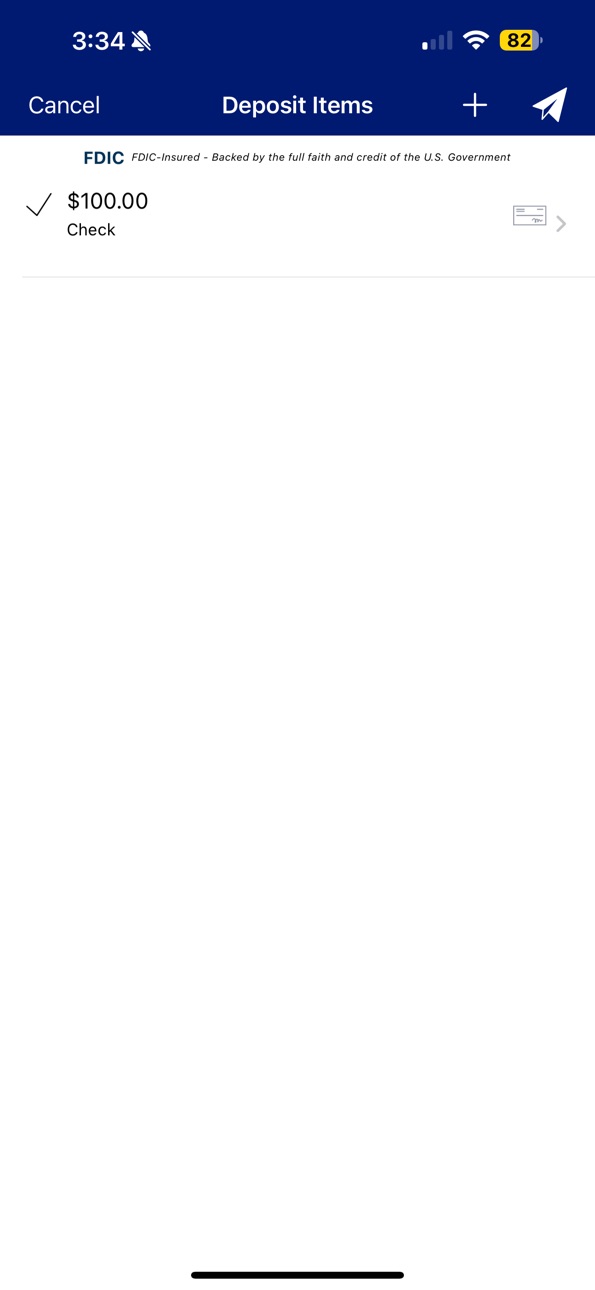
• To comply with a new FDIC requirement, the FDIC official digital sign will appear on the login screen and at the top of the transaction pages.
Description
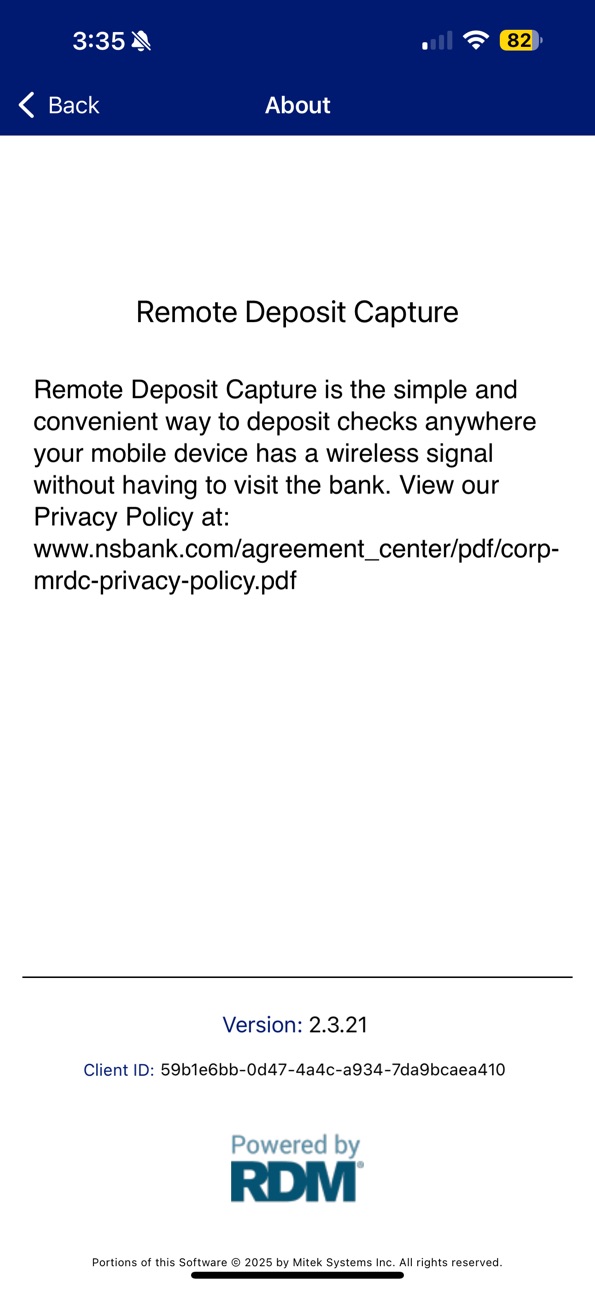
Making a deposit is now even more convenient for Nevada State Bank Treasury Management clients. The Nevada State Bank REMOTE DEPOSIT CAPTURE mobile application allows remote deposit capture (RDC) clients the ability to deposit checks made payable to the company into company accounts using a mobile device such as a smart phone or tablet.
This application is restricted to business and treasury clients that have been approved by Nevada State Bank and eligible accounts must be registered in the Nevada State Bank RDC system. End users must be authorized by the business or treasury client to use the mobile application to submit deposits on its behalf.
The REMOTE DEPOSIT CAPTURE mobile application features:
• Support of iPhone iOS 9.3.5 and up
• A simple straightforward capture workflow
• Built-in tutorial and practice mode
• Supports multiple depository accounts
• Single and multiple check deposits
• Configurable data entry fields (available option)
• Image capture of remittance documents (available option)
• Configurable data entry fields (available option)
• Access to view deposit history and status
• No deposit data stored locally on the mobile device
• Database encryption
Nevada State Bank Treasury Management clients enter into Treasury Master Services Agreement and must request that the mobile application be made available to the end users they authorize to use the service. Clients must also submit the required end user information to their Nevada State Bank Treasury Management representatives for the users to be registered in the remote deposit capture system. When the registration process is completed, the users will receive notice that they may download the application and complete the enrollment process.
To complete the enrollment and gain access to this application, an end user must have a compatible mobile device and U.S. phone number, be connected to a mobile internet service provider, and read and agree to the User Agreement terms and conditions. Message and data rates may apply. Clients and users should check with their service providers, as Nevada State Bank is not responsible for those charges.
Nevada State Bank is a Division of Zions Bancorproation, N.A. Member FDIC
Accessibility
ipadiphonemacrealityDevicetvoswatch
Version history 4 versions
Build 874844679v2.3.212025-08-16 02:17:00
• Login screen has changed
• To comply with a new FDIC requirement, the FDIC official digital sign will appear on the login screen and at the top of the transaction pages.
Build 849272558v2.3.102022-05-27 14:31:55
• Certificate updates
Build 840512261v2.3.52021-02-25 16:09:35
Minor System Updates
Build 832104876v1.02019-08-01 14:52:40
No pricing data captured yet — comparisons appear once the app has paid storefronts or in-app purchases.
Availability 1 of 1 storefronts
| Region | Language | Price | Ratings | Avg | Version |
|---|---|---|---|---|---|
| US | en-US | Free | 0 | — | 2.3.21 |
Change log 7 changes · US
✎
releaseNotes updated
• Login screen has changed
• To comply with a new FDIC requirement, the FDIC official digital sign will appear on the login screen and at the top of the transac
✎
description updated
Making a deposit is now even more convenient for Nevada State Bank Treasury Management clients. The Nevada State Bank REMOTE DEPOSIT CAPTURE mobile application
✎
name updated
Nevada State Bank BusinessRDC
◆
Version 2.3.21 released
• Login screen has changed
• To comply with a new FDIC requirement, the FDIC official digital sign will appear on the login screen and at the top of the transaction pages.
◆
Version 2.3.10 released
• Certificate updates
◆
Version 2.3.5 released
Minor System Updates
◆
Version 1.0 released