Home › Finance

 US
US
1 of 1 storefronts
Content in en-US
Content in en-US
Information
Preview 2 platforms
iPhone 6 images


iPad 6 images




What’s New Version 3.30.0
Apple Pay is now available for TaxDome Payments. We also fixed an issue that could log you out unexpectedly.
Description
The TaxDome Client Portal is your accounting firm’s secure client portal, giving you one place to access requests, exchange documents, stay connected, securely sign documents, and complete payments with your accountant or tax professional from anywhere.
Use the app to see what’s waiting for you, submit information, review work, sign forms, and manage payments, all in one guided, secure experience.
What you can do using TaxDome as your secure accounting client portal
NOTE: Your accountant and/or bookkeeper must sign up for TaxDome before you can work with them through the TaxDome Client Portal
SUBMIT INFORMATION TO YOUR FIRM
Respond to requests from your accounting firm by scanning and uploading documents, scanning receipts, and completing organizers or questionnaires directly from your phone or tablet.
Business clients can also respond to bookkeeping requests and upload receipts on the go.
ACCEPT SERVICES & ENGAGEMENTS
Review and e-sign engagement letters or proposals when your firm begins new work or offers additional services.
REVIEW, APPROVE & SIGN WORK
When your firm completes your taxes or other work, review the documents, approve the work, sign required forms, and pay your invoice in one guided flow, all from the app.
STAY CONNECTED WITH YOUR FIRM
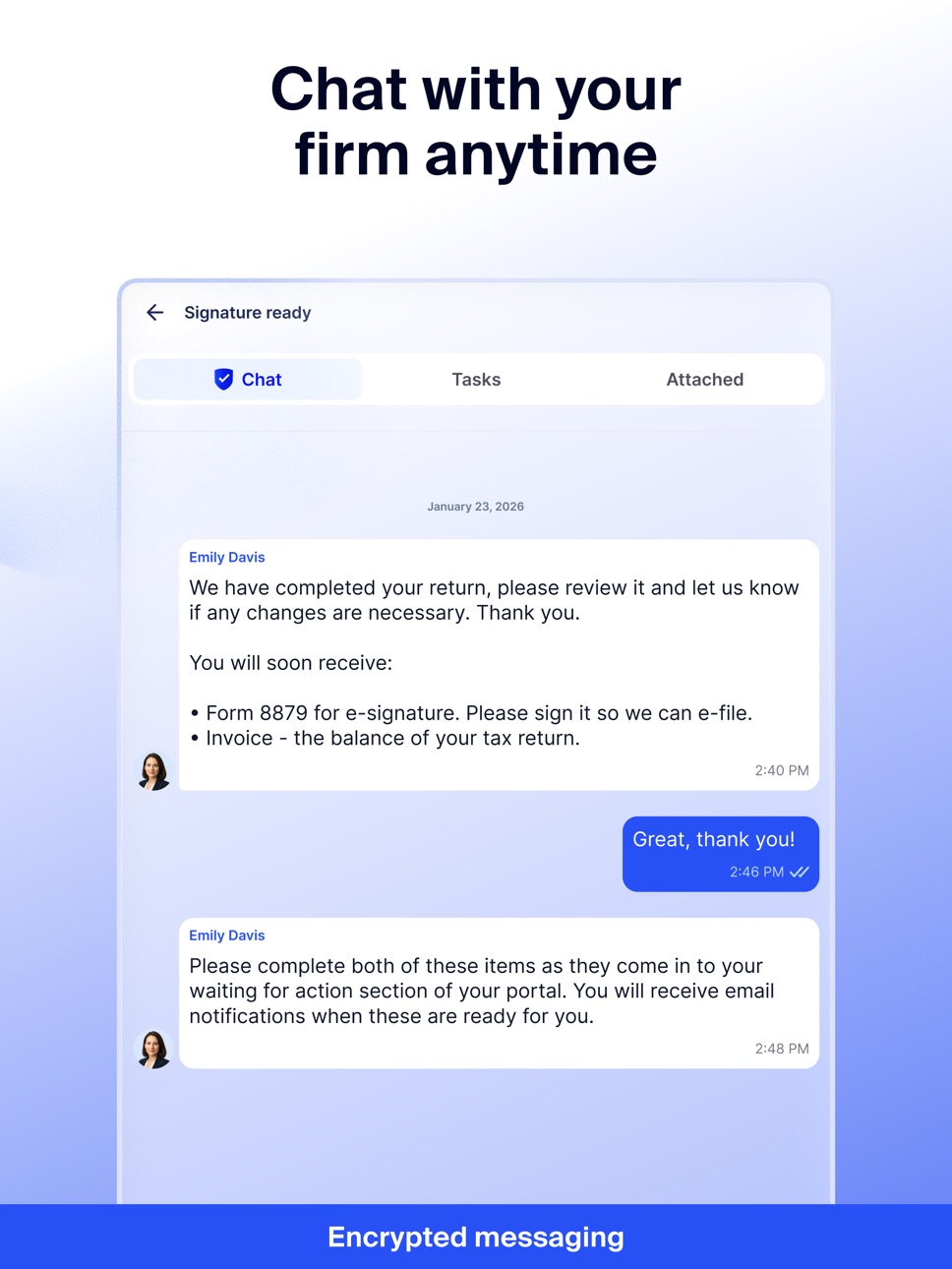
Message your accountant securely, share files within chat threads, track tasks that require your input, and receive push notifications when your firm needs action, so you never miss a deadline.
MANAGE INVOICES & PAYMENTS
View invoices sent by your firm, make one-time and recurring payments, and access your payment history.
MANAGE MULTIPLE ACCOUNTS
Easily switch between multiple accounts when needed. For example, couples or clients managing more than one business all within the same app.
BUILT FOR SECURITY AND EASE OF USE
Protect your information with secure login using Face ID, fingerprint authentication, or two-factor authentication (2FA), depending on your device. Your data stays protected while you interact with your firm from anywhere. Backed by accounting-specific SOC2 Type II certification and multiple internationally recognized compliance standards for data protection and secure best practices.
Capabilities
Wallet
Accessibility
ipadiphonemacrealityDevicetvoswatch
Version history 25 versions
Build 887341415v3.30.02026-06-29 09:07:02
Apple Pay is now available for TaxDome Payments. We also fixed an issue that could log you out unexpectedly.
Build 885879030v3.29.12026-05-20 09:57:21
Fixed issues with login session handling, document review completion, and proposal calculations.
Build 885024498v3.29.02026-05-06 13:29:41
New: download tax vouchers from Tax Summary. Also fixed PDF viewer crashes, payment redirect issues, and other stability improvements.
Build 884816329v3.28.22026-04-23 14:30:52
Fixed an issue with document signing.
Build 884336466v3.28.12026-04-10 08:06:01
Fixed an issue with payment verification. Transactions now complete more reliably.
Build 883845422v3.28.02026-03-30 06:50:14
Reliability update: fixed a crash when scanning documents. Resolved biometric login issues and improved payment processing with better handling of slow transactions. Login now works more reliably across all regions. We also fixed an issue where invoices couldn't be processed, and updated translations.
Build 883352099v3.27.02026-03-17 11:28:19
New Tax Summary section: track your tax payments, due dates in one place. Improved notifications and deep links get you to the right screen faster.
Build 883030389v3.26.02026-03-05 11:54:01
Client Requests: your progress now saves automatically when uploading documents
Documents: photos from iPhone (HEIC/HEIF) convert to PDF automatically
Organizers: tap a notification to open the exact intake form you need
Payments: status labels are now clearer and easier to understand
Fixed issues with video playback, payments sync, and document loading
Build 882076947v3.25.02026-02-17 08:04:52
Introduced TRD step-by-step flow
Fixed incorrect invoice payment amount when credits are applied
Fixed sign-in issue
Other fixes and improvements
Build 881940545v3.24.22026-01-29 10:56:21
Fixed an issue preventing proposal completion due to Payment method required error
Build 881844748v3.24.12026-01-27 09:27:07
Fixed prepayment flow by enabling payments with saved payment methods
Build 881646941v3.24.02026-01-21 07:17:06
Improved Intake flow: checklists, document matching, section navigation, and sending behavior are now more consistent and predictable.
Reduced sign-in and document signing errors.
General stability and regression fixes across Organizers flow.
Build 881157471v3.23.12026-01-03 21:01:29
Various fixes and improvements
Build 880771339v3.23.02026-01-02 08:43:28
Bug fixes and reliability improvements across key workflows.
Build 879712436v3.22.02025-12-08 07:12:25
This update includes several improvements and fixes related to login, authentication, and overall app stability.
Build 879413765v3.21.12025-11-02 09:43:33
– Fixed login issue.
Build 878971584v3.20.02025-10-17 06:32:06
– Enhanced 2FA login flow and SMS backup support
– Updated proposals and organizers for better usability
– Various bug fixes and performance enhancements
Build 878137582v3.19.02025-09-17 07:36:54
– Improved Bookkeeping Hub flow
– Improved push notification behavior for request actions
– Fixed issue with shortcodes
– Other fixes and improvements
Build 877694184v3.18.02025-09-01 09:09:22
– Introduced Bookkeeping Hub
– Fixed issue with organizer documents uploading
– Improved 2FA
– Various other fixes and infrastructure improvements
Build 877386767v3.17.02025-08-20 09:04:11
– Improved login and password reset flows
– Various other fixes and improvements
Build 877028224v3.16.02025-08-07 08:54:31
– Added Pricing Package selection flow
– Moved the Folders tab to the first position for easier access
– Added JPG to PDF conversion in documents
– Improved reminders behavior and notifications
– Added tasks counter to the Chats tab
– Various UI fixes and stability improvements in uploads, billing, and login
Build 876006559v3.15.12025-07-01 09:42:18
- Various fixes and improvements
Build 875662605v3.15.02025-06-18 08:27:45
– Updated document upload flow
– Added landscape mode for document signing
– Billing: added timestamps for posted and paid dates
– Improved folder UI and recent folder search
– Improved full login flow
– Fixed Calendly booking errors
– Various other fixes and improvements
Build 875081698v3.14.22025-05-27 09:43:52
– Fixed an issue preventing login due to expired password
Build 874959541v3.14.12025-05-22 11:36:55
– Fixed a grey screen issue when opening chats
No pricing data captured yet — comparisons appear once the app has paid storefronts or in-app purchases.
Availability 1 of 1 storefronts
| Region | Language | Price | Ratings | Avg | Version |
|---|---|---|---|---|---|
| US | en-US | Free | 38.8k | 4.9 | 3.30.0 |
Change log 29 changes · US
✎
releaseNotes updated
Apple Pay is now available for TaxDome Payments. We also fixed an issue that could log you out unexpectedly.
✎
description updated
The TaxDome Client Portal is your accounting firm’s secure client portal, giving you one place to access requests, exchange documents, stay connected, securely
✎
subtitle updated
Safe accounting client portal
✎
name updated
TaxDome Client Portal
◆
Version 3.30.0 released
Apple Pay is now available for TaxDome Payments. We also fixed an issue that could log you out unexpectedly.
◆
Version 3.29.1 released
Fixed issues with login session handling, document review completion, and proposal calculations.
◆
Version 3.29.0 released
New: download tax vouchers from Tax Summary. Also fixed PDF viewer crashes, payment redirect issues, and other stability improvements.
◆
Version 3.28.2 released
Fixed an issue with document signing.
◆
Version 3.28.1 released
Fixed an issue with payment verification. Transactions now complete more reliably.
◆
Version 3.28.0 released
Reliability update: fixed a crash when scanning documents. Resolved biometric login issues and improved payment processing with better handling of slow transactions. Login now works more reliably across all regions. We also fixed an issue w
◆
Version 3.27.0 released
New Tax Summary section: track your tax payments, due dates in one place. Improved notifications and deep links get you to the right screen faster.
◆
Version 3.26.0 released
Client Requests: your progress now saves automatically when uploading documents
Documents: photos from iPhone (HEIC/HEIF) convert to PDF automatically
Organizers: tap a notification to open the exact intake form you need
Payments: statu
◆
Version 3.25.0 released
Introduced TRD step-by-step flow
Fixed incorrect invoice payment amount when credits are applied
Fixed sign-in issue
Other fixes and improvements
◆
Version 3.24.2 released
Fixed an issue preventing proposal completion due to Payment method required error
◆
Version 3.24.1 released
Fixed prepayment flow by enabling payments with saved payment methods
◆
Version 3.24.0 released
Improved Intake flow: checklists, document matching, section navigation, and sending behavior are now more consistent and predictable.
Reduced sign-in and document signing errors.
General stability and regression fixes across Organizers
◆
Version 3.23.1 released
Various fixes and improvements
◆
Version 3.23.0 released
Bug fixes and reliability improvements across key workflows.
◆
Version 3.22.0 released
This update includes several improvements and fixes related to login, authentication, and overall app stability.
◆
Version 3.21.1 released
– Fixed login issue.
◆
Version 3.20.0 released
– Enhanced 2FA login flow and SMS backup support
– Updated proposals and organizers for better usability
– Various bug fixes and performance enhancements
◆
Version 3.19.0 released
– Improved Bookkeeping Hub flow
– Improved push notification behavior for request actions
– Fixed issue with shortcodes
– Other fixes and improvements
◆
Version 3.18.0 released
– Introduced Bookkeeping Hub
– Fixed issue with organizer documents uploading
– Improved 2FA
– Various other fixes and infrastructure improvements
◆
Version 3.17.0 released
– Improved login and password reset flows
– Various other fixes and improvements
◆
Version 3.16.0 released
– Added Pricing Package selection flow
– Moved the Folders tab to the first position for easier access
– Added JPG to PDF conversion in documents
– Improved reminders behavior and notifications
– Added tasks counter to the Chats tab
– Vario
◆
Version 3.15.1 released
- Various fixes and improvements
◆
Version 3.15.0 released
– Updated document upload flow
– Added landscape mode for document signing
– Billing: added timestamps for posted and paid dates
– Improved folder UI and recent folder search
– Improved full login flow
– Fixed Calendly booking errors
– Vari
◆
Version 3.14.2 released
– Fixed an issue preventing login due to expired password
◆
Version 3.14.1 released
– Fixed a grey screen issue when opening chats