Home › Utilities

 US
US
1 of 1 storefronts
Content in en-US
Content in en-US
Information
Preview 2 platforms
iPhone 1 image
iPad 1 image

What’s New Version 1.2
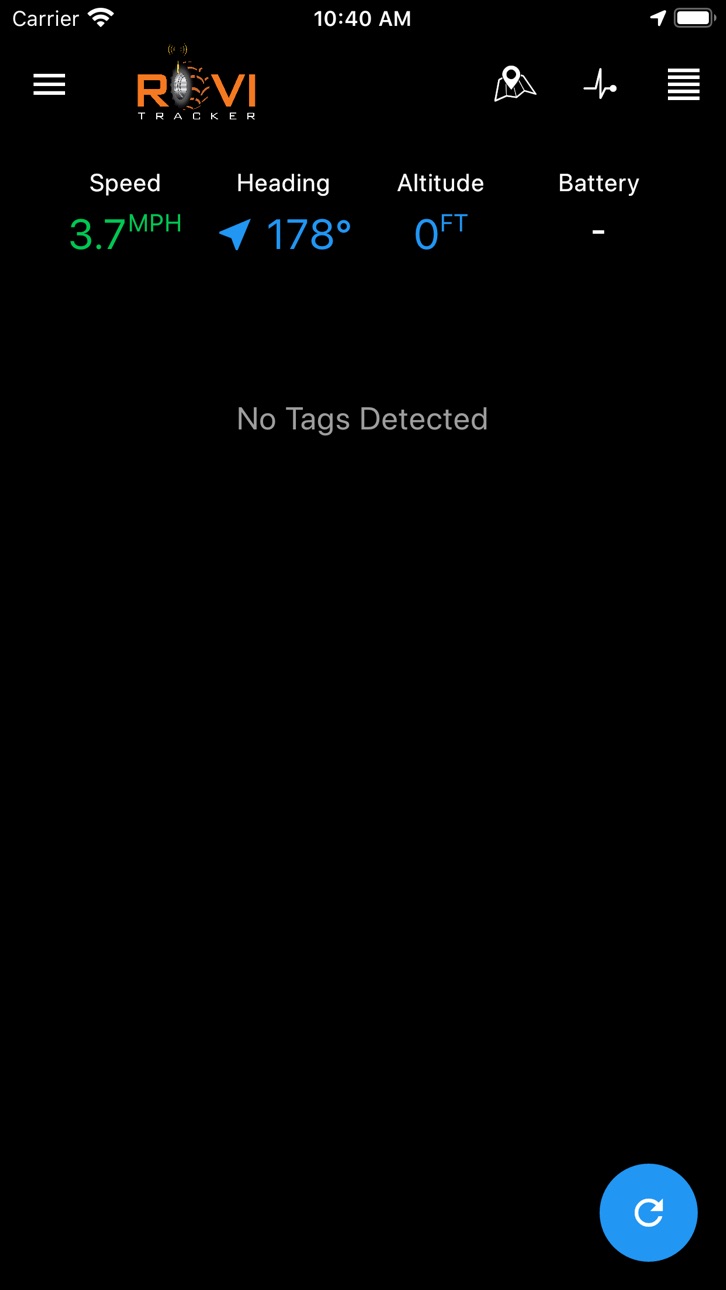
This version has an additional setting in the Settings drawer to enable/disable BLE scanning as well as a refresh button on the Home screen that allows users to upload collected readings.
Description
The RoviTracker app turns a mobile phone into a BLE gateway. It collects phone metrics (GPS location, heading, altitude, and battery state), detects nearby BLE tagged-assets and uploads the data to your RoviTracker account. This app is designed to continuously collect data, even when backgrounded. Data collection can be enabled and disabled in the settings.
Accessibility
ipadiphonemacrealityDevicetvoswatch
Version history 3 versions
Build 835892650v1.22020-05-10 23:36:31
This version has an additional setting in the Settings drawer to enable/disable BLE scanning as well as a refresh button on the Home screen that allows users to upload collected readings.
Build 833582543v1.12019-11-14 09:01:23
This version removes the logout option from the side menu. Since users use a single-use code to register an app with RoviTracker, a logout feature isn't necessary.
Build 831811197v1.02019-10-12 08:42:35
No pricing data captured yet — comparisons appear once the app has paid storefronts or in-app purchases.
Availability 1 of 1 storefronts
| Region | Language | Price | Ratings | Avg | Version |
|---|---|---|---|---|---|
| US | en-US | Free | 0 | — | 1.2 |
Change log 7 changes · US
✎
releaseNotes updated
This version has an additional setting in the Settings drawer to enable/disable BLE scanning as well as a refresh button on the Home screen that allows users to
✎
description updated
The RoviTracker app turns a mobile phone into a BLE gateway. It collects phone metrics (GPS location, heading, altitude, and battery state), detects nearby BLE
✎
subtitle updated
BLE Tracker, Phone as Device
✎
name updated
RoviTracker
◆
Version 1.2 released
This version has an additional setting in the Settings drawer to enable/disable BLE scanning as well as a refresh button on the Home screen that allows users to upload collected readings.
◆
Version 1.1 released
This version removes the logout option from the side menu. Since users use a single-use code to register an app with RoviTracker, a logout feature isn't necessary.
◆
Version 1.0 released