Home › Photo & Video

 US
US
1 of 1 storefronts
Content in en-US
Content in en-US
Information
Preview 2 platforms
iPhone 10 images





iPad 10 images




What’s New Version 2.8
Regular update to make sure the app runs with no issues on the new versions of iOS as well as older versions of iOS.
Description
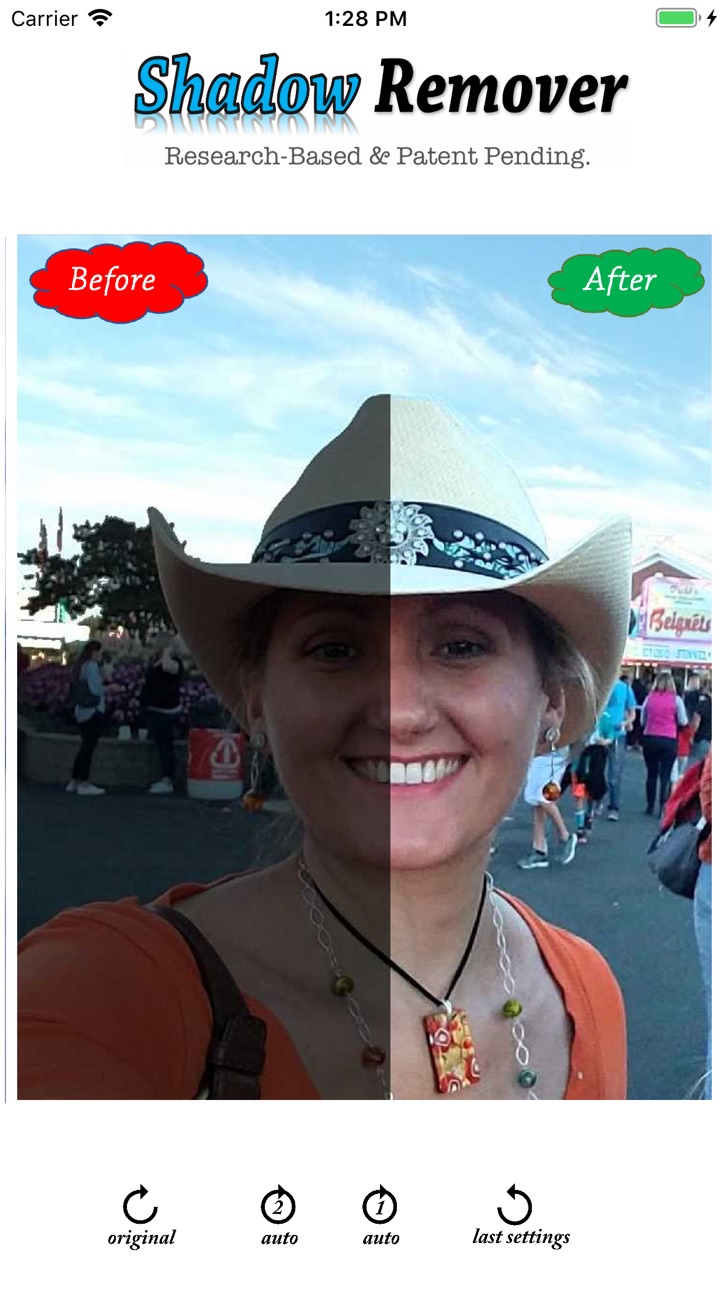
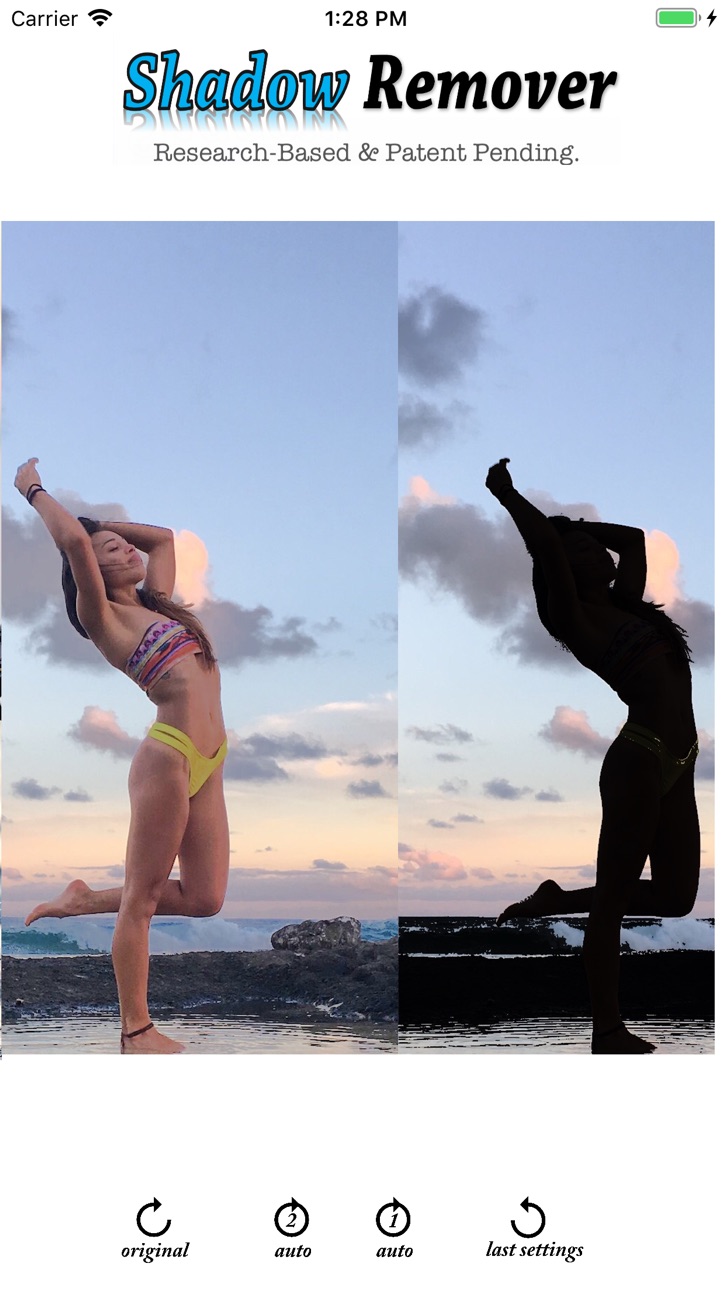
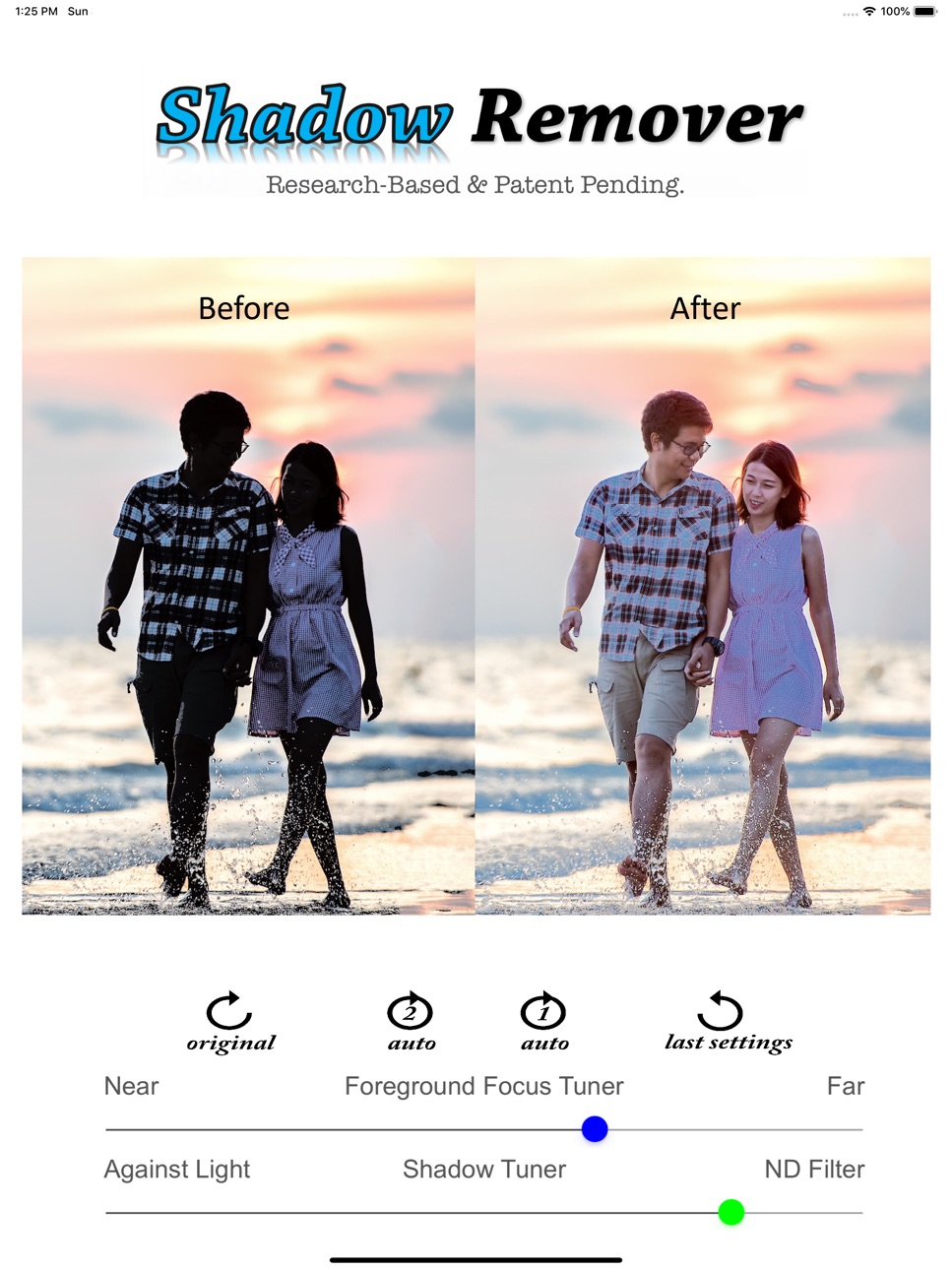
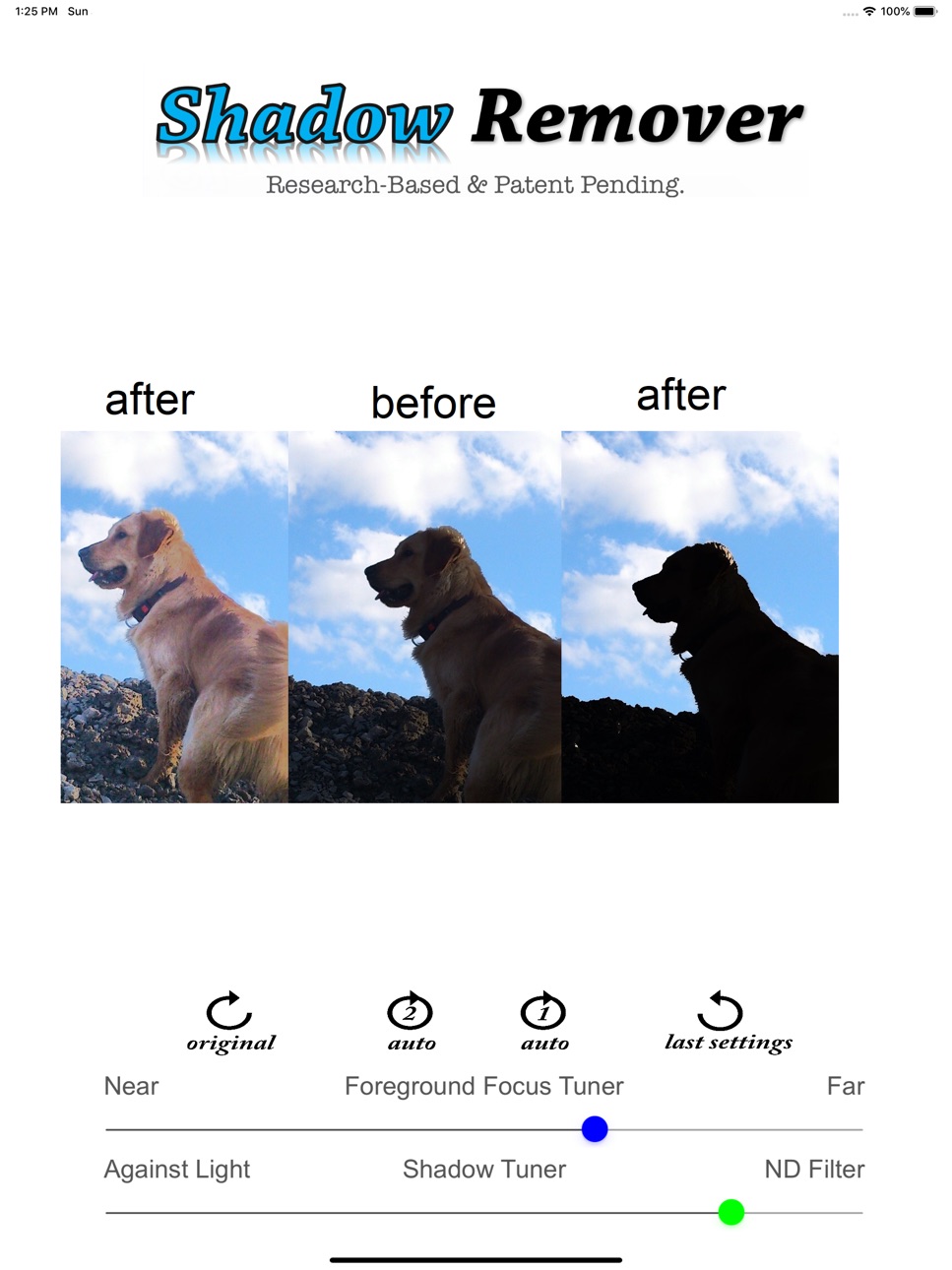
Adjusts the foreground light intensity, shadows, and slightly the focus.
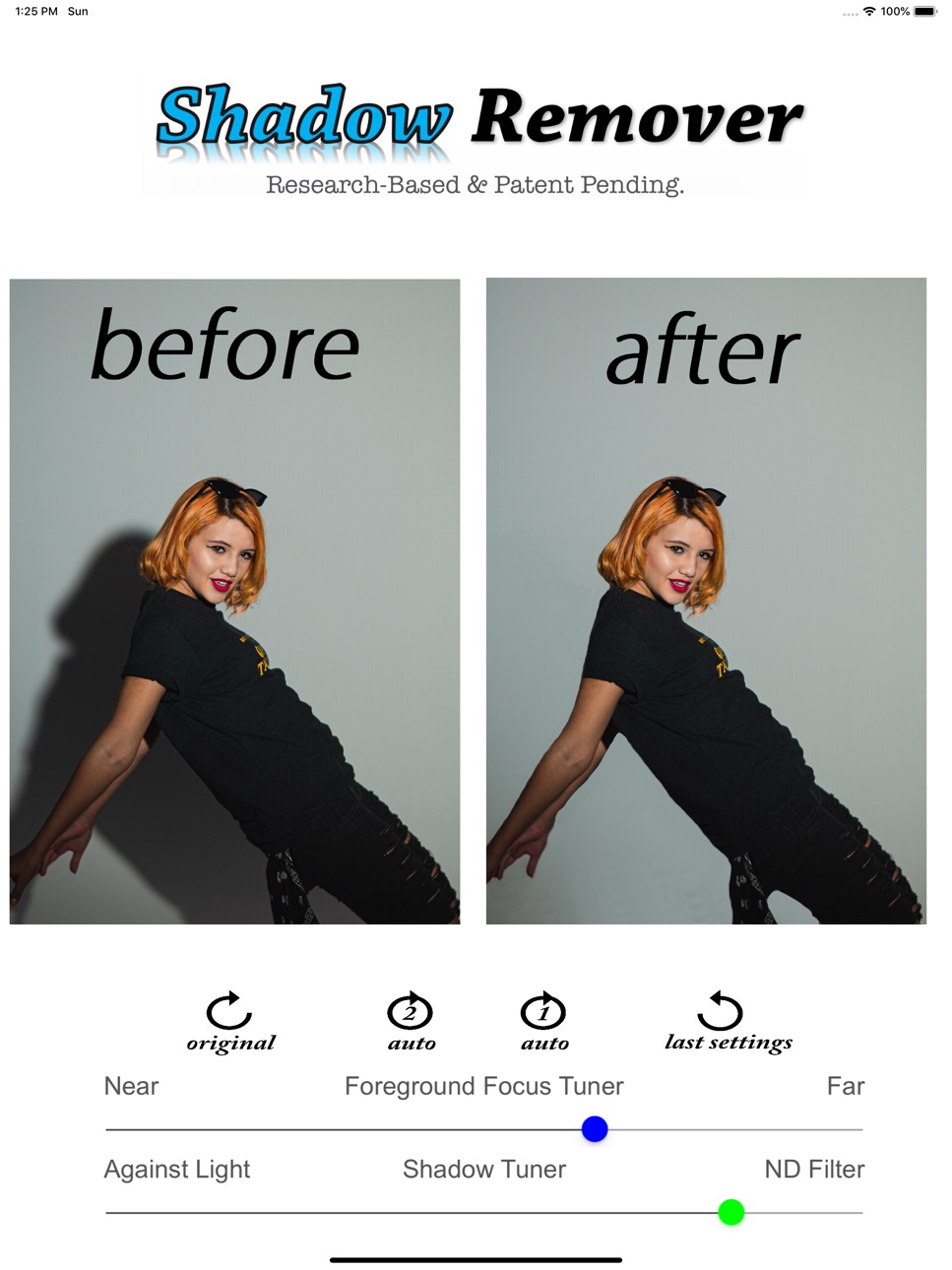
Removes background shadows.
Removes the background.
Perfect tool for creating Against the Light Photos as it allows you to make the foreground totally dark. You can see the artistic against the light photos in the screenshots above.
Computational ND filter.
Based on scientific research.
Retrieves Natural Looks.
This version allows you to remove background shadows, and camera flash shadows as well as the foreground shadows.
It also allows you to remove the background without leaving sharp edges near the object.
Hence, you can use it for retouching your portraits such as passport photos.
Please refer to the user guide for more information:
http://perfecthorizon.superthz.com/2019/06/user-guide-for-shadow-remover.html
Accessibility
ipadiphonemacrealityDevicetvoswatch
Version history 7 versions
Build 844780932v2.82021-10-19 21:04:01
Regular update to make sure the app runs with no issues on the new versions of iOS as well as older versions of iOS.
Build 844507172v2.72021-10-06 15:30:47
This update was executed to make sure the app runs seamlessly on the new versions of iOS.
Build 835869225v2.62020-05-08 11:41:53
Minor visual enhancement in the UI.
Build 835694630v2.52020-04-27 22:39:59
Thanks to our users who provided us with their constructive feedback, we made many enhancements in this release.
This version allows you to remove background shadows, and camera flash shadows as well as foreground and face shadows as well as the foreground shadows.
It also allows you to remove the background without leaving sharp edges.
Hence, you can use it for retouching your portraits such as passport photos.
You can also create artistic Against the Light photos by tuning the foreground to become completely dark.
Please refer to the user guide for more information:
http://perfecthorizon.superthz.com/2019/06/user-guide-for-shadow-remover.html
Build 832620949v2.12019-11-09 17:27:21
This version allows you to remove background shadows, and camera flash shadows as well as foreground and face shadows as well as the foreground shadows.
It also allows you to remove the background without leaving sharp edges.
Hence, you can use it for retouching your portraits such as passport photos.
You can also create artistic Against the Light photos by tuning the foreground to become completely dark.
Please refer to the user guide for more information:
http://perfecthorizon.superthz.com/2019/06/user-guide-for-shadow-remover.html
Build 832086434v1.32019-08-06 02:04:29
Adjusts the foreground light intensity, shadows, and slightly the focus.
Perfect tool for enhancing outdoor pictures where the foreground is captured dark or with shadows due to sunlight or bright sky in the background.
Perfect tool for correcting the light on the pictures where the foreground, especially face and body, is captured dark due to bright window in the background.
Perfect tool for creating Against the Light Photos.
Computational ND filter.
Based on scientific research.
Retrieves Natural Looks.
Note:
This app does not completely wipe the shadows ; traces of the shadows might remain on the photos.
This app might not work if the photos are preprocessed by other apps.
This apps cannot remove the shadows in the background especially if the shadows are due to camera flash.
Build 831530794v1.22019-06-03 14:55:44
No pricing data captured yet — comparisons appear once the app has paid storefronts or in-app purchases.
Availability 1 of 1 storefronts
| Region | Language | Price | Ratings | Avg | Version |
|---|---|---|---|---|---|
| US | en-US | Free | 99 | 3.3 | 2.8 |
Change log 11 changes · US
✎
releaseNotes updated
Regular update to make sure the app runs with no issues on the new versions of iOS as well as older versions of iOS.
✎
description updated
Adjusts the foreground light intensity, shadows, and slightly the focus.
Removes background shadows.
Removes the background.
Perfect tool for creating Against
✎
subtitle updated
Shadow & Background Eraser
✎
name updated
Shadow Remover Photo Editor
◆
Version 2.8 released
Regular update to make sure the app runs with no issues on the new versions of iOS as well as older versions of iOS.
◆
Version 2.7 released
This update was executed to make sure the app runs seamlessly on the new versions of iOS.
◆
Version 2.6 released
Minor visual enhancement in the UI.
◆
Version 2.5 released
Thanks to our users who provided us with their constructive feedback, we made many enhancements in this release.
This version allows you to remove background shadows, and camera flash shadows as well as foreground and face shadows as well
◆
Version 2.1 released
This version allows you to remove background shadows, and camera flash shadows as well as foreground and face shadows as well as the foreground shadows.
It also allows you to remove the background without leaving sharp edges.
Hence, you ca
◆
Version 1.3 released
Adjusts the foreground light intensity, shadows, and slightly the focus.
Perfect tool for enhancing outdoor pictures where the foreground is captured dark or with shadows due to sunlight or bright sky in the background.
Perfect tool for
◆
Version 1.2 released