Home › Utilities

 US
US
1 of 1 storefronts
Content in en-US
Content in en-US
Information
Preview 1 platform
iPhone 8 images




What’s New Version 1.0.5
- fix the frequency bar does not move on FM Radio
- change BLE name for distinguish with classic BT.
Description
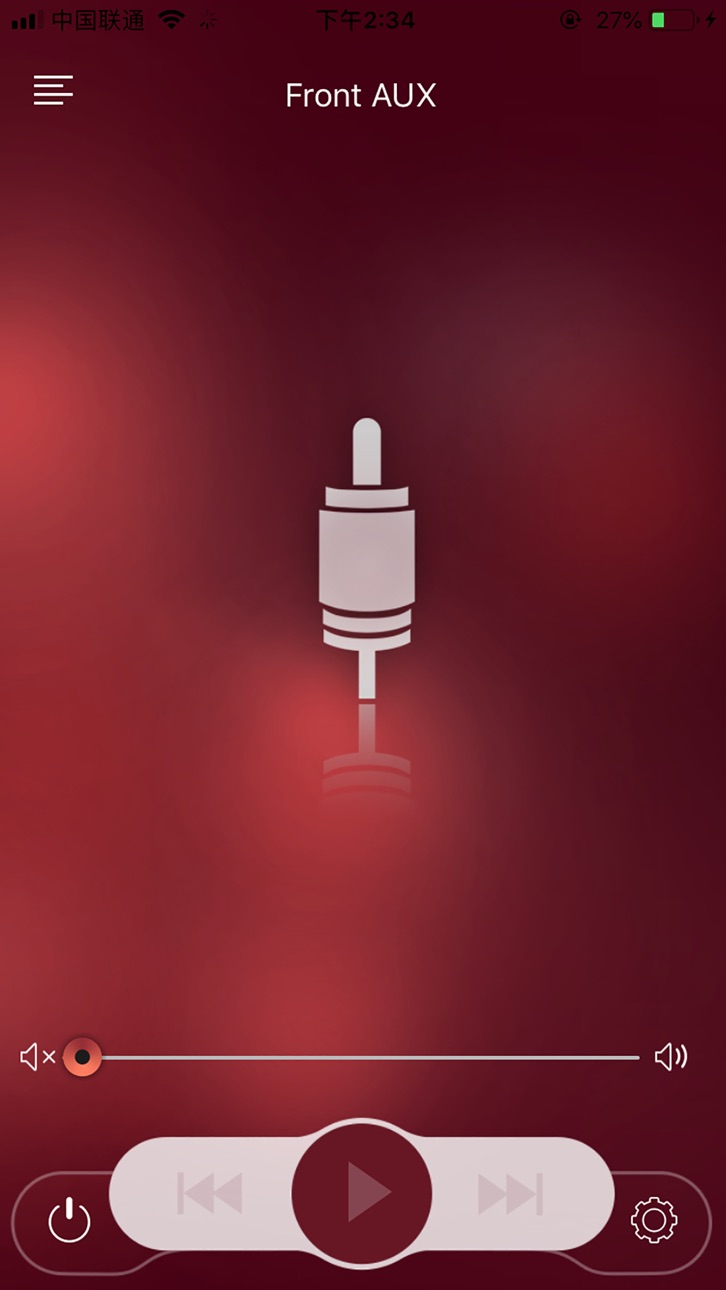
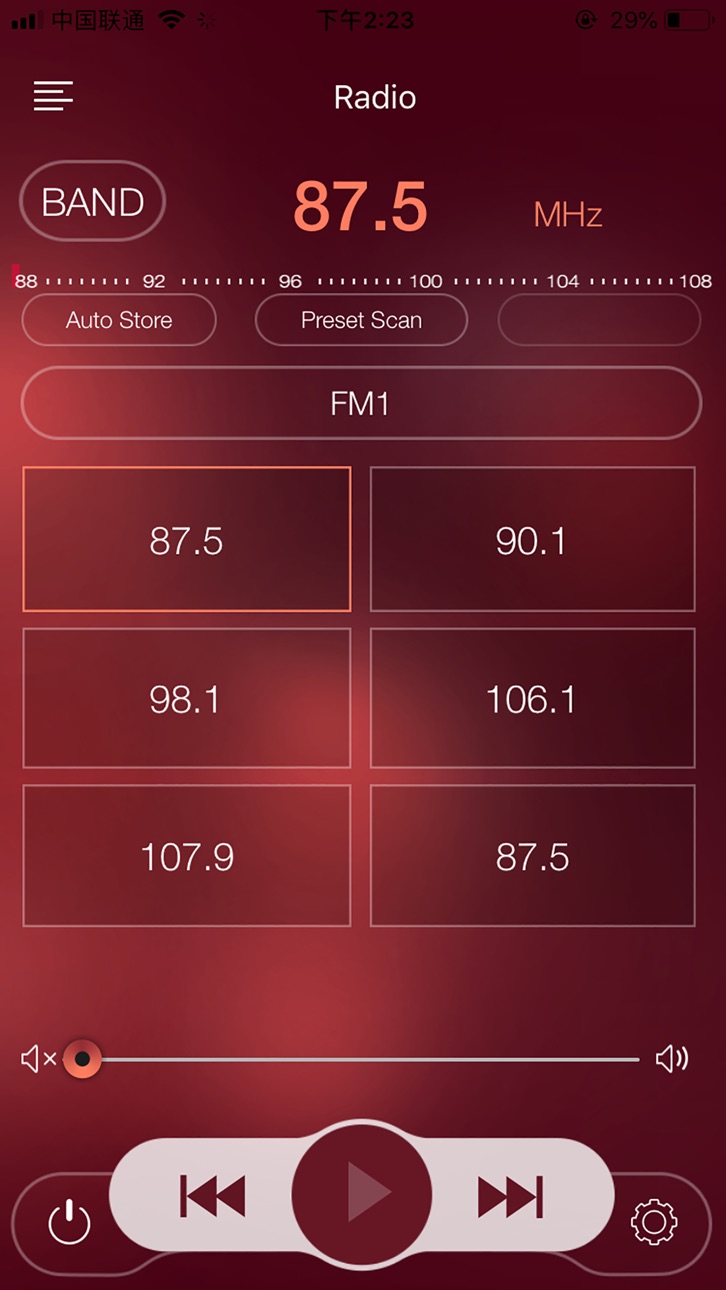
Currently this app controls Dual Marine's Head unit products via Bluetooth. This app controls most of the primary functions of your stereo features including:
Mode change - Radio, Disc, Bluetooth, Aux in etc.
Radio - FM1, FM2, FM3, AM1, AM2 and Seek/Tune frequencies, Access the preset stations, Store the radio stations etc.
Bluetooth - Music streaming, Play / Pause, Track Up / Down,
Auxiliary input
Zone speaker control (Zone 1, 2)
5 Preset EQ curves (Flat, Pop, Classical, Rock, User)
2 Band tone control (Bass/Treble)
*App capabilities vary with the stereo’s feature set.
Accessibility
ipadiphonemacrealityDevicetvoswatch
Version history 3 versions
Build 846305482v1.0.52021-12-30 14:26:33
- fix the frequency bar does not move on FM Radio
- change BLE name for distinguish with classic BT.
Build 842045072v1.0.32021-11-11 21:44:10
- support iOS 15
Build 831384829v1.0.22019-05-29 20:59:37
No pricing data captured yet — comparisons appear once the app has paid storefronts or in-app purchases.
Availability 1 of 1 storefronts
| Region | Language | Price | Ratings | Avg | Version |
|---|---|---|---|---|---|
| US | en-US | Free | 9 | 2.3 | 1.0.5 |
Change log 6 changes · US
✎
releaseNotes updated
- fix the frequency bar does not move on FM Radio
- change BLE name for distinguish with classic BT.
✎
description updated
Currently this app controls Dual Marine's Head unit products via Bluetooth. This app controls most of the primary functions of your stereo features including:
✎
name updated
Dual iPlug M
◆
Version 1.0.5 released
- fix the frequency bar does not move on FM Radio
- change BLE name for distinguish with classic BT.
◆
Version 1.0.3 released
- support iOS 15
◆
Version 1.0.2 released