Home › Productivity

 US
US
1 of 1 storefronts
Content in en-US
Content in en-US
Information
Preview 2 platforms
iPhone 10 images






iPad 4 images


What’s New Version 3.7.3
-Add report comments field
-switch PDF to landscape Letter
Description
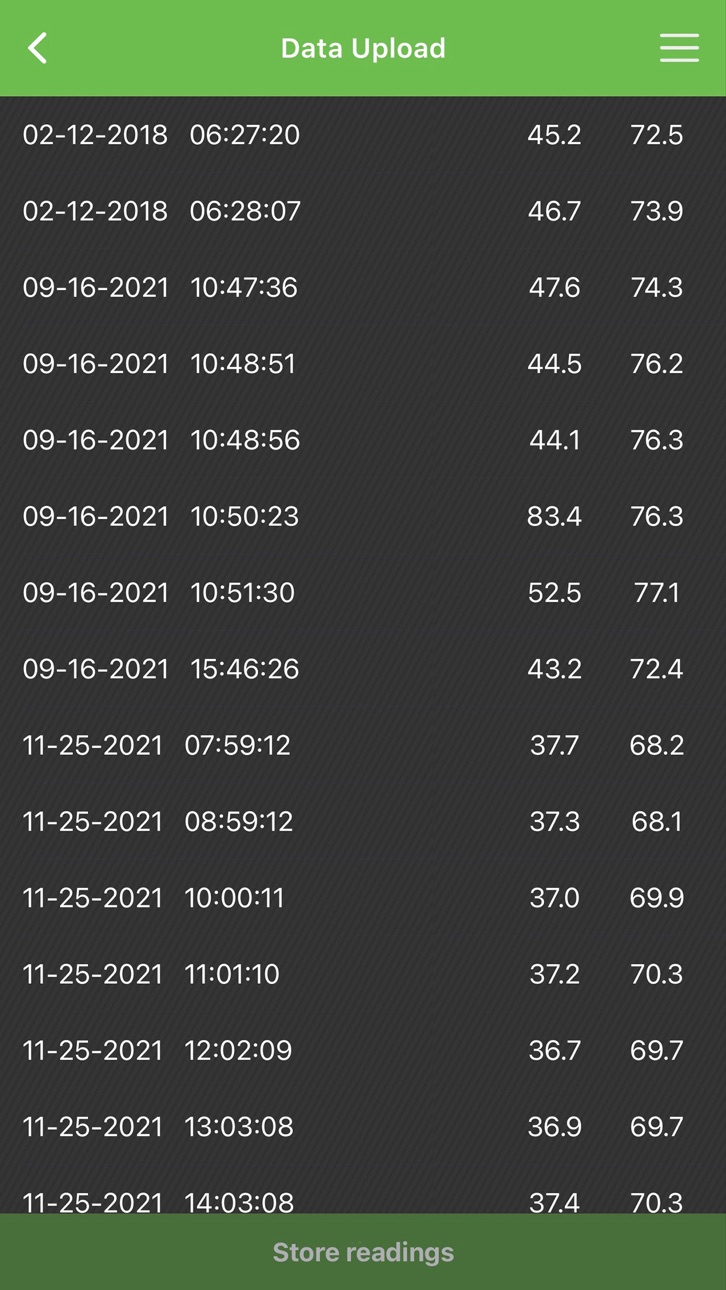
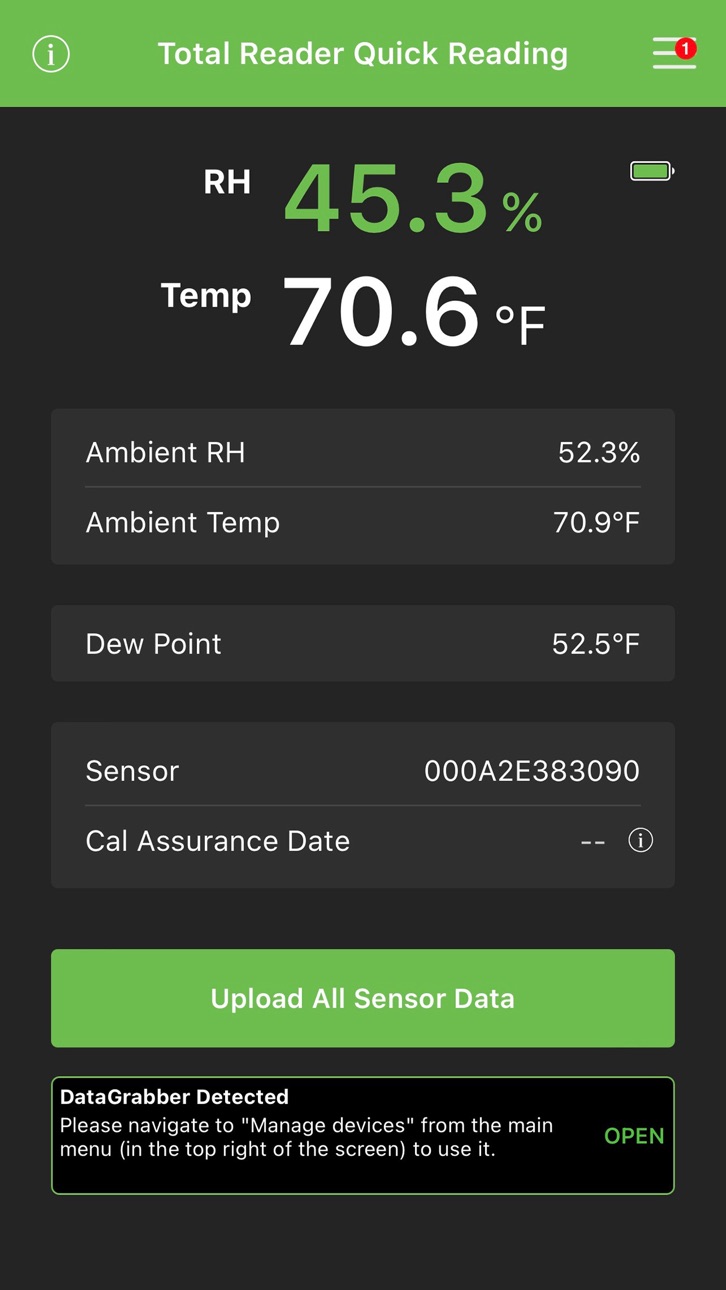
The DataMaster™ L6 app from Wagner Meters connects via Bluetooth® to the Rapid RH® Total Reader® for a fast and easy wireless system of reading, recording, and reporting your concrete slab moisture test data. DataMaster L6 takes advantage of an unbroken stream of data to give you the highest level of data integrity. The DataMaster L6 improves upon the incredible utility of Wagner's DataMaster 4.0/5.0 with streamlined navigation to information and reporting functions making your concrete slab relative humidity (RH) testing faster and easier than before.
· Capture, assemble, and email all data necessary to adhere to the ASTM F2170 standard.
· Ensure the integrity of your critical ASTM data from sensors and email “READ ONLY” reports.
· Link all recorded data to your job site’s sensor locations with a mapping function.
· Input job metadata such as job name, address, and hole depth.
· Add photos, audio memos, and text notes to your job info.
· Print reports directly from your smart device.
· Easily upload your job data to the F2170reports.com website.
The DataMaster L6 app is designed to be used only with Rapid RH L6 Smart Sensors and the Rapid RH Total Reader available at www.rapidrh.com.
Accessibility
ipadiphonemacrealityDevicetvoswatch
Version history 23 versions
Build 887300472v3.7.32026-06-23 00:31:25
-Add report comments field
-switch PDF to landscape Letter
Build 886017464v3.7.22026-05-22 20:00:52
updated map background image scaling and pin positioning.
Build 883725363v3.7.12026-03-25 16:41:06
fixed login bug
Build 883682636v3.72026-03-24 17:41:40
bug fixes
Build 880858157v3.6.42025-12-20 19:28:42
fixed bugs
Build 877645562v3.6.32025-08-28 22:34:42
bug fixes
Build 871075158v3.6.22024-12-12 04:01:01
added data validation for jobs maps and sensors
Build 870500831v3.6.12024-11-18 19:00:06
fixed unit conversion bug
Build 870033787v3.62024-10-29 14:30:26
updated the F2170 reports format
Build 867911707v3.52024-08-01 18:57:19
added support for older firmware versions
Build 864124442v3.42024-03-01 00:55:56
added support for DGRE OTA
Build 859569010vV3.3.32023-08-31 19:11:46
new firmware updates
Build 856384378vV3.3.22023-04-15 21:37:45
1. Automatic readings and reporting using the DataGrabber accessory
2. Updated tutorial and helpful resources
3. Improved design and user experience
4. Dew point added
5. Updates that fix reported issues
3,797
Build 856143763vV3.3.12023-04-06 07:03:29
1. Automatic readings and reporting using the DataGrabber accessory
2. Updated tutorial and helpful resources
3. Improved design and user experience
4. Dew point added
5. Updates that fix reported issues
3,797
Build 851158478vV3.22022-07-27 18:55:35
1. Automatic readings and reporting using the DataGrabber accessory
2. Updated tutorial and helpful resources
3. Improved design and user experience
4. Dew point added
5. Updates that fix reported issues
Build 847433429vV3.12022-03-01 10:24:23
1. Automatic readings and reporting using the DataGrabber accessory
2. Updated tutorial and helpful resources
3. Improved design and user experience
4. Dew point added
5. Updates that fix reported issues
Build 846895912vV3.02022-01-28 01:00:22
1. Automatic readings and reporting using the DataGrabber accessory
2. Updated tutorial and helpful resources
3. Improved design and user experience
4. Dew point added
5. Updates that fix reported issues
Build 844046047vV2.392022-01-18 15:40:58
· Automatic readings and reporting using the DataGrabber accessory
· Updated tutorial and helpful resources
· Improved design and user experience
· Dew point added
· Updates that fix reported issues
Build 841088906v1.1.32021-04-30 18:40:41
location in report are sorted by name
Build 838282690v1.1.22020-10-21 09:41:14
updated app for ios14 compatibility
Build 835944719v1.1.12020-05-13 22:21:17
Bluetooth link to DataGrabber devices to download stored L6 Smart Sensor time-stamped data, set time intervals for automated periodic concrete RH readings, and more.
Build 832576799v1.0.12019-09-20 13:13:54
Added Tutorial Video on RH Reading
Build 831024374v1.02019-06-25 16:47:39
No pricing data captured yet — comparisons appear once the app has paid storefronts or in-app purchases.
Availability 1 of 1 storefronts
| Region | Language | Price | Ratings | Avg | Version |
|---|---|---|---|---|---|
| US | en-US | Free | 3 | 4.3 | 3.7.3 |
Change log 26 changes · US
✎
releaseNotes updated
-Add report comments field
-switch PDF to landscape Letter
✎
description updated
The DataMaster™ L6 app from Wagner Meters connects via Bluetooth® to the Rapid RH® Total Reader® for a fast and easy wireless system of reading, recording, and
✎
name updated
DataMaster™ L6
◆
Version 3.7.3 released
-Add report comments field
-switch PDF to landscape Letter
◆
Version 3.7.2 released
updated map background image scaling and pin positioning.
◆
Version 3.7.1 released
fixed login bug
◆
Version 3.7 released
bug fixes
◆
Version 3.6.4 released
fixed bugs
◆
Version 3.6.3 released
bug fixes
◆
Version 3.6.2 released
added data validation for jobs maps and sensors
◆
Version 3.6.1 released
fixed unit conversion bug
◆
Version 3.6 released
updated the F2170 reports format
◆
Version 3.5 released
added support for older firmware versions
◆
Version 3.4 released
added support for DGRE OTA
◆
Version V3.3.3 released
new firmware updates
◆
Version V3.3.2 released
1. Automatic readings and reporting using the DataGrabber accessory
2. Updated tutorial and helpful resources
3. Improved design and user experience
4. Dew point added
5. Updates that fix reported issues
3,797
◆
Version V3.3.1 released
1. Automatic readings and reporting using the DataGrabber accessory
2. Updated tutorial and helpful resources
3. Improved design and user experience
4. Dew point added
5. Updates that fix reported issues
3,797
◆
Version V3.2 released
1. Automatic readings and reporting using the DataGrabber accessory
2. Updated tutorial and helpful resources
3. Improved design and user experience
4. Dew point added
5. Updates that fix reported issues
◆
Version V3.1 released
1. Automatic readings and reporting using the DataGrabber accessory
2. Updated tutorial and helpful resources
3. Improved design and user experience
4. Dew point added
5. Updates that fix reported issues
◆
Version V3.0 released
1. Automatic readings and reporting using the DataGrabber accessory
2. Updated tutorial and helpful resources
3. Improved design and user experience
4. Dew point added
5. Updates that fix reported issues
◆
Version V2.39 released
· Automatic readings and reporting using the DataGrabber accessory
· Updated tutorial and helpful resources
· Improved design and user experience
· Dew point added
· Updates that fix reported issues
◆
Version 1.1.3 released
location in report are sorted by name
◆
Version 1.1.2 released
updated app for ios14 compatibility
◆
Version 1.1.1 released
Bluetooth link to DataGrabber devices to download stored L6 Smart Sensor time-stamped data, set time intervals for automated periodic concrete RH readings, and more.
◆
Version 1.0.1 released
Added Tutorial Video on RH Reading
◆
Version 1.0 released