Home › Finance

 US
US
1 of 1 storefronts
Content in en-US
Content in en-US
Information
Preview 2 platforms
iPhone 6 images


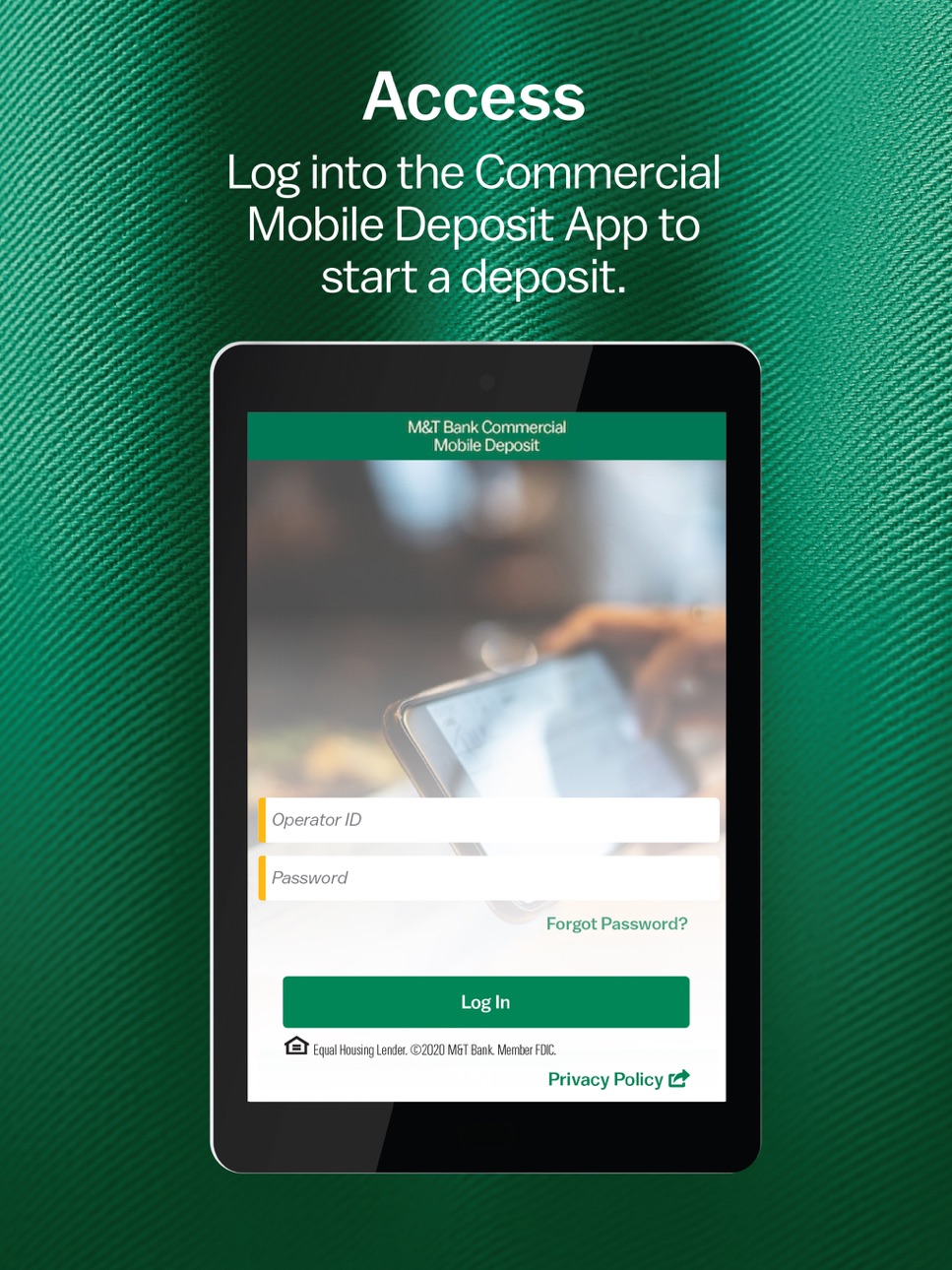
iPad 6 images



What’s New Version 2026.0.1
Updated the privacy policy URL
Description
Introducing the M&T Commercial Mobile Deposit App!
For Commercial and Business Banking Use Only
With our M&T Commercial Mobile Deposit App, you can now create, review and approve deposits while away from your Remote Check Deposit desktop service anywhere and fast. A complement to M&T’s Remote Check Deposit service, this mobile solution enables your company’s Remote Check Deposit users to make check deposits on the go.
• CREATE
Scan using the camera on your smartphone or tablet to properly capture the front and back of a check or multiple checks you want to deposit.
• PROCESS
Review your deposit for approval and note if any error messages are displayed that need correction. If you no longer need a particular deposit, you can edit and delete them before you complete the process.
• SUBMIT
Once you have all of your deposits set-up, tap complete to confirm you want to submit your deposit(s).
Disclosures:
Use of these features and services requires internet and/or data access through a computer or mobile device. Subject to availability and the same limitations as any service available through the internet. M&T Bank is not responsible for matters that are outside of its reasonable control that might impact availability and functionality. M&T Bank reserves the right to suspend service for any reason at any time. Your mobile carrier's text messaging and data charges may apply. View the M&T Digital Services Agreement for additional details.
M&T Bank’s Remote Check Deposit (“RCD”) services are provided subject to M&T Bank’s standard Treasury Management Services Agreement for the provision of RCD services (“RCD Agreement”). Client may only use an Approved Scanner (as defined thereunder) for RCD services. Under the Agreement, M&T may pay the cost of purchasing an M&T Purchased Scanner on behalf of client to be used under the Agreement. However, if the RCD services under the Agreement are terminated for any reason (other than by M&T without cause) prior to the six (6) month anniversary of the date client commences receiving such RCD services, client must reimburse M&T the cost of each M&T Purchased Scanner that M&T purchased on behalf of client. Deposits are subject to verification. Other terms, conditions, fees and restrictions may apply.
Deposits are subject to verification. Funds from mobile check deposits will not be available for immediate withdrawal. Deposit limits and other terms, conditions, fees, and restrictions may apply. Business day is defined as Monday through Friday, except Federal holidays.
Unless otherwise specified, all advertised offers and terms and conditions of accounts and services are subject to change at any time without notice. After an account is opened or service begins, it is subject to its features, conditions, and terms, which are subject to change at any time in accordance with applicable laws and agreements. Please contact an M&T representative for full details.
To learn more about M&T Commercial Deposit app, visit https://www.mtb.com/business/commercial-banking/treasury-management/receivables/remote-check-deposit-rcd
Equal Housing Lender. © 2019 M&T Bank. Member FDIC.
Accessibility
ipadiphonemacrealityDevicetvoswatch
Version history 6 versions
Build 880283962v2026.0.12025-12-10 01:02:41
Updated the privacy policy URL
Build 870844444v2025.0.12025-02-28 01:01:58
This revision includes the latest SDK level to be compatible with the latest IOS versions
Build 857672101v2023.0.12023-06-14 13:17:39
This revision includes the latest SDK level to be compatible with the latest IOS versions
Build 834815954v2020.0.32020-04-02 13:45:12
This update includes additions to our app description, new log-in imagery and graphic improvements to clearly identify the benefits and functionality of the app.
Build 833909928v2020.0.22020-02-12 02:00:47
The update includes new preview imagery to highlight the app's features as well as additional content to our app description to better showcase functionality. This update will also include bug fixes to better optimize your user experience.
Build 831021329v2020.0.12019-12-06 00:03:37
No pricing data captured yet — comparisons appear once the app has paid storefronts or in-app purchases.
Availability 1 of 1 storefronts
| Region | Language | Price | Ratings | Avg | Version |
|---|---|---|---|---|---|
| US | en-US | Free | 10 | 2.9 | 2026.0.1 |
Change log 9 changes · US
✎
releaseNotes updated
Updated the privacy policy URL
✎
description updated
Introducing the M&T Commercial Mobile Deposit App!
For Commercial and Business Banking Use Only
With our M&T Commercial Mobile Deposit App, you can now create,
✎
name updated
M&T Comm. Deposit
◆
Version 2026.0.1 released
Updated the privacy policy URL
◆
Version 2025.0.1 released
This revision includes the latest SDK level to be compatible with the latest IOS versions
◆
Version 2023.0.1 released
This revision includes the latest SDK level to be compatible with the latest IOS versions
◆
Version 2020.0.3 released
This update includes additions to our app description, new log-in imagery and graphic improvements to clearly identify the benefits and functionality of the app.
◆
Version 2020.0.2 released
The update includes new preview imagery to highlight the app's features as well as additional content to our app description to better showcase functionality. This update will also include bug fixes to better optimize your user experience.
◆
Version 2020.0.1 released