Home › Photo & Video

 US
US
1 of 1 storefronts
Content in en-US
Content in en-US
Information
Preview 2 platforms
iPhone 5 images


iPad 4 images


What’s New Version 1.0.3
- The drawing process has been sped up.
- Compatible with safe areas.
- Fixed mark movement processing.
Description
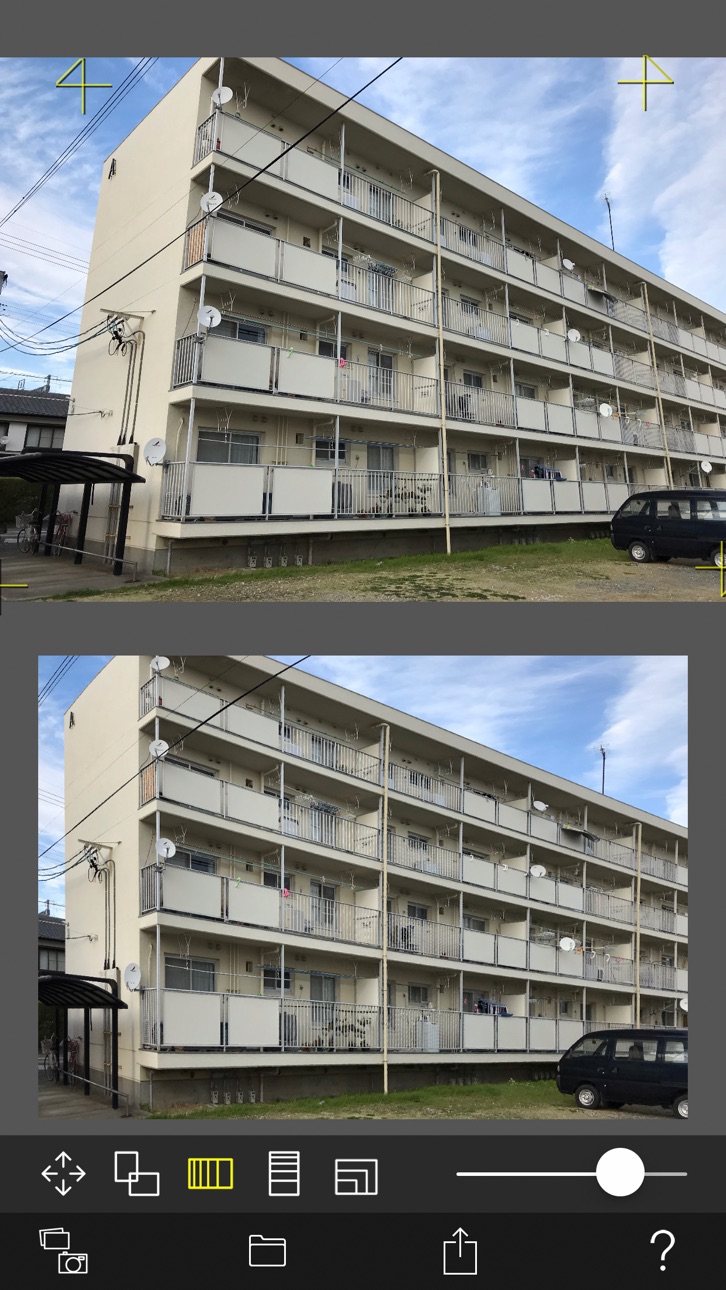
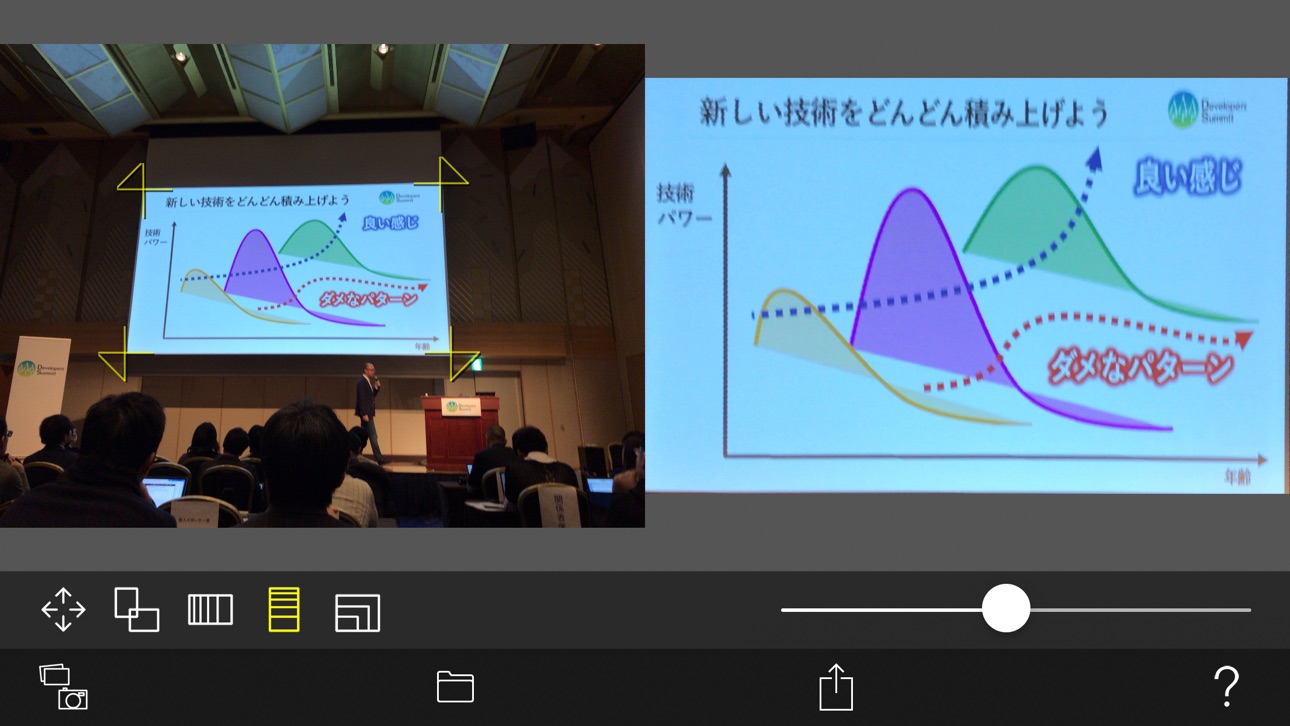
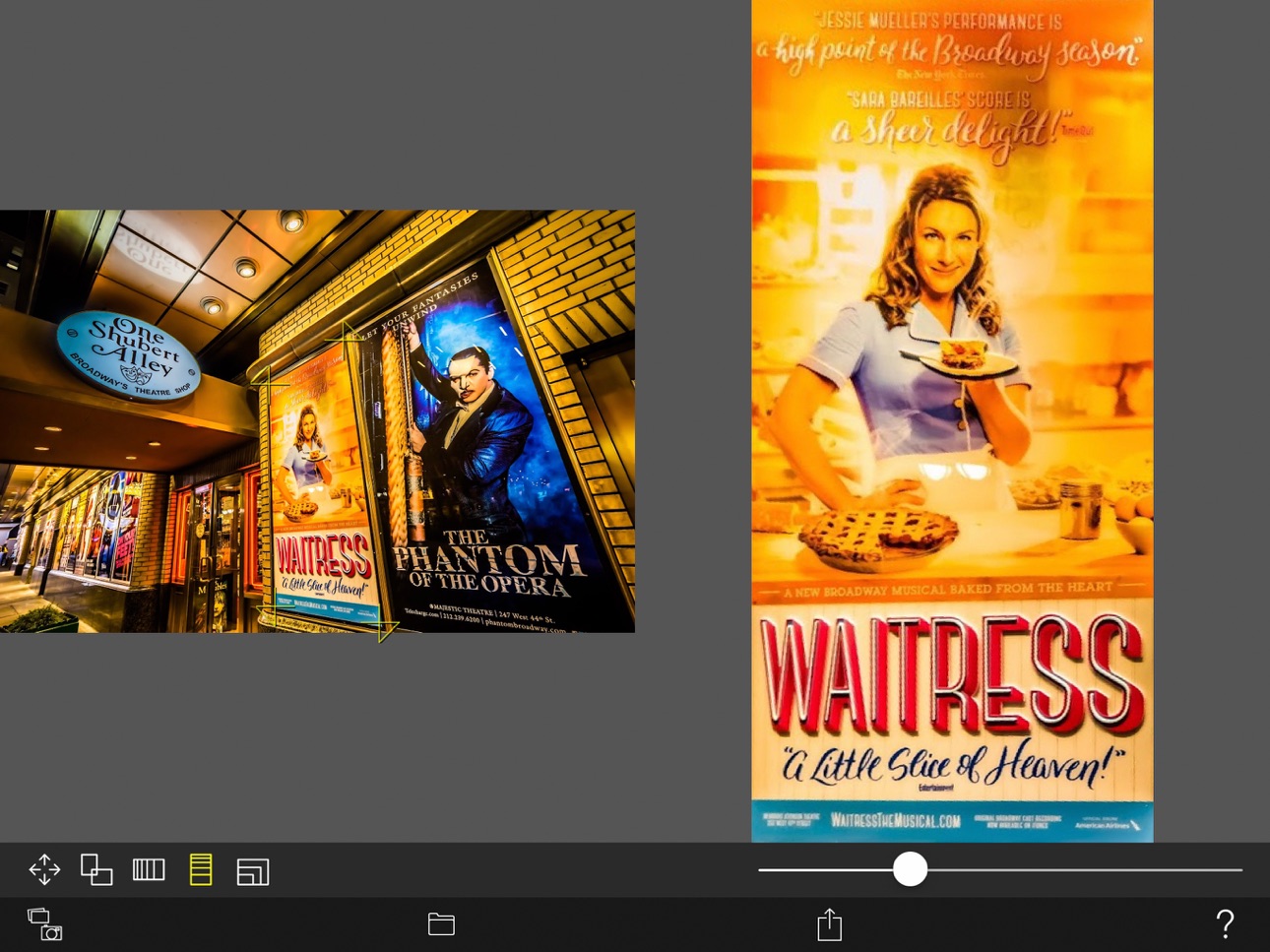
This is a camera app that corrects distortion and perspective of photos.
Whole photo, Documents, posters, arts such as paintings and calligraphy, exhibits, screens, blackboards, whiteboards, signs, screens, timetables, etc.
You may want to leave a photo as a memo by taking photos with your smartphone camera or tablet camera.
The problem is that the image of the picture is distorted by the influence of the camera lens.
Even if the subject is at a right angle, it will not be a right angle photo.
If the subject is rectangular, it will be a quadrangle with perspective.
You can convert such perspective distorted quadrangle to the original subject rectangle.
Cut out a free-form quadrangle from the photo and convert it to a rectangle.
The cropping quadrangle does not have to be a right angle, and it is OK to use a trapezoid, a rhombus, a parallelogram, or a freeform quadrangle.
If you can not shoot the subject directly in front of you, the photos will have perspective.
To be precise, even if taken straight ahead, some distortion is inevitable.
However, with this app, even photos taken from an oblique direction can be converted to rectangular images viewed from the front.
You can edit the position of the corner mark for clipping while checking the clipping image on the preview screen in real time.
Material picture
- Photographing (camera)
- Selection of photo (camera roll)
Save cropped image
- Save image (Camera roll)
- Image sharing (Twitter, Facebook, LINE, Dropbox etc.)
Cropped image settings
- 4 corner marks for clipping (movement by drag operation)
- The amount of movement of the corner mark
- aspect ratio
- Horizontal perspective correction
- Vertical perspective correction
- Resolution of saved image
Accessibility
ipadiphonemacrealityDevicetvoswatch
Version history 3 versions
Build 853090123v1.0.32022-11-01 21:19:23
- The drawing process has been sped up.
- Compatible with safe areas.
- Fixed mark movement processing.
Build 832612244v1.0.22019-09-03 17:49:54
Increased resolution of saved images.
Build 830978361v1.0.12019-04-17 08:41:16
Price history by region
Currency
Show
Columns
Search
Availability 1 of 1 storefronts
| Region | Language | Price | Ratings | Avg | Version |
|---|---|---|---|---|---|
| US | en-US | USD 0.99 | 2 | 1.0 | 1.0.3 |
Change log 7 changes · US
✎
releaseNotes updated
- The drawing process has been sped up.
- Compatible with safe areas.
- Fixed mark movement processing.
✎
description updated
This is a camera app that corrects distortion and perspective of photos.
Whole photo, Documents, posters, arts such as paintings and calligraphy, exhibits, scr
✎
subtitle updated
Perspective Correction
✎
name updated
Adjust Perspective
◆
Version 1.0.3 released
- The drawing process has been sped up.
- Compatible with safe areas.
- Fixed mark movement processing.
◆
Version 1.0.2 released
Increased resolution of saved images.
◆
Version 1.0.1 released