Home › Business

 US
US
1 of 1 storefronts
Content in en-US
Content in en-US
Information
Preview 2 platforms
iPhone 6 images


iPad 6 images
What’s New Version 2.3.27
Updates to how EVV settings are applied
Description
Welligent Express
This app provides the Welligent EHR experience on your mobile device.
Enjoy mobile care made easier with Welligent Express. Offering a mobile-optimized experience, this app contains the most-used EHR features for managing client care on the go – plus, it’s included with your Welligent EHR platform at no additional cost!
This latest version includes a completely redesigned interface that’s easier to navigate and includes faster data loading.
Additional Features
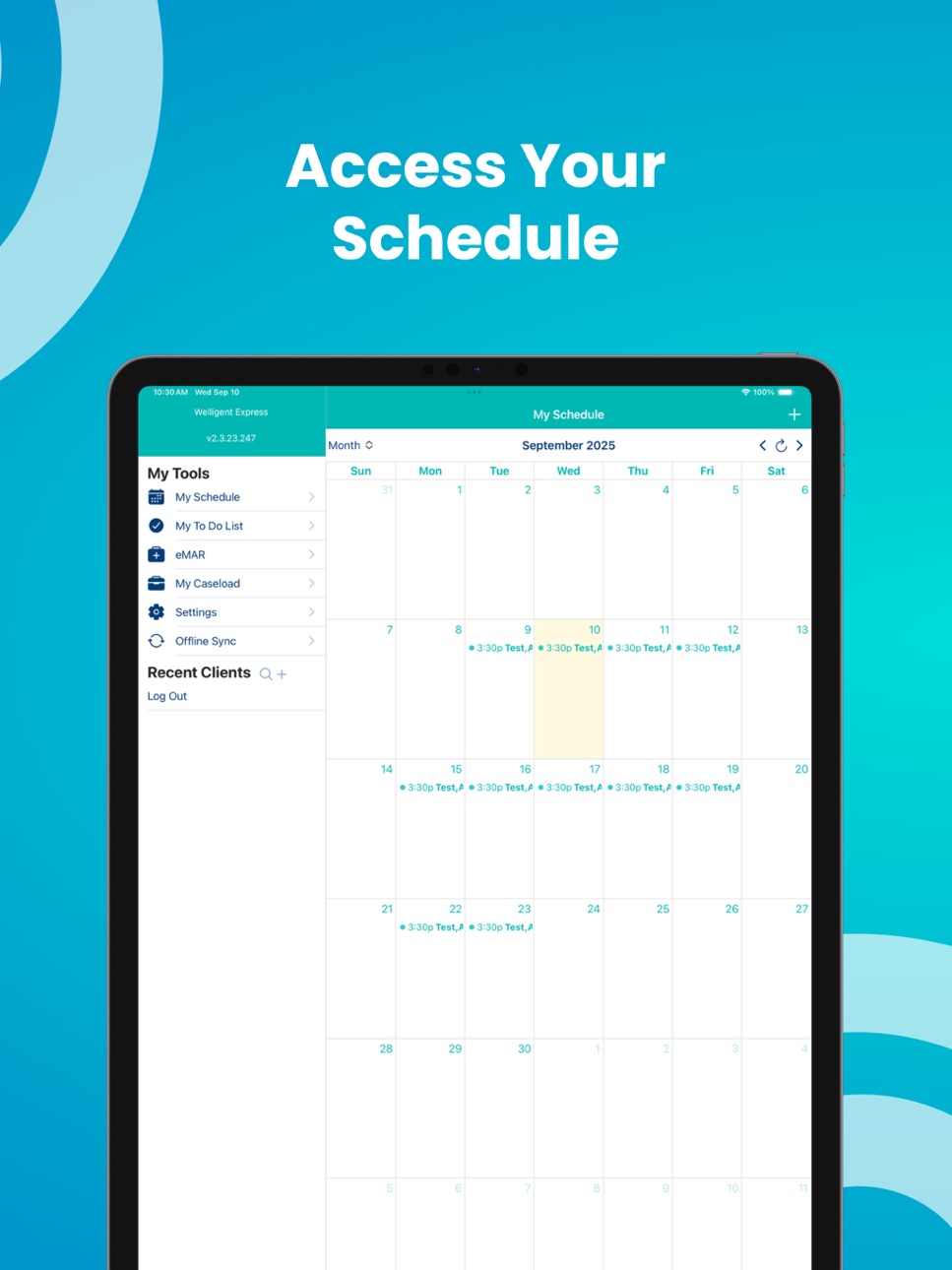
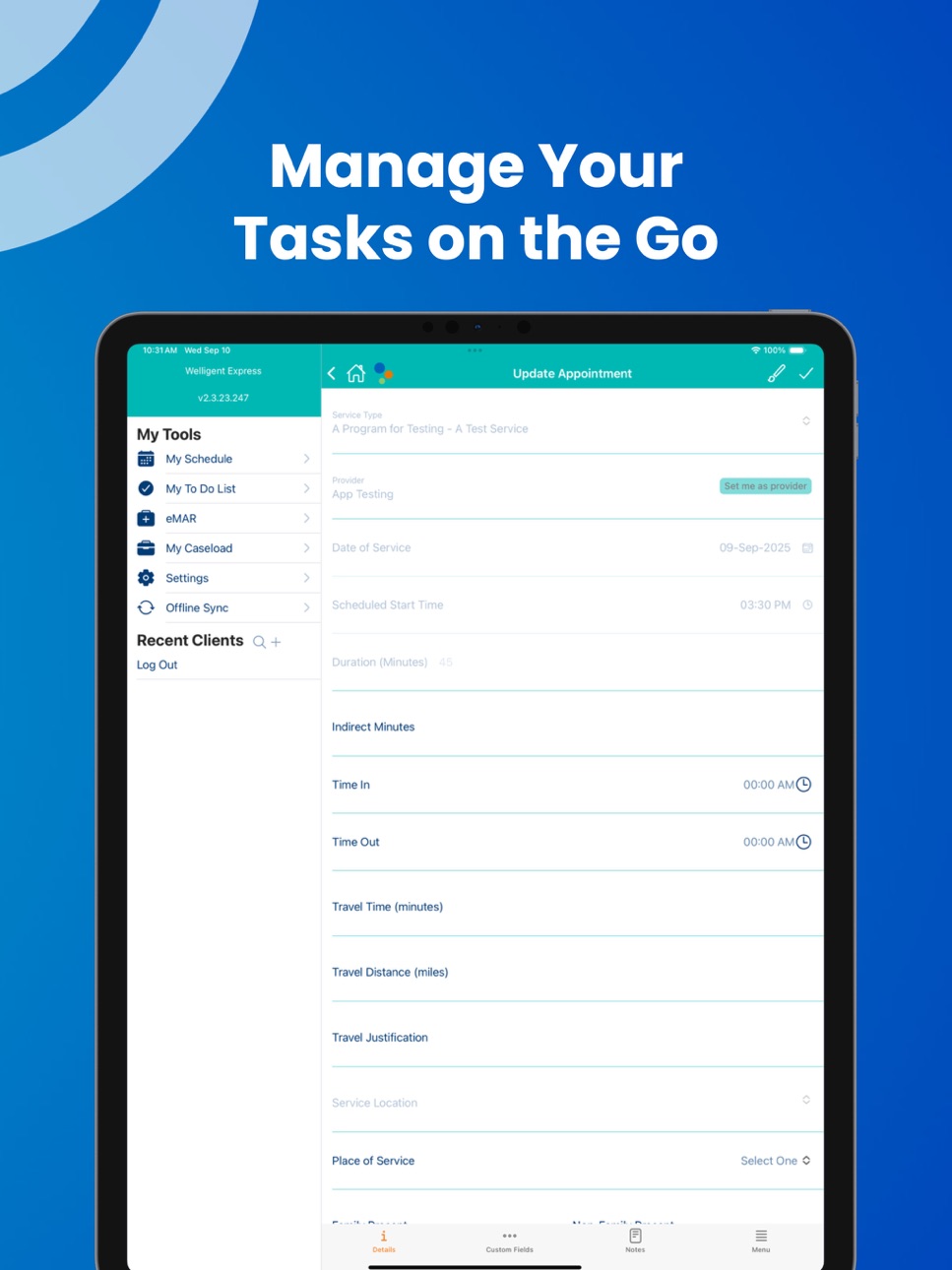
Know what's next with convenient scheduling
• View schedule by day, week, or month
• Update and complete existing appointments
• Schedule new appointments
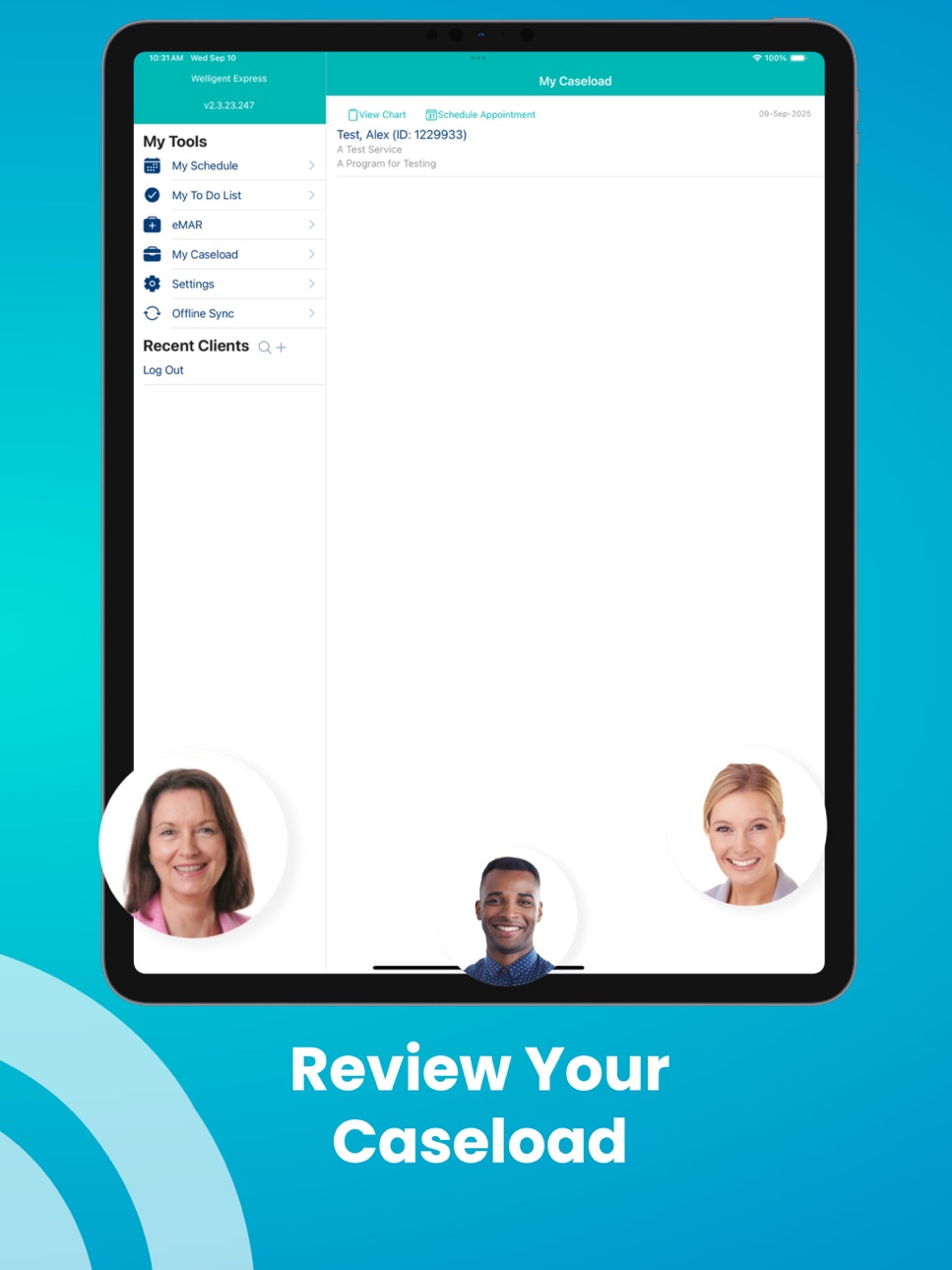
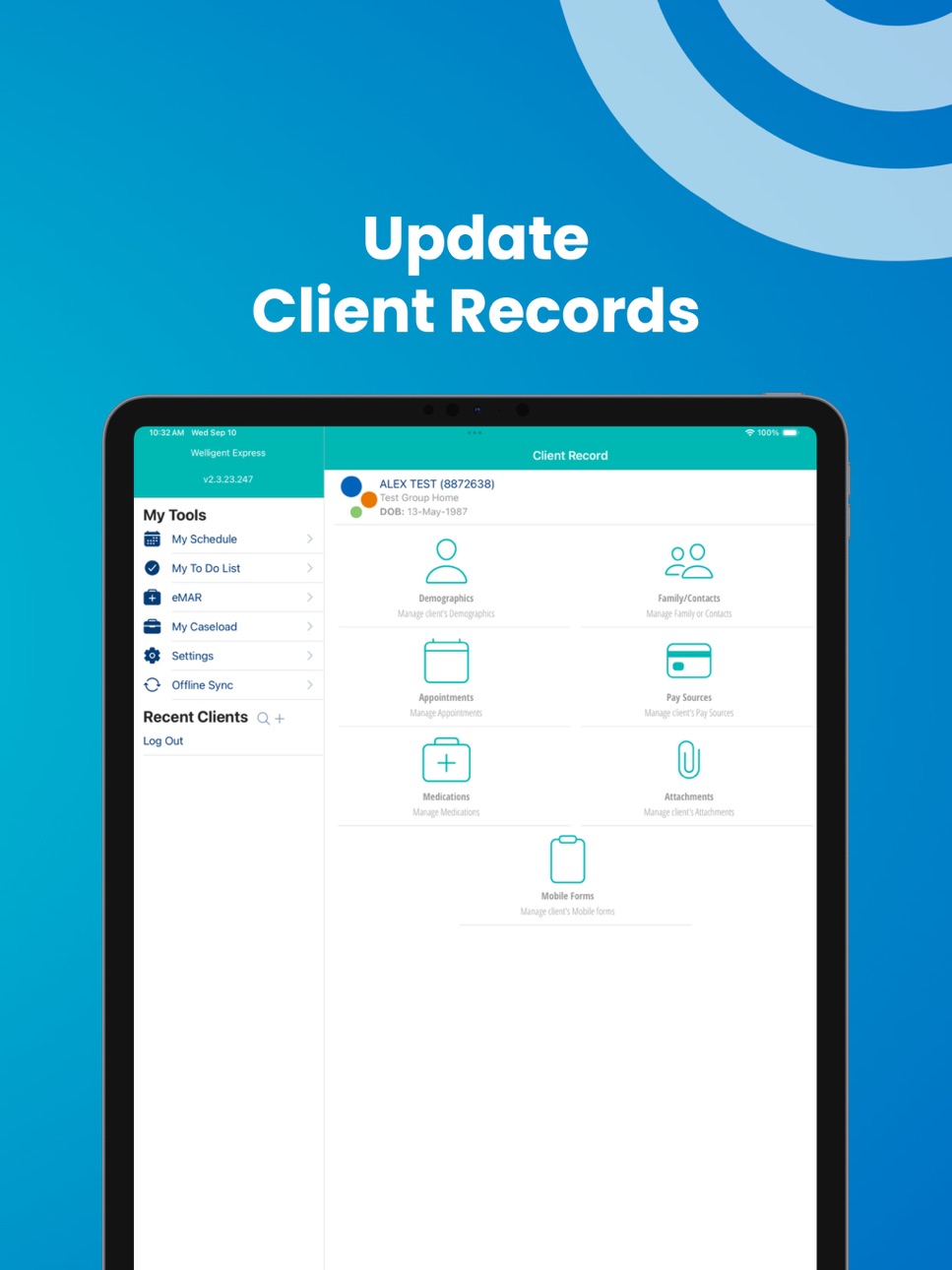
Client records at your fingertips
• View current caseloads
• Complete session notes and assessments
• Access existing client records and add or update demographic and family contact information, pay sources, and medications
• Use the device camera to add a client photo or other item (such as an insurance card) to the record
• Upload attachments to client records
Treatment tracking made easy
• View or complete screening tools and mobile forms
• Track daily activities and goals
• Monitor vital signs
• Track medication administration
• View treatment plans
Convenient Extras
• Voice to text* capabilities to draft notes and more
• Collect signatures from clients or caregivers using on-screen finger signing, mouse signatures, USB Pens, or Topaz signature devices
* Voice to text functionality policies are at the sole discretion of your organization. Welligent recommends not using any PHI with this feature.
Accessibility
ipadiphonemacrealityDevicetvoswatch
Version history 25 versions
Build 884823661v2.3.272026-04-23 18:33:17
Updates to how EVV settings are applied
Build 883771449v2.3.262026-03-26 18:14:23
- Update to default signature process.
Build 878935710v2.3.252025-11-10 18:12:25
Allow capturing coordinates during manual time entry.
Check coordinates captured to radius of address, warn if our of range.
Fixed caption field order, made caption readonly.
Build 878441248v2.3.242025-09-26 21:36:24
Bug fixes and enhancements
Build 877881492v2.3.232025-09-17 14:13:26
New Service Session option, coordinates, and extended event status options.
Fixed bug with attachments not uploading.
Fixed bug with inaccessible menu items on certain screens.
Build 875034468v2.3.212025-06-02 12:23:46
Minor bug fixes
Build 872445654v2.3.202025-03-04 16:21:36
Fixed missing Goal Grid option in Appointment view menu
Build 871854090v2.3.192025-02-11 12:56:31
- Disable screen capture
- Fixed assessment tools created offline not syncing online properly
- Fixed date picker showing twice in some screens
Build 869770845v2.3.182024-10-18 15:07:29
Fixed location data not always sent when saving appointment
Build 868157375v2.3.172024-10-10 12:02:33
- Unknown signatures appearing when signing a session note
- Fixed cut off date picker when triggered from a date time button
- Better handling of HTML in form labels
- Can't sign completed screening tools
- Empty time string causes demographics screen to hang while loading
- Disable Save for completed appointments
- Fixed provider review not popping up when opening appointment
- Fixed missing description lines in Overdue Forms list in My ToDo List
Build 866946492v2.3.162024-07-16 15:22:56
- Prevent user from opening treatment plan or appointment if they do not have permission
- Improved layout for detail screens
Build 864055304v2.3.152024-03-22 15:01:58
- Added ability to set the appointment provider to the logged in user
- Fixed cutoff signatures from mobile app when displayed in desktop
- Show field label for dropdown items in forms even when the dropdown list is empty
Build 862655184v2.3.142024-01-04 14:02:24
- Fixes signatures not saving properly
Build 862306811v2.3.132023-12-29 15:39:25
- Fixed blank detail views when offline
- Better scaling for HTML forms/views
Build 861997219v2.3.122023-12-11 13:27:09
- Don't allow completing an appointment more than 60 minutes in the future
- Fixed signatures from HTML forms on mobile app not showing in desktop
Build 861313415v2.3.112023-11-10 13:16:58
Fixed non-responsive touch signature box
Build 860554302v2.3.102023-10-26 13:11:57
- Improved support for HTML forms that contain script tags
- Apply default values, when defined, for HTML forms
Build 860015457v2.3.92023-09-20 13:03:13
Fixed missing dropdown options when scheduling a medication
Build 859601193v2.3.82023-09-04 14:35:02
Fixed tab submit shows off screen in appointment screen
Build 859367815v2.3.72023-08-28 13:25:38
Minor improvements and fixes
Build 857733230v2.3.62023-06-12 12:03:17
- Fixed empty list of clients to select to sync offline
Build 856636264v2.3.52023-05-01 12:16:56
- Using Action Sheet for dropdown selection to fix popover selection from showing behind status bar and not being selectable
- Fixed app crash when trying to sign a newly created and saved form
Build 855236132v2.3.42023-03-03 13:56:49
- Fixed missing toolbar in My Schedule and eMAR views in Dark Mode
- Added support for the require flag setting for Place of Service
- Added support for default primary action
- Updates to styling in Dark Mode
- Added a check and alert if a new version is available in the app stores
Build 854447442v2.3.32023-01-20 20:34:18
- Added support for Service Sub type on appointment service screen
- Improved UI by showing full text of dropdown items
Build 854030630v2.3.22022-12-25 14:23:31
- Properly recognize required fields in Custom Fields view
- Respect Required flag for Primary Action if set in desktop
- Improved UI for accordion in appointment Grid Notes and Treatment Plan view to expand the item label to show all text when expanded
- Fixed positioning of tab menu in Appointment view
No pricing data captured yet — comparisons appear once the app has paid storefronts or in-app purchases.
Availability 1 of 1 storefronts
| Region | Language | Price | Ratings | Avg | Version |
|---|---|---|---|---|---|
| US | en-US | Free | 18 | 1.7 | 2.3.27 |
Change log 28 changes · US
✎
releaseNotes updated
Updates to how EVV settings are applied
✎
description updated
Welligent Express
This app provides the Welligent EHR experience on your mobile device.
Enjoy mobile care made easier with Welligent Express. Offering a mobi
✎
name updated
Welligent Express
◆
Version 2.3.27 released
Updates to how EVV settings are applied
◆
Version 2.3.26 released
- Update to default signature process.
◆
Version 2.3.25 released
Allow capturing coordinates during manual time entry.
Check coordinates captured to radius of address, warn if our of range.
Fixed caption field order, made caption readonly.
◆
Version 2.3.24 released
Bug fixes and enhancements
◆
Version 2.3.23 released
New Service Session option, coordinates, and extended event status options.
Fixed bug with attachments not uploading.
Fixed bug with inaccessible menu items on certain screens.
◆
Version 2.3.21 released
Minor bug fixes
◆
Version 2.3.20 released
Fixed missing Goal Grid option in Appointment view menu
◆
Version 2.3.19 released
- Disable screen capture
- Fixed assessment tools created offline not syncing online properly
- Fixed date picker showing twice in some screens
◆
Version 2.3.18 released
Fixed location data not always sent when saving appointment
◆
Version 2.3.17 released
- Unknown signatures appearing when signing a session note
- Fixed cut off date picker when triggered from a date time button
- Better handling of HTML in form labels
- Can't sign completed screening tools
- Empty time string causes demogra
◆
Version 2.3.16 released
- Prevent user from opening treatment plan or appointment if they do not have permission
- Improved layout for detail screens
◆
Version 2.3.15 released
- Added ability to set the appointment provider to the logged in user
- Fixed cutoff signatures from mobile app when displayed in desktop
- Show field label for dropdown items in forms even when the dropdown list is empty
◆
Version 2.3.14 released
- Fixes signatures not saving properly
◆
Version 2.3.13 released
- Fixed blank detail views when offline
- Better scaling for HTML forms/views
◆
Version 2.3.12 released
- Don't allow completing an appointment more than 60 minutes in the future
- Fixed signatures from HTML forms on mobile app not showing in desktop
◆
Version 2.3.11 released
Fixed non-responsive touch signature box
◆
Version 2.3.10 released
- Improved support for HTML forms that contain script tags
- Apply default values, when defined, for HTML forms
◆
Version 2.3.9 released
Fixed missing dropdown options when scheduling a medication
◆
Version 2.3.8 released
Fixed tab submit shows off screen in appointment screen
◆
Version 2.3.7 released
Minor improvements and fixes
◆
Version 2.3.6 released
- Fixed empty list of clients to select to sync offline
◆
Version 2.3.5 released
- Using Action Sheet for dropdown selection to fix popover selection from showing behind status bar and not being selectable
- Fixed app crash when trying to sign a newly created and saved form
◆
Version 2.3.4 released
- Fixed missing toolbar in My Schedule and eMAR views in Dark Mode
- Added support for the require flag setting for Place of Service
- Added support for default primary action
- Updates to styling in Dark Mode
- Added a check and alert if a
◆
Version 2.3.3 released
- Added support for Service Sub type on appointment service screen
- Improved UI by showing full text of dropdown items
◆
Version 2.3.2 released
- Properly recognize required fields in Custom Fields view
- Respect Required flag for Primary Action if set in desktop
- Improved UI for accordion in appointment Grid Notes and Treatment Plan view to expand the item label to show all text