Home › Business

 US
US
USen-US AGNot Available
 AINot Available
 AONot Available
 ARNot Available
 BBNot Available
 BFNot Available
 BJNot Available
 BONot Available
 BRNot Available
 BSNot Available
 BWNot Available
 BZNot Available
 CDNot Available
 CGNot Available
 CINot Available
 CLNot Available
 CMNot Available
 CONot Available
 CVNot Available
 DMNot Available
 ECNot Available
 GANot Available
 GDNot Available
 GHNot Available
 GMNot Available
 GYNot Available
 KENot Available
 KNNot Available
 KYNot Available
 LCNot Available
 LRNot Available
 MLNot Available
 MSNot Available
 MUNot Available
 MWNot Available
 MXNot Available
 MZNot Available
 NANot Available
 NENot Available
 NGNot Available
 PENot Available
 PYNot Available
 RWNot Available
 SCNot Available
 SLNot Available
 SNNot Available
 SRNot Available
 STNot Available
 SZNot Available
 TCNot Available
 TDNot Available
 TTNot Available
 TZNot Available
 UGNot Available
 UYNot Available
 VCNot Available
 VENot Available
 VGNot Available
 ZMNot Available
 ZWNot Available
1 of 61 storefronts
Content in en-US
Content in en-US
Information
Apple ID1451172594
Bundle IDcom.iwowsoft.iwowclock
SellerSeller
Min iOS15.0
Min macOS15.0
Device familiesiphone, ipad, ipod
Released2019-02-13
Copyright© iWoWSoft Sdn Bhd (Co. No. 952149-V)
Privacy policyLink ↗
Preview 2 platforms
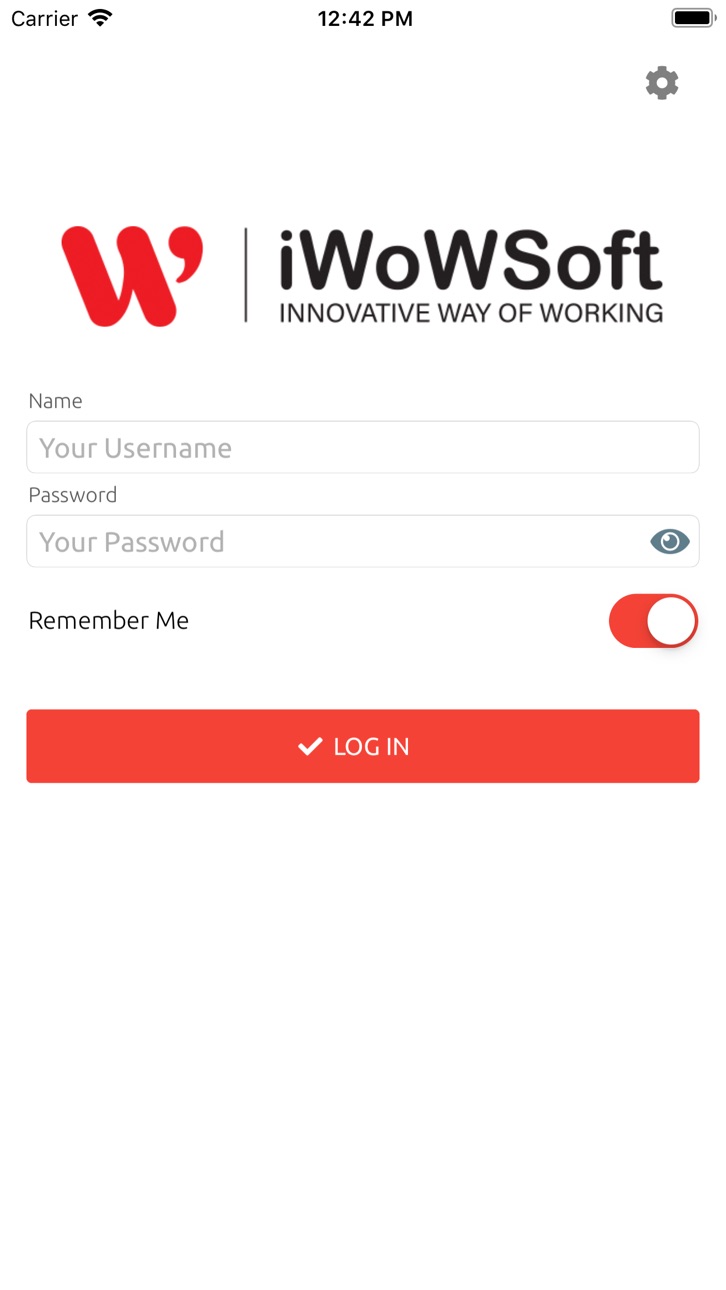
iPhone 4 images


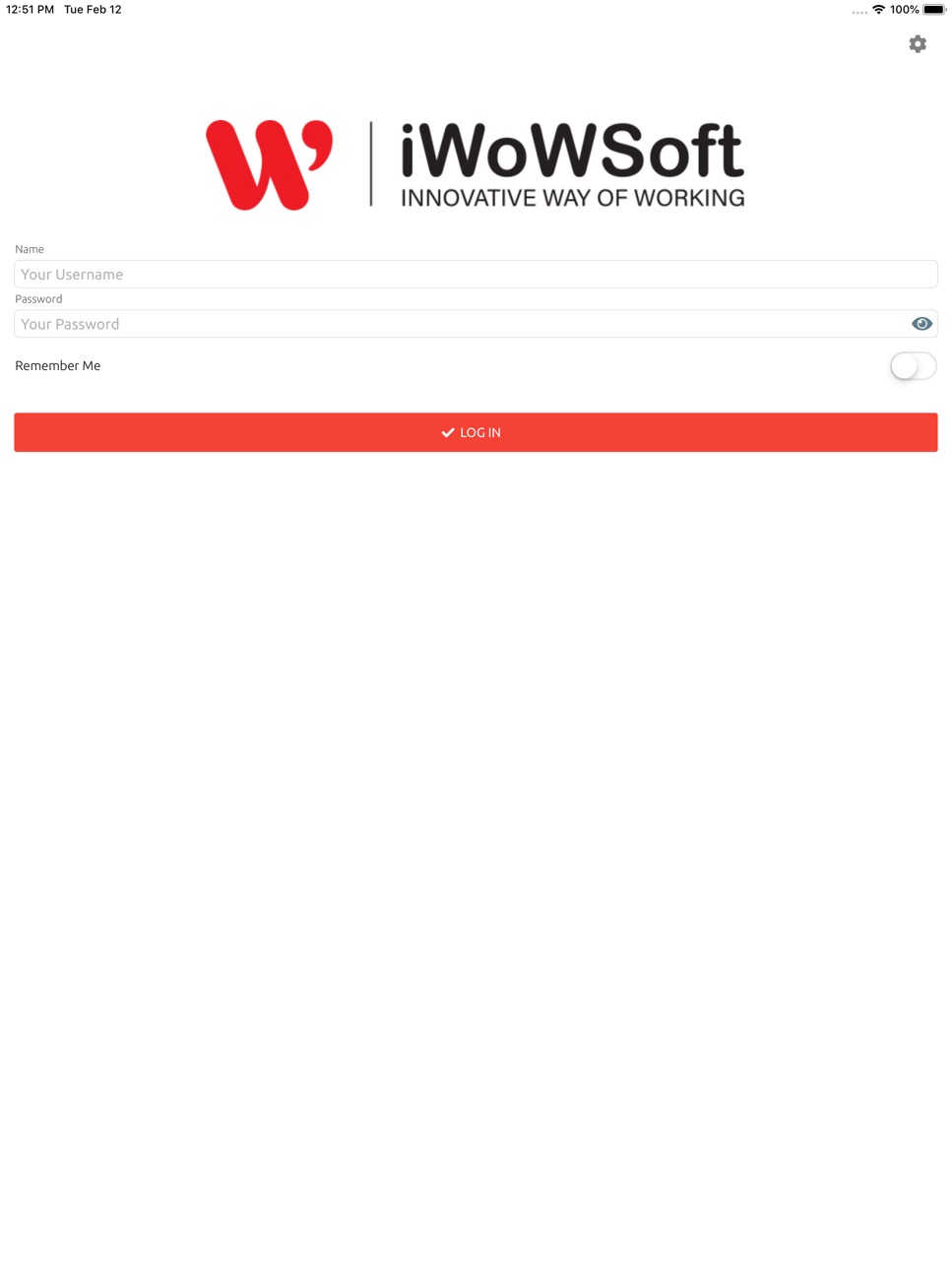
iPad 4 images


What’s New Version 2.4.5
#36642 Bug fix to prevent iWoW Clock app from crashing when location access is disabled
Description
iWoWSoft’s iWoW Clock has been developed to make clocking easy!
Why iWoW Clock?:
• Enables clocking with GPS location locked.
• Set multiple locations to select from.
• Keep track of clocking history on the GO!
• Easy deployment!
• Immediate notification to Superior or HR if employee clocks out of range.
• Zero investment on clocking hardware.
Accessibility
ipadiphonemacrealityDevicetvoswatch
Version history 25 versions
Build 884618143v2.4.52026-04-17 22:13:07
#36642 Bug fix to prevent iWoW Clock app from crashing when location access is disabled
Build 884090150v2.4.42026-04-03 20:39:03
- Fixed an issue where some users experienced the app not loading properly after launch
- Enhanced compatibility with newer iOS versions
Build 883963259v2.4.32026-03-31 17:48:25
This update includes stability enhancements to ensure a smoother experience.
Build 883418447v2.4.22026-03-16 21:39:56
#36310 - Remove irrelevant messages to user after successful clocking.
Build 880578970v2.4.12025-12-12 21:07:04
Improved clocking experience with bug fix
Build 879827802v2.4.02025-11-18 23:04:27
Improved login experience.
Improved clocking experience.
Build 874406921v2.3.72025-04-30 11:57:14
Resolved an issue where the app would hang or become unresponsive on certain iPhone devices due to a display compatibility bug.
Build 873894874v2.3.62025-04-09 21:03:22
Invalid Login Loading Icon Issue: Resolved an issue where the application would continuously display the loading icon upon invalid login attempts. Users will now receive immediate feedback when login credentials are incorrect.
Change Password Crash: Fixed a bug that caused the app to crash when attempting to reset the password. The reset password feature now functions smoothly without interruption.
Build 873609203v2.3.52025-03-28 22:25:29
Fixes & Improvements:
1. Resolved issue where the app did not properly load the login page after logout and reopening.
2. Enhanced handling of location permission to ensure proper functionality.
Build 873574614v2.3.42025-03-27 14:46:36
Fixed an issue where the API calls or system functions failed due to missing URL and the invalid login access.
Build 873535221v2.3.32025-03-26 08:56:32
Enhance map rendering with a delay to prevent UI freezing.
Build 873301289v2.3.22025-03-17 21:24:57
Enhanced Map Loading: The mobile clock now checks Wi-Fi connectivity and GPS signal strength before displaying the map, preventing it from freezing.
Build 873230934v2.3.12025-03-14 08:18:11
Upgrade to .Net 9 framework and update the packages.
Build 870068624v2.3.02024-10-30 10:48:17
Inject additional logs for troubleshooting
Build 869918638v2.2.92024-10-23 15:13:43
Fix on callback end without the remark being enabled in the setting.
Build 869584581v2.2.82024-10-14 00:00:33
Migrate to Maui.
Build 863021042v2.2.72024-01-19 05:18:51
Fix on the URL setting display.
Build 858367947v2.2.62023-07-11 00:37:04
#28554 Update with new iOS distribution certificate
Build 855020979v2.2.52023-02-20 02:09:20
Release with minor fixes on the Google SDK
Build 846671541v2.2.42023-02-15 04:59:34
New update of Google Map SDK
Build 843020157v2.2.32021-07-13 00:44:56
1. Improvement of user experience
Build 842143437v2.2.12021-05-10 11:14:58
1. Fixes on clocking validation error.
Build 841318531v2.2.02021-04-19 09:16:23
1. Improvement of user experience - Offline Clocking will be supported.
2. Fixes on date and time issue in Thai Phone Language.
Build 840790267v2.1.12021-03-08 14:47:28
1. Improvement of user experience
Build 840227649v2.1.02021-02-01 16:03:21
Improvement of user experience
No pricing data captured yet — comparisons appear once the app has paid storefronts or in-app purchases.
Availability 1 of 61 storefronts
| Region | Language | Price | Ratings | Avg | Version |
|---|---|---|---|---|---|
| US | en-US | Free | 0 | — | 2.4.5 |
Not available in: AG, AI, AO, AR, BB, BF, BJ, BO, BR, BS, BW, BZ, CD, CG, CI, CL, CM, CO, CV, DM, EC, GA, GD, GH, GM, GY, KE, KN, KY, LC, LR, ML, MS, MU, MW, MX, MZ, NA, NE, NG, PE, PY, RW, SC, SL, SN, SR, ST, SZ, TC, TD, TT, TZ, UG, UY, VC, VE, VG, ZM, ZW
Change log 28 changes · US
✎
releaseNotes updated
#36642 Bug fix to prevent iWoW Clock app from crashing when location access is disabled
✎
description updated
iWoWSoft’s iWoW Clock has been developed to make clocking easy!
Why iWoW Clock?:
• Enables clocking with GPS location locked.
• Set multiple locations to sel
✎
name updated
iWoW Clock
◆
Version 2.4.5 released
#36642 Bug fix to prevent iWoW Clock app from crashing when location access is disabled
◆
Version 2.4.4 released
- Fixed an issue where some users experienced the app not loading properly after launch
- Enhanced compatibility with newer iOS versions
◆
Version 2.4.3 released
This update includes stability enhancements to ensure a smoother experience.
◆
Version 2.4.2 released
#36310 - Remove irrelevant messages to user after successful clocking.
◆
Version 2.4.1 released
Improved clocking experience with bug fix
◆
Version 2.4.0 released
Improved login experience.
Improved clocking experience.
◆
Version 2.3.7 released
Resolved an issue where the app would hang or become unresponsive on certain iPhone devices due to a display compatibility bug.
◆
Version 2.3.6 released
Invalid Login Loading Icon Issue: Resolved an issue where the application would continuously display the loading icon upon invalid login attempts. Users will now receive immediate feedback when login credentials are incorrect.
Change Passw
◆
Version 2.3.5 released
Fixes & Improvements:
1. Resolved issue where the app did not properly load the login page after logout and reopening.
2. Enhanced handling of location permission to ensure proper functionality.
◆
Version 2.3.4 released
Fixed an issue where the API calls or system functions failed due to missing URL and the invalid login access.
◆
Version 2.3.3 released
Enhance map rendering with a delay to prevent UI freezing.
◆
Version 2.3.2 released
Enhanced Map Loading: The mobile clock now checks Wi-Fi connectivity and GPS signal strength before displaying the map, preventing it from freezing.
◆
Version 2.3.1 released
Upgrade to .Net 9 framework and update the packages.
◆
Version 2.3.0 released
Inject additional logs for troubleshooting
◆
Version 2.2.9 released
Fix on callback end without the remark being enabled in the setting.
◆
Version 2.2.8 released
Migrate to Maui.
◆
Version 2.2.7 released
Fix on the URL setting display.
◆
Version 2.2.6 released
#28554 Update with new iOS distribution certificate
◆
Version 2.2.5 released
Release with minor fixes on the Google SDK
◆
Version 2.2.4 released
New update of Google Map SDK
◆
Version 2.2.3 released
1. Improvement of user experience
◆
Version 2.2.1 released
1. Fixes on clocking validation error.
◆
Version 2.2.0 released
1. Improvement of user experience - Offline Clocking will be supported.
2. Fixes on date and time issue in Thai Phone Language.
◆
Version 2.1.1 released
1. Improvement of user experience
◆
Version 2.1.0 released
Improvement of user experience