Home › Entertainment

 US
US
1 of 1 storefronts
Content in en-US
Content in en-US
Information
Preview 2 platforms
iPhone 3 images


iPad 2 images


What’s New Version 2026.5
• Fixed issue with resuming some videos from the background
• Performance improvements
Description
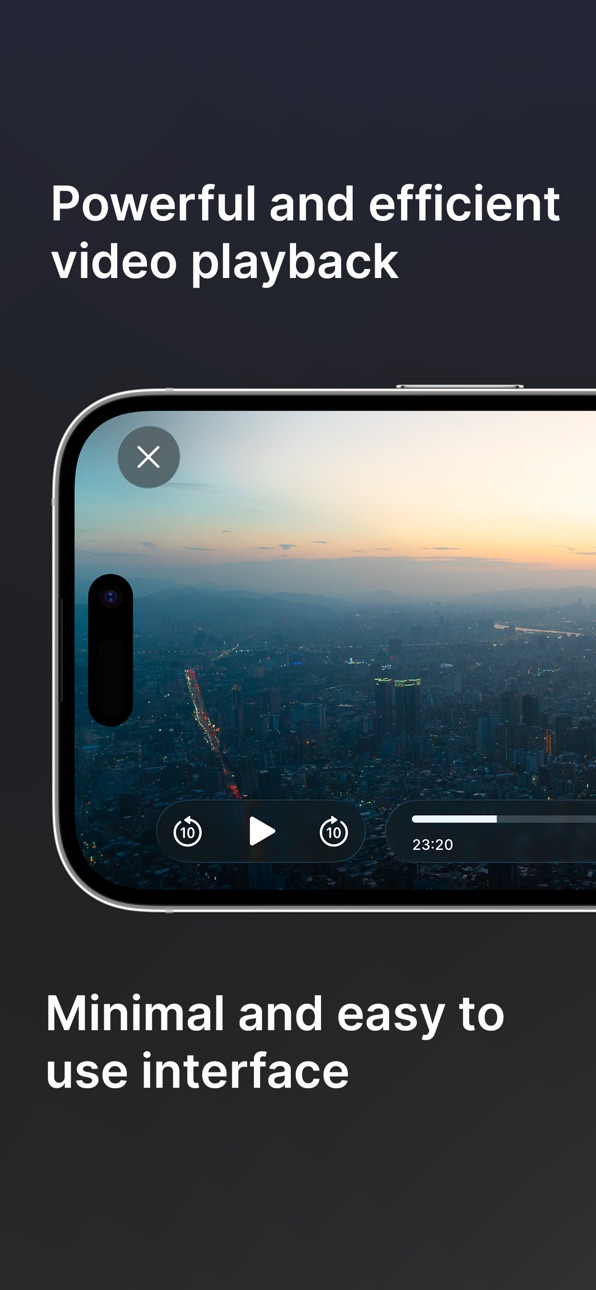
A video player for iOS built around speed, simplicity, and getting out of your way. Outplayer is carefully designed to feel seamless, so you can just focus on what you’re watching. And it's backed by strong, reliable performance to play anything well.
• 4K HDR playback with instant, real-time seeking
• Spatial audio with head tracking and immersive surround sound
• Picture in Picture, seamless for all videos
• Fluid gestures and responsive controls
• Customizable subtitle styling and dual language support
• Quick and easy navigation for chapters and playlists
• Integration with Files app to support SMB and external hard drives
• Play any video format, worry-free (including MKV, MP4, and more)
For free users, Outplayer has no playback restrictions and no ads. A one-time purchase, Outplayer Advanced, is available for a range of additional configuration options.
In-App Purchases US pricing
One-Time Purchases
Outplayer Advanced$7.99
Capabilities
In-App Purchases
Accessibility
ipadiphonemacrealityDevicetvoswatch
Version history 25 versions
Build 886408270v2026.52026-06-04 23:50:35
• Fixed issue with resuming some videos from the background
• Performance improvements
Build 884874620v2026.42026-05-02 14:21:52
• Bug fixes and polish
Build 883312077v2026.32026-03-20 13:40:32
• Added Spatial Audio support
• Added options for subtitle background and shadow
• Added volume boost option
• Improved track list design
• Added separate button for playing URLs
• Fixed an issue where video controls hide while buffering
• Fixed an issue where progress scrubber may get stuck
• Other design improvements and bug fixes
Build 882673087v2026.12026-02-27 02:13:38
• Bug fixes
• Design improvements
Build 882848266v2026.22026-02-27 06:08:52
• Fixed an issue where Wi-Fi transfer is unavailable
Build 879571003v2025.162025-11-08 14:45:54
• Design improvements for grid view in library
• Thumbnails now use embedded cover images if they exist in video files
• Added position and delay options for secondary subtitles when using dual subtitles
• Fixed visual bugs on iOS 26.1
Build 879038672v2025.152025-10-21 22:51:11
• Design improvements for iOS 26
• Added shuffle playback option
• Fixed other minor bugs
Build 878841962v2025.142025-10-13 22:29:08
• Design has been refreshed for iOS 26
Build 878738178v2025.132025-10-08 01:15:09
• Fixed some performance issues
Build 878281971v2025.122025-09-20 05:15:14
• Fixed animation issue when using auto-rotate with orientation lock
Build 878095248v2025.112025-09-17 13:52:31
• Improved performance and energy efficiency when using Picture in Picture, HDR, or external displays
• Added new center tap gesture to toggle play/pause
Build 877708339v2025.102025-09-07 08:44:14
• Fixed an issue where saved progress may be incorrect if video is stopped from Picture in Picture
• Fixed progress bar being inaccurate in Picture in Picture when playback speed is adjusted
• Fixed a performance issue when searching with nested folders
• Fixed long press context menu being unavailable when searching
• Fixed orientation of thumbnails and screenshots for some videos with rotation metadata
• Fixed controls hiding when using an external display
• Raised limit for subtitle delay
• Improved lossless compression for screenshots
Build 876624219v2025.92025-07-24 12:52:57
• Fixed a performance issue when browsing library in list view
• Fixed a possible UI issue when hiding video controls
Build 875797294v2025.82025-06-23 23:22:16
• Fixed some performance issues when browsing the library
• Fixed other various bugs
Build 875594242v2025.72025-06-18 01:59:39
• Added "Auto-Rotate" setting which replaces "Prefer Landscape" on iPhone, and now handles both portrait and landscape video
• Fixed an issue where a selected subtitle may not be remembered the next time a video is played
• Various menu and UI improvements
Build 875396254v2025.62025-06-08 17:47:22
• Fixed an issue where pinch to toggle full screen may behave incorrectly
• Fixed some subtitle appearance preferences not being applied when starting a video
• Fixed an issue with loading external subtitles
Build 875370962v2025.52025-06-06 15:17:16
• Fixed an issue where the library may incorrectly display as empty
• Fixed imported subtitle tracks sometimes not displaying in the track list
Build 875158644v2025.42025-06-03 23:13:18
• Fixed bugs related to sorting and browsing folders, and improved performance
• Added “When Finished” setting which replaces “Continuous Playback” and “File Loop”
• Added new option in language settings to prefer disabling audio or subtitles
• Added support for subtitle parameter in x-callback-url
Build 872671964v2025.32025-02-21 03:28:26
• Fixed some possible crashes
Build 871589308v2025.22025-01-08 13:30:51
• Some bug fixes for the previous update
Build 871549300v2025.12025-01-07 12:14:27
• Some bug fixes for the previous update
Build 871278109v2024.112024-12-26 15:00:24
• Added new gesture control for double-tap to skip forward or backward
• AV1 hardware decoding is now enabled on supported devices for more efficient playback
• Added new sorting options to the library
• Changed default skip interval to 10
• Fixed some other minor bugs
Build 869988829v2024.102024-10-28 15:01:07
• Some bug fixes for the previous update
Build 869877751v2024.92024-10-22 16:01:11
• Some bug fixes for the previous update
Build 869832070v2024.82024-10-21 15:14:55
• x-callback-url is now supported in the URL scheme
• Fixed an issue where playing a URL may sometimes not resume where you left off
• Opening a video through the URL scheme will now replace the playing video
• Added support for gestures to quickly select multiple items in the library
Price history by region
Currency
Show
Columns
Search
Availability 1 of 1 storefronts
| Region | Language | Price | Ratings | Avg | Version |
|---|---|---|---|---|---|
| US | en-US | Free | 483 | 4.6 | 2026.5 |
Change log 29 changes · US
✎
releaseNotes updated
• Fixed issue with resuming some videos from the background
• Performance improvements
✎
description updated
A video player for iOS built around speed, simplicity, and getting out of your way. Outplayer is carefully designed to feel seamless, so you can just focus on w
✎
subtitle updated
Simple, powerful video player
✎
name updated
Outplayer
◆
Version 2026.5 released
• Fixed issue with resuming some videos from the background
• Performance improvements
◆
Version 2026.4 released
• Bug fixes and polish
◆
Version 2026.3 released
• Added Spatial Audio support
• Added options for subtitle background and shadow
• Added volume boost option
• Improved track list design
• Added separate button for playing URLs
• Fixed an issue where video controls hide while buffering
•
◆
Version 2026.2 released
• Fixed an issue where Wi-Fi transfer is unavailable
◆
Version 2026.1 released
• Bug fixes
• Design improvements
◆
Version 2025.16 released
• Design improvements for grid view in library
• Thumbnails now use embedded cover images if they exist in video files
• Added position and delay options for secondary subtitles when using dual subtitles
• Fixed visual bugs on iOS 26.1
◆
Version 2025.15 released
• Design improvements for iOS 26
• Added shuffle playback option
• Fixed other minor bugs
◆
Version 2025.14 released
• Design has been refreshed for iOS 26
◆
Version 2025.13 released
• Fixed some performance issues
◆
Version 2025.12 released
• Fixed animation issue when using auto-rotate with orientation lock
◆
Version 2025.11 released
• Improved performance and energy efficiency when using Picture in Picture, HDR, or external displays
• Added new center tap gesture to toggle play/pause
◆
Version 2025.10 released
• Fixed an issue where saved progress may be incorrect if video is stopped from Picture in Picture
• Fixed progress bar being inaccurate in Picture in Picture when playback speed is adjusted
• Fixed a performance issue when searching with n
◆
Version 2025.9 released
• Fixed a performance issue when browsing library in list view
• Fixed a possible UI issue when hiding video controls
◆
Version 2025.8 released
• Fixed some performance issues when browsing the library
• Fixed other various bugs
◆
Version 2025.7 released
• Added "Auto-Rotate" setting which replaces "Prefer Landscape" on iPhone, and now handles both portrait and landscape video
• Fixed an issue where a selected subtitle may not be remembered the next time a video is played
• Various menu and
◆
Version 2025.6 released
• Fixed an issue where pinch to toggle full screen may behave incorrectly
• Fixed some subtitle appearance preferences not being applied when starting a video
• Fixed an issue with loading external subtitles
◆
Version 2025.5 released
• Fixed an issue where the library may incorrectly display as empty
• Fixed imported subtitle tracks sometimes not displaying in the track list
◆
Version 2025.4 released
• Fixed bugs related to sorting and browsing folders, and improved performance
• Added “When Finished” setting which replaces “Continuous Playback” and “File Loop”
• Added new option in language settings to prefer disabling audio or subtitl
◆
Version 2025.3 released
• Fixed some possible crashes
◆
Version 2025.2 released
• Some bug fixes for the previous update
◆
Version 2025.1 released
• Some bug fixes for the previous update
◆
Version 2024.11 released
• Added new gesture control for double-tap to skip forward or backward
• AV1 hardware decoding is now enabled on supported devices for more efficient playback
• Added new sorting options to the library
• Changed default skip interval to 10
◆
Version 2024.10 released
• Some bug fixes for the previous update
◆
Version 2024.9 released
• Some bug fixes for the previous update
◆
Version 2024.8 released
• x-callback-url is now supported in the URL scheme
• Fixed an issue where playing a URL may sometimes not resume where you left off
• Opening a video through the URL scheme will now replace the playing video
• Added support for gestures to