Home › Utilities

 US
US
1 of 1 storefronts
Content in en-US
Content in en-US
Information
Preview 2 platforms
iPhone 6 images



iPad 6 images




What’s New Version 1.1.11
Support for iOS 13.
Description
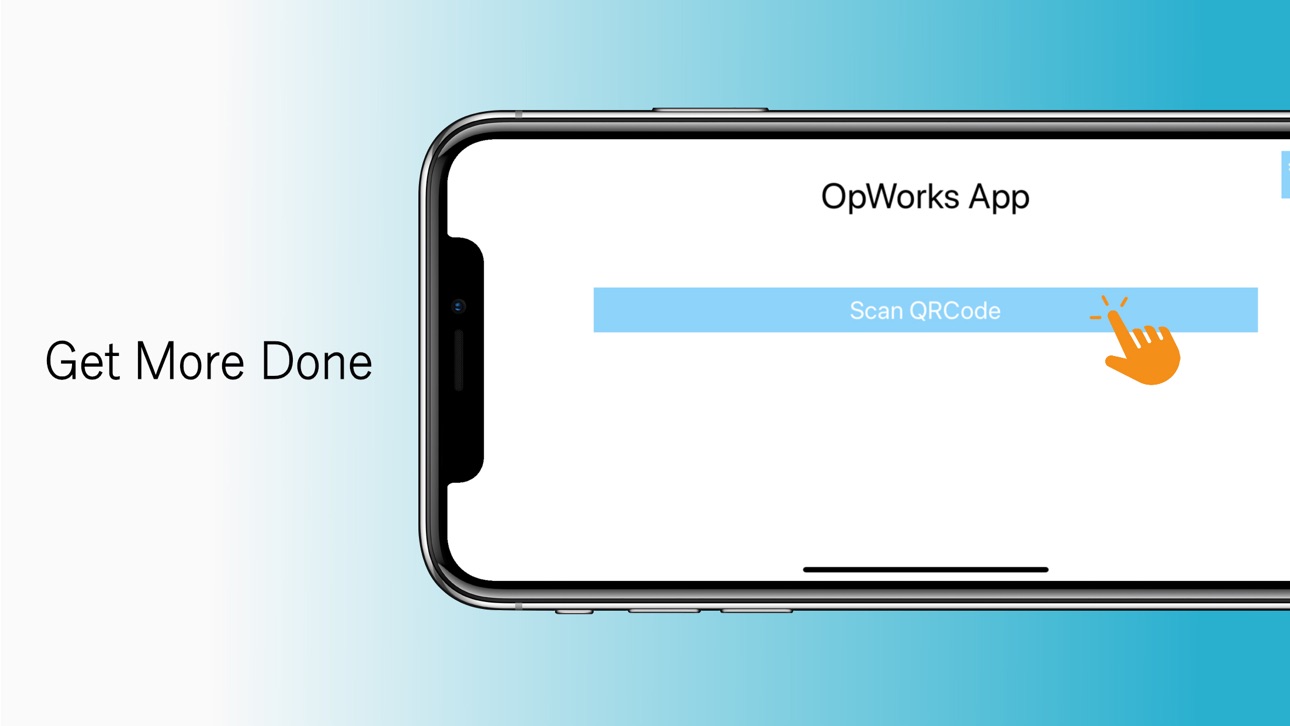
The OpWorks App enables organizations to scan QR codes located throughout their facilities to gain instant access to information and reduce workflow.
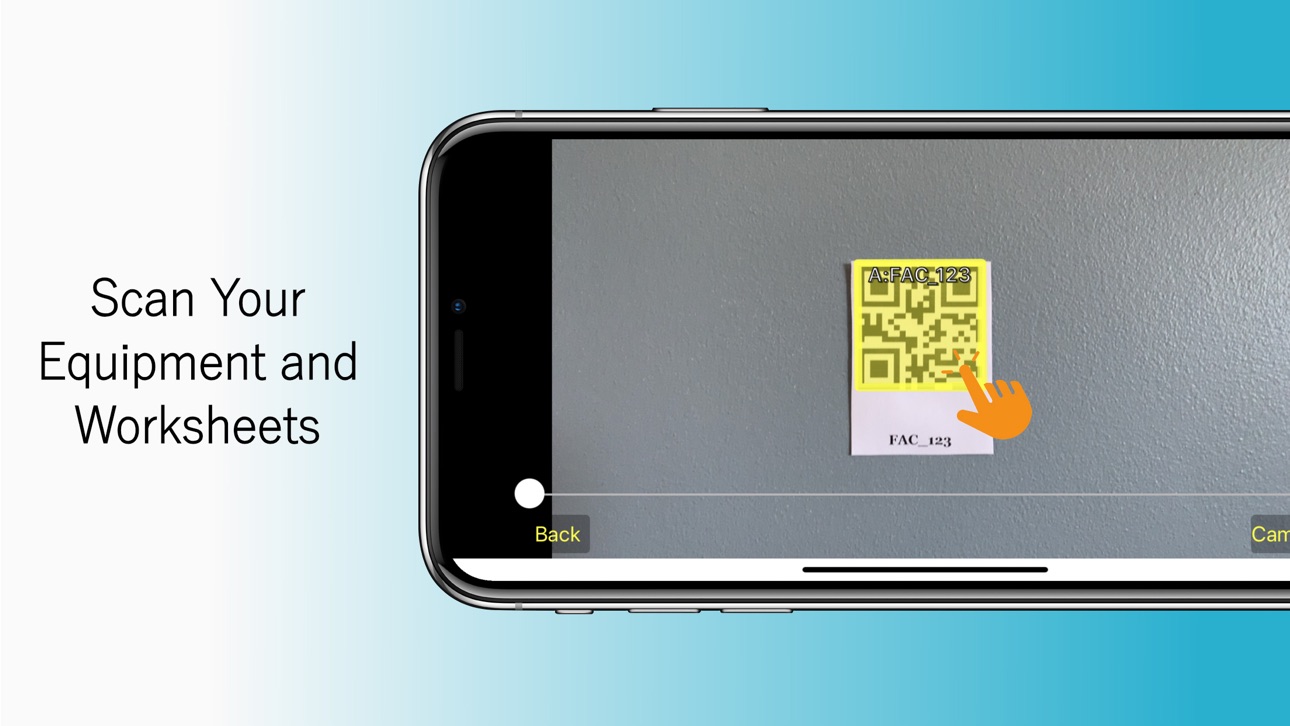
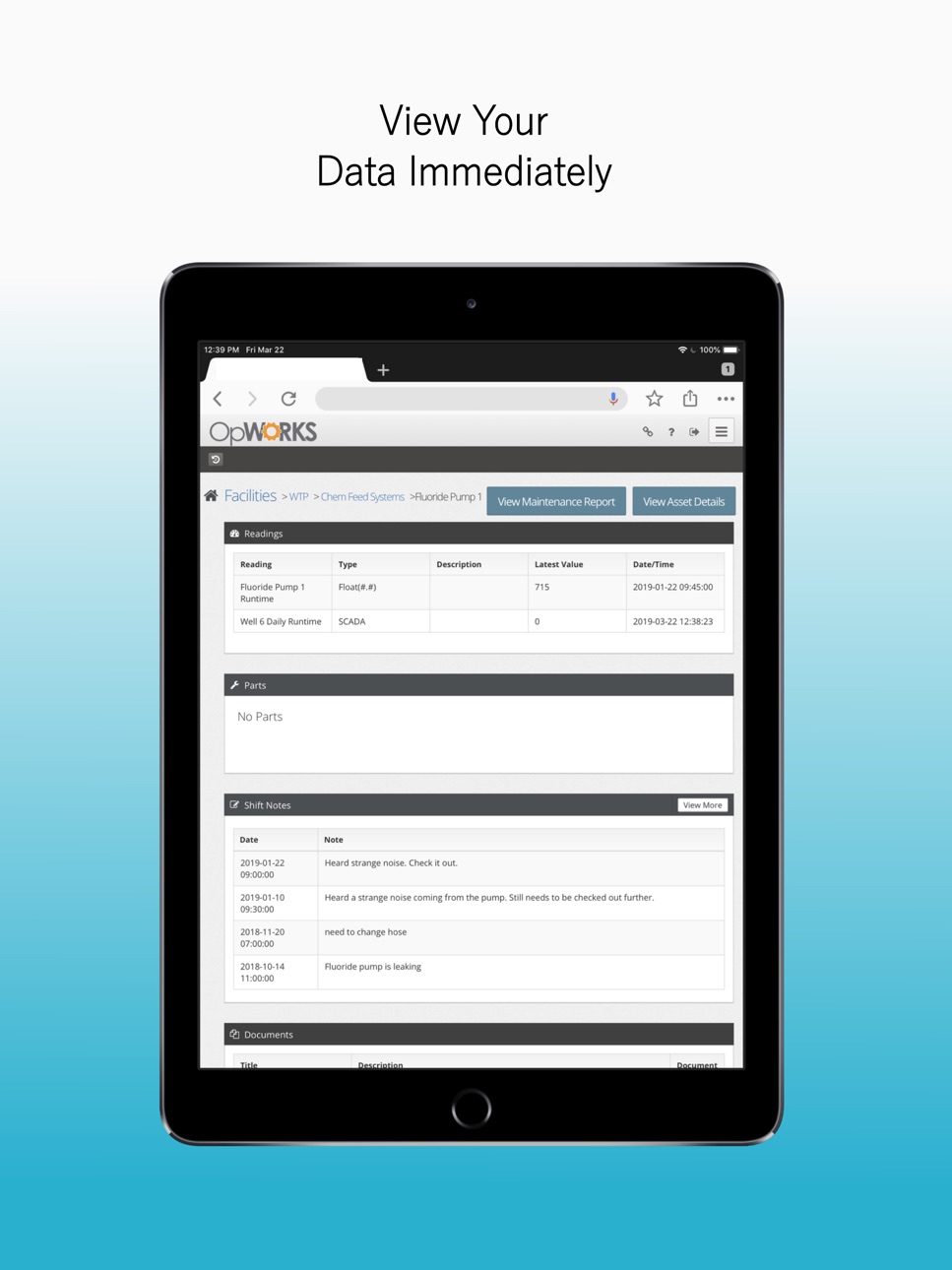
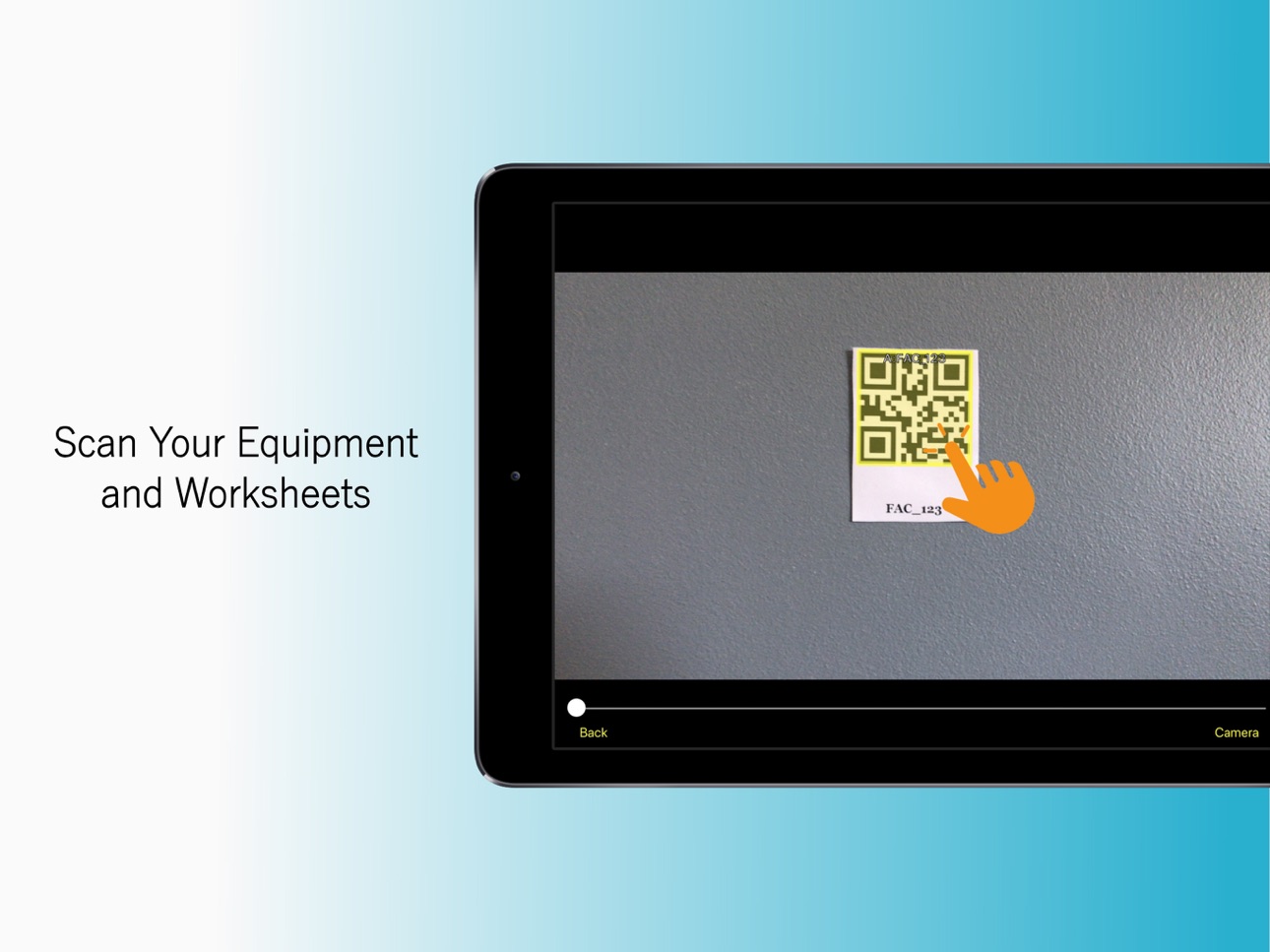
Scan an asset's QR code and you are seamlessly redirected to that asset within the web application. Acquire instant access to asset information, work history, readings, and documentation.
Scan QR codes when performing rounds or sampling and you will be instantly redirected to that data entry sheet.
Requires existing web application account. QR codes can be created within the web application. Contact OpWorks for more information.
Accessibility
ipadiphonemacrealityDevicetvoswatch
Version history 2 versions
Build 835657771v1.1.112020-04-24 13:46:23
Support for iOS 13.
Build 829682140v1.1.102019-11-22 20:28:03
No pricing data captured yet — comparisons appear once the app has paid storefronts or in-app purchases.
Availability 1 of 1 storefronts
| Region | Language | Price | Ratings | Avg | Version |
|---|---|---|---|---|---|
| US | en-US | Free | 3 | 5.0 | 1.1.11 |
Change log 6 changes · US
✎
releaseNotes updated
Support for iOS 13.
✎
description updated
The OpWorks App enables organizations to scan QR codes located throughout their facilities to gain instant access to information and reduce workflow.
Scan an a
✎
subtitle updated
OpWorks Mobile App
✎
name updated
OpWorks
◆
Version 1.1.11 released
Support for iOS 13.
◆
Version 1.1.10 released