Home › Utilities

 US
US
1 of 1 storefronts
Content in en-US
Content in en-US
Information
Preview 2 platforms
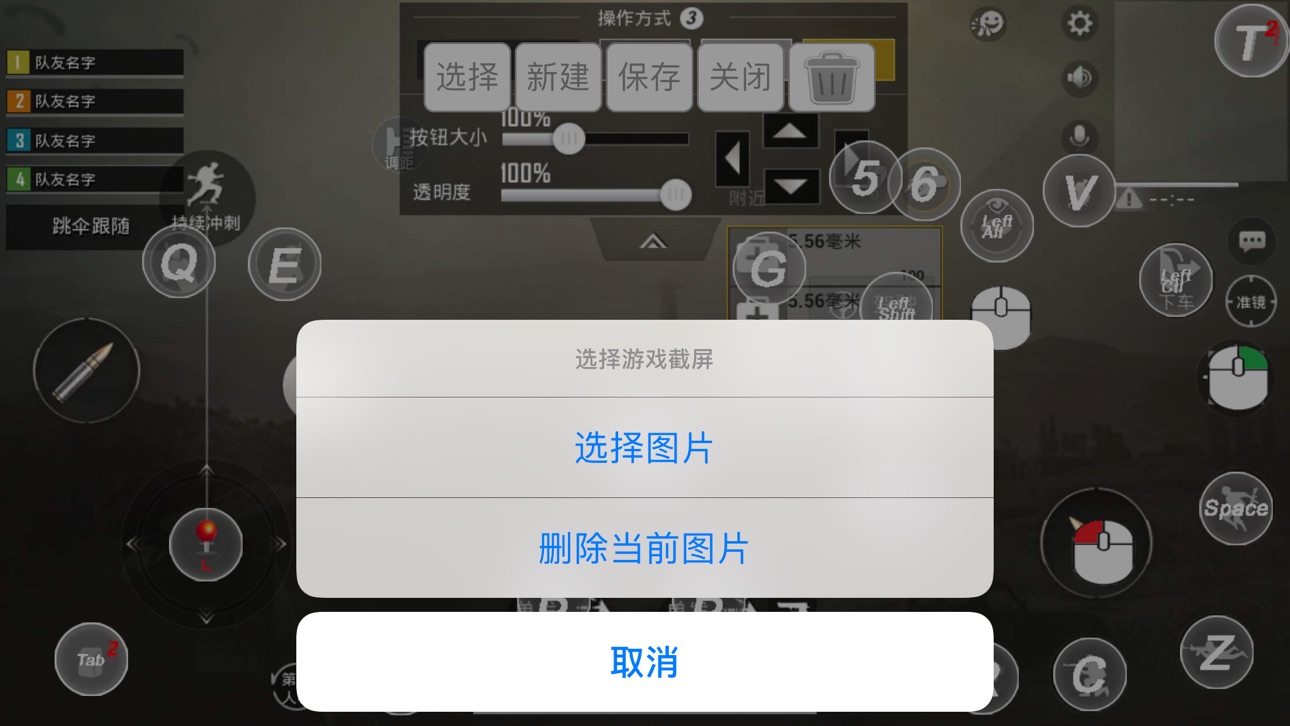
iPhone 6 images




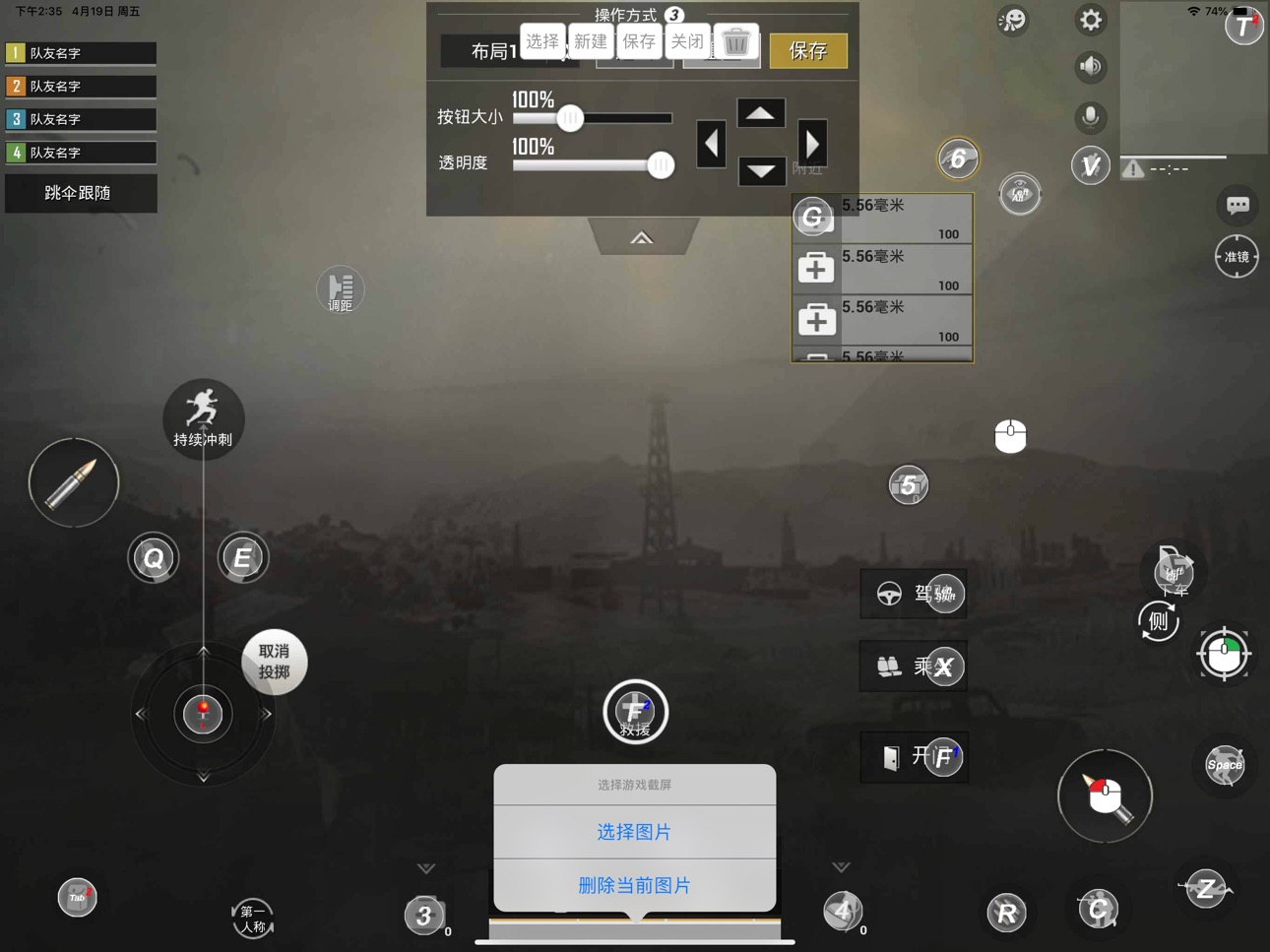
iPad 6 images




What’s New Version 3.1.389
1. Optimized user experience.
Description
ShootingPlus V3 gamepad, Keyboard & Mouse converter Bluetooth tool.
Make sure the Bluetooth device is in iOS mode before connecting Bluetooth.
Bluetooth connection method:
Keyboard & Mouse converter: Generally, first you should cancel paired the Bluetooth, then disconnect the power, then connect the power, and then press the left Ctrl + 2 (the 2 on the W button) to switch to the iOS mode, then connect to Bluetooth, and then open the App.
Gamepad: For Most of Gamepads, first you should cancel paired the Bluetooth. Then turn off the Gamepad, then long press and hold the Y + Home button to turn on the Gamepad to switch to iOS mode, connect to Bluetooth, and then open the App. (Specific Gamepad may have other switching methods)
If you have any questions, please contact us at: shootingplus@shootingplus.com.cn
Accessibility
ipadiphonemacrealityDevicetvoswatch
Version history 25 versions
Build 886424077v3.1.3892026-06-03 15:03:33
1. Optimized user experience.
Build 885513620v3.1.3872026-05-13 05:00:28
1. Optimized user experience.
Build 885069277v3.1.3852026-05-01 19:57:44
1. Optimized user experience.
Build 884716167v3.1.3832026-04-24 02:02:47
1. Optimized user experience.
Build 883607436v3.1.3802026-03-22 15:05:39
1. The peripheral supports multi touch on iOS 13.4 and above systems, with a maximum of 4 simultaneous touches (requiring firmware support within the device).
Build 876636640v3.1.3762025-07-25 13:05:22
1. Optimized firmware upgrade.
Build 870071137v3.1.3752024-10-31 15:01:54
1. Optimized user experience.
Build 862258736v3.1.3722023-12-18 13:02:07
1. Optimized user experience.
Build 861637305v3.1.3712023-11-23 02:00:34
1. Optimized OTA firmware upgrade.
Build 858870885v3.1.3692023-08-02 15:00:47
1. Optimized OTA firmware upgrade.
Build 855383869v3.1.3682023-03-08 07:00:36
1. Optimized OTA firmware upgrade.
Build 853407393v3.1.3672022-11-18 15:00:46
1. Optimized user experience.
Build 851447539v3.1.3662022-08-10 15:02:58
1. Optimized user experience.
Build 851198684v3.1.3652022-07-30 12:06:58
1. Optimized user experience.
Build 850625548v3.1.3632022-07-07 14:00:33
1. Optimize user experience.
Build 848238721v3.1.3612022-04-10 16:13:54
1. The perspective of joystick of the gamepad is added to bind the slow mode to fine-tune the aiming (requires the support of the firmware in the gamepad);
2. Optimized user experience.
Build 847707532v3.1.3572022-03-16 01:16:24
1. Optimized user experience.
Build 847550318v3.1.3562022-03-07 23:18:16
1. Optimized user experience.
Build 847301851v3.1.3532022-02-22 16:29:30
1. Optimized user experience.
Build 846481839v3.1.3502022-01-12 05:57:33
1. Some gamepads support button vibration (requires the support of the firmware in the gamepad);
2. The fire button supports the TURBO function (requires the support of the firmware in the gamepad).
Build 845739413v3.1.3372021-12-06 11:00:03
1. Some controllers support a button multiple sets of macros (requires the support of the firmware in the controllers);
2. Support the controllers of BM-734 and BM-770 chips and their firmware upgrades.
Build 845447239v3.1.3322021-11-21 15:50:03
1. Fixed bugs and optimized user experience.
Build 845320318v3.1.3272021-11-15 14:00:04
1. Optimize user experience.
Build 845086434v3.1.3192021-11-03 08:30:54
1. Gamepad is adapted to the iOS 15 system (the firmware support of the Gamepad is required);
2. Fixed bugs.
Build 844881296v3.1.3162021-10-24 03:39:34
1. Fix the issue of firmware upgrade of some controllers.
No pricing data captured yet — comparisons appear once the app has paid storefronts or in-app purchases.
Availability 1 of 1 storefronts
| Region | Language | Price | Ratings | Avg | Version |
|---|---|---|---|---|---|
| US | en-US | Free | 1.1k | 2.2 | 3.1.389 |
Change log 28 changes · US
✎
releaseNotes updated
1. Optimized user experience.
✎
description updated
ShootingPlus V3 gamepad, Keyboard & Mouse converter Bluetooth tool.
Make sure the Bluetooth device is in iOS mode before connecting Bluetooth.
Bluetooth connec
✎
name updated
ShootingPlus V3
◆
Version 3.1.389 released
1. Optimized user experience.
◆
Version 3.1.387 released
1. Optimized user experience.
◆
Version 3.1.385 released
1. Optimized user experience.
◆
Version 3.1.383 released
1. Optimized user experience.
◆
Version 3.1.380 released
1. The peripheral supports multi touch on iOS 13.4 and above systems, with a maximum of 4 simultaneous touches (requiring firmware support within the device).
◆
Version 3.1.376 released
1. Optimized firmware upgrade.
◆
Version 3.1.375 released
1. Optimized user experience.
◆
Version 3.1.372 released
1. Optimized user experience.
◆
Version 3.1.371 released
1. Optimized OTA firmware upgrade.
◆
Version 3.1.369 released
1. Optimized OTA firmware upgrade.
◆
Version 3.1.368 released
1. Optimized OTA firmware upgrade.
◆
Version 3.1.367 released
1. Optimized user experience.
◆
Version 3.1.366 released
1. Optimized user experience.
◆
Version 3.1.365 released
1. Optimized user experience.
◆
Version 3.1.363 released
1. Optimize user experience.
◆
Version 3.1.361 released
1. The perspective of joystick of the gamepad is added to bind the slow mode to fine-tune the aiming (requires the support of the firmware in the gamepad);
2. Optimized user experience.
◆
Version 3.1.357 released
1. Optimized user experience.
◆
Version 3.1.356 released
1. Optimized user experience.
◆
Version 3.1.353 released
1. Optimized user experience.
◆
Version 3.1.350 released
1. Some gamepads support button vibration (requires the support of the firmware in the gamepad);
2. The fire button supports the TURBO function (requires the support of the firmware in the gamepad).
◆
Version 3.1.337 released
1. Some controllers support a button multiple sets of macros (requires the support of the firmware in the controllers);
2. Support the controllers of BM-734 and BM-770 chips and their firmware upgrades.
◆
Version 3.1.332 released
1. Fixed bugs and optimized user experience.
◆
Version 3.1.327 released
1. Optimize user experience.
◆
Version 3.1.319 released
1. Gamepad is adapted to the iOS 15 system (the firmware support of the Gamepad is required);
2. Fixed bugs.
◆
Version 3.1.316 released
1. Fix the issue of firmware upgrade of some controllers.