Home › Lifestyle

 US
US
1 of 1 storefronts
Content in en-US
Content in en-US
Information
Preview 2 platforms
iPhone 10 images




iPad 10 images



What’s New Version 2.30
Various bug fixes and stability improvements to reminders, date handling, viewing floor plans, and improved screen layout on iPad. Added support for sharing to homediary from other apps (share sheet integration). For Home Pros, added support for scanning a property with video to produce a floor plan. Added ability to sign in with Apple ID.
Description
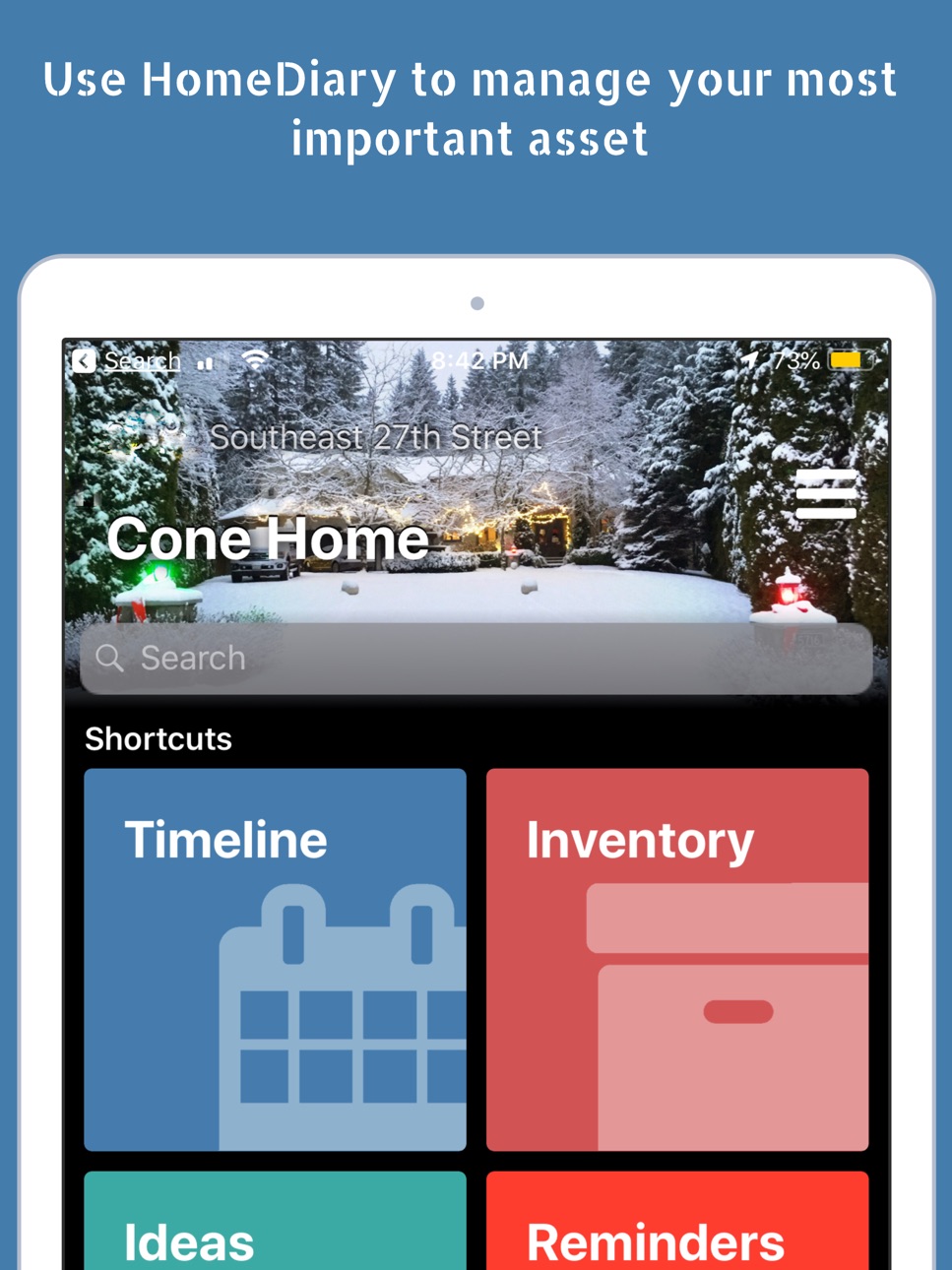
HomeDiary is the most robust and fun way to Dream, Manage and Do more with your home through our free homeowner management platform. Log details about home improvements and maintenance activities and tag them to a space with Timeline. Snap a photo of each room for Inventory purposes to quickly document what’s in your house for insurance purposes. Save an Idea while shopping and tag it to a space. Through our companion web-based experience, use our robust 3D Space planner to draw a floor plan of a room or your whole house quickly and easily. Use it to design, place furniture, paint walls, change flooring or even add or remove walls, then with the push of a button, you can view it in 3D on any device, plus have access to any room’s dimensions where ever you go.
Your Home. Your Data. HomeDiary is private and secure, using 256-bit encryption and everything you do is private by default. You own the data of what’s in your home and you control how it’s shared. As you add more data, you create a digital record of the home and any home specific data (floor plans, appliance details, home repairs, home pros) can be passed to future owners, if applicable.
The app includes these great features:
Quick Input - use the app to document the Who Did What, Where, When and for How much. Snap a photo of a receipt, the paint can color, the furnace filter size or the repair bill for the garage door spring, or whatever... and log it for warranty, insurance or improvement purposes. Attach manuals, instructions or anything you want.
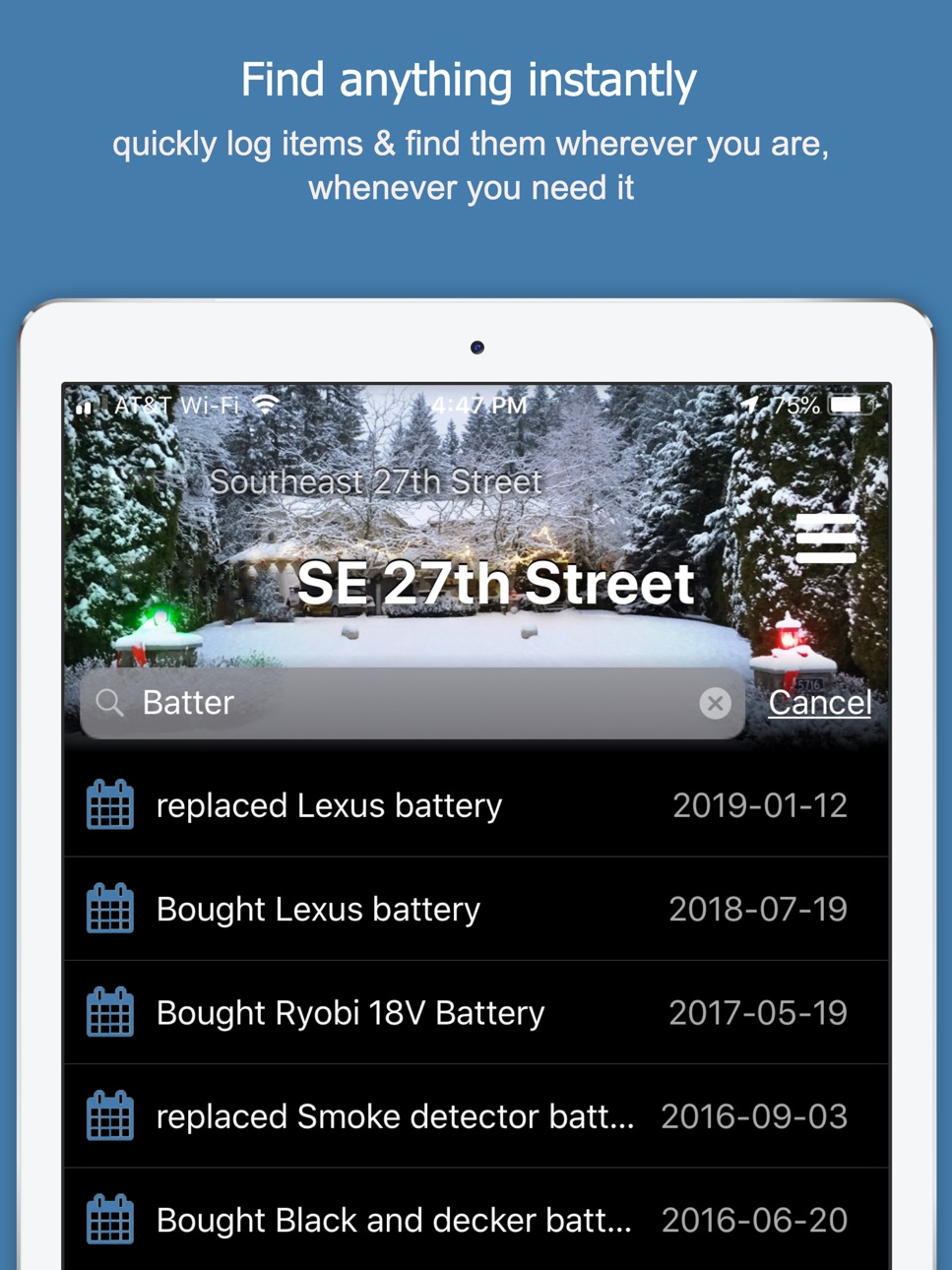
Instant Search - instantly find anything your log with our app-wide search feature.
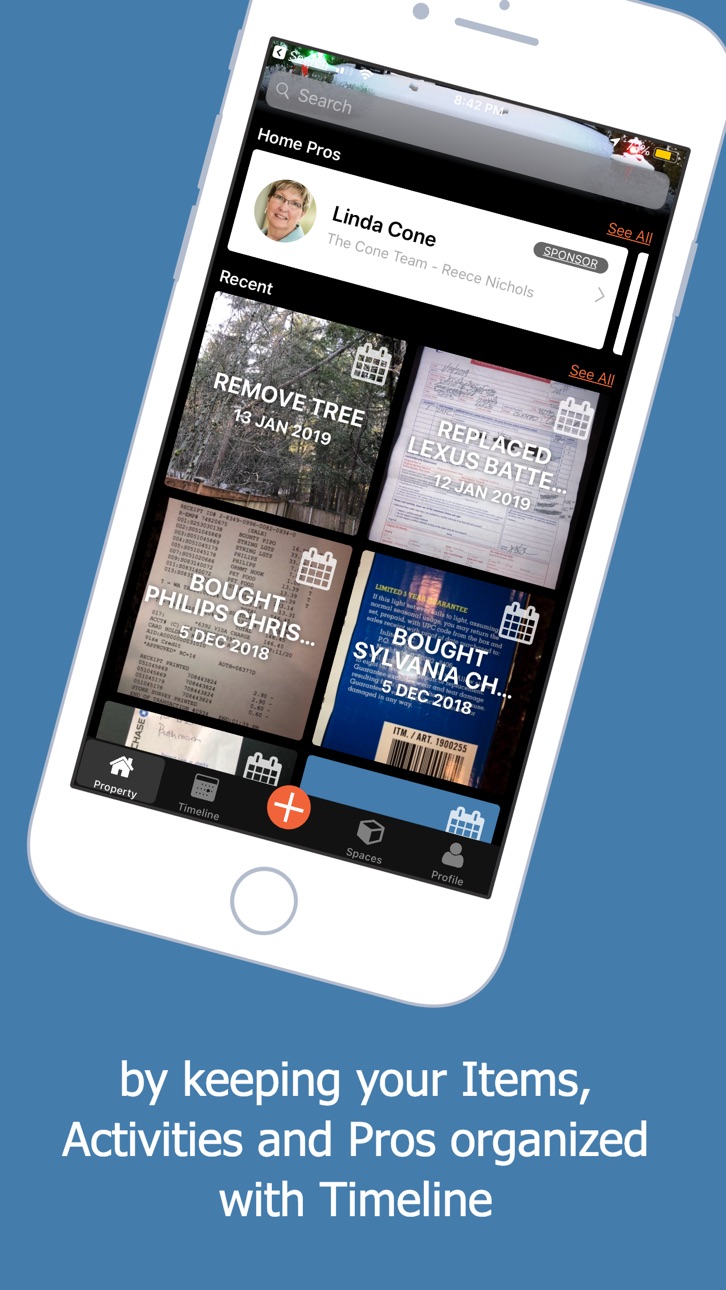
Timeline - The visual log of the things you do, whether it is save an idea, log an inventory item, document a repair or set a reminder. Everything you log is sync’d to a secure database and is accessible via any iOS device, a personal computer, either through the iOS app (iPhone and IPad) or our mobile responsive website experience.
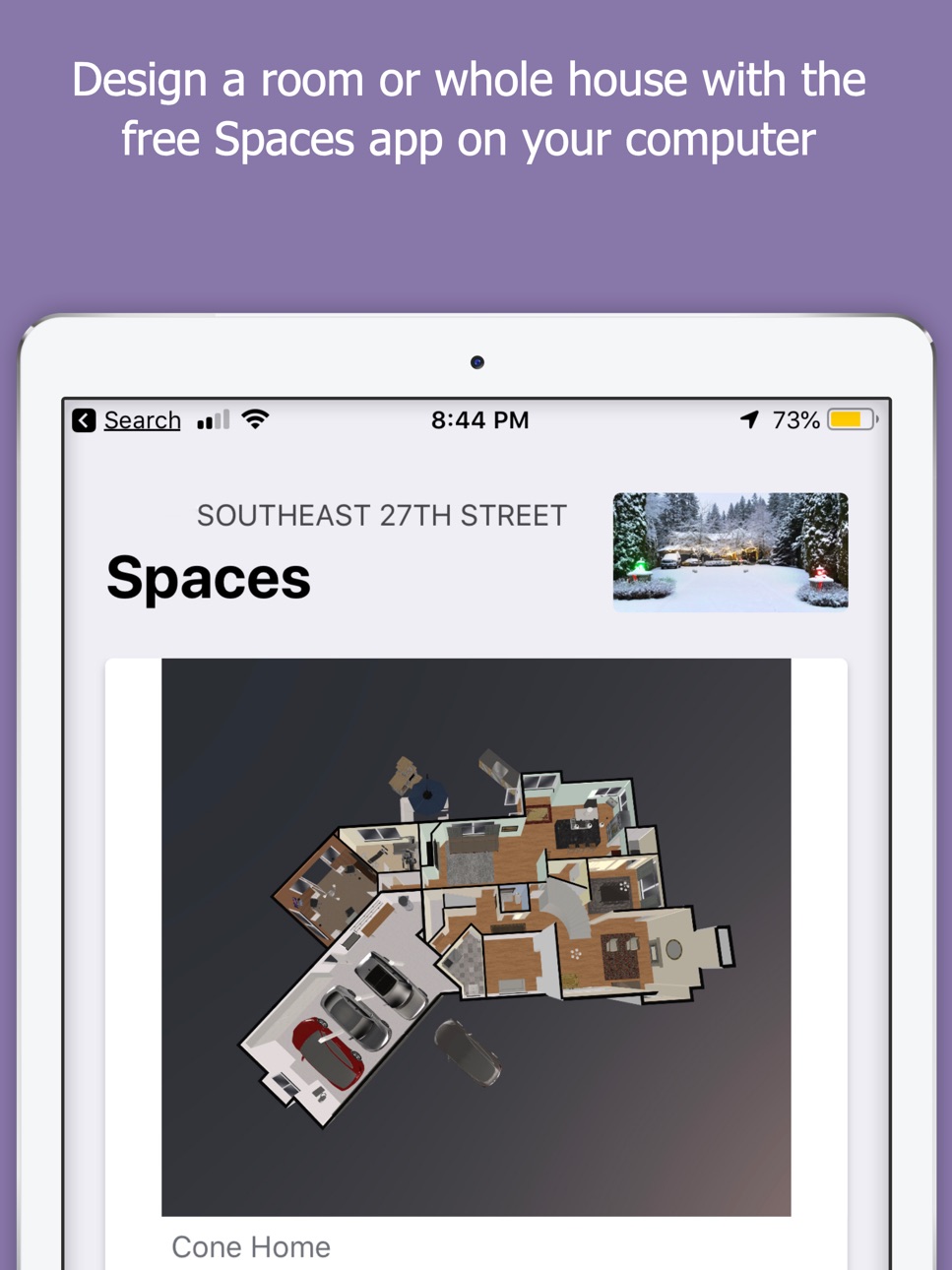
3D Spaces - Use our full-featured 2D/3D space planner to create a floor plan using your computer or iPad and visualize it on your iPhone. The 3D Spaces tool is the ultimate “What If” tool. Ever wonder what an open concept might look like for your home, or how hard wood floors might look in your office. Do virtual remodeling before physical work. It's like the floor plan tool you see on those home improvement shows on TV, but for your home. You can build a floor plan in as little as 5 to 10 minutes, and even trace over a source file (appraiser’s sketch, marketing brochure, architectural plans, etc). .
Inventory - A picture is worth a thousand words. In this case, a picture can save you in case of disaster. About 75% of people have no documentation of what is in their home for insurance purposes, so what happens if there is a wildfire, flood, tornado, or other disaster? Don’t get caught being unprepared for our most valued asset, as the insurance claim process can be a major hassle if you have no documentation. Take 10 minutes to just snap a few photos of each room and you have a baseline of what’s in your home to build a more detailed list in case of disaster.
Ideas - Use our Ideas app to save things to your own Pinterest-like idea board, all tied to a space. Snap a photo of the cool couch, a rug or even homes you see, and save it to a space. On our companion web experience you can even use our web clipper to save images and page links.
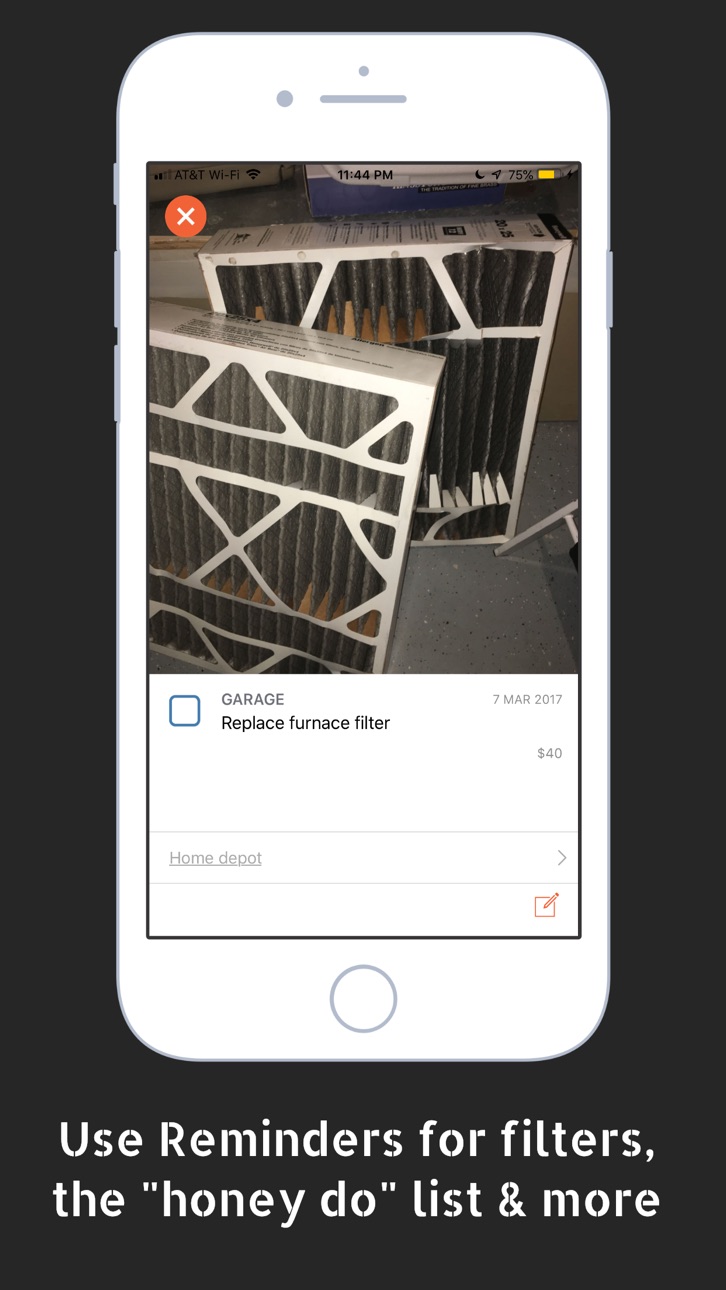
Reminders - Need help remembering to change your furnace filters for optimal operation, replacing your refrigerator’s water filter, or changing the batteries in the smoke detectors? These are just a few of the reminders the app can help you stay on top of for your home.
Companion website experience. We’re not just an app, we are complete cloud service too. So you can quickly add items via your iPhone or iPad and do more detailed space planning using any computer with your same login credentials at www.homediary.com.
Accessibility
ipadiphonemacrealityDevicetvoswatch
Version history 6 versions
Build 854222861v2.302023-01-06 02:59:24
Various bug fixes and stability improvements to reminders, date handling, viewing floor plans, and improved screen layout on iPad. Added support for sharing to homediary from other apps (share sheet integration). For Home Pros, added support for scanning a property with video to produce a floor plan. Added ability to sign in with Apple ID.
Build 846631285v2.262022-01-15 04:47:06
New features in this version:
- share images or docs from an entry via iOS share menu
- share your print floor plan
- share home pro contact cards (vcf address book entry)
- added support for video attachments
- added ability to attach multiple photos at once from your photo library (use case: quickly shoot ~20 photos of your inventory or to dos in normal camera app, then create your entries)
- added ability to scan documents (new entry type from (+) screen -- scan doc and edit (black and white, color, or crop) using iOS built in document scanner
- numerous bug fixes
Build 841337611v2.02021-04-15 07:44:44
- New feature: recurrent reminders
- Added offline sync support so you can view, add, and edit entries while offline.
- Added support for iOS 14.
- Added support for reminder notifications.
- Various bug fixes and small improvements.
Build 839338453v1.992021-02-09 09:28:24
- Added offline sync support so you can view, add, and edit entries while offline.
- Added support for iOS 14.
- Added support for reminder notifications.
- Various bug fixes.
Build 832845018v1.12019-10-10 23:33:58
New in version 1.1:
• Capture a space by the camera: draw a floor plan of a space using Augmented Reality and continue editing on an iPad or PC. This is a brand new experimental feature and we want your feedback. Sends us a note from your profile > contact HomeDiary.
• iOS13 support and dark mode compatibility.
• Edit vendor contact information (Who). You can now add and share contact info for any timeline entry. Useful for keeping track of who did the work.
• Ability to sort Reminders by the date due.
• Multiple small, but important usability updates
Build 829378077v1.02019-02-22 17:33:38
No pricing data captured yet — comparisons appear once the app has paid storefronts or in-app purchases.
Availability 1 of 1 storefronts
| Region | Language | Price | Ratings | Avg | Version |
|---|---|---|---|---|---|
| US | en-US | Free | 12 | 3.2 | 2.30 |
Change log 10 changes · US
✎
releaseNotes updated
Various bug fixes and stability improvements to reminders, date handling, viewing floor plans, and improved screen layout on iPad. Added support for sharing to
✎
description updated
HomeDiary is the most robust and fun way to Dream, Manage and Do more with your home through our free homeowner management platform. Log details about home impr
✎
subtitle updated
Home Management & 3D Design
✎
name updated
HomeDiary
◆
Version 2.30 released
Various bug fixes and stability improvements to reminders, date handling, viewing floor plans, and improved screen layout on iPad. Added support for sharing to homediary from other apps (share sheet integration). For Home Pros, added suppor
◆
Version 2.26 released
New features in this version:
- share images or docs from an entry via iOS share menu
- share your print floor plan
- share home pro contact cards (vcf address book entry)
- added support for video attachments
- added ability to attach mul
◆
Version 2.0 released
- New feature: recurrent reminders
- Added offline sync support so you can view, add, and edit entries while offline.
- Added support for iOS 14.
- Added support for reminder notifications.
- Various bug fixes and small improvements.
◆
Version 1.99 released
- Added offline sync support so you can view, add, and edit entries while offline.
- Added support for iOS 14.
- Added support for reminder notifications.
- Various bug fixes.
◆
Version 1.1 released
New in version 1.1:
• Capture a space by the camera: draw a floor plan of a space using Augmented Reality and continue editing on an iPad or PC. This is a brand new experimental feature and we want your feedback. Sends us a note from your
◆
Version 1.0 released