Home › Finance

 US
US
1 of 1 storefronts
Content in en-US
Content in en-US
Information
Preview 2 platforms
iPhone 10 images



iPad 10 images




What’s New Version 7.0.2
We've expanded compatibility to support additional iOS versions on the all-new SECU mobile app! Built with a fresh design, enhanced security, and powerful new features to help you manage your finances wherever life takes you.
Description
SECU Digital Banking
Manage your accounts anytime, anywhere.
Designed with our members in mind, our new Member Access experience makes it easier than ever to manage your finances securely and conveniently from your mobile device.
With the SECU mobile app, you can:
• View account balances and transaction history
• Transfer money between accounts
• Deposit checks using Mobile Deposit
• Pay bills and manage payees
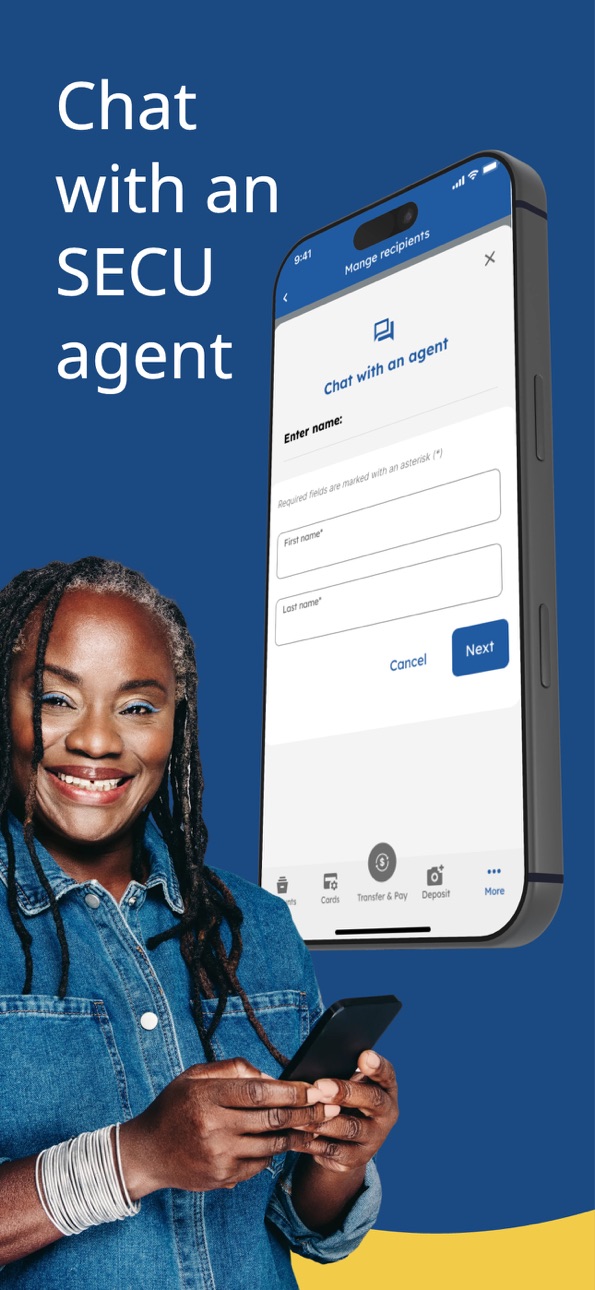
• Send and receive secure messages
• Set up account alerts and notifications
• Manage debit and credit cards
• Locate branches and ATMs
• Update contact information
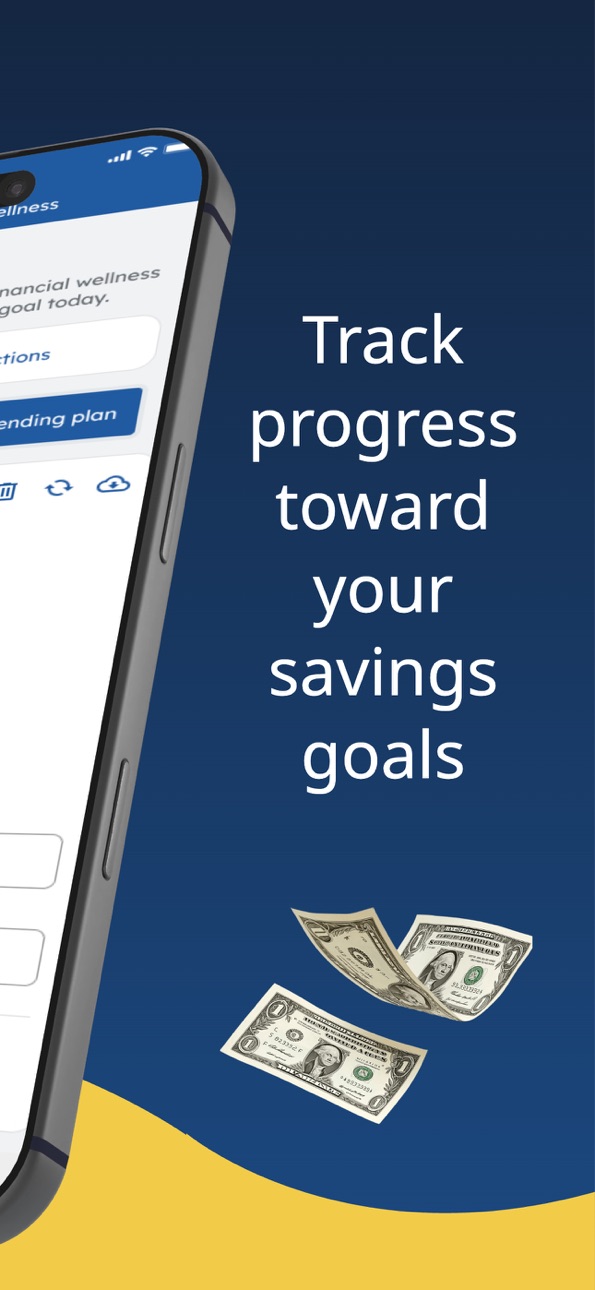
• Create and manage budgets and savings goals
• Access enhanced security features, including biometric login (supported devices)
Secure and Convenient
Your security is our priority. The app uses advanced encryption and authentication tools to help protect your financial information.
Getting Started
Enroll or sign in using your current member access credentials.
Contact Us
Visit www.ncsecu.org for more information.
Send feedback and suggestions to appfeedback@ncsecu.org
Accessibility
ipadiphonemacrealityDevicetvoswatch
Version history 25 versions
Build 887959657v7.0.22026-07-09 01:02:24
We've expanded compatibility to support additional iOS versions on the all-new SECU mobile app! Built with a fresh design, enhanced security, and powerful new features to help you manage your finances wherever life takes you.
Build 885629484v7.0.02026-06-05 21:31:47
Introducing the all-new SECU mobile app! Built with a fresh design, enhanced security, and powerful new features to help you manage your finances wherever life takes you.
Build 881571474v6.7.32026-05-01 02:02:53
Stay up to date with our banner for new Member Access updates!
Confirm you are always on the most recent version of our mobile app by following these steps on your device:
Navigate to Settings > App Store > ensure App Updates is toggled on.
Build 878180853v6.7.22025-09-18 02:00:21
iOS 26 performance compatibility and enhancements
Build 875470484v6.7.12025-06-12 02:01:51
Enhancements
-Minor bug fixes and enhancements, with focus on performance and user experience.
Make sure you have automatic updates turned on to always have the latest app version. Go to Settings > App Store and toggle on "App Updates."
Build 870672459v6.6.02024-11-27 02:59:37
Enhancements
-Minor bug fixes and enhancements, with focus on performance and user experience.
Make sure you have automatic updates turned on to always have the latest app version. Go to Settings > App Store and toggle on "App Updates."
Build 869549014v6.5.02024-10-10 02:02:11
Enhancements
-Minor bug fixes and enhancements, with focus on performance and user experience.
Make sure you have automatic updates turned on to always have the latest app version. Go to Settings > App Store and toggle on "App Updates."
Build 869070662v6.4.32024-09-18 01:38:35
Enhancements
-Minor bug fixes and enhancements, with focus on performance and user experience.
Make sure you have automatic updates turned on to always have the latest app version. Go to Settings > App Store and toggle on "App Updates."
Build 868599671v6.4.22024-09-05 02:02:04
Enhancements
-Minor bug fixes and enhancements, with focus on performance and user experience.
Make sure you have automatic updates turned on to always have the latest app version. Go to Settings > App Store and toggle on "App Updates."
Build 867360440v6.4.12024-07-12 02:02:29
Enhancements
-Minor bug fixes and enhancements, with focus on performance and user experience.
Make sure you have automatic updates turned on to always have the latest app version. Go to Settings > App Store and toggle on "App Updates."
Build 866201821v6.4.02024-06-20 01:32:52
Enhancements
-Minor bug fixes and enhancements, with focus on performance and user experience.
Make sure you have automatic updates turned on to always have the latest app version. Go to Settings > App Store and toggle on "App Updates."
Build 865280406v6.3.02024-04-25 00:31:43
Credit Card Lock
-You can now lock your credit cards directly from the mobile app. This will block selected transactions from authorization.
Year-End Documents
-View your year-end documents in the existing Statements screen.
Stronger Passcode Complexity
-We've strengthened the complexity rules for your app passcode.
Enhancements
-Minor bug fixes and enhancements, with focus on performance and user experience.
Make sure you have automatic updates turned on to always have the latest app version. Go to Settings > App Store and toggle on "App Updates."
Build 860592653v6.2.02023-11-09 01:34:59
FICO® Score
-You can now view your FICO® Score from your mobile app.
View Statements
-You can now view your Monthly Statements from your mobile app.
Feedback
-The Feedback link in the More Menu will now take you to a member survey.
Enhancements
-Minor bug fixes and enhancements, with focus on performance and user experience.
Make sure you have automatic updates turned on to always have the latest app version. Go to Settings > App Store and toggle on "App Updates."
Build 857994762v6.1.02023-06-29 00:35:23
Mobile Check Deposit
-Modified the existing Mobile Check Deposit service to increase efficiency.
Enhancements
-Minor bug fixes and enhancements, with focus on performance and user experience.
Make sure you have automatic updates turned on to always have the latest app version. Go to Settings > App Store and toggle on "App Updates."
Build 856449753v6.0.02023-04-20 00:33:47
Debit Card Lock
-You can now lock and unlock your debit cards directly from the mobile app. When enabled, this will block selected transactions from authorization.
-Actions Menu Item Renamed
We’ve renamed the “Actions” menu button to “Transfer”. You’ll still be able to access both transfers and advances from this menu.
Enhancements
-Minor bug fixes and enhancements, with focus on performance and user experience.
Make sure you have automatic updates turned on to have the latest app version. Go to Settings > App Store and toggle on "App Updates"
Build 855940844v5.5.22023-03-30 00:00:05
-Bug fixes and enhancements.
Make sure you have automatic updates turned on to have the latest app version. Go to Settings > App Store and toggle on "App Updates"
Build 855877325v5.5.12023-03-28 04:03:57
Make sure you have automatic updates turned on to have the latest app version. Go to Settings > App Store and toggle on "App Updates"
Build 854555332v5.5.02023-01-26 01:46:53
We've Made Updates!
We've recently made improvements to our mobile app. The following features are now available for you to use:
Transaction Filtering
-Filter your deposit account transaction history by the following transaction types: Check Only, ATM Transactions Only, Visa Check/Interlink, Debit Only, Credit Only.
Credit Card - Pending Authorization Total
-The pending authorization total (sum of pending transactions) now displays on the credit card account information screen.
Credit Card - Past Due Amount
-The Past Due amount now displays in both the credit card action menu and credit card account information screen.
Landscape Mode (iPads Only)
-iPad users can now rotate their device to use the mobile app in landscape mode.
Enhancements
-Minor bug fixes and enhancements, with focus on performance and user experience.
Build 853690622v5.4.02022-12-08 01:31:19
We've Made Updates!
We've recently made improvements to our mobile app. The following features are now available for you to use:
Quick View
-View your account balances without having to log in to the app. Enable the Quick View setting to view balances from the welcome screen today! This feature can be disabled in the
Settings menu at any time.
Enhancements
-Minor bug fixes and enhancements, with focus on performance and user experience.
Make sure you have automatic updates turned on to have the latest app version. Go to Settings > App Store and toggle on "App Updates"
Build 853346962v5.3.02022-11-17 01:31:11
We've Made Updates!
Minor bug fixes and enhancements, with focus on performance and user experience.
Make sure you have automatic updates turned on to have the latest app version. Go to Settings > App Store and toggle on "App Updates"
Build 851758716v5.2.02022-09-08 00:30:17
We've Made Updates!
We've recently made improvements to our mobile app. The following features are now available for you to use:
- Devices that have the “Larger Text” setting turned on will adjust the text to your preferred reading size.
- Minor bug fixes and enhancements, with focus on performance and user experience.
Make sure you have automatic updates turned on to have the latest app version. Go to Settings > App Store and toggle on “App Updates”
Build 850417523v5.1.02022-06-30 01:01:53
We've Made Updates!
We've recently made improvements to our mobile app.
The following features are now available for you to use:
- One-Time Passcode (OTP) Auto Entry
. OTPs will appear in your keyboard for easy entry after you receive your SMS message.
- View Entire Account Number
. View your entire account number by pressing the info icon on the account’s transaction history screen.
- New Settings Menu Options.
- Enable persistent banners to force banner-style messages to remain open until you close them.
- The app can now be placed in dark or light mode even when your device is in another setting.
- Minor bug fixes and enhancements, with focus on performance and user experience.
Make sure you have automatic updates turned on to have the latest app version. Go to Settings > App Store and toggle on "App Updates"
Build 848282398v5.0.02022-04-21 00:32:13
Bug fixes and enhancements
Build 846944369v4.7.02022-02-03 01:53:58
Common BillPay Payees
-You can now add common BillPay payees in the mobile app
Credit Card Action Menu
-You can now make credit card payments using the new three-dot action menu on the credit card transaction history screen
Enhancements
-Minor bug fixes and enhancements, with focus on performance and user experience
Build 845774337v4.6.12021-12-10 01:54:28
Enhancements
-Minor bug fixes and enhancements, with a focus on security
No pricing data captured yet — comparisons appear once the app has paid storefronts or in-app purchases.
Availability 1 of 1 storefronts
| Region | Language | Price | Ratings | Avg | Version |
|---|---|---|---|---|---|
| US | en-US | Free | 276.5k | 4.9 | 7.0.2 |
Change log 28 changes · US
✎
releaseNotes updated
We've expanded compatibility to support additional iOS versions on the all-new SECU mobile app! Built with a fresh design, enhanced security, and powerful new f
✎
description updated
SECU Digital Banking
Manage your accounts anytime, anywhere.
Designed with our members in mind, our new Member Access experience makes it easier than ever to m
✎
name updated
SECU
◆
Version 7.0.2 released
We've expanded compatibility to support additional iOS versions on the all-new SECU mobile app! Built with a fresh design, enhanced security, and powerful new features to help you manage your finances wherever life takes you.
◆
Version 7.0.0 released
Introducing the all-new SECU mobile app! Built with a fresh design, enhanced security, and powerful new features to help you manage your finances wherever life takes you.
◆
Version 6.7.3 released
Stay up to date with our banner for new Member Access updates!
Confirm you are always on the most recent version of our mobile app by following these steps on your device:
Navigate to Settings > App Store > ensure App Updates is toggled o
◆
Version 6.7.2 released
iOS 26 performance compatibility and enhancements
◆
Version 6.7.1 released
Enhancements
-Minor bug fixes and enhancements, with focus on performance and user experience.
Make sure you have automatic updates turned on to always have the latest app version. Go to Settings > App Store and toggle on "App Upd
◆
Version 6.6.0 released
Enhancements
-Minor bug fixes and enhancements, with focus on performance and user experience.
Make sure you have automatic updates turned on to always have the latest app version. Go to Settings > App Store and toggle on "App Updat
◆
Version 6.5.0 released
Enhancements
-Minor bug fixes and enhancements, with focus on performance and user experience.
Make sure you have automatic updates turned on to always have the latest app version. Go to Settings > App Store and toggle on "A
◆
Version 6.4.3 released
Enhancements
-Minor bug fixes and enhancements, with focus on performance and user experience.
Make sure you have automatic updates turned on to always have the latest app version. Go to Settings > App Store and toggle on "App Updates."
◆
Version 6.4.2 released
Enhancements
-Minor bug fixes and enhancements, with focus on performance and user experience.
Make sure you have automatic updates turned on to always have the latest app version. Go to Settings > App Store and toggle on "A
◆
Version 6.4.1 released
Enhancements
-Minor bug fixes and enhancements, with focus on performance and user experience.
Make sure you have automatic updates turned on to always have the latest app version. Go to Settings > App Store and toggle on "App Update
◆
Version 6.4.0 released
Enhancements
-Minor bug fixes and enhancements, with focus on performance and user experience.
Make sure you have automatic updates turned on to always have the latest app version. Go to Settings > App Store and toggle on "App Updates."
◆
Version 6.3.0 released
Credit Card Lock
-You can now lock your credit cards directly from the mobile app. This will block selected transactions from authorization.
Year-End Documents
-View your year-end documents in the existing Statements screen.
Stronger Pass
◆
Version 6.2.0 released
FICO® Score
-You can now view your FICO® Score from your mobile app.
View Statements
-You can now view your Monthly Statements from your mobile app.
Feedback
-The Feedback link in the More Menu will now take you to a member survey.
Enhan
◆
Version 6.1.0 released
Mobile Check Deposit
-Modified the existing Mobile Check Deposit service to increase efficiency.
Enhancements
-Minor bug fixes and enhancements, with focus on performance and user experience.
Make sure you have automatic updates turned o
◆
Version 6.0.0 released
Debit Card Lock
-You can now lock and unlock your debit cards directly from the mobile app. When enabled, this will block selected transactions from authorization.
-Actions Menu Item Renamed
We’ve renamed the “Actions” menu button to “Tra
◆
Version 5.5.2 released
-Bug fixes and enhancements.
Make sure you have automatic updates turned on to have the latest app version. Go to Settings > App Store and toggle on "App Updates"
◆
Version 5.5.1 released
Make sure you have automatic updates turned on to have the latest app version. Go to Settings > App Store and toggle on "App Updates"
◆
Version 5.5.0 released
We've Made Updates!
We've recently made improvements to our mobile app. The following features are now available for you to use:
Transaction Filtering
-Filter your deposit account transaction history by the following transactio
◆
Version 5.4.0 released
We've Made Updates!
We've recently made improvements to our mobile app. The following features are now available for you to use:
Quick View
-View your account balances without having to log in to the app. Enable the Quic
◆
Version 5.3.0 released
We've Made Updates!
Minor bug fixes and enhancements, with focus on performance and user experience.
Make sure you have automatic updates turned on to have the latest app version. Go to Settings > App Store and toggle on "App U
◆
Version 5.2.0 released
We've Made Updates!
We've recently made improvements to our mobile app. The following features are now available for you to use:
- Devices that have the “Larger Text” setting turned on will adjust the text to your preferred re
◆
Version 5.1.0 released
We've Made Updates!
We've recently made improvements to our mobile app.
The following features are now available for you to use:
- One-Time Passcode (OTP) Auto Entry
. OTPs will appear in your keyboard for easy entry after you receive
◆
Version 5.0.0 released
Bug fixes and enhancements
◆
Version 4.7.0 released
Common BillPay Payees
-You can now add common BillPay payees in the mobile app
Credit Card Action Menu
-You can now make credit card payments using the new three-dot action menu on the credit card transaction history screen
Enhancements
-
◆
Version 4.6.1 released
Enhancements
-Minor bug fixes and enhancements, with a focus on security