Home › Animals & Nature

 US
US
1 of 1 storefronts
Content in en-US
Content in en-US
Information
Apple ID1415294207
Bundle IDcom.goldeneagle.fireworkstickers
SellerSeller
Min iOS15.0
Device familiesiphone, ipad, ipod
Released2018-07-30
Copyright© Mobisoft Labs
Privacy policyLink ↗
Preview 2 platforms
iPhone 4 images



iPad 3 images


What’s New Version 1.2
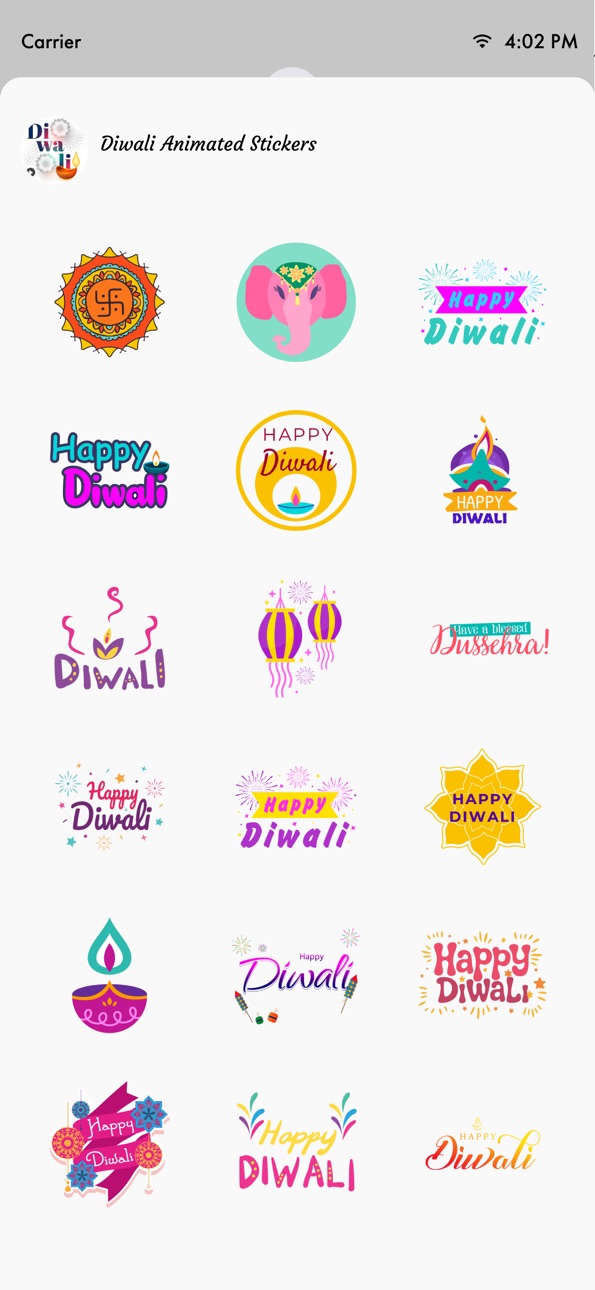
- Added New Diwali & Fireworks Animated stickers.
Description
Downloads Animated Fireworks Stickers for iMessage
How to Access Stickers in iMessage:
1. Open messages app
2. Compose a new message to anyone
2. Tap App Store icon in top left corner
3. Tap four circles icon in bottom left corner
4. Sticker Pack icon should appear in your iMessage App Drawer
5. If Stickers don’t appear, tap “Store" icon and then tap “Manage" tab to add sticker pack to iMessage Sticker Drawer
Capabilities
iMessage
Accessibility
ipadiphonemacrealityDevicetvoswatch
Version history 3 versions
Build 878764584v1.22025-10-08 21:31:08
- Added New Diwali & Fireworks Animated stickers.
Build 836374163v1.12020-06-11 20:06:05
- Enhancement & Added Support for iOS 13
Build 827962546v1.02018-07-22 17:42:53
Price history by region
Currency
Show
Columns
Search
Availability 1 of 1 storefronts
| Region | Language | Price | Ratings | Avg | Version |
|---|---|---|---|---|---|
| US | en-US | USD 1.99 | 2 | 1.0 | 1.2 |
Change log 6 changes · US
✎
releaseNotes updated
- Added New Diwali & Fireworks Animated stickers.
✎
description updated
Downloads Animated Fireworks Stickers for iMessage
How to Access Stickers in iMessage:
1. Open messages app
2. Compose a new message to anyone
2. Tap App Stor
✎
name updated
Animated Fireworks Emojis
◆
Version 1.2 released
- Added New Diwali & Fireworks Animated stickers.
◆
Version 1.1 released
- Enhancement & Added Support for iOS 13
◆
Version 1.0 released