Home › Entertainment

 US
US
1 of 1 storefronts
Content in en-US
Content in en-US
Information
Apple ID1408983679
Bundle IDcom.wanney.NVplay
SellerSeller
Min iOS9.0
Min macOS11.0
Device familiesiphone, ipad, ipod
Released2018-07-27
Copyright© SevenChan
Privacy policyLink ↗
Preview 2 platforms
iPhone 4 images
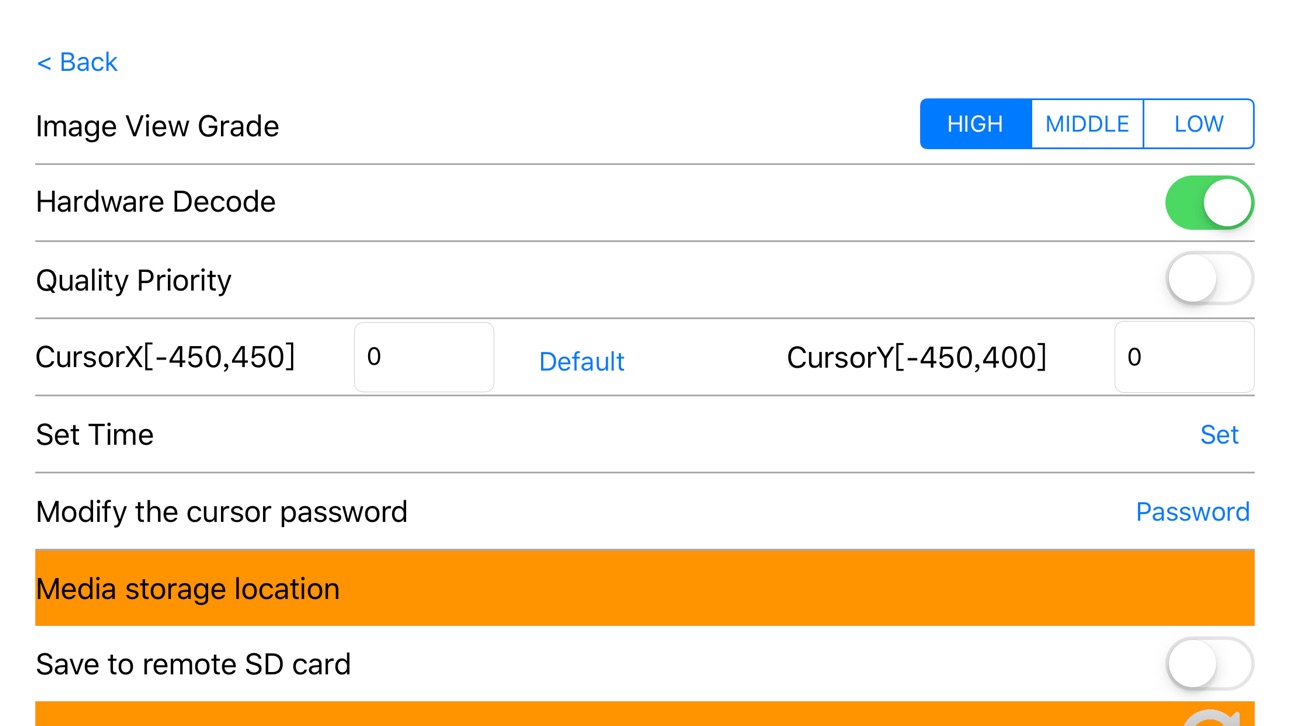
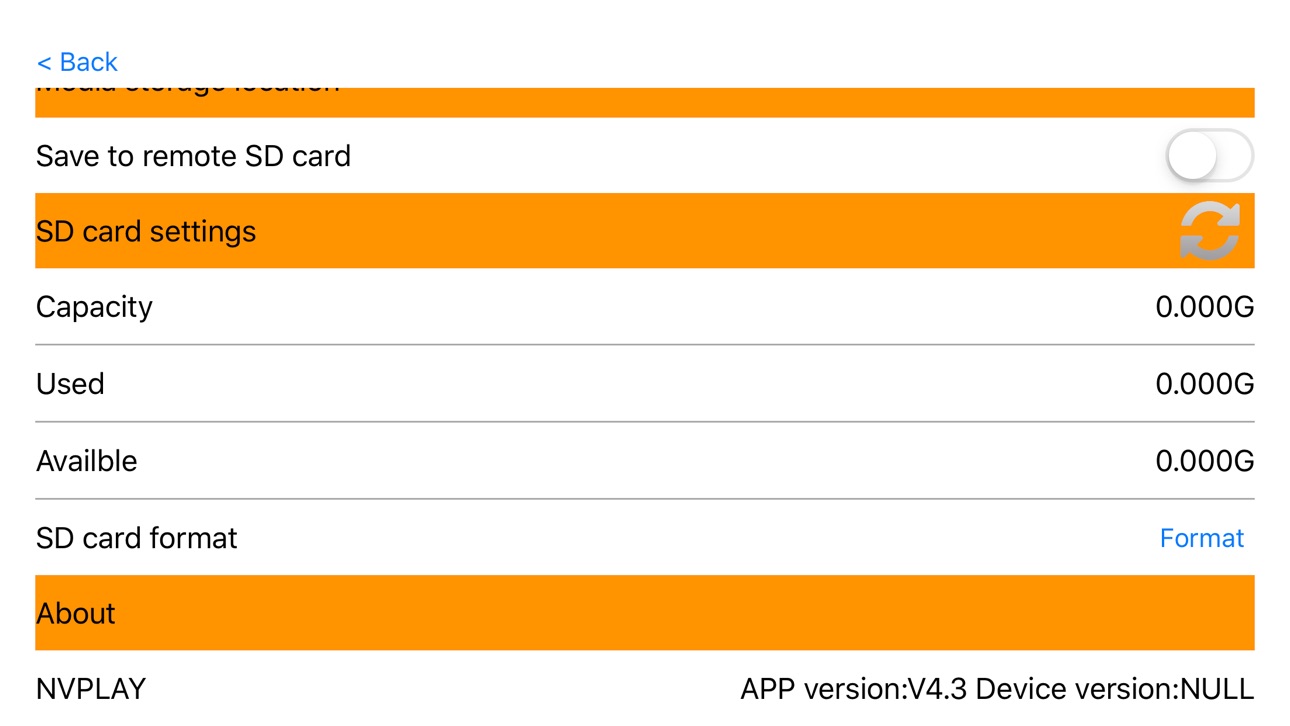


iPad 3 images


What’s New Version 4.3
1 Set CursorX and CursorY to default value;
2 Optimizing Video Transmission;
3 Optimizing mp4 file record;
4 etc.
Description
The NVPlay application is here to enhance your experience when using the night vision scope E50 series and night vision telescope D20/D31 series and other product lines. This application connects your smart phone, or tablet, to your device via Wifi. This connection allows you to watch a live video stream of your hunt on your smart phone or tablet. The NVPlay app lets you to adjust or change the various settings on your scope, and review the images and videos stored on your scopes microSD card or your smart phone.
Download the NVPlay app today and Unlock the true potential of your device!
Note:
This application is for owners of products who are using the new products. If you have any questions, comments or concerns, please contact us via email.
Accessibility
ipadiphonemacrealityDevicetvoswatch
Version history 7 versions
Build 830785387v4.32019-04-01 20:18:33
1 Set CursorX and CursorY to default value;
2 Optimizing Video Transmission;
3 Optimizing mp4 file record;
4 etc.
Build 829818144v3.42019-01-03 15:42:37
1. add a key to share photo video function keys
2.Repair video playback sometimes repeated display problems
Build 829683142v3.32018-12-20 00:41:35
1. Modify the file description
2. Repair WI-FI disconnection can not reconnect abnormalities
Build 829443991v3.22018-12-01 21:47:34
1.Modify the main interface display.
2.Resume communication disconnection cannot automatically reconnect problem.
Build 829203354v3.12018-11-18 00:02:33
Added data stream transmission encryption function based on the original version, making data more secure and stable.
Build 828574230v2.02018-09-13 22:56:09
Based on the previous version, the communication speed is optimized and the cursor lock is added. When the APP is connected to the device, click the “Password” button to see the prompt box to enter the password. Only when the password is correct, you can use the cursor control function. And added a password modification option in the settings decode
Build 827801496v1.02018-07-11 18:49:42
No pricing data captured yet — comparisons appear once the app has paid storefronts or in-app purchases.
Availability 1 of 1 storefronts
| Region | Language | Price | Ratings | Avg | Version |
|---|---|---|---|---|---|
| US | en-US | Free | 1 | 2.0 | 4.3 |
Change log 10 changes · US
✎
releaseNotes updated
1 Set CursorX and CursorY to default value;
2 Optimizing Video Transmission;
3 Optimizing mp4 file record;
4 etc.
✎
description updated
The NVPlay application is here to enhance your experience when using the night vision scope E50 series and night vision telescope D20/D31 series and other produ
✎
name updated
NVPlay
◆
Version 4.3 released
1 Set CursorX and CursorY to default value;
2 Optimizing Video Transmission;
3 Optimizing mp4 file record;
4 etc.
◆
Version 3.4 released
1. add a key to share photo video function keys
2.Repair video playback sometimes repeated display problems
◆
Version 3.3 released
1. Modify the file description
2. Repair WI-FI disconnection can not reconnect abnormalities
◆
Version 3.2 released
1.Modify the main interface display.
2.Resume communication disconnection cannot automatically reconnect problem.
◆
Version 3.1 released
Added data stream transmission encryption function based on the original version, making data more secure and stable.
◆
Version 2.0 released
Based on the previous version, the communication speed is optimized and the cursor lock is added. When the APP is connected to the device, click the “Password” button to see the prompt box to enter the password. Only when the password is co
◆
Version 1.0 released