Home › Utilities

 US
US
1 of 1 storefronts
Content in en-US
Content in en-US
Information
Preview 2 platforms
iPhone 5 images



iPad 5 images


What’s New Version 2.2
Minor bug fixes.
Added more language descriptions.
Description
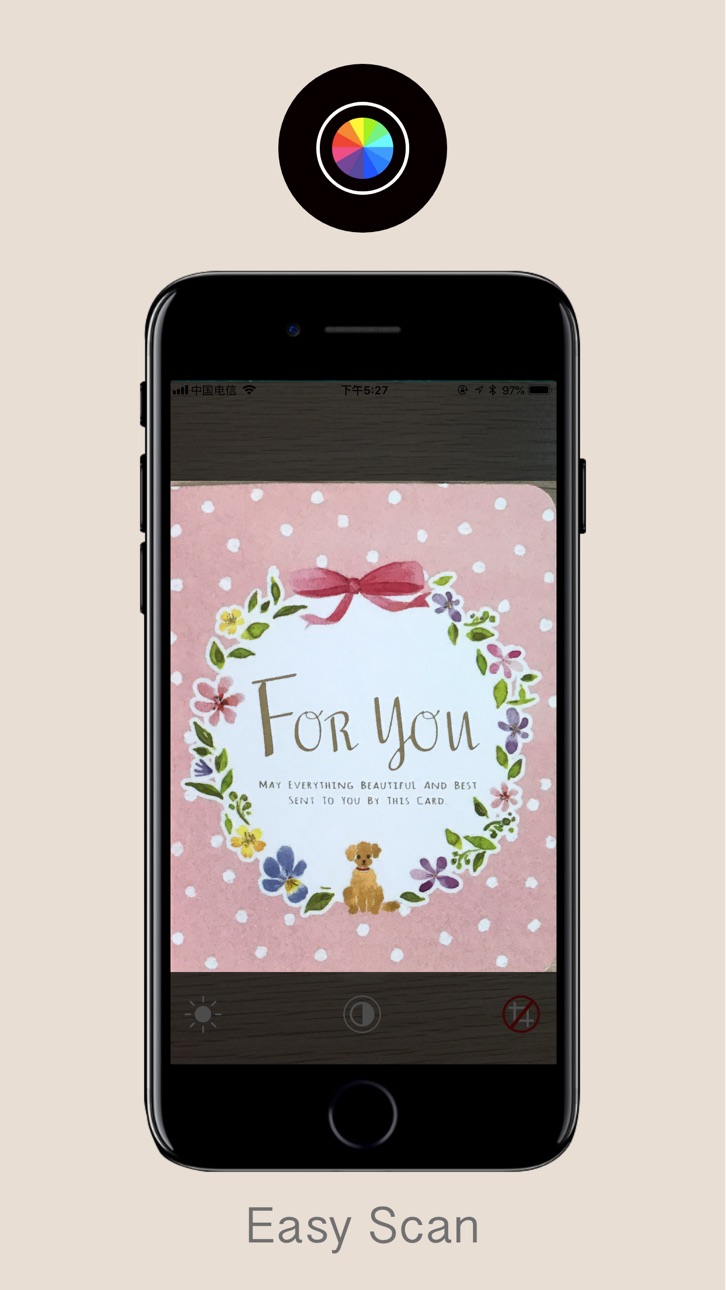
Take the phone and take a picture of the document and grab the part you need directly.
The best is a flat file with four sides, and the success rate of the capture will be higher.
You can switch between color or black and white files. After the shoot is stored directly into the system album.
Accessibility
ipadiphonemacrealityDevicetvoswatch
Version history 4 versions
Build 844781279v2.22021-10-19 21:52:23
Minor bug fixes.
Added more language descriptions.
Build 842116225v2.12021-05-08 11:56:41
Optimize the UI position.
Optimize startup speed.
Minor bug fixes.
Build 833871365v2.02019-12-05 01:06:55
Increase scanning speed.
Improve the user experience.
Build 827195296v1.02018-05-19 17:24:44
No pricing data captured yet — comparisons appear once the app has paid storefronts or in-app purchases.
Availability 1 of 1 storefronts
| Region | Language | Price | Ratings | Avg | Version |
|---|---|---|---|---|---|
| US | en-US | Free | 0 | — | 2.2 |
Change log 8 changes · US
✎
releaseNotes updated
Minor bug fixes.
Added more language descriptions.
✎
description updated
Take the phone and take a picture of the document and grab the part you need directly.
The best is a flat file with four sides, and the success rate of the capt
✎
subtitle updated
Capture and Crop Photo
✎
name updated
File Scanner - File scan Crop
◆
Version 2.2 released
Minor bug fixes.
Added more language descriptions.
◆
Version 2.1 released
Optimize the UI position.
Optimize startup speed.
Minor bug fixes.
◆
Version 2.0 released
Increase scanning speed.
Improve the user experience.
◆
Version 1.0 released