Home › Productivity

 US
US
1 of 1 storefronts
Content in en-US
Content in en-US
Information
Preview 2 platforms
iPhone 5 images



iPad 5 images


What’s New Version 2.0
• Updated user interface to streamline with latest iOS.
• Other minor bug fixes and improvements.
If XPS-to-PDF useful to you, we would appreciate an App Store review. It will help other people find the app and make them delighted.
Thank you all users for your feedback :)
Description
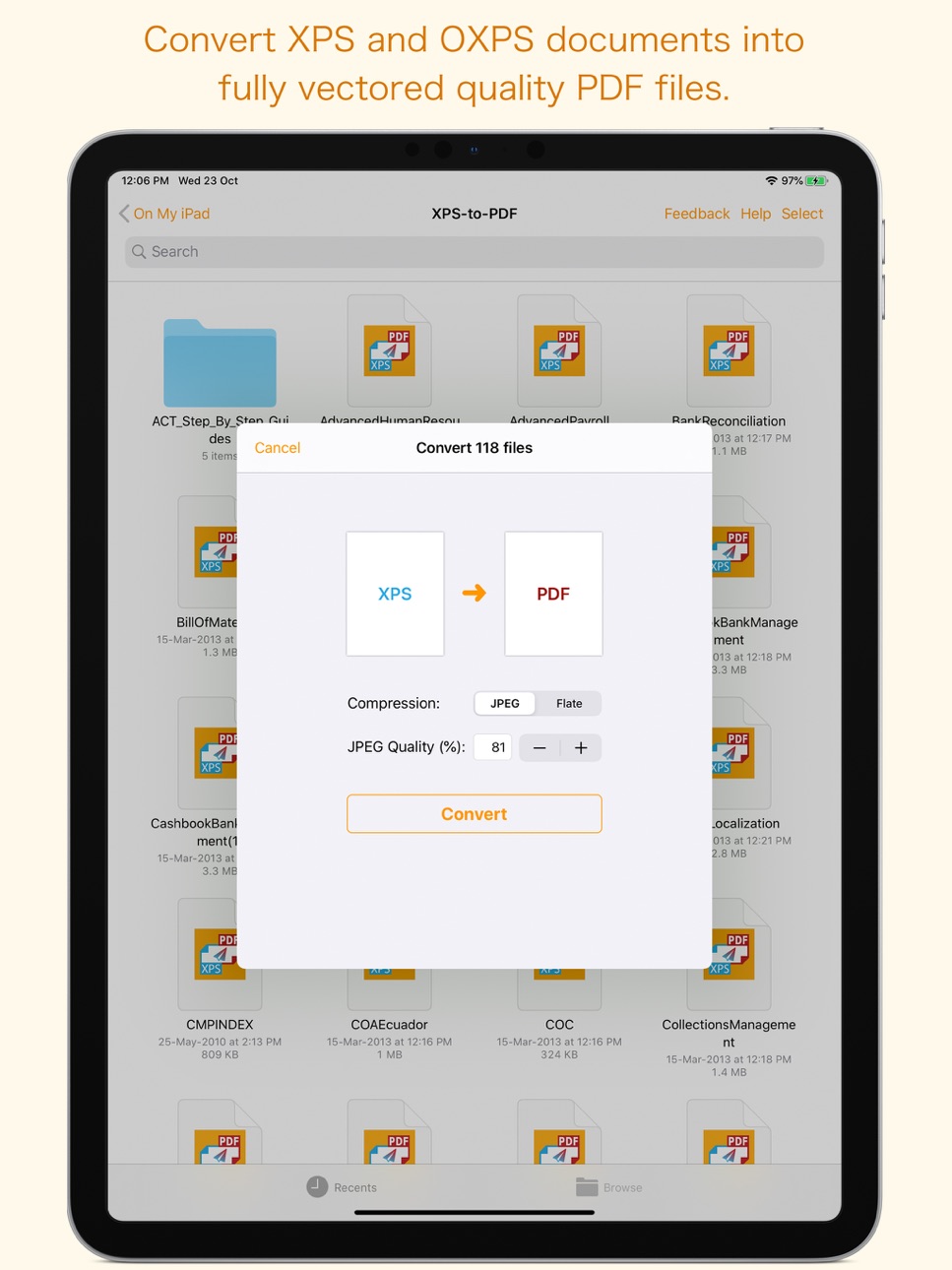
XPS-to-PDF is a simple, efficient and fast way to batch convert XML Paper Specification (.xps) and OpenXPS (.oxps) documents into fully vectored high quality PDF files on iPhone and iPad. XPS-to-PDF supports JPEG and Flate image compression types and JPEG quality settings for PDF conversion.
Do not found decent XPS/OXPS reader on your iPhone and iPad? Simply convert XPS/OXPS documents into quality PDF documents and read in your favorite PDF reader.
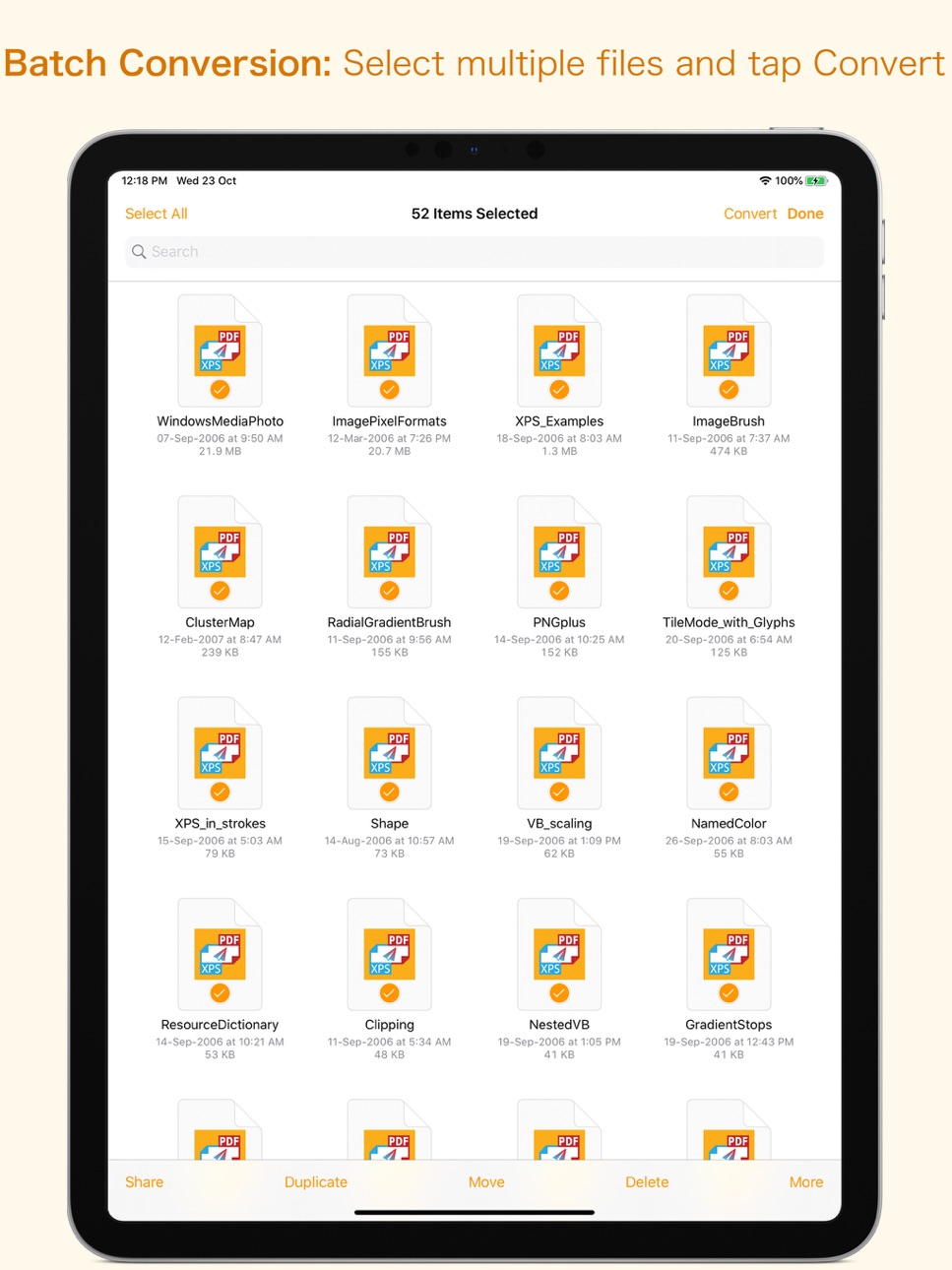
XPS-to-PDF supports batch conversion. Select multiple XPS/OXPS files in document browser view and tap Convert button at top to start batch conversion.
XPS to PDF CONVERSION FEATURES:
- Converts XPS to fully vector-PDF documents. Preserves text, vector graphics and raster images as editable PDF contents.
- Preserves Bookmarks (Outline).
- Preserves XPS internal and external topic hyperlinks into PDF. It automatically maintains XPS topic and page navigation links into PDF compatible annotations.
- Supports PDF conversion using JPEG and Flate image compression methods. Can set image quality for JPEG image compression.
- Preserves metadata properties.
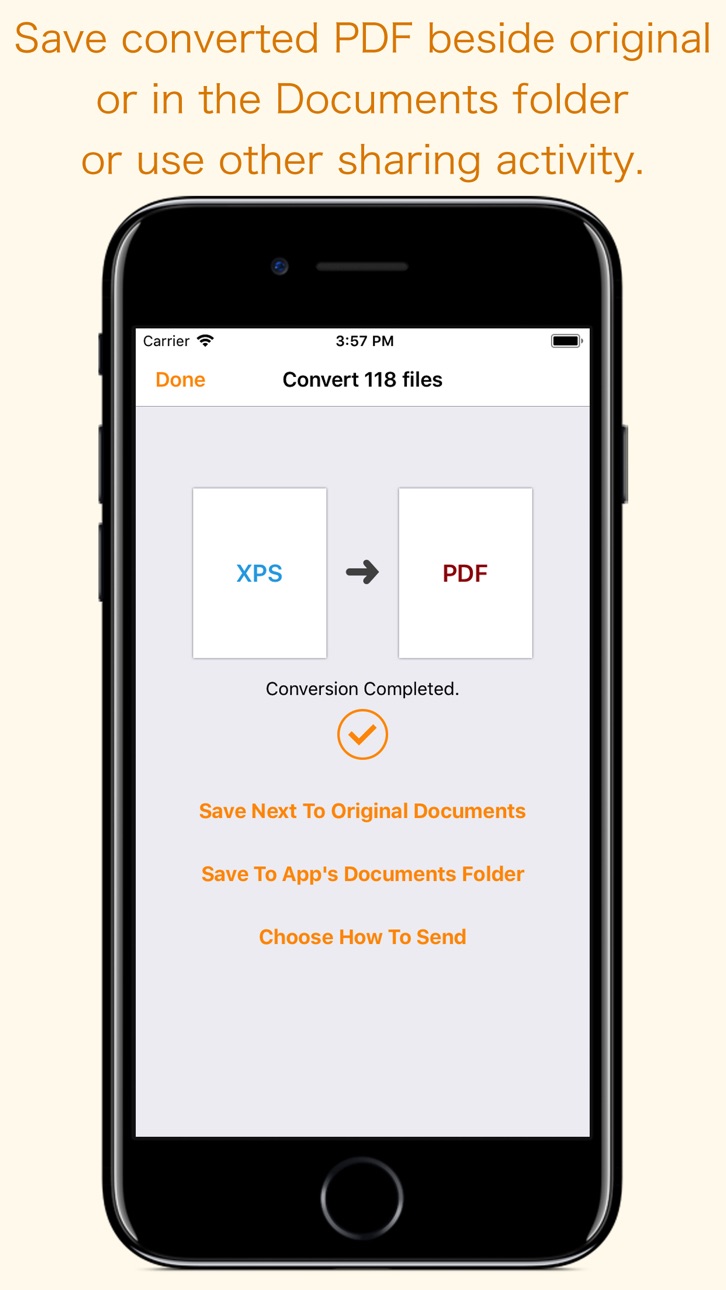
DESTINATION PATH : Convenient options to store converted PDF files at your easily accessible location. Choose from following
Save Next to Original Documents - Tap this button to save a converted file into the same location and directory as an existing original document. The converted document with unique name will be saved beside original document.
Save to App’s Documents Folder - Tap this button to save a converted file with unique name into XPS-to-PDF Documents folder.
Choose How to Send - Tap on this button to popup standard iOS activity controller. Tap one of the option in activity controller for sending, saving or posting a converted PDF. Choose a location, or provide the requested information (for example, an email address if you are sending an email) then send or post a copy of converted PDF.
DOCUMENT MANAGEMENT
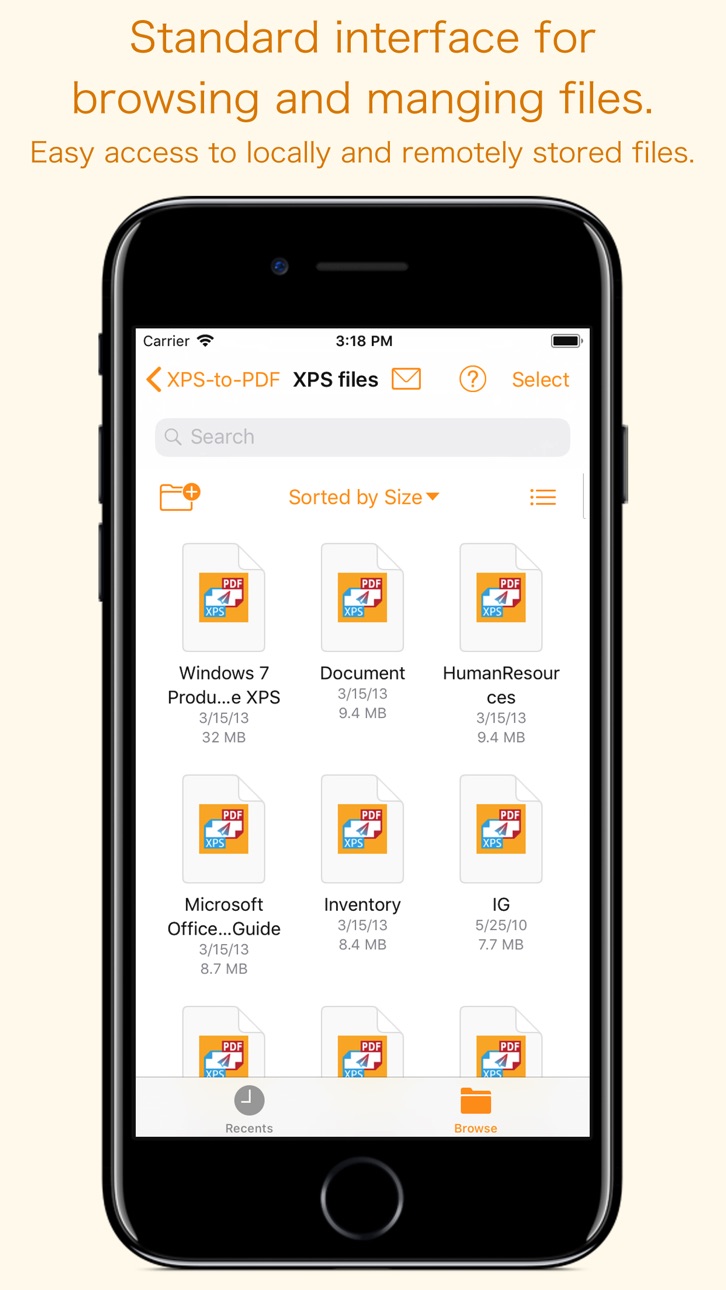
- The inbuilt document browse view automatically gives you the option to share documents using the Share button or a drag-and-drop action. It also provides a standard interface for browsing and managing documents.
- Automatically handles access to iCloud for you within the app. It also provides access to documents managed by third-party storage service extensions installed on your device.
- Browse, find and sort documents to help you locate the document you want. Tap the XPS/OXPS file that you want to convert.
- You can move, delete, duplicate and rename a document with document manager in browser view.
- In the document manager, you can group related documents into folders so they’re easy to find.
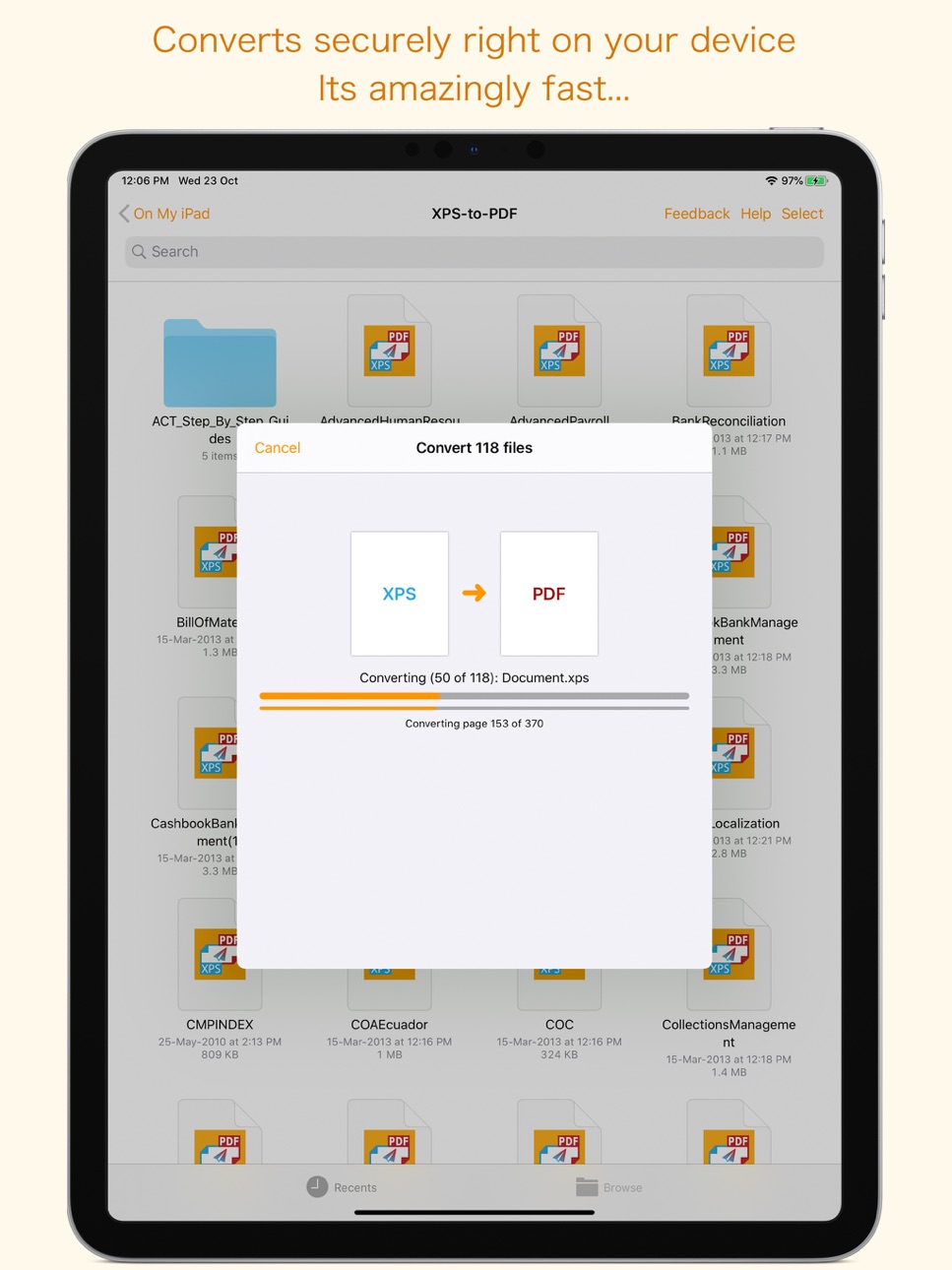
Note: XPS-to-PDF is a standalone application running natively to open and convert XPS and OXPS documents securely right on your iOS device.
You can refer inbuilt User Manual for any assistance Or Contact Support.
Accessibility
ipadiphonemacrealityDevicetvoswatch
Version history 5 versions
Build 881281792v2.02026-01-09 20:06:41
• Updated user interface to streamline with latest iOS.
• Other minor bug fixes and improvements.
If XPS-to-PDF useful to you, we would appreciate an App Store review. It will help other people find the app and make them delighted.
Thank you all users for your feedback :)
Build 857552865v1.32023-06-02 16:17:06
- Minor bug fixes and other improvements. Thank you all users for your feedback :)
Build 836737250v1.22020-07-07 20:37:16
- Resolved conversion problem of files stored in third party cloud storage drives.
- Fixed save issue when original files are in third party cloud storage drive and choose save next to original post conversion options.
- Improvements in conversion. Faster and better conversion.
- Other minor bug fixes and improvements. Thank you all users for your feedback :)
Build 833292453v1.12019-10-23 16:57:39
- Added support for iOS 13 with System Dark appearance compatibility.
- Added iOS 13 External drive support - Access files on a USB drive, SD card or hard drive.
- Added iOS 13 File servers support - Connect to a file server at work or a home PC using SMB.
- Bug fixes.
- Other improvements. Thank you all users for your feedback :)
Build 826627486v1.02018-04-10 23:30:24
Price history by region
Currency
Show
Columns
Search
Availability 1 of 1 storefronts
| Region | Language | Price | Ratings | Avg | Version |
|---|---|---|---|---|---|
| US | en-US | USD 5.99 | 3 | 5.0 | 2.0 |
Change log 9 changes · US
✎
releaseNotes updated
• Updated user interface to streamline with latest iOS.
• Other minor bug fixes and improvements.
If XPS-to-PDF useful to you, we would appreciate an App Stor
✎
description updated
XPS-to-PDF is a simple, efficient and fast way to batch convert XML Paper Specification (.xps) and OpenXPS (.oxps) documents into fully vectored high quality PD
✎
subtitle updated
Convert XPS & OXPS into PDF
✎
name updated
XPS-to-PDF
◆
Version 2.0 released
• Updated user interface to streamline with latest iOS.
• Other minor bug fixes and improvements.
If XPS-to-PDF useful to you, we would appreciate an App Store review. It will help other people find the app and make them delighted.
Thank
◆
Version 1.3 released
- Minor bug fixes and other improvements. Thank you all users for your feedback :)
◆
Version 1.2 released
- Resolved conversion problem of files stored in third party cloud storage drives.
- Fixed save issue when original files are in third party cloud storage drive and choose save next to original post conversion options.
- Improvements in co
◆
Version 1.1 released
- Added support for iOS 13 with System Dark appearance compatibility.
- Added iOS 13 External drive support - Access files on a USB drive, SD card or hard drive.
- Added iOS 13 File servers support - Connect to a file server at work or a ho
◆
Version 1.0 released