Home › Utilities

 US
US
1 of 1 storefronts
Content in en-US
Content in en-US
Information
Apple ID1363755625
Bundle IDcom.withtheapps.Screenshot
SellerSeller
Min iOS10.0
Min macOS11.0
Device familiesiphone, ipod
Released2018-04-04
Copyright© 2019 Kyung Hyun Park
Privacy policyLink ↗
Preview 1 platform
iPhone 5 images



What’s New Version 1.1.3
- Fixed bugs
- Supported Dark-Mode
Description
Check out the fastest screenshots in the world.
This app is more useful for those who use a lot of screenshots.
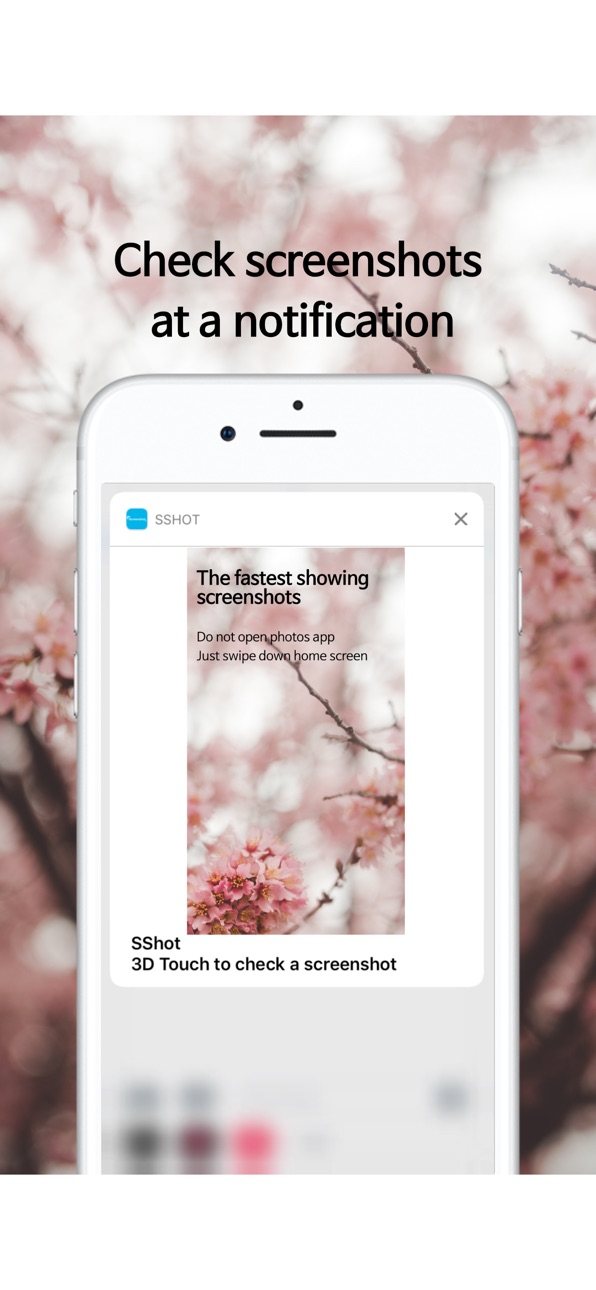
You can see recent screenshots or selected screenshots in the notification window instead of the widget window.
It solves the inconvenience of going back and forth in the photo album when checking a screenshot of difficult information to memorize, such as account number or home address sent by a friend.
In addition, it provides additional functions as a screenshot professional application.
The Combine feature makes it easy to connect different screenshots into one photo.
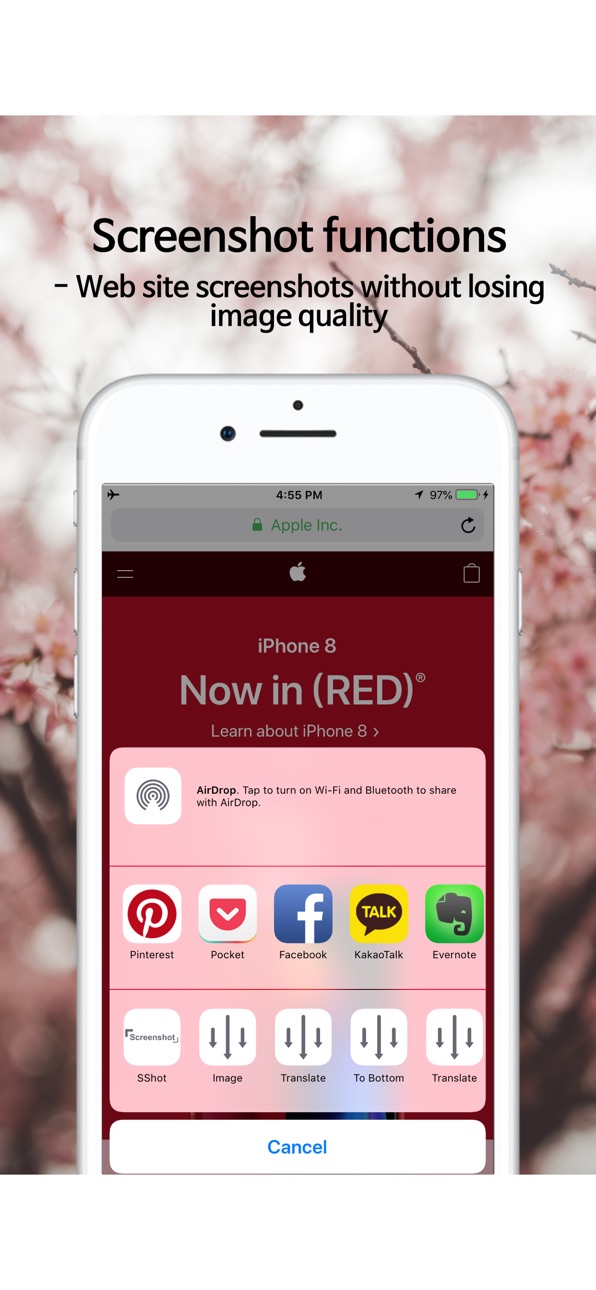
You can easily capture the entire screen of the website you are visiting and save it in your photo album.
You can combine the selected screenshot into the appearance of IPhone, iPad, Apple Watch.
You can also check out the latest screenshot in the widget.
SShot will continue to add additional features related to the screenshot functions
[main function]
- View the fastest screenshots: Just swipe down the screen once without moving the photo album
- Connect the easiest screenshot: Easily connect the two selected screenshots
- Save the easiest web screenshot: Screenshot of the entire web site and save it in the photo album
- Save the most sensuous screenshots: Save screenshots with iPhone, iPad, Apple watch
- The other greatest features will be added.
*** If it turns off immediately when you run the app, delete all of the screenshots of your screenshots in the photo album and run it again.
In-App Purchases US pricing
One-Time Purchases
스샷 위젯 무제한$1.99
스샷 템플릿 무제한$2.99
스샷 연결 무제한$2.99
스샷 웹 무제한$2.99
Erase Ads$7.99
Capabilities
In-App Purchases
Accessibility
ipadiphonemacrealityDevicetvoswatch
Version history 13 versions
Build 833863542v1.1.32019-12-04 20:02:11
- Fixed bugs
- Supported Dark-Mode
Build 827372545v1.1.12018-05-31 20:31:35
- Fixed Bugs
Build 827256814v1.1.02018-05-23 23:39:23
** Changed to be free
Build 826921237v1.0.92018-05-04 13:21:11
**Modify App Logo
**Edit Japanese
Build 826871441v1.0.82018-04-30 17:23:05
**Upgrade UI/UX
Build 826808862v1.0.72018-04-25 16:10:57
** Fixed bugs
Build 826795817v1.0.62018-04-24 16:57:33
Fixed Bugs
Build 826746696v1.0.52018-04-19 22:05:16
**Add Cashgraphy app in Store
**Modify searching keywords
Build 826693243v1.0.42018-04-16 21:12:36
*Supporting to Chinese and Japanese
Build 826649492v1.0.32018-04-13 20:35:36
Support to English
Build 826619087v1.0.22018-04-10 20:01:09
Build 826558186v1.0.12018-04-04 16:50:39
Build 826436453v1.02018-04-03 21:24:44
Price history by region
Currency
Show
Columns
Search
Availability 1 of 1 storefronts
| Region | Language | Price | Ratings | Avg | Version |
|---|---|---|---|---|---|
| US | en-US | Free | 23 | 4.0 | 1.1.3 |
Change log 17 changes · US
✎
releaseNotes updated
- Fixed bugs
- Supported Dark-Mode
✎
description updated
Check out the fastest screenshots in the world.
This app is more useful for those who use a lot of screenshots.
You can see recent screenshots or selected scree
✎
subtitle updated
Auto Full page Screen capture
✎
name updated
SShot: Screenshot toolkit
◆
Version 1.1.3 released
- Fixed bugs
- Supported Dark-Mode
◆
Version 1.1.1 released
- Fixed Bugs
◆
Version 1.1.0 released
** Changed to be free
◆
Version 1.0.9 released
**Modify App Logo
**Edit Japanese
◆
Version 1.0.8 released
**Upgrade UI/UX
◆
Version 1.0.7 released
** Fixed bugs
◆
Version 1.0.6 released
Fixed Bugs
◆
Version 1.0.5 released
**Add Cashgraphy app in Store
**Modify searching keywords
◆
Version 1.0.4 released
*Supporting to Chinese and Japanese
◆
Version 1.0.3 released
Support to English
◆
Version 1.0.2 released
◆
Version 1.0.1 released
◆
Version 1.0 released